 GameWiki
GET YOUR BEARINGS
About Drawful 2
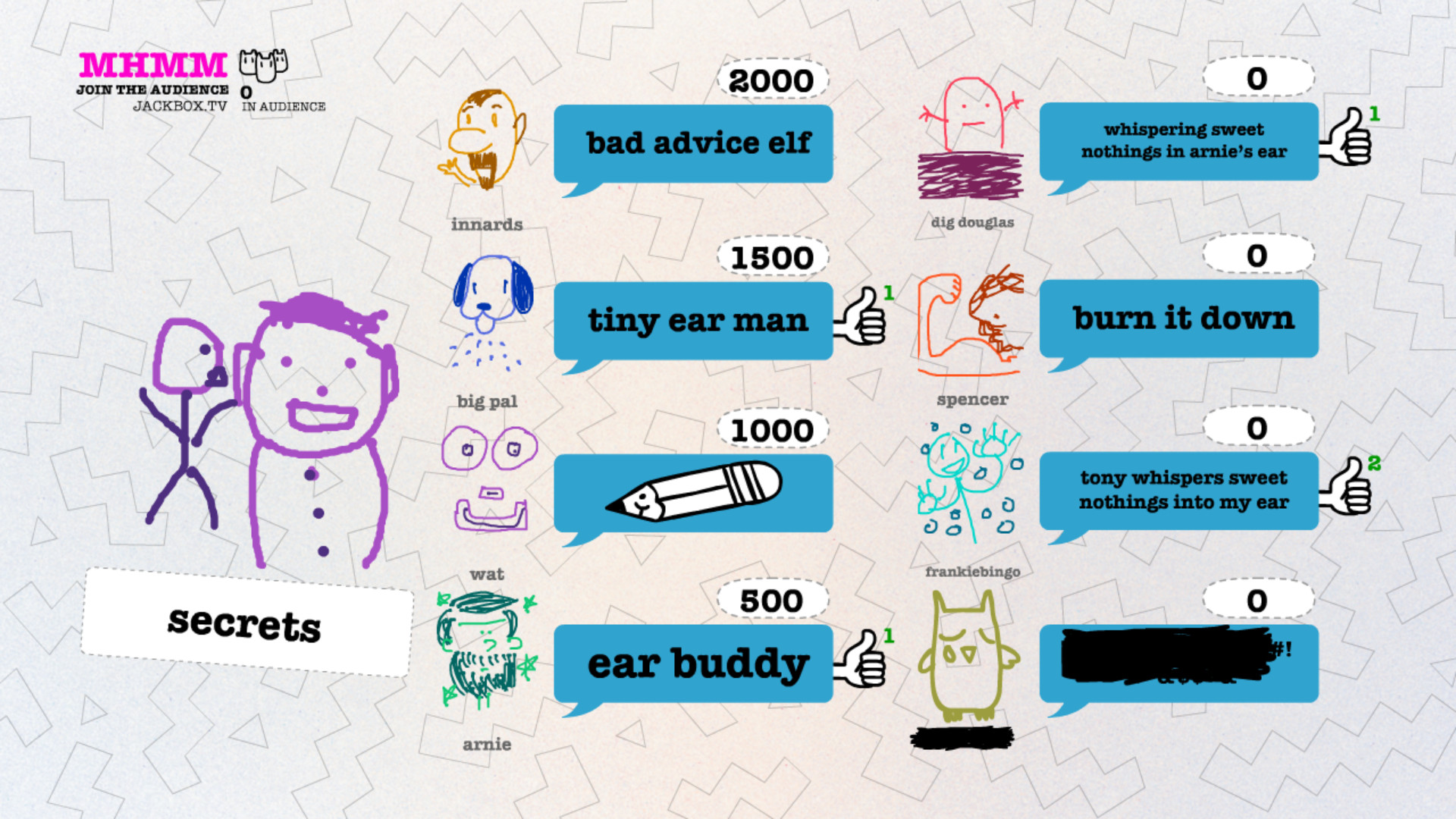
Drawful 2 is a party title where each participant draws a prompt on a phone or tablet and the group types guesses for the likely meaning. After guesses are submitted, everyone votes on which answer they think matches the sketch, creating a cycle of humor and deduction.
The sequel adds multilingual menus (English, French, Italian, German, Spanish), a content‑filtering tool, a moderation step for answers, and the ability for hosts to insert custom prompts. It supports local multiplayer and can be streamed or shared via video‑call platforms, with full controller support, Steam Cloud and Remote Play on many devices.
01 / THE GUIDE
Multilingual Support
Drawful 2 offers five language options—English, French, Italian, German and Spanish—so the interface, prompts and voting screens appear in the chosen language. The game is playable in these languages, letting groups pick the one that suits them.
Choosing a language does not alter drawing tools or the voting process; it only changes the displayed language. This allows groups from different regions to join a single game without needing separate language packs.
- Pick the language that matches the majority of participants to keep communication clear.
- If players speak multiple languages, agree on a common spoken language while the game runs in one selected language.
02 / THE GUIDE
Content Filtering and Moderation
A content‑filtering tool can block offensive answers from being shown to other players. In addition, a moderation step lets a designated host review each answer before it appears on the main screen, giving extra control over displayed text.
Both tools affect only the visibility of textual answers, not how drawings are created or how voting works.
- Enable both features for family gatherings to reduce the chance of inappropriate content.
- Assign a trusted player as moderator to keep the review process swift during larger groups.

03 / THE GUIDE
Remote Play with Video Calls
Players join a session using any web‑enabled device such as a smartphone or tablet. The host can share the game screen through services like Zoom, Discord, Google Hangouts, Steam Broadcast or similar tools, letting remote participants see drawings and submit answers.
Audio is handled by the chosen video‑call platform, so make sure you look for prompts to share audio. Remote play works on phones, tablets and TVs, matching the listed Remote Play features.
- Test screen sharing before the first round to confirm drawings are visible to remote players.
- Use headsets for clear audio when many participants are speaking.
04 / THE GUIDE
User‑Generated Prompts
Hosts can add their own prompts, allowing inside jokes or themed rounds. These custom prompts appear alongside the standard set, expanding the variety of sketches without changing the core mechanics.
The feature only affects the pool of possible prompts; drawing tools, answer entry and voting remain unchanged.
- Prepare a short list of custom prompts ahead of time for quick setup.
- Mix custom prompts with standard ones to keep the experience balanced for all players.
05 / THE GUIDE
Streaming Enhancements
Drawful 2 includes expanded tools for streamers, allowing the game window to be captured and shown to an audience while players use phones or tablets to draw and guess. This setup lets viewers watch the action in real time.
The enhancements work with typical streaming software and do not require extra hardware beyond what is listed under Remote Play on TV and Full controller support. They are intended to integrate smoothly into existing broadcast workflows.
- Check that your streaming software captures the game window at a size where drawings and text remain legible.
- Run a short test stream to verify that audience members can see the voting results clearly.



COMMUNITY
Player discussion