 GameWiki
GET YOUR BEARINGS
About Draw Puzzle 画之谜
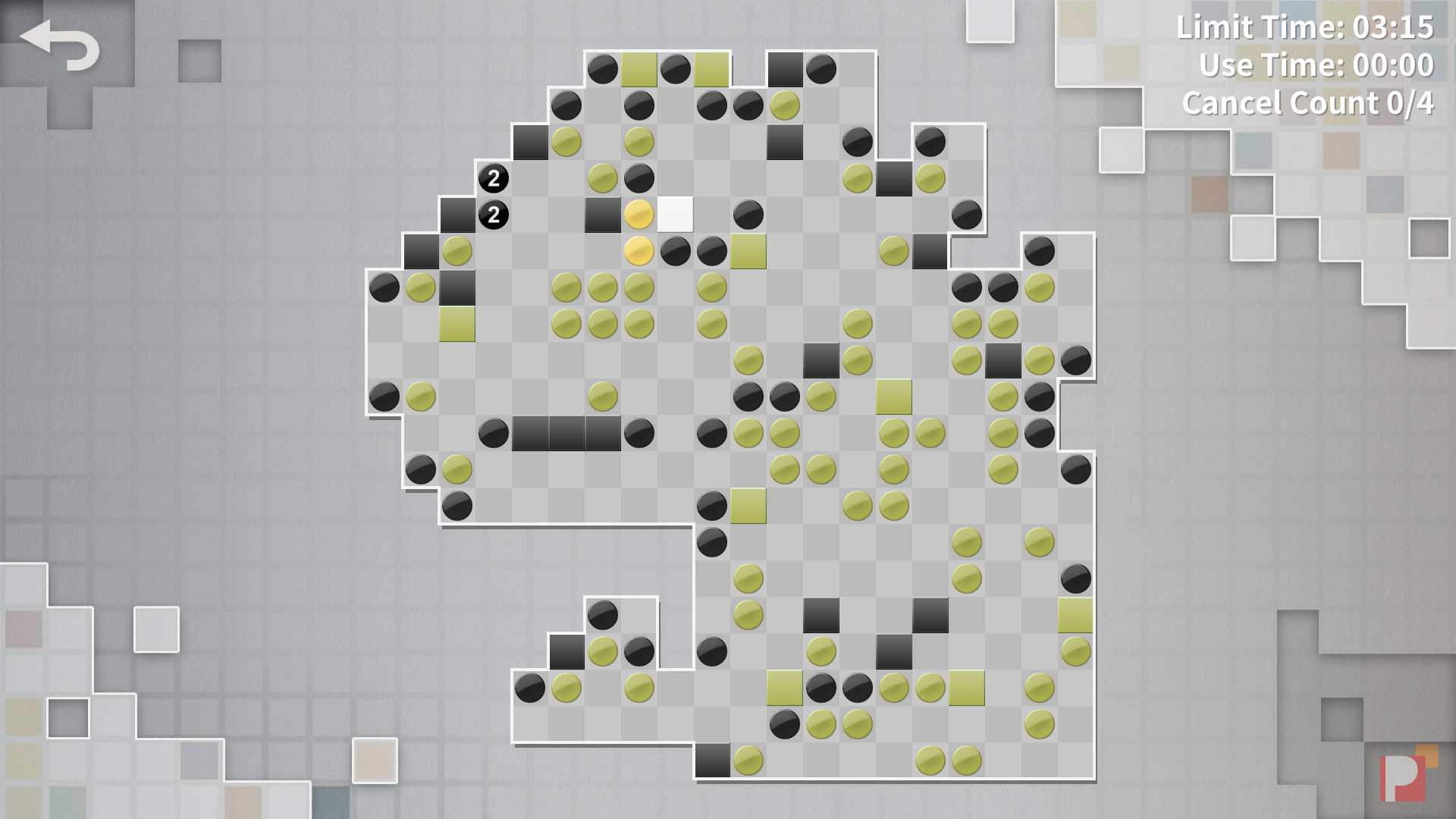
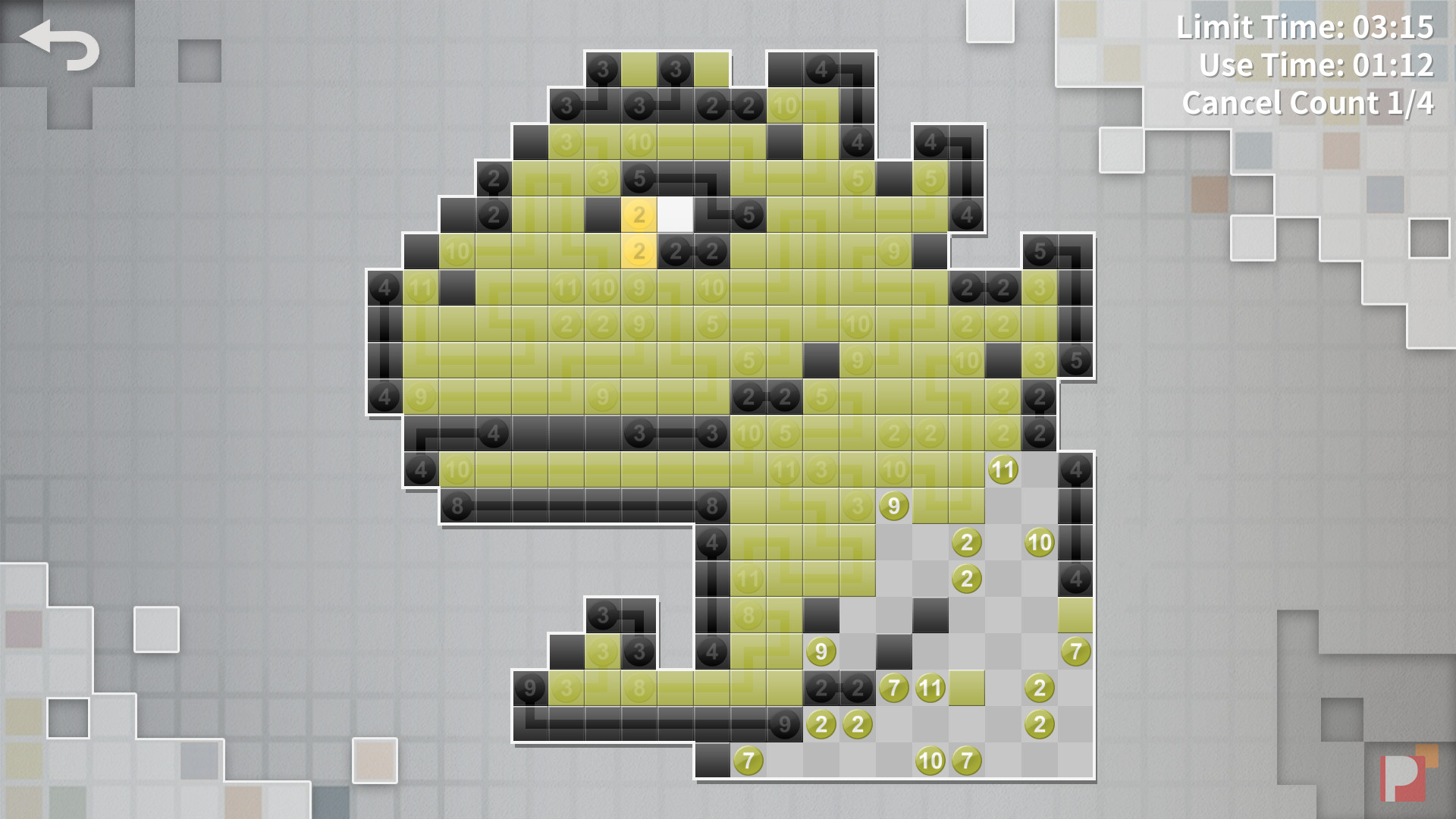
Draw Puzzle 画之谜 is a casual puzzle game that challenges players to connect same‑color, same‑number squares to reveal cute pixel art. The experience is described as both relaxing and challenging, offering a variety of modes that change how puzzles are presented. The game includes a built‑in level editor that lets players design, generate, and share their own puzzles via Steam Workshop. Future updates add new levels and modes at no extra cost, and the title supports Steam Cloud, achievements, and leaderboards.
01 / THE GUIDE
Game Modes
Normal mode provides over 100 puzzles ranging from 5×5 to 25×25 grids, giving a steady progression of difficulty. Jigsaw mode assembles a large picture from 24 smaller puzzles, adding a spatial‑assembly challenge. Challenge mode introduces a combo score system and Steam leaderboards, encouraging faster, more efficient connections. Random mode creates a fresh puzzle each playthrough, ensuring endless variety without preset layouts.
- Try Challenge mode after mastering Normal puzzles to see how combos affect your score.
- Use Random mode when you want a quick, unpredictable puzzle without selecting a specific level.
02 / THE GUIDE
Pixel Art Puzzles
Each solved puzzle unlocks a piece of pixel art, giving visual reward for correct connections. The art style is described as fun and cute, reinforcing the game's casual tone. The connecting‑square rules draw inspiration from an early Japanese magazine article, grounding the mechanics in a documented design source rather than generic matching rules.
- Observe the emerging pixel art as you progress; it can guide which squares to prioritize.
- Notice recurring color‑number patterns that often appear in the magazine‑inspired rules.

03 / THE GUIDE
Level Editor
The built‑in editor lets players create custom puzzles, import images, and export them for sharing. This tool supports both level design and image conversion, expanding creative possibilities. Created levels can be uploaded to Steam Workshop, where other players can download and play them, fostering a community‑driven content pipeline.
- Experiment with importing simple images to see how they translate into puzzle grids.
- Export your level after testing to ensure it works before sharing on Workshop.
04 / THE GUIDE
Steam Integration
Draw Puzzle supports Steam Achievements, Trading Cards, Cloud saves, and Leaderboards, integrating standard Steam services without additional DLC. These features enhance replay value and community interaction. Steam Workshop is used for sharing user‑created levels, while Cloud saves are supported, aligning with typical Steam‑based single‑player titles.
- Check the Achievements list to set personal goals while solving puzzles.
- Enable Cloud sync in Steam settings to keep your puzzle progress safe.
05 / THE GUIDE
Platform Availability
The game is released for Windows and macOS, with no Linux version noted. This dual‑platform support allows players on both major desktop operating systems to enjoy the same content. The editor and Steam services are among the game's listed features, which are documented for the Windows and macOS releases.
- Verify your OS version matches the listed Windows or macOS support before purchase.
- Use the same Steam account on both platforms to keep your progress synced via Cloud.


COMMUNITY
Player discussion