 GameWiki

GET YOUR BEARINGS
About Draw & Guess
Draw & Guess is an online party title that supports up to 63 players across its various modes. Players draw prompts and others guess them, with points awarded for quick correct guesses in some modes. The game includes adjustable settings, custom wordlists, character unlocks through achievements, and personal artbooks that can be shared in a global gallery.
01 / THE GUIDE
Whisper Mode
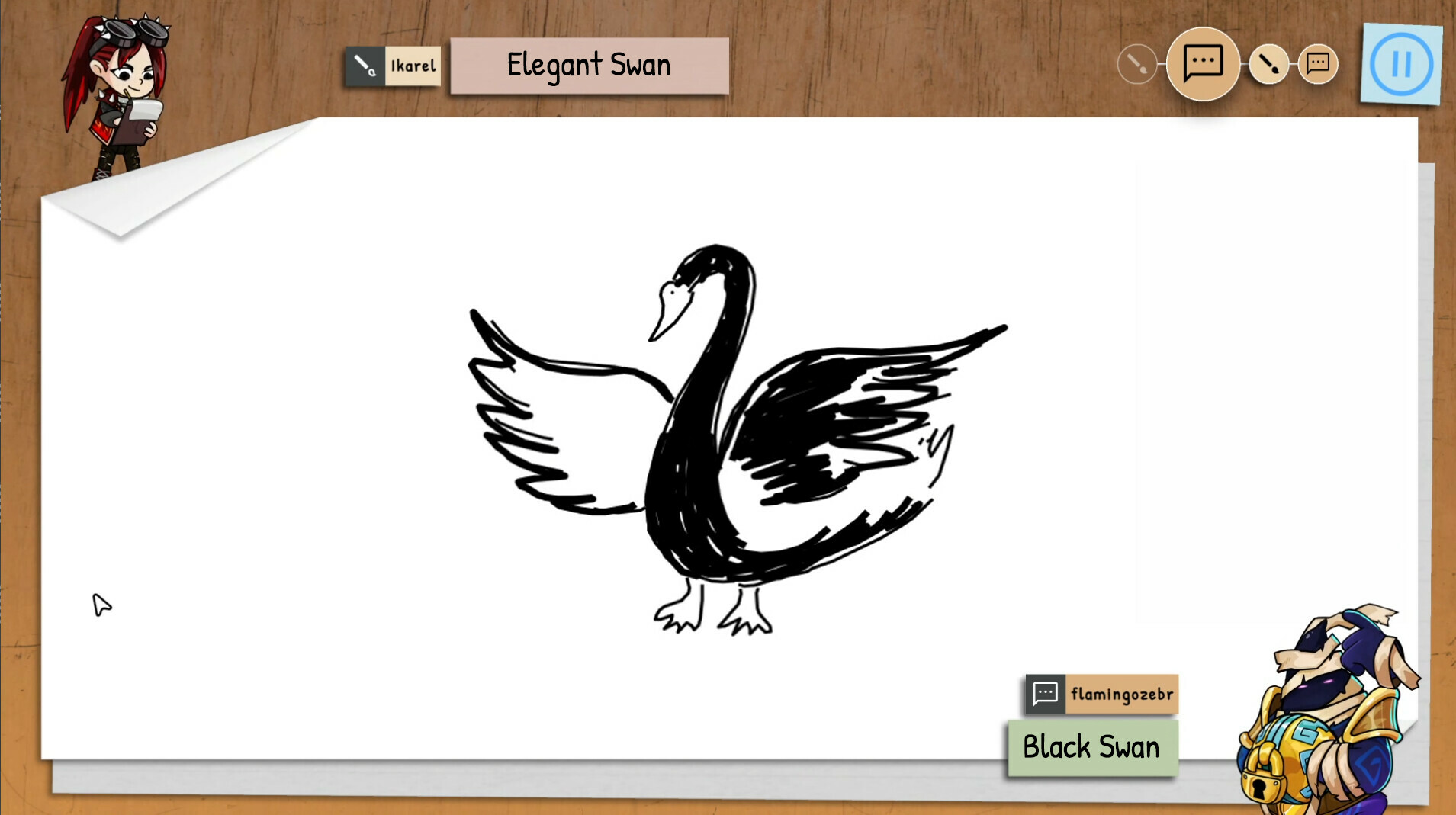
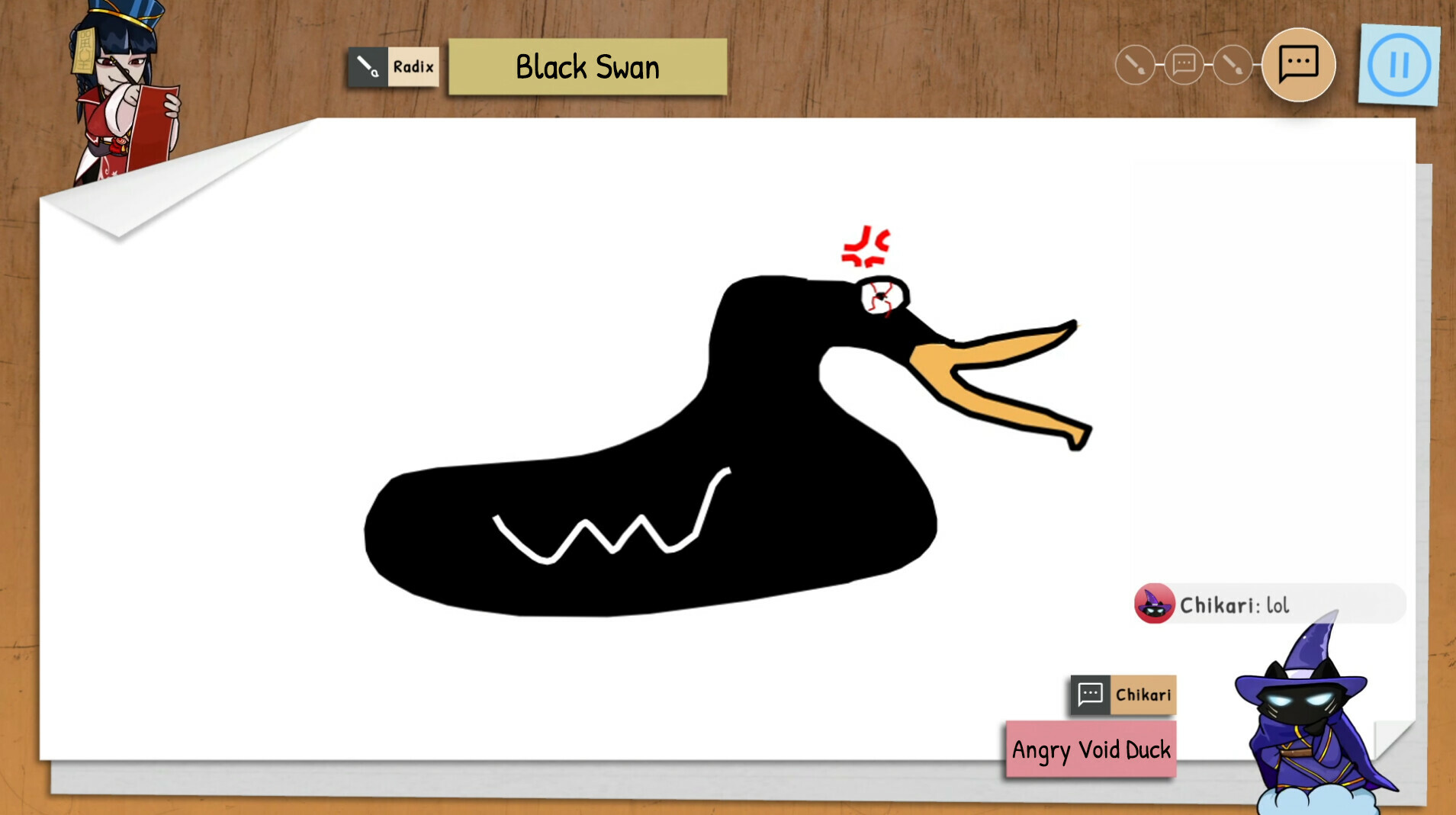
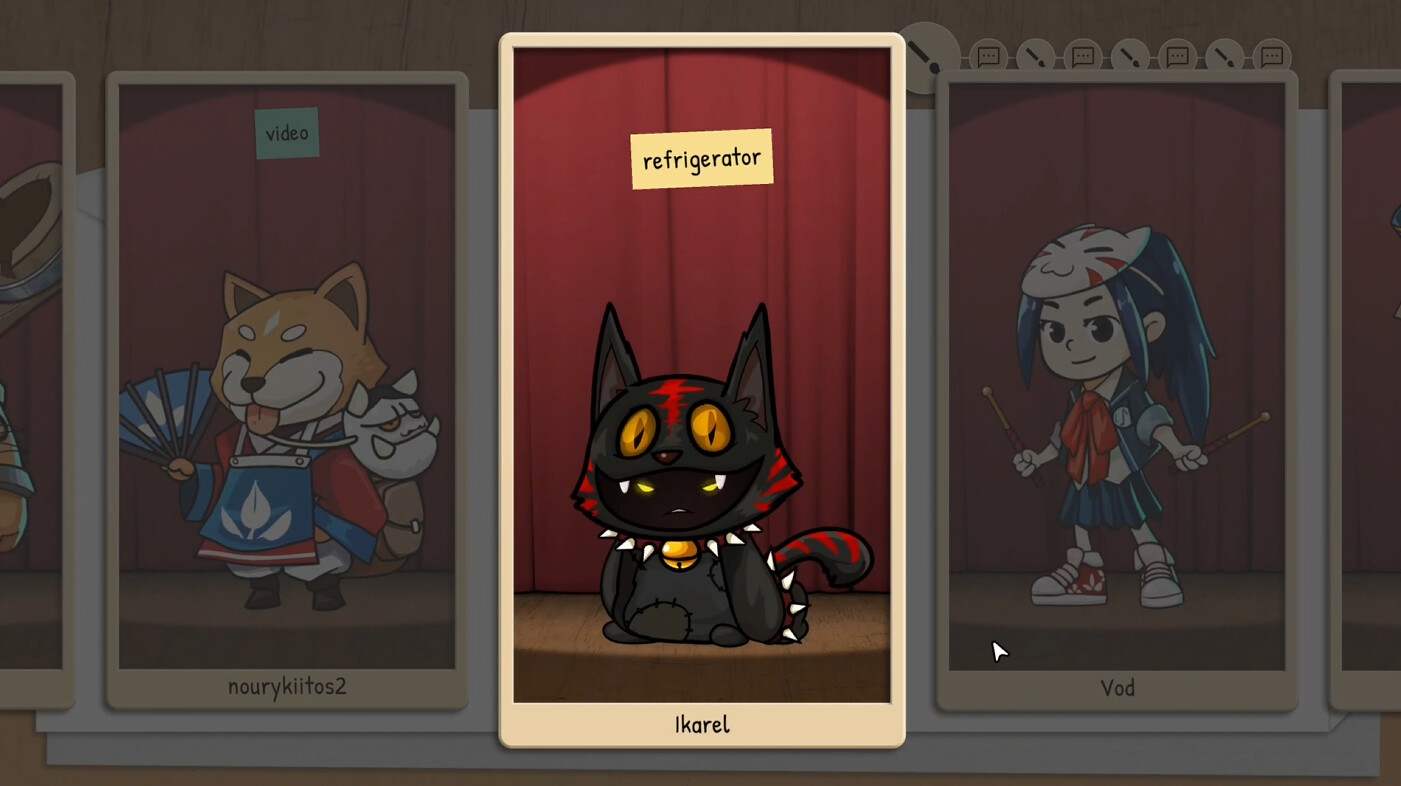
Whisper accommodates 4‑16 participants who form a drawing chain. One player provides a prompt, the next draws it, the following guesses the drawing to create a new prompt, and the cycle repeats until the chain ends.
After the chain finishes, all players watch a replay and vote on how closely the final drawing matches the original prompt, highlighting how ideas transform through successive interpretations.
- Select prompts that are easy to visualise to help keep the chain recognizable.
- Observe the replay to see which visual cues survived the longest.
02 / THE GUIDE
Stage Mode
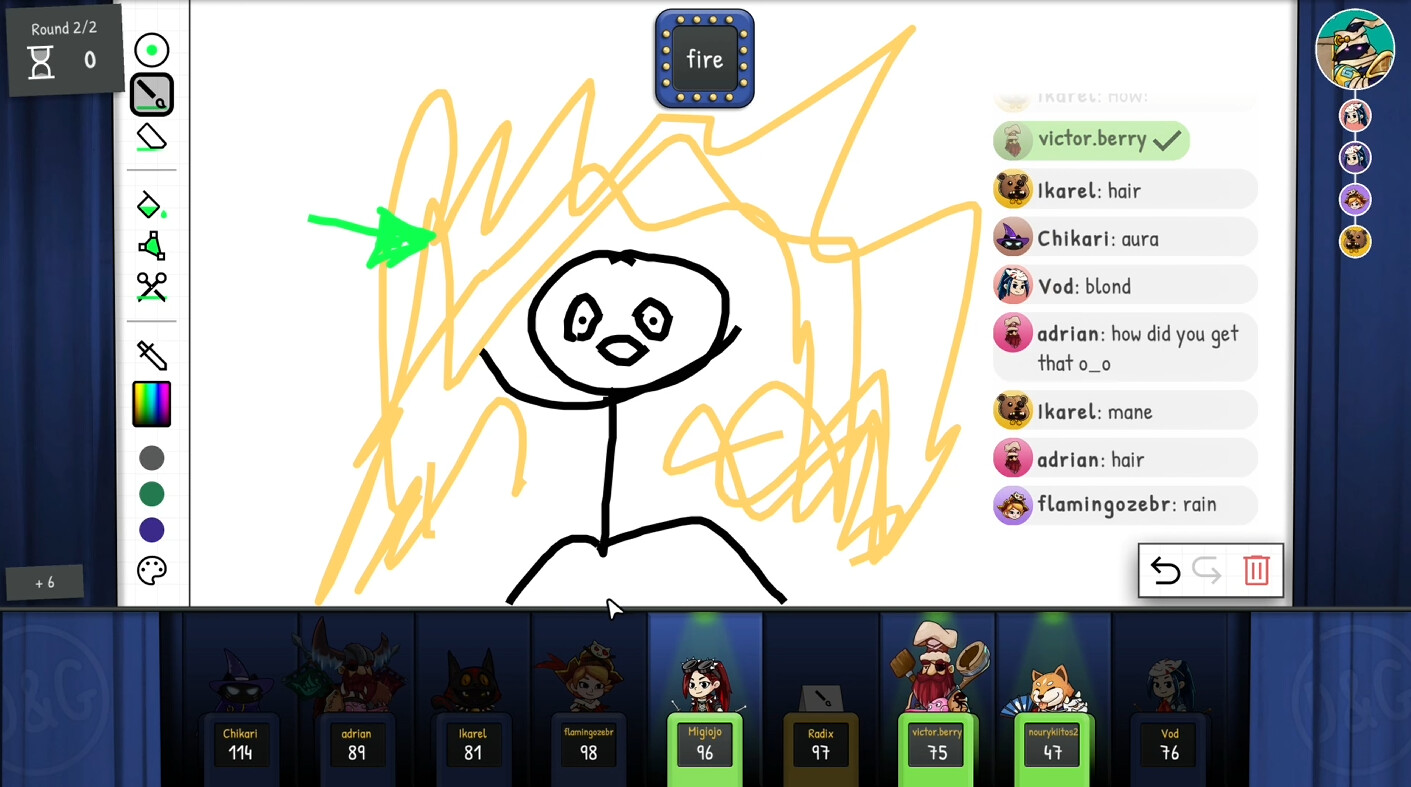
Stage is the classic drawing‑and‑guessing mode for 2‑16 players. One player draws while the others type guesses, and the round ends when a correct guess is entered.
Points are awarded based on how quickly the correct word is guessed, so faster guesses yield higher scores, encouraging rapid recognition of the drawing.
- Aim for clear, recognizable shapes to help teammates guess quickly.
- Practice common word associations to improve guess speed.
03 / THE GUIDE
Robot Mode
Robot pits a single player against the AI assistant GU‑355. The player draws a prompt, and the AI attempts to guess the word based on the drawing.
Points increase when the AI’s guess matches the intended word more closely, making the mode a test of how clearly a prompt can be communicated to a non‑human guesser.
- Use simple, well‑defined shapes to improve the AI’s ability to match the prompt.
- Keep line work distinct to avoid ambiguity for the AI.
04 / THE GUIDE
Battle Royale Mode
Battle Royale expands Robot to support 10‑63 players. A giant virus‑ridden robot ejects players from spaceships while they continue drawing and the AI guesses.
Surviving to the end may unlock an extra reward, and the large player count creates a chaotic environment where clear drawings are essential.
- Prioritise high‑contrast drawings to stay recognizable amid the chaos.
- Watch the ejection sequence to gauge when the robot is focusing on a drawing.
05 / THE GUIDE
Lounge Mode
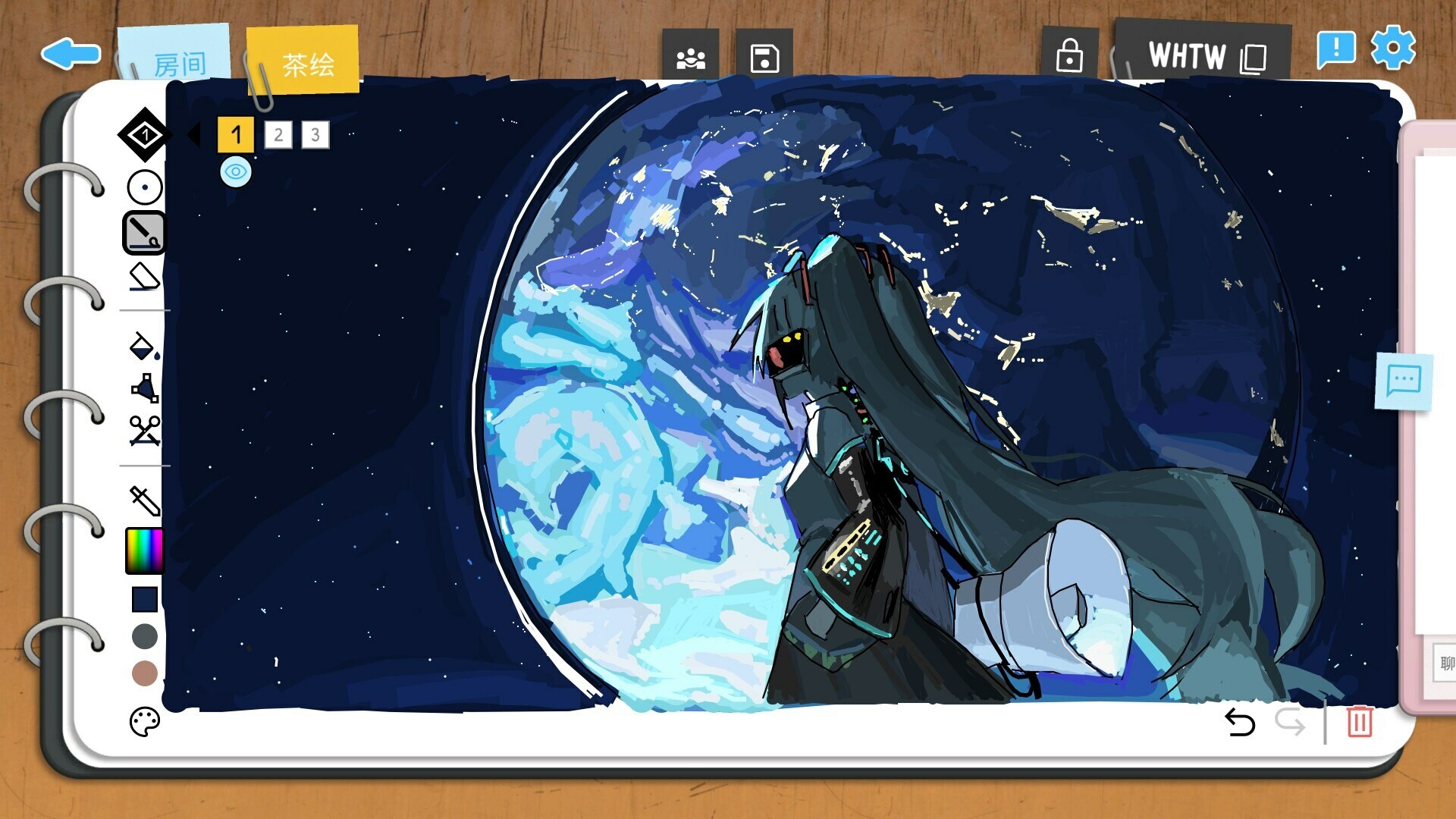
Lounge offers a casual space for 1‑16 players to draw together without scoring or time limits. It functions as a hangout lobby where friends can sketch at their own pace.
Because there is no competitive pressure, Lounge is suitable for practice, experimenting with drawing tools, or simply socialising while creating art.
- Use Lounge to test new settings such as Pixel Art or Gravity before entering competitive modes.
- Invite friends to give immediate feedback on sketches.
COMMUNITY
Player discussion