 GameWiki
GET YOUR BEARINGS
About DRAGON QUEST BUILDERS
Dragon Quest Builders brings the block‑building roots of the original Dragon Quest world to Steam. Players gather resources, craft items, and construct structures while a young hero works to defeat the Dragonlord and bring light back to Alefgard.
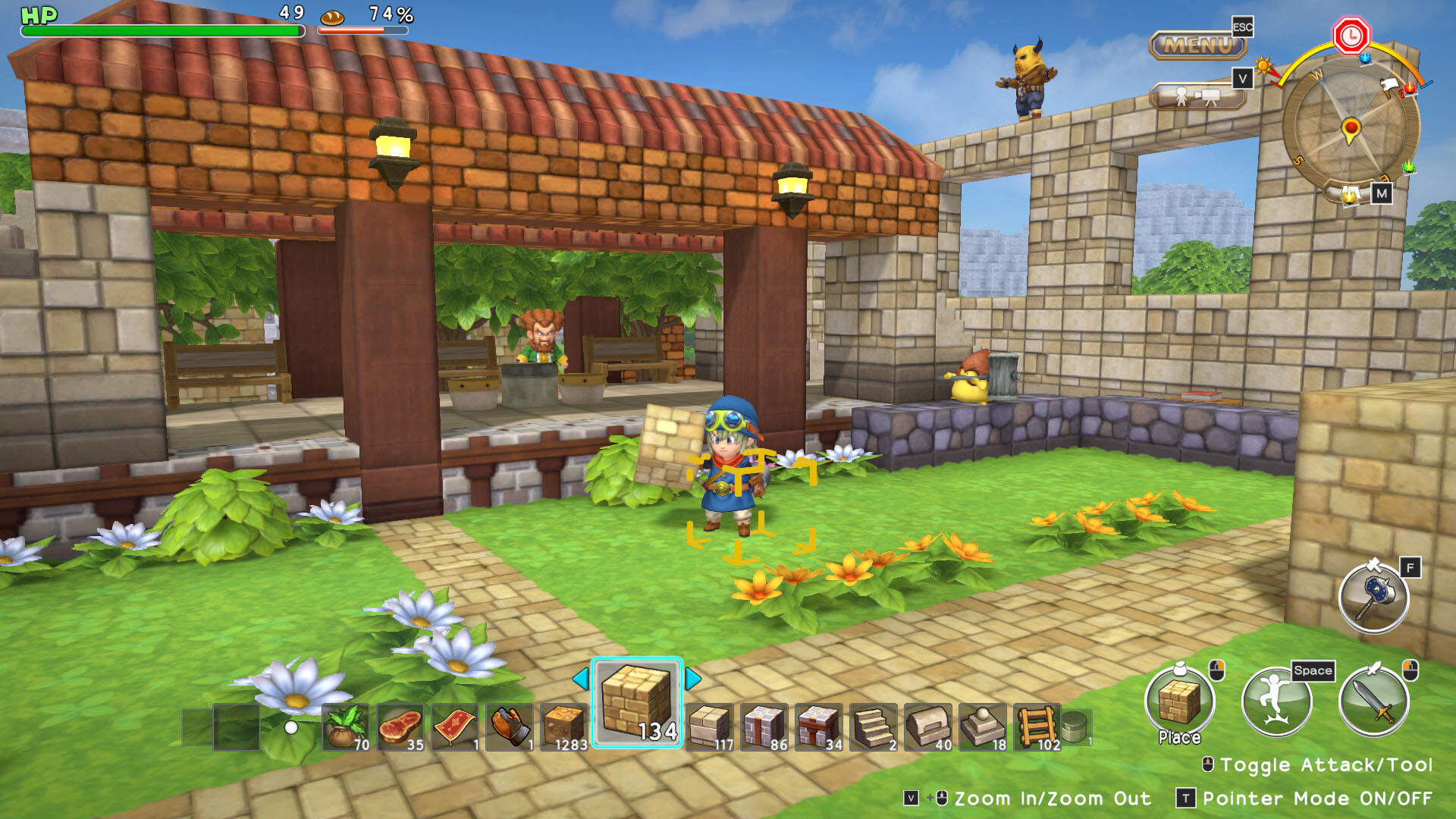
Every visible object can become a material, letting you build farms, towns, and entire villages. Remote block placement, an Undo button, the Big Bash area‑clear tool, and Build Cards for sharing creations round out the core experience.
01 / THE GUIDE
Story and Setting
The game is set in Alefgard, the realm of the first Dragon Quest, now shrouded in darkness after the Dragonlord stole its light. A young hero appears with a mysterious ability to build, positioning construction as the means to reverse the gloom.
Progression is tied to rebuilding: as you restore villages and unite wandering survivors, the narrative moves toward confronting the Dragonlord and restoring Alefgard’s former glory.
- Search ruined areas for early resources that match the original world’s design.
- Rebuild key structures to trigger story events.
02 / THE GUIDE
Crafting and Building Tools
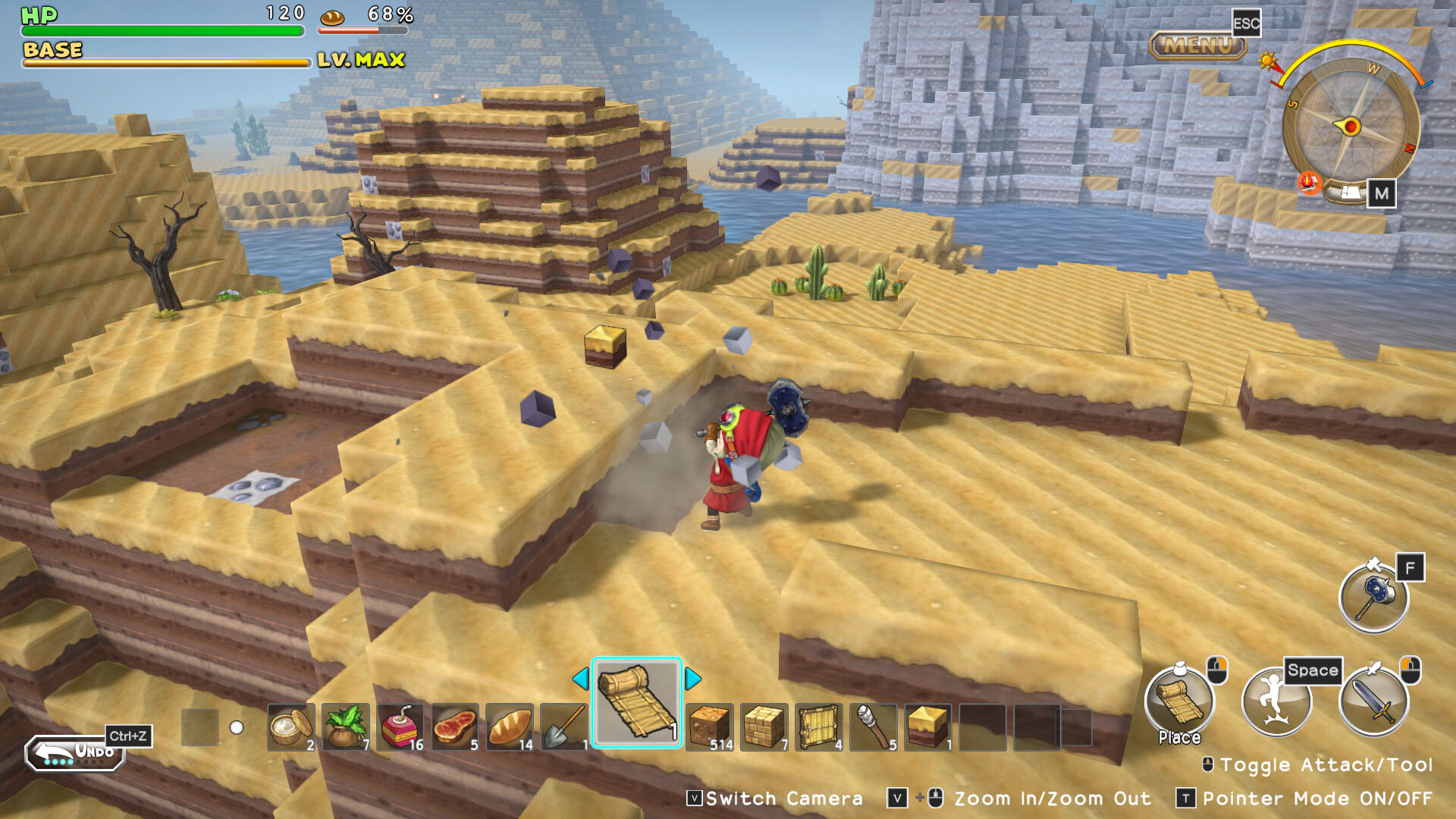
Blocks can be placed remotely or destroyed with a single mouse click, streamlining construction. An Undo feature lets you revert changes, while the Big Bash tool clears all objects in a chosen area at once.
Terra Incognita, the free‑build stage, doubles the stackable block height, giving extra vertical space for larger projects and more creative freedom.
- Use Undo frequently when testing large structures.
- Apply Big Bash before laying foundations to clear space quickly.
03 / THE GUIDE
Collectibles and Side Content
The game includes figurines of NPCs and monsters, plus pixels that can be exchanged for a variety of handy items, offering optional goals beyond the main building tasks.
Side content such as the Boss Monster Model Set, Astronomy Set, and Pixel Ring adds visual variety and customization options for your village.
- Gather pixels during exploration to trade for useful items.
- Collect NPC figurines to complete the in‑game gallery.
04 / THE GUIDE
Build Cards and Sharing
Build Cards let players share their creations with others; imported buildings appear on your own island at any time, expanding your village without needing simultaneous play.
This feature encourages community interaction, allowing you to integrate diverse designs into your settlement and inspire new building ideas.
- Download popular Build Cards for layout inspiration.
- Export your own designs to contribute to the community.
05 / THE GUIDE
Platform Features
Dragon Quest Builders runs on Windows and supports Steam Achievements, Trading Cards, Cloud saves, and Family Sharing. Controller compatibility includes DualShock, DualSense, and partial controller support, though mouse input remains primary.
Steam Cloud stores progress online, and Family Sharing lets multiple accounts access the same game library, ensuring your builds are safe and shareable.
- Enable Steam Cloud to protect builds across installations.
- Test controller input for navigation, but rely on mouse for precise placement.


COMMUNITY
Player discussion