 GameWiki
GET YOUR BEARINGS
About DRAGON BALL: Sparking! ZERO
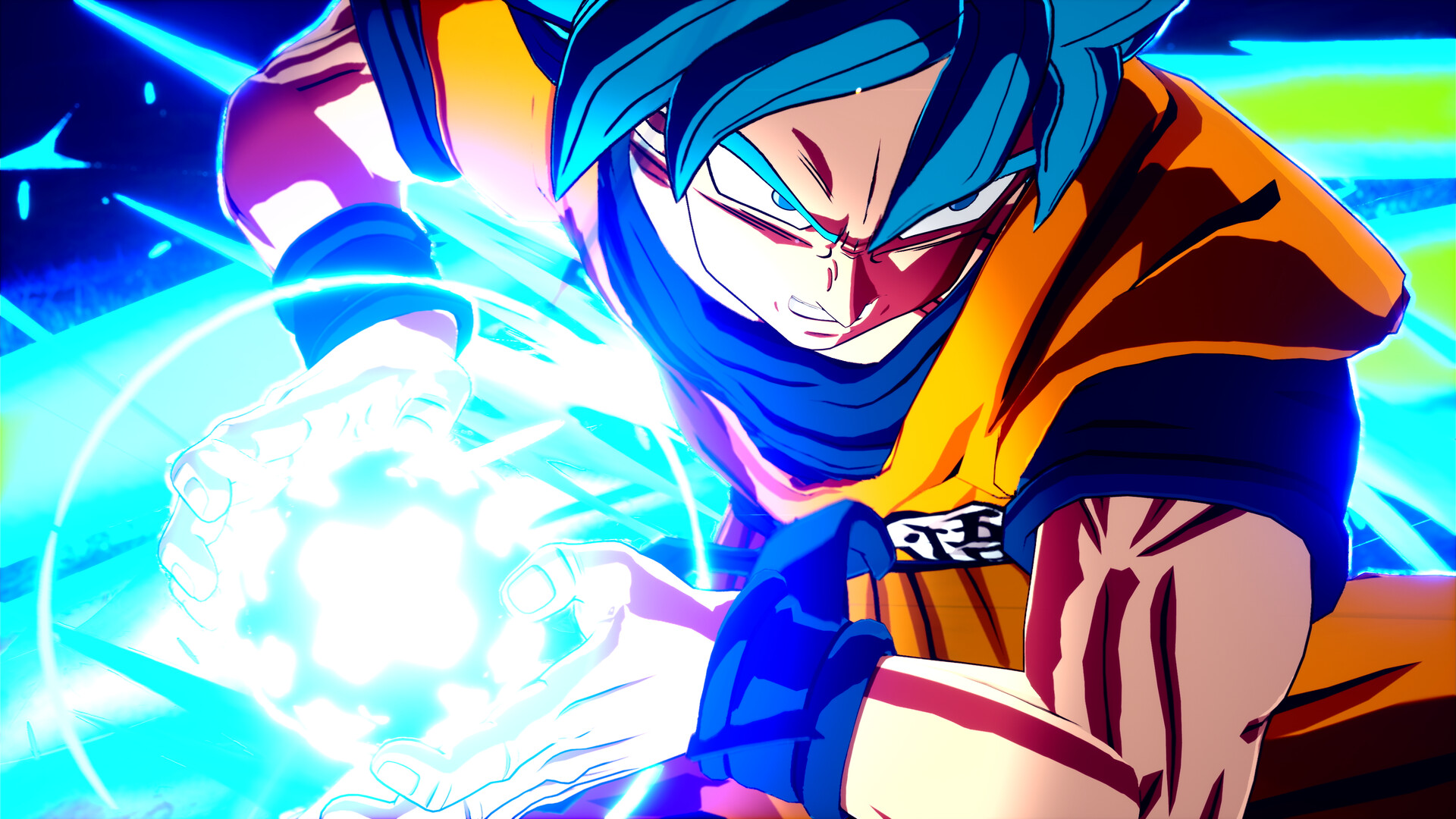
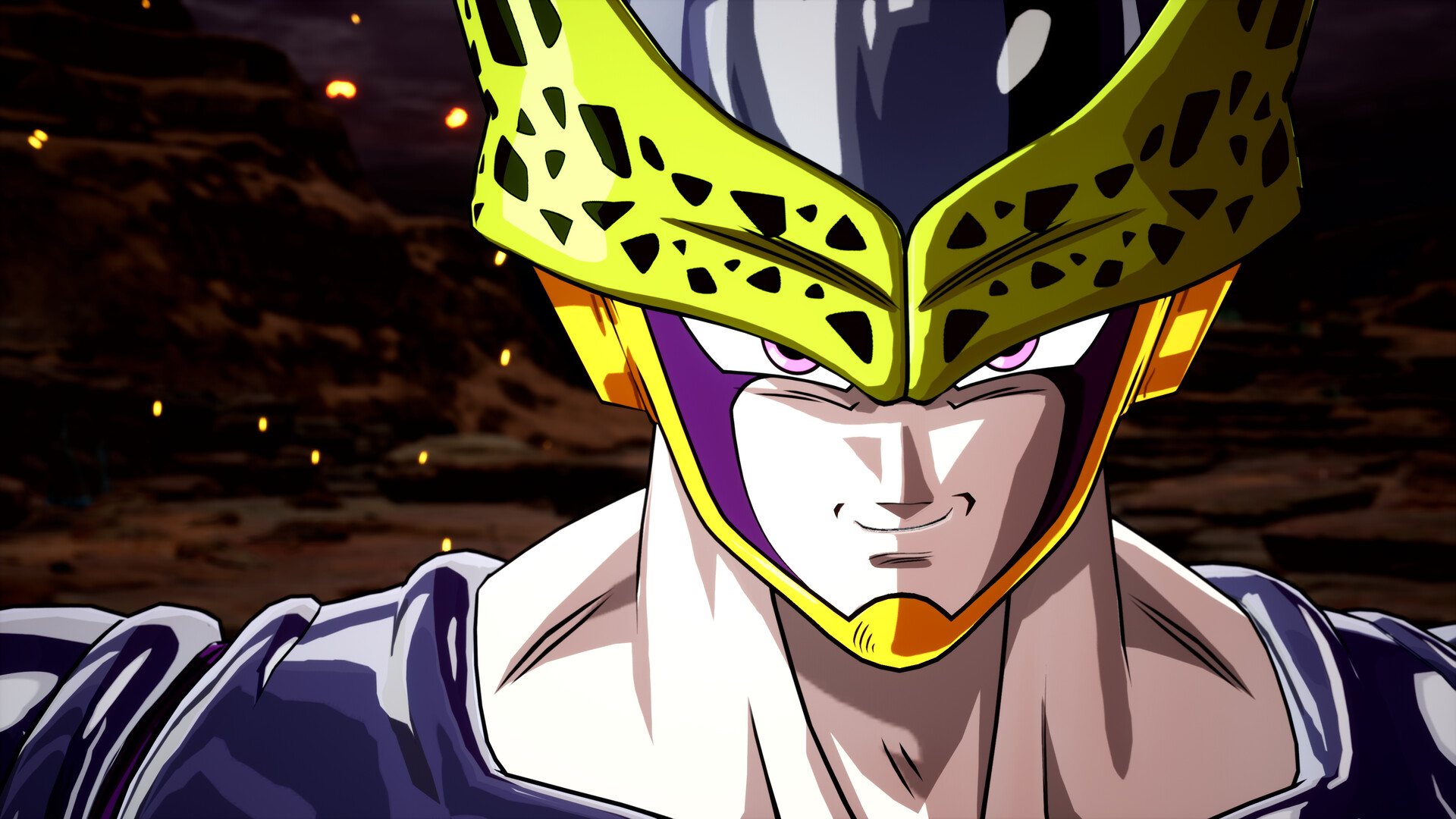
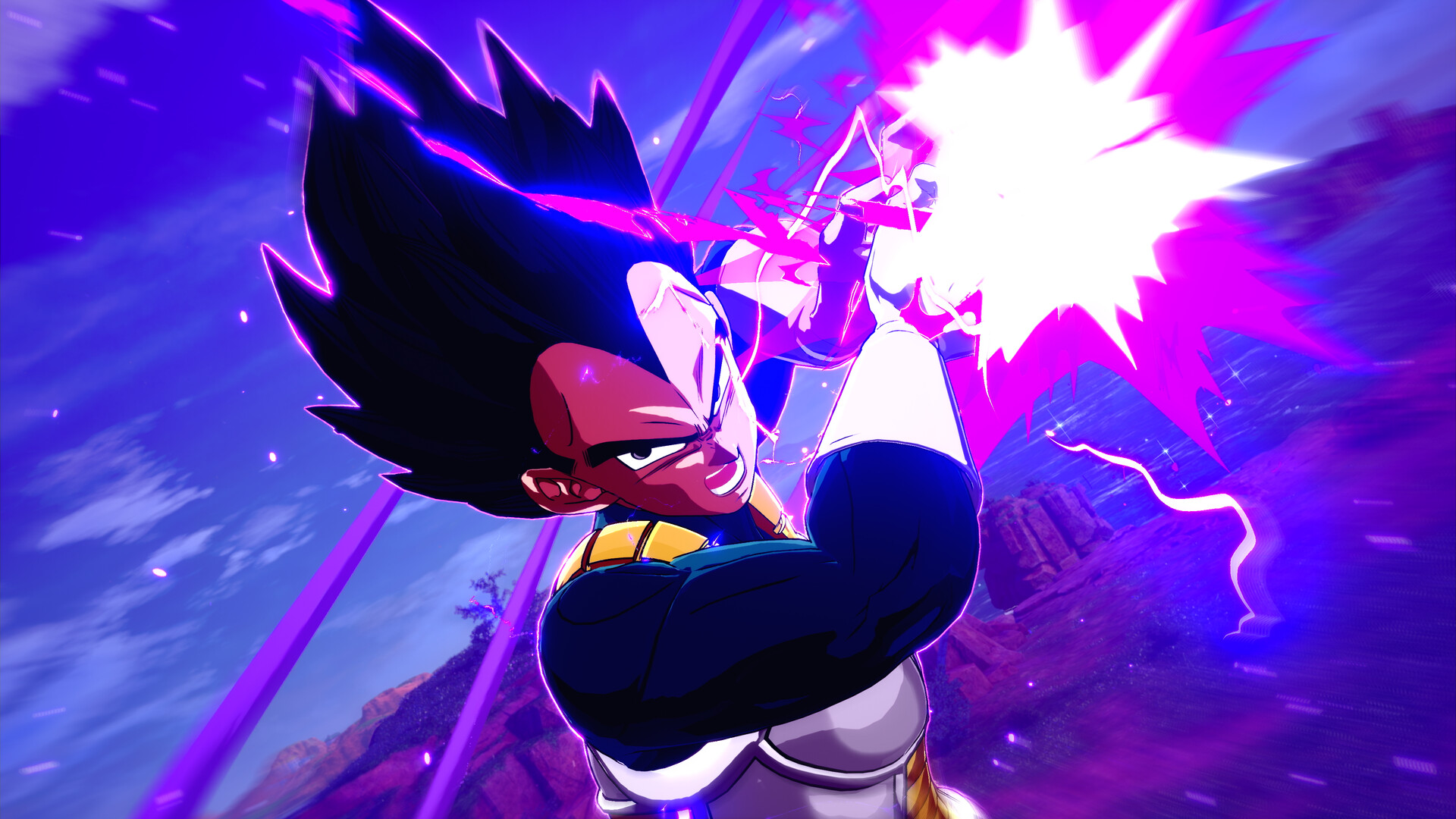
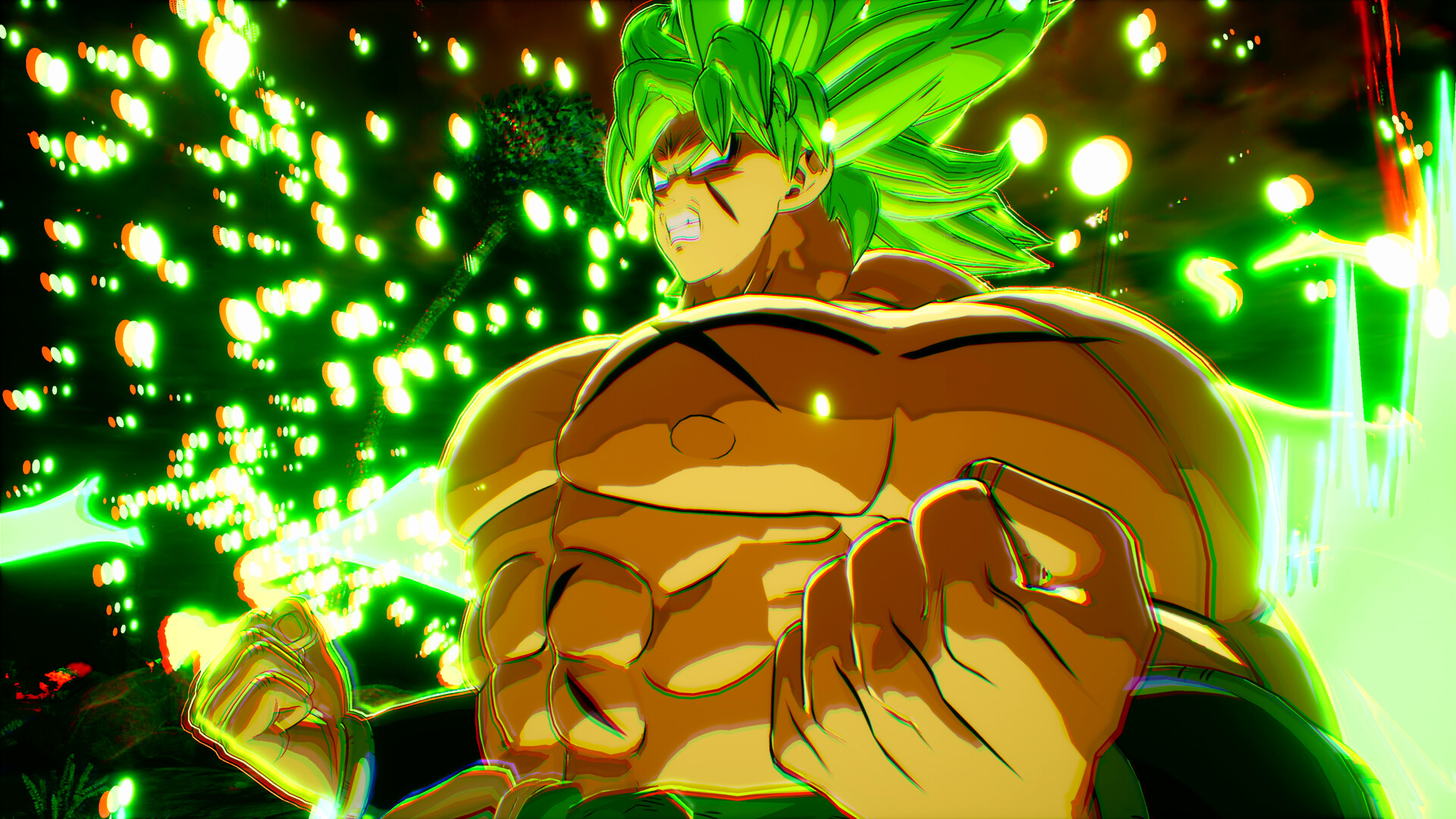
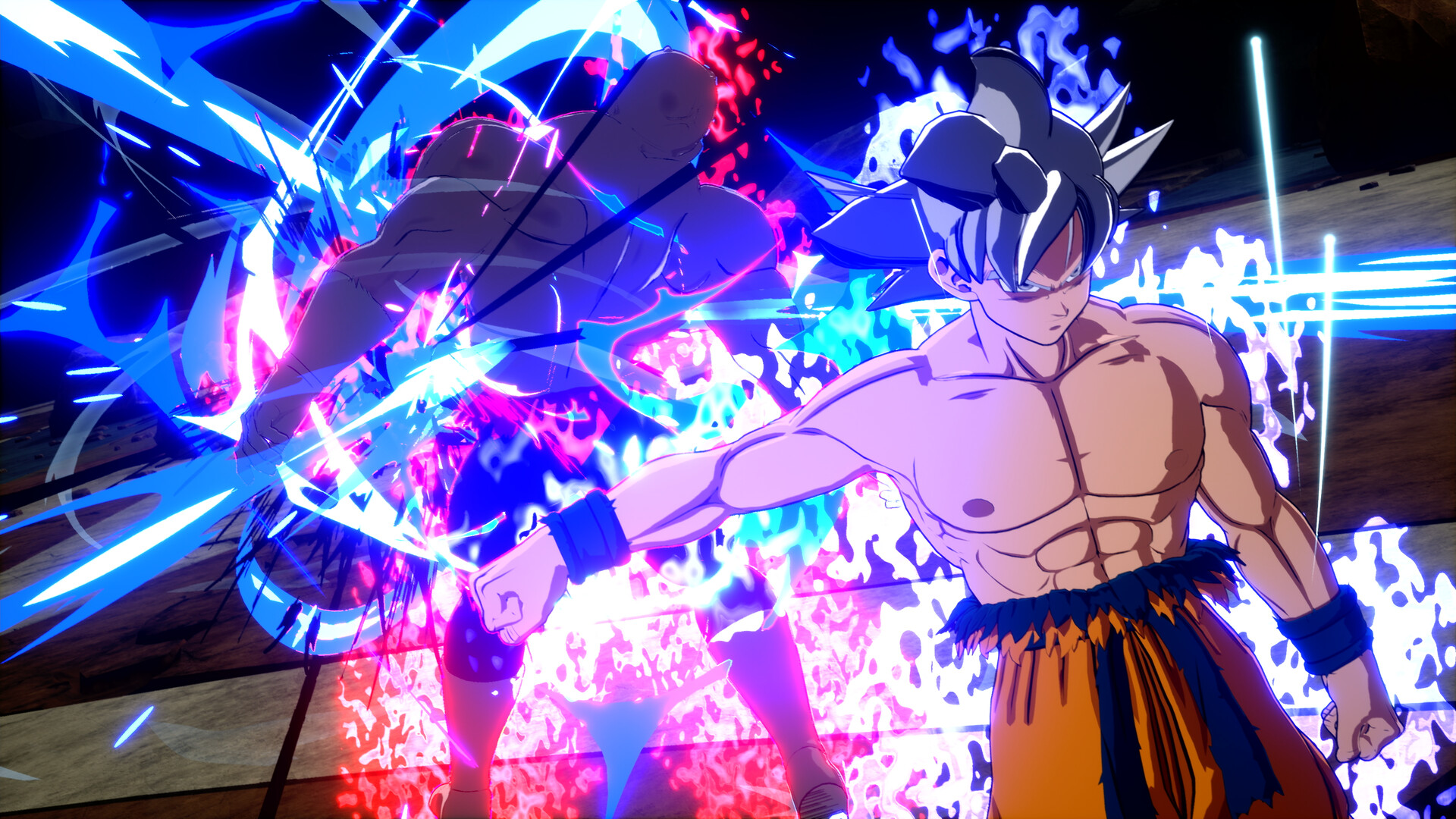
DRAGON BALL: Sparking! ZERO expands the Budokai Tenkaichi style into fast‑paced 3D combat, letting players control more than 180 fighters from Dragon Ball Z, Super, GT and selected movies. Each character brings signature abilities, transformations and techniques that mirror the anime.
The game includes online and offline multiplayer, several tournament modes with differing victory conditions, and cutscenes viewable from eight characters’ perspectives. Windows‑only features include full controller support, HDR, Steam Cloud and Remote Play Together.
01 / THE GUIDE
Extensive Fighter Roster
Over 180 characters appear in the base game, covering heroes, villains and supporting cast from Dragon Ball Z, Super, GT and selected movies. Every fighter is equipped with their own signature abilities, transformations and techniques, keeping the combat true to the source material.
The large roster lets players experiment with many combat styles without needing additional purchases. All characters are available from the start, so you can test different options before deciding on a favorite.
- Try a few characters from each series to see which move sets feel most natural.
- Use the transformation feature to experience each fighter’s power shift.
02 / THE GUIDE
Tournament and PvP Modes
Multiple tournament modes offer varying victory conditions, allowing players to compete for champion status. Both online PvP and local split‑screen PvP let you test your skills against other fighters.
Story‑based battles and other matchups are included, giving flexibility in how you approach competition and practice before entering higher‑stakes matches.
- Start with offline practice to learn each fighter’s combos before joining online matches.
- Experiment with different tournament settings to discover which victory conditions suit you.
03 / THE GUIDE
Perspective Cutscenes
Cutscenes can be experienced from the viewpoints of eight different characters, letting players relive key moments from the series. These scenes are integrated into the gameplay flow, adding narrative context to battles.
Viewing the same event from multiple perspectives provides a broader understanding of the story without affecting combat mechanics.
- Watch cutscenes from several characters to gain a fuller picture of the narrative.
- Revisit favorite scenes to appreciate animation details that match the anime.
04 / THE GUIDE
Technical and Platform Features
The Windows version offers full controller support, including DualShock and DualSense compatibility, as well as camera comfort options, custom volume controls, HDR and stereo sound. Steam Cloud saves progress across sessions.
Additional Steam features include Remote Play Together, Family Sharing and Achievements, allowing broader access and goal tracking without requiring multiple copies of the game.
- Enable HDR for the most vivid visual experience.
- Use Remote Play Together to invite a friend who does not own the game.
05 / THE GUIDE
Online and Split‑Screen Play
Players can engage in online PvP matches or sit side‑by‑side using split‑screen PvP. Both options let you test skills against human opponents in real time.
The shared/split‑screen mode works with any supported controller, making local multiplayer accessible without additional hardware requirements.
- Check controller settings before starting split‑screen to ensure both inputs are recognized.
- Use the online lobby to find opponents of similar skill level.
COMMUNITY
Player discussion