 GameWiki
GET YOUR BEARINGS
About DRAGON BALL GEKISHIN SQUADRA
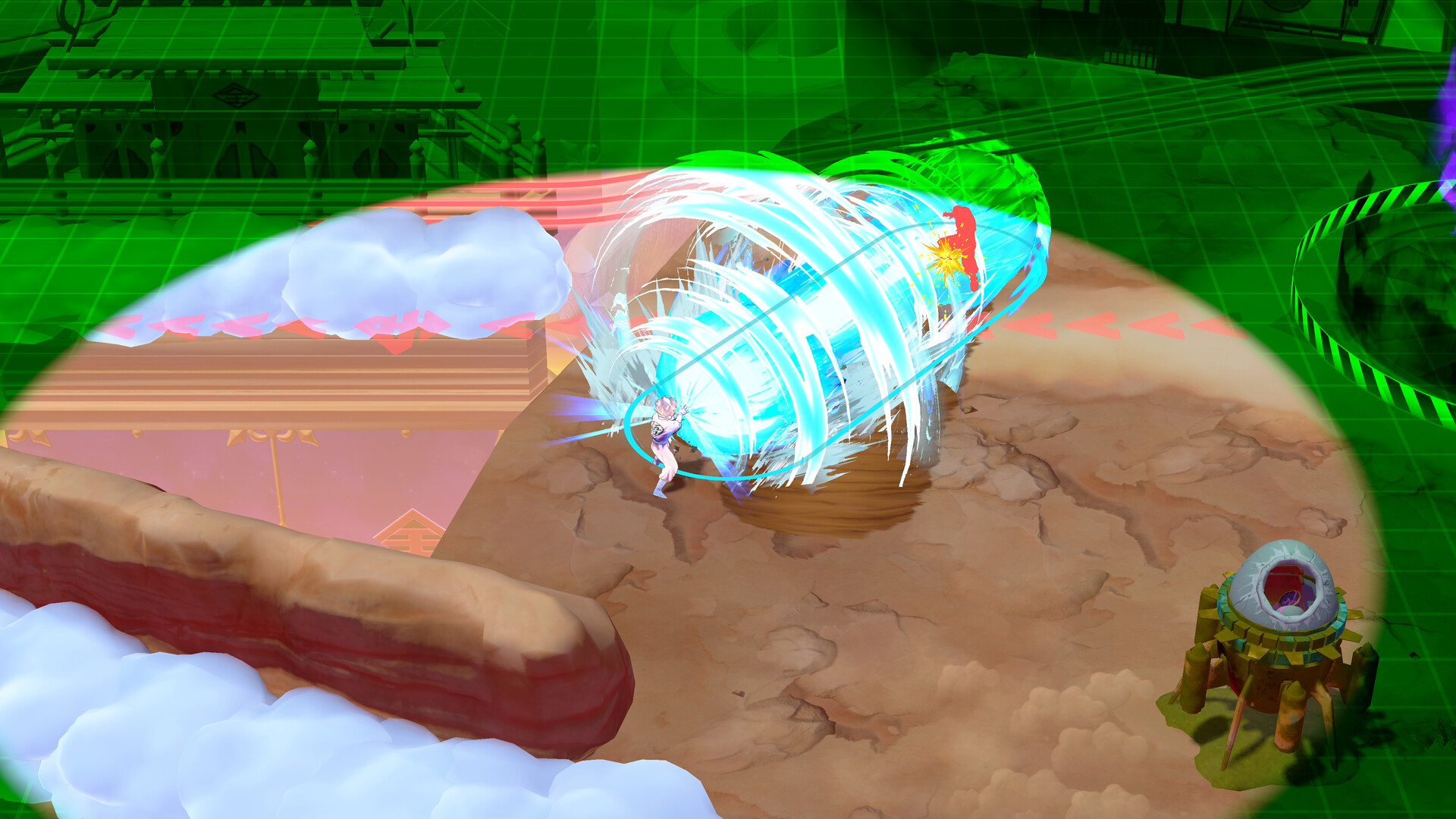
Dragon Ball Gekishin Squadra launches the franchise’s first team‑oriented combat, pitting four players against four opponents in fast‑paced PvP matches. Players select from a roster of heroes, each assigned a role that shapes their play style and contributes to the team’s overall strategy.
The game is free‑to‑play on Windows, supports full controller use, and offers extensive visual customization. In‑app purchases let players acquire skins, entrance animations, and finisher animations while Steam Cloud and Family Sharing keep progress portable across accounts.
01 / THE GUIDE
Intense 4 vs 4 Team Battle
Each match features a four‑on‑four showdown where teams compete to dominate objectives and defeat enemy players and bosses. The round‑based structure lets players grow strength, unlock attacks, and adapt tactics as the fight progresses. The mode emphasizes cooperation; coordinating attacks and defenses is essential for success against the opposing squad.
- Communicate target priorities early to focus fire on high‑value enemies.
- Balance aggression with defense to maintain momentum throughout the round.
02 / THE GUIDE
Heroes With Roles
Players choose heroes classified as Damage, Tank, or Technical. Damage heroes deliver aggressive attacks aimed at quickly eliminating foes. Tank heroes are persistent, absorbing enemy damage to protect teammates. Technical heroes provide versatile support, boosting allies and disrupting opponents. Each role offers a distinct strategic contribution, encouraging diverse team compositions for balanced play.
- Pair a Tank with Damage heroes to create a frontline that can sustain assaults.
- Use Technical heroes to counter enemy strategies with buffs and debuffs.
03 / THE GUIDE
Customization
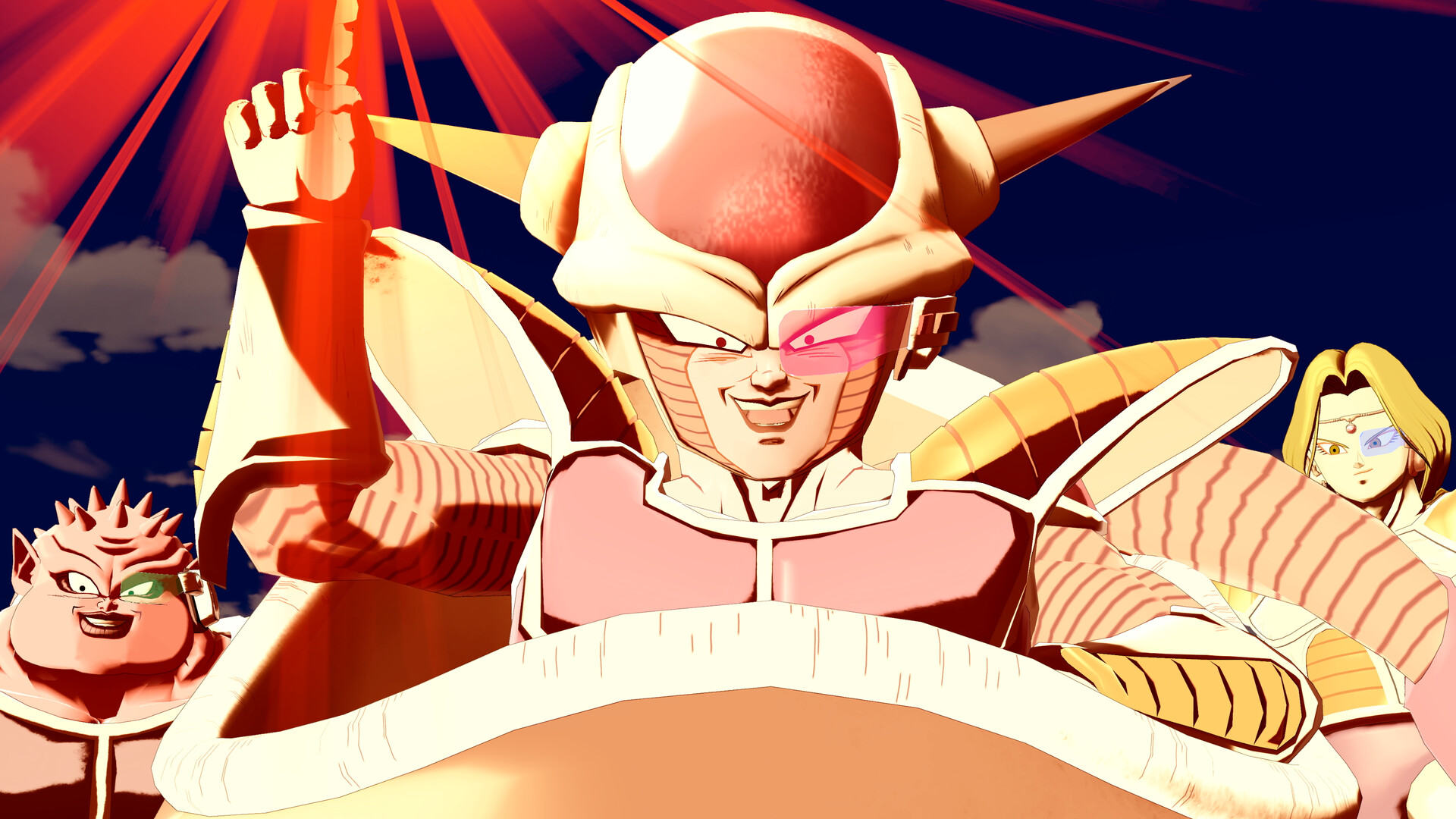
The game lets players personalize heroes with character skins, entrance animations, and special finisher animations. These visual options let you showcase your favorite characters in a style that reflects personal taste. Customization is purely aesthetic and does not affect gameplay mechanics, focusing on player expression within matches.
- Mix and match skins to create a cohesive team visual theme.
- Select entrance animations that match your preferred play style for added flair.
04 / THE GUIDE
Platform & Technical Features
Dragon Ball Gekishin Squadra is available on Windows and supports full controller input, including DualShock and DualSense devices. The game integrates Steam achievements, Steam Cloud saving, and Family Sharing, ensuring progress is retained across installations. Online multiplayer includes both PvP and co‑op modes, allowing players to team up or compete against each other over the internet.
- Enable Steam Cloud to keep your customization unlocked across PCs.
- Test both DualShock and DualSense controllers to find your preferred layout.
05 / THE GUIDE
Monetization & Progression
The title is free to play and includes in‑app purchases for cosmetic items such as skins and animations. Progression occurs through round‑based growth, unlocking game‑changing attacks and abilities as matches advance. While purchases are optional, they provide visual enhancements without altering core gameplay balance.
- Focus on round progression first; cosmetics can be added later.
- Check for seasonal sales on in‑app items to expand your collection affordably.


COMMUNITY
Player discussion