 GameWiki

GET YOUR BEARINGS
About DOOM
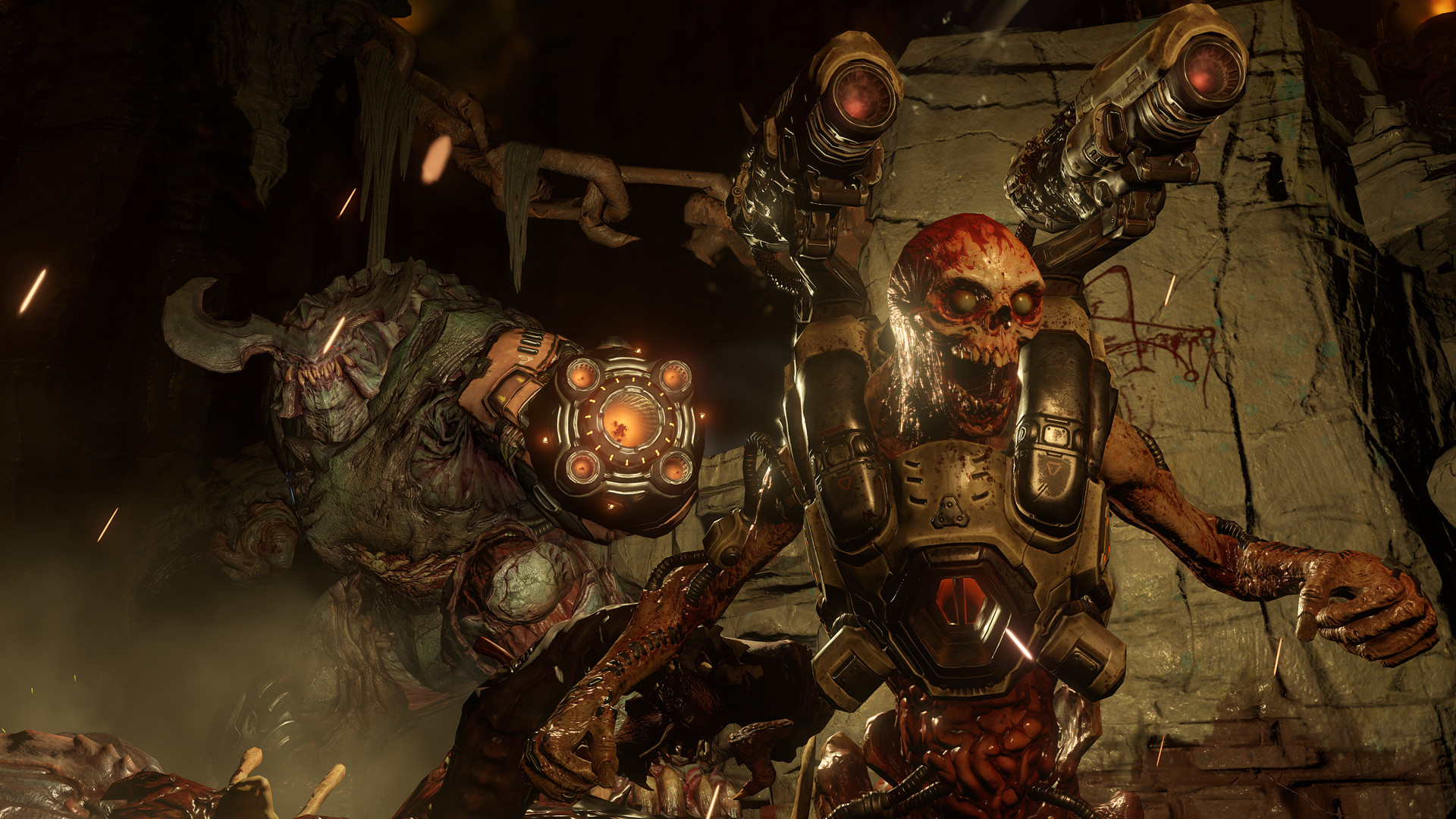
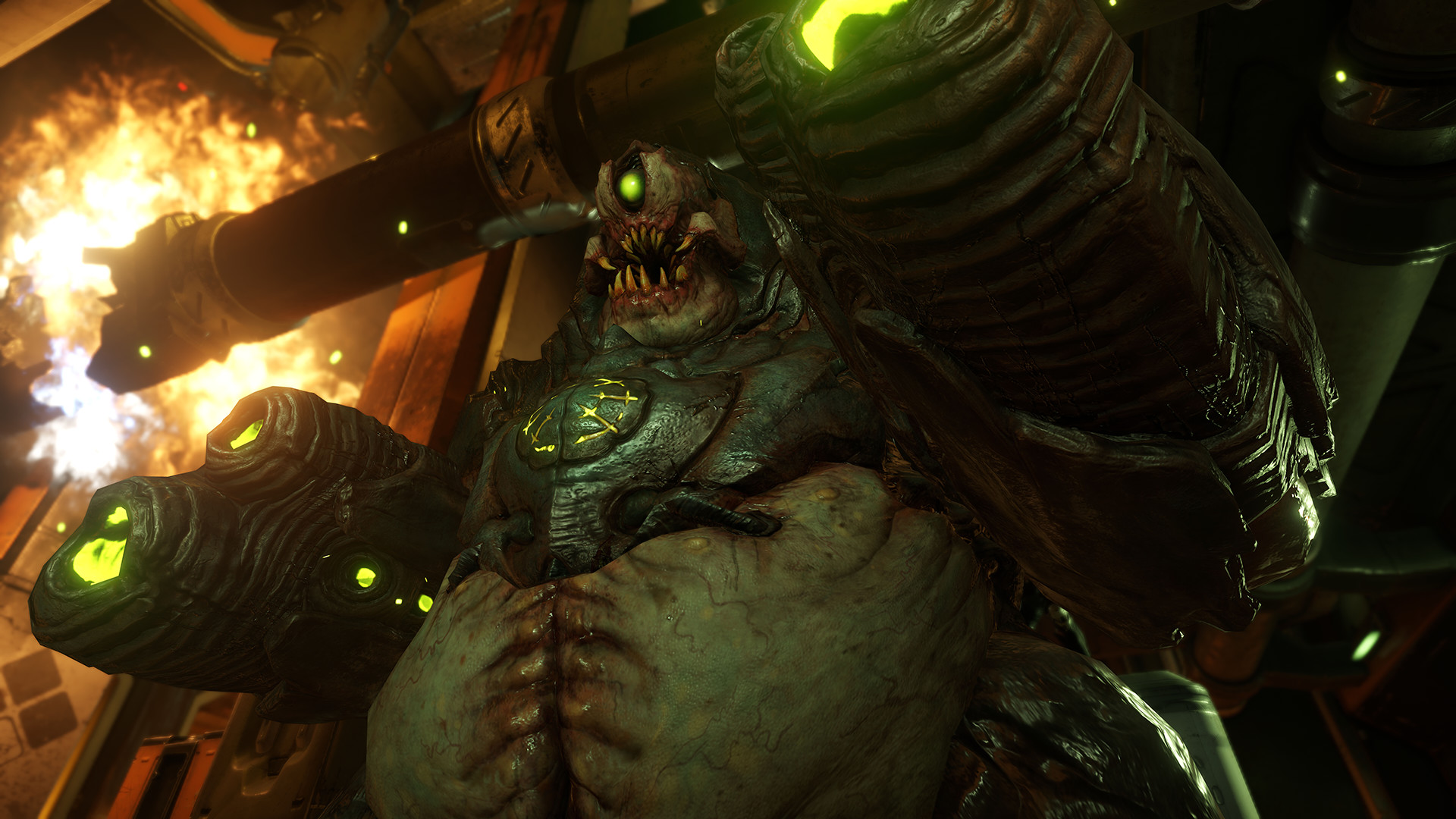
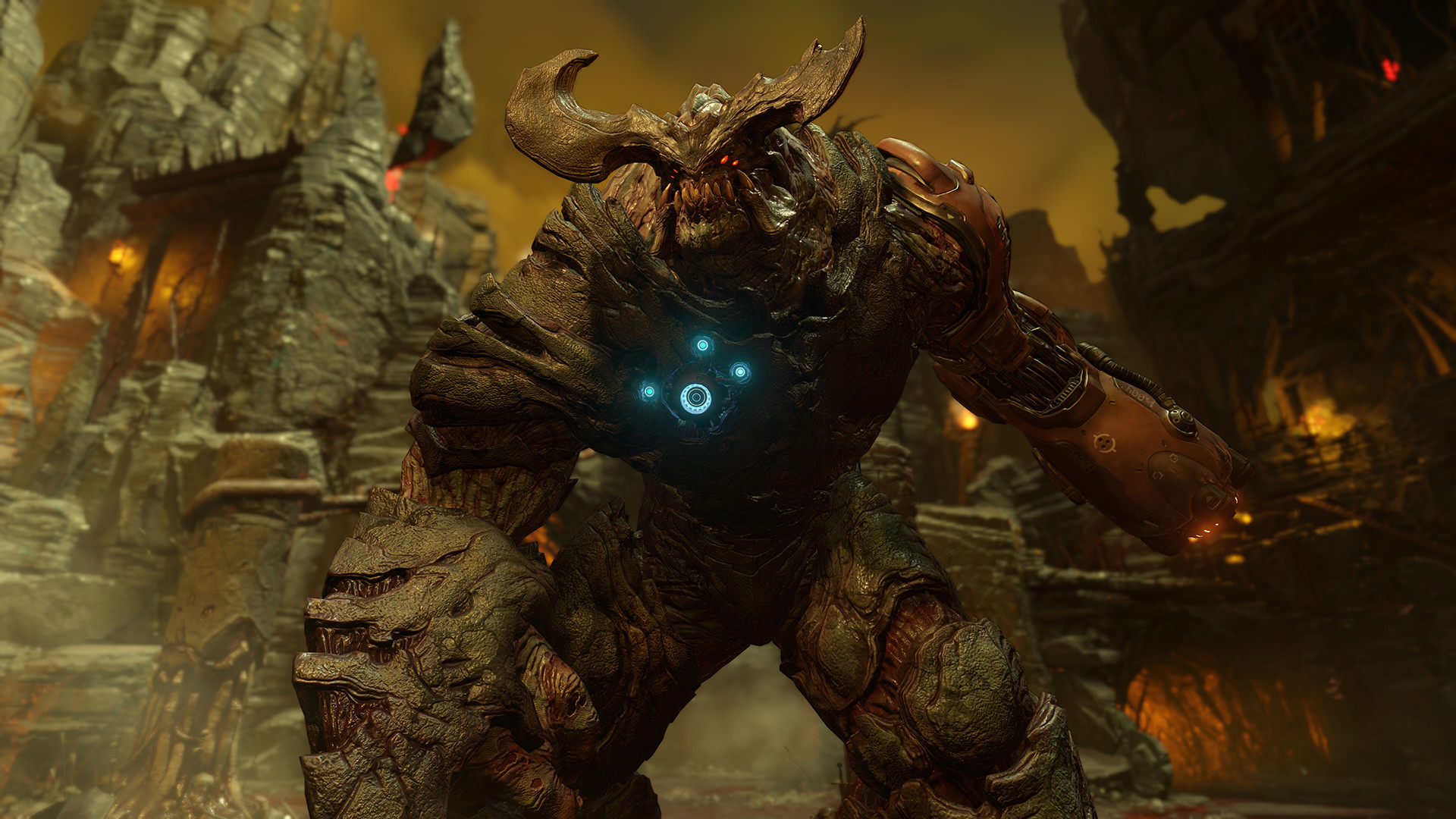
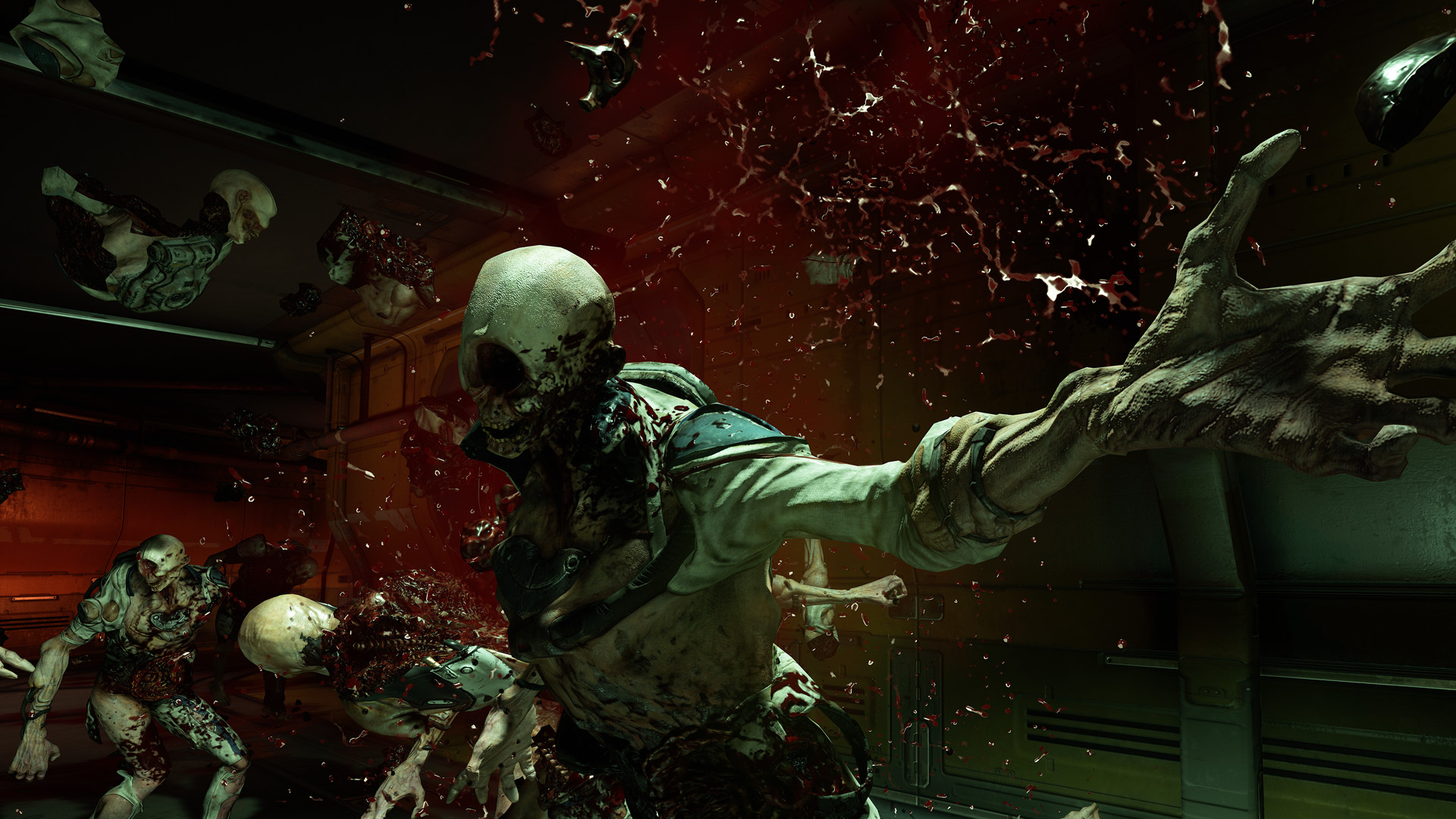
DOOM, crafted by id Software, delivers a modern first‑person shooter where relentless demons clash with high‑damage firearms and fluid movement. Players battle through a Mars research facility overrun by Hell’s forces, either solo in a campaign or against others in fast‑paced multiplayer. The game also includes SnapMap, an editor that lets users build, play, and share custom maps without prior experience. Features span single‑player, co‑op, and a range of Steam services.
01 / THE GUIDE
Relentless Campaign
The single‑player story follows a lone DOOM Marine tasked with eradicating demons at the Union Aerospace Corporation’s Mars base. There is no cover system or health regeneration; players rely on a mix of futuristic and iconic guns, upgrades, and melee attacks to defeat enemies.
Movement is designed to be fast and fluid, allowing players to combine vertical traversal with aggressive combat. The campaign emphasizes creative violence, encouraging varied ways to knock‑down, slash, and crush foes.
- Prioritize keeping momentum; stopping often leaves you vulnerable.
- Experiment with melee combos to discover the most effective enemy takedowns.
02 / THE GUIDE
id Multiplayer
Multiplayer pits players against each other in arena‑style combat, featuring both classic and new game modes. Success depends on skill, weapon choice, vertical movement, and power‑ups that can even let you play as a demon.
The modes are designed for fast, aggressive encounters, mirroring the intensity of the single‑player experience while adding competitive dynamics.
- Use vertical movement to gain positional advantage.
- Try the demon‑play power‑up for a fresh tactical perspective.
03 / THE GUIDE
SnapMap Editor
SnapMap is a built‑in level editor that lets any player quickly assemble custom maps using visual tools. Users can add predefined or fully custom gameplay elements and edit game logic without needing prior expertise.
Created maps can be played instantly, shared with friends, or published globally with a single button press, expanding the game's replayability.
- Start with a simple layout before adding complex logic.
- Test your map frequently to ensure gameplay flow.
04 / THE GUIDE
Steam Integration
The game supports Steam Achievements, Trading Cards, Cloud saves, and Family Sharing, allowing progress to sync across devices and enabling shared access among family members.
Color Alternatives, Stereo Sound, and Surround Sound options let players customize visual and audio experiences to suit their preferences.
- Enable Cloud sync to keep saves across multiple PCs.
- Adjust sound settings for optimal immersion.
05 / THE GUIDE
Platform and Controller Support
DOOM runs on Windows and offers Partial Controller Support, allowing players to use a gamepad alongside keyboard and mouse inputs.
Remote Play features let users stream the game to phones or tablets, extending play beyond the primary PC.
- Check controller configuration in settings for best responsiveness.
- Use Remote Play on a tablet for quick sessions away from the PC.

COMMUNITY
Player discussion