 GameWiki
GET YOUR BEARINGS
About Doodle Empires
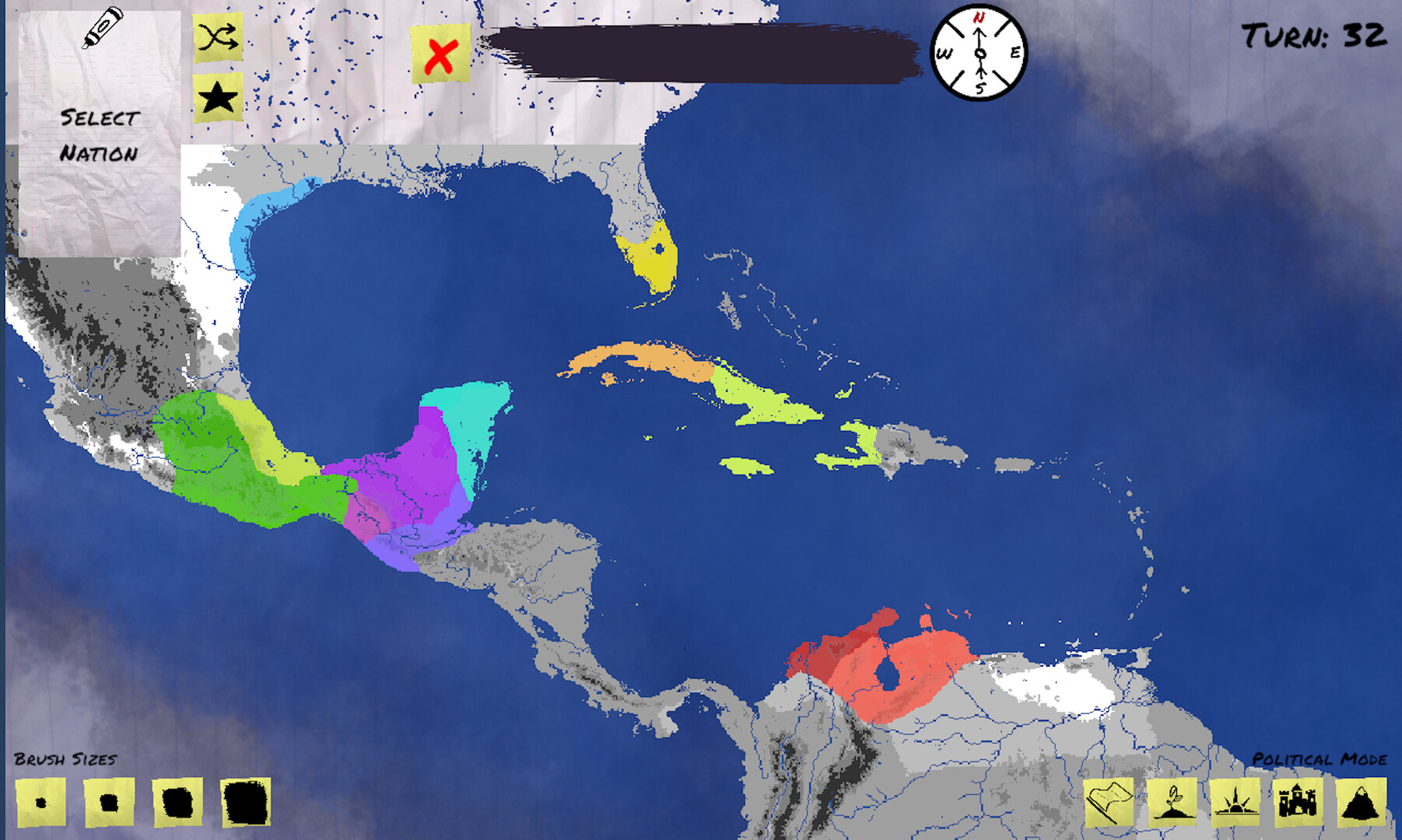
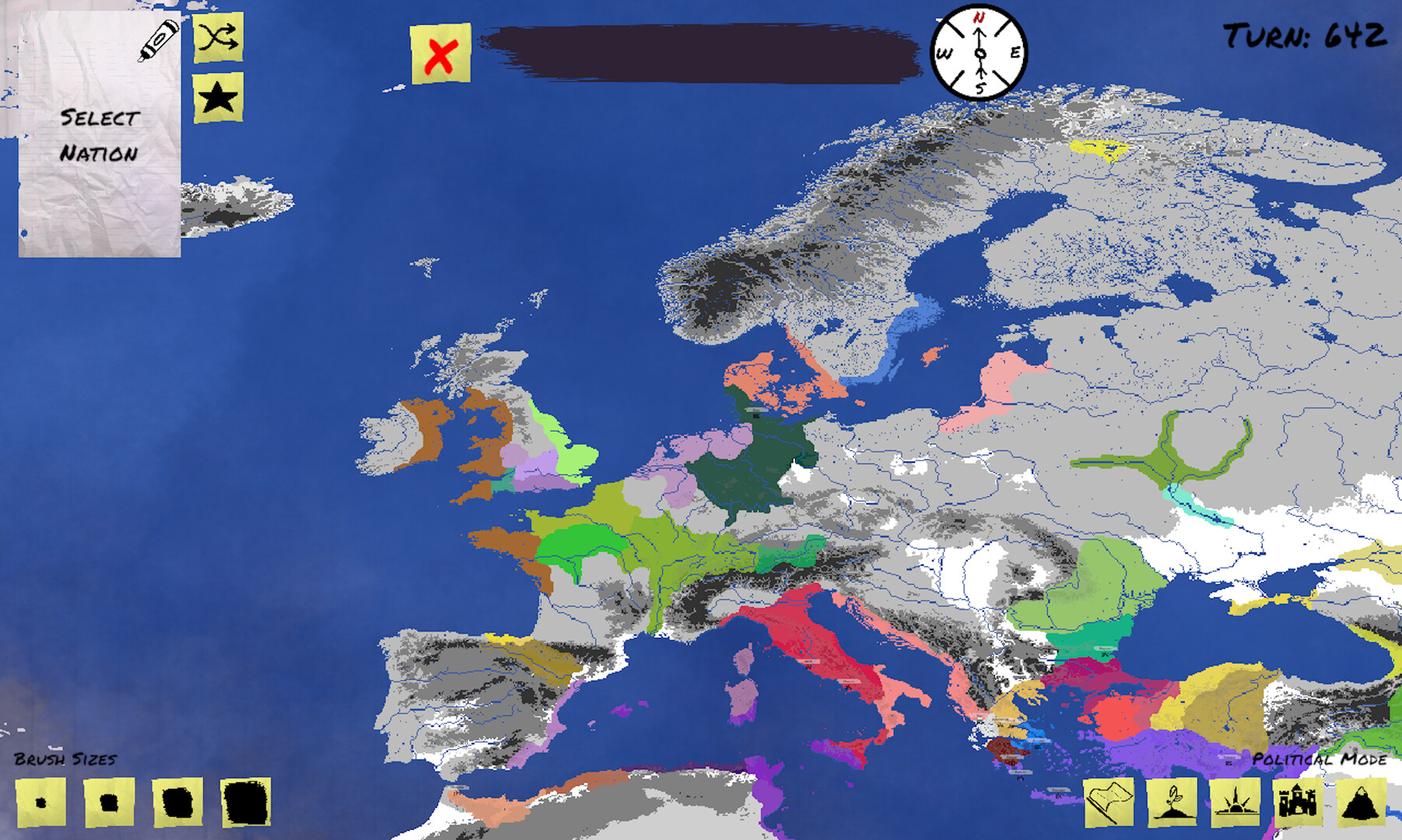
Doodle Empires is an alternate‑history sandbox where you draw nations, assign leaders, religions and castles, and then use cards to change borders and traits over time. Play begins by creating a nation, drawing its outline until the drawing‑power meter is empty, and then selecting that nation for card actions.
The game includes four map visualisation modes—Political, Origin, Faith and Fort—that let you see borders, original nations, religious tiles and castle‑protected tiles. It is in early access, runs on Windows, macOS and Linux, and offers single‑player, Steam Workshop, Remote Play Together and Family Sharing.
01 / THE GUIDE
Creating Your First Nation
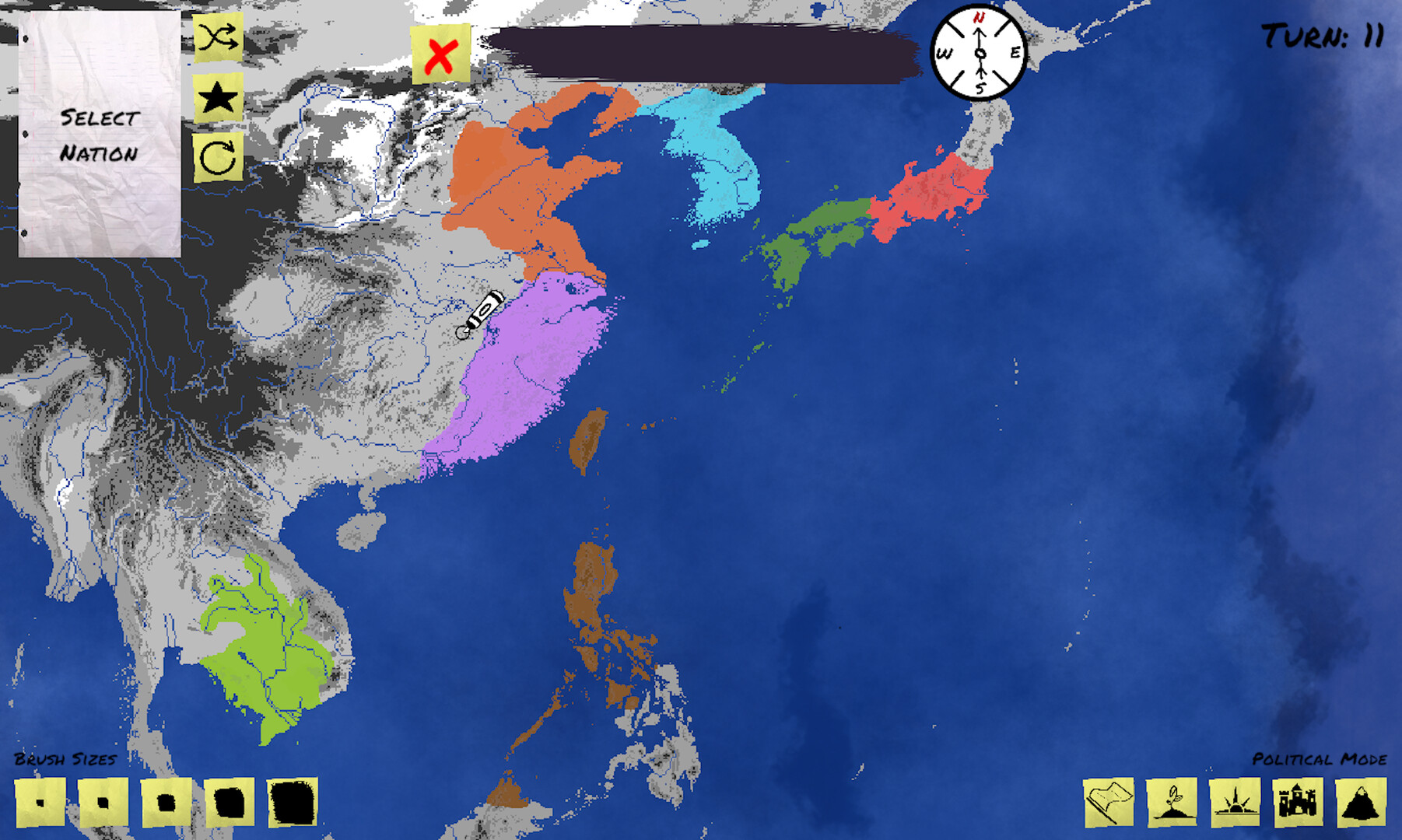
First choose a border colour and type a name, then draw the nation’s outline directly onto the map while watching the drawing‑power meter at the top of the screen. When the meter runs out you must stop drawing and can open the nation inspector by clicking the nation.
In the inspector press the Select button to make that nation the current target for cards. Because drawing power limits how much border you can lay at a time, planning a compact shape can preserve power for later adjustments.
- Start with a simple shape to keep drawing‑power usage low.
- Leave a small reserve of power for quick tweaks after the initial draw.
02 / THE GUIDE
Card Types and Their Effects
After selecting a nation, draw a new card in the top‑right slot. Expand cards (small, medium, large) let you grow the selected nation’s borders; expanding into unclaimed territory costs less than expanding into another nation’s land.
Split cards carve a new nation out of the selected one, Union cards annex another nation entirely, New Nation cards let you create an additional nation, New Leader cards replace the current leader with one that has different traits, Build Castle cards place a named castle that protects surrounding tiles, and Found/Adopt Religion cards create or adopt faiths.
- Use small expand cards on unclaimed tiles to test border growth before spending larger cards.
- Place castles before expanding nearby to see how protection affects expansion cost.
03 / THE GUIDE
Map Visualisation Modes
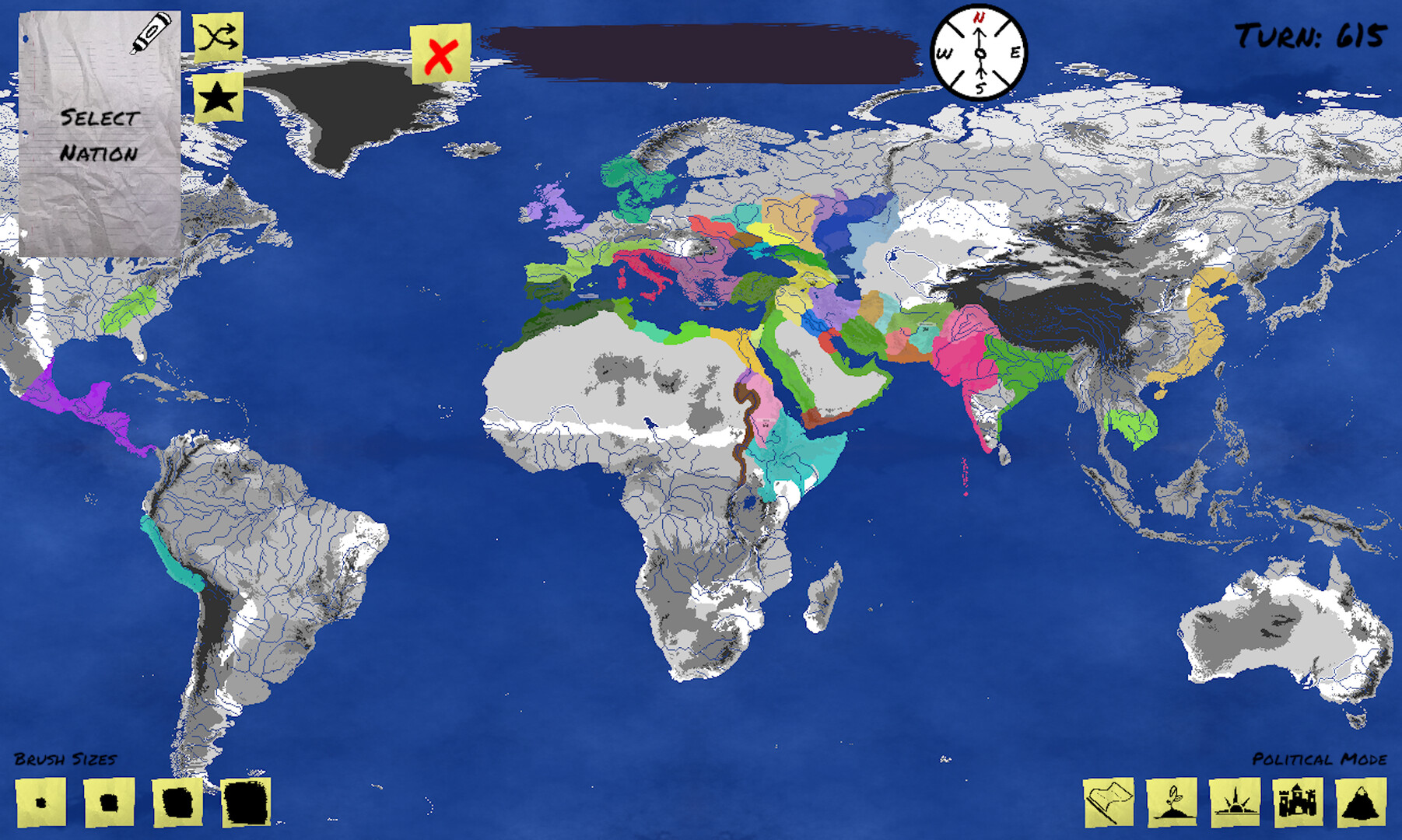
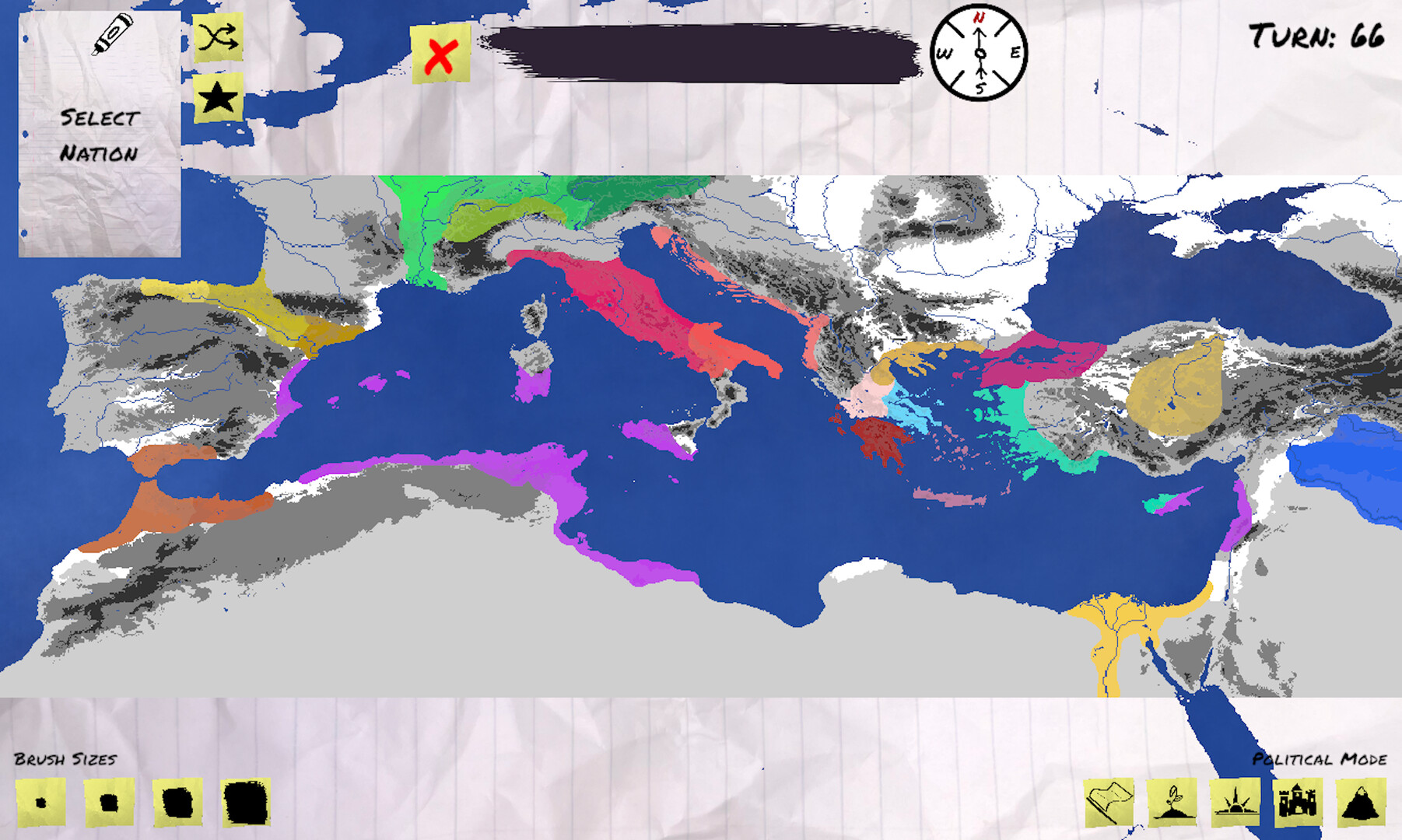
Political Mode shows the borders of all nations on the map. Origin Mode shows the original nation each nation split off from, allowing you to trace ancestry relationships.
Faith Mode displays which tiles belong to each religion, while Fort Mode highlights tiles that are currently protected by castles, indicating areas that are more costly to expand into.
- Switch to Fort Mode before expanding near castles to gauge extra cost.
- Use Origin Mode to locate nations that share the same original nation.
04 / THE GUIDE
Planned Additions
The developer plans to add migrating tribes that can eventually settle new lands, and disaster cards that cause nations to lose territory to wilderness. These would introduce new sources of change beyond player‑driven cards.
Quality‑of‑life updates are also slated, such as map sizes, a list of dead nations, UI redesigns, and added music or sound effects.
- Watch update notes for tribe mechanics that may affect long‑term expansion.
- Consider how future disaster cards could alter your planning once they appear.
05 / THE GUIDE
Supported Platforms and Community Tools
Doodle Empires runs on Windows, macOS and Linux and offers single‑player gameplay. Steam Workshop integration lets players share custom maps, while Remote Play Together enables friends to join a session without each owning a copy.
Family Sharing allows multiple accounts to access the game under one purchase, providing flexibility for households or friends who share a library.
- Browse the Steam Workshop for community‑made maps that can inspire new nation designs.
- Use Remote Play Together to let a friend advise on card choices while you draw.
COMMUNITY
Player discussion