 GameWiki
GET YOUR BEARINGS
About Don't Stop Cutting The Trees!
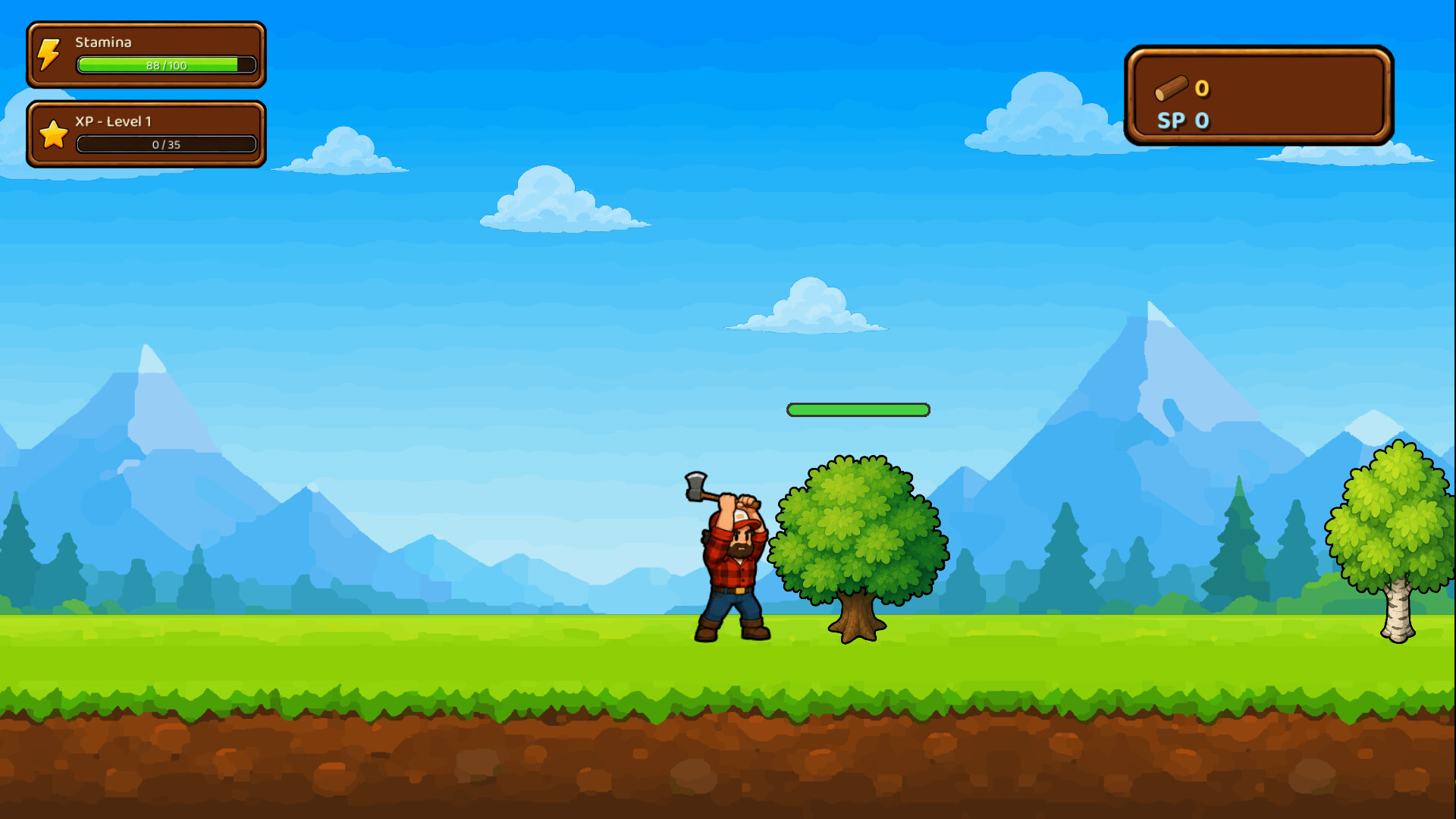
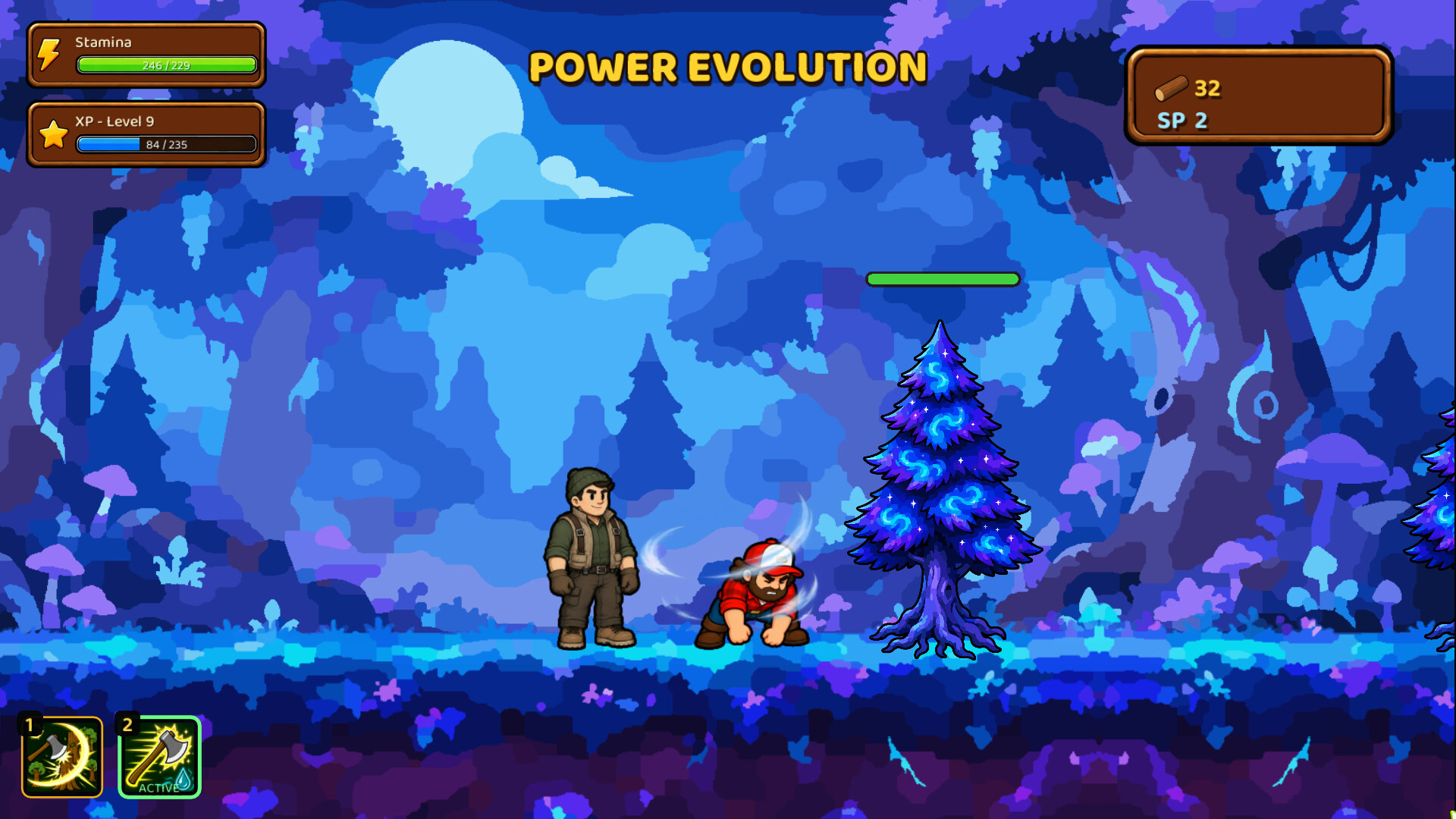
Don’t Stop Cutting the Trees! is a colorful incremental game that puts you in the boots of a determined lumberjack. You travel through increasingly dangerous forest regions, automatically walking and chopping while you focus on managing progress.
Your role centers on gathering Wood, earning XP, unlocking skill‑tree nodes, activating active abilities, and selecting companions and regions for each run. The game runs at your own pace, letting you save anytime and keep progress via Steam Cloud.
01 / THE GUIDE
Progression Management
The lumberjack walks and chops automatically, so you concentrate on choosing upgrades, activating abilities, and deciding which region to explore next. Wood and XP are the primary resources you collect to advance.
Progress is saved at any moment, and you can continue later thanks to Steam Cloud. This lets you pick up where you left off without timed pressure.
- Consider balancing skill‑tree upgrades with active abilities for smoother runs.
- Experiment with different region choices to see which yields the most Wood per run.
02 / THE GUIDE
Skill Tree
Unlocking skill‑tree nodes is a core way to progress further. Each node offers upgrades that can help you progress further.
The skill tree lets you plan upgrades before heading into the next forest region.
- Prioritize nodes that complement your chosen active abilities.
- Review the skill tree after each run to adjust your upgrade path.
03 / THE GUIDE
Active Abilities
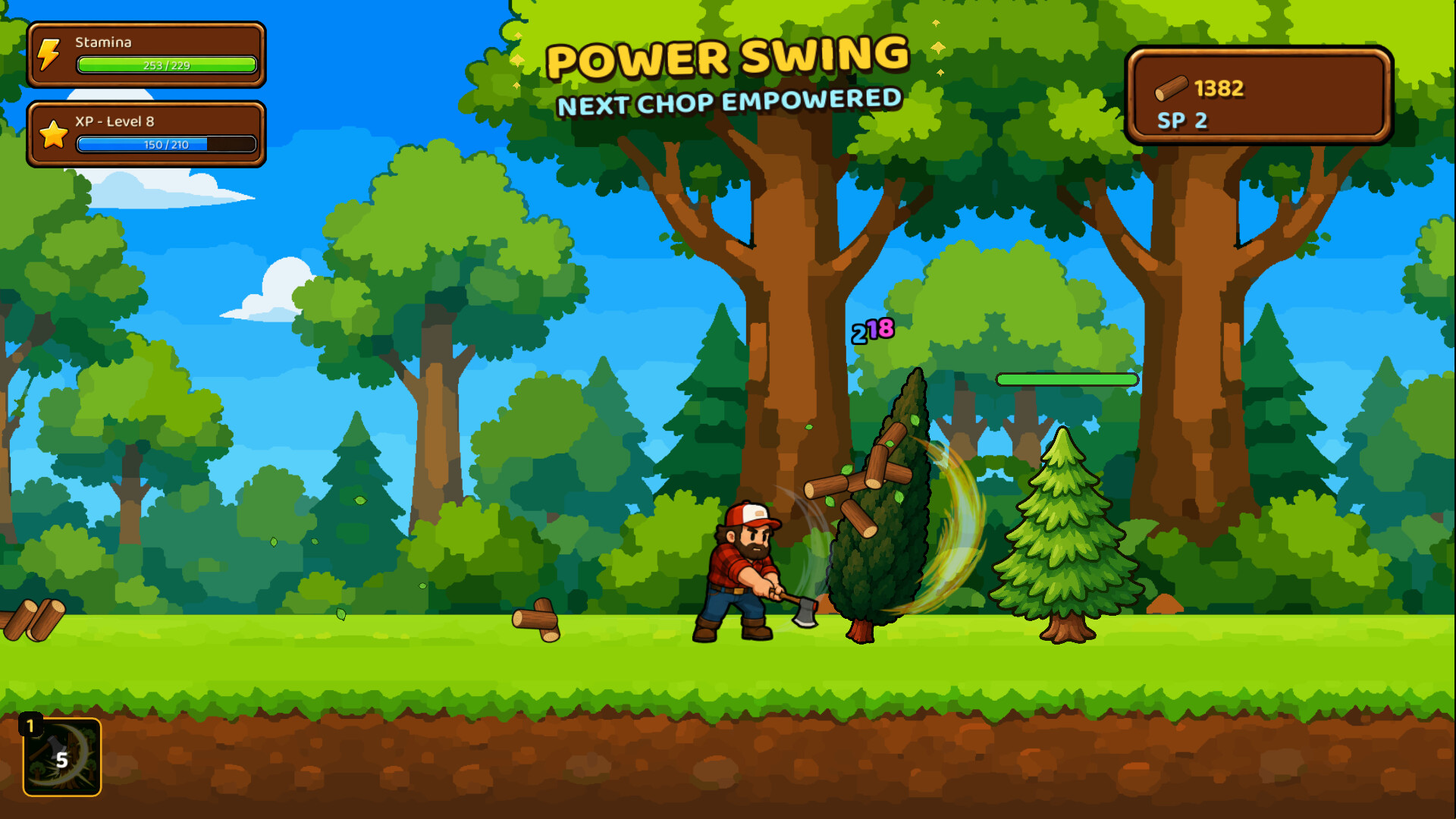
Active abilities can be triggered during a run to help you progress faster. They are separate from passive skill‑tree upgrades and require manual activation.
Using abilities strategically can make challenging regions more manageable and increase Wood collection.
- Save abilities for tougher boss trees to maximize impact.
- Try using abilities alongside your companions during a run.
04 / THE GUIDE
Companions
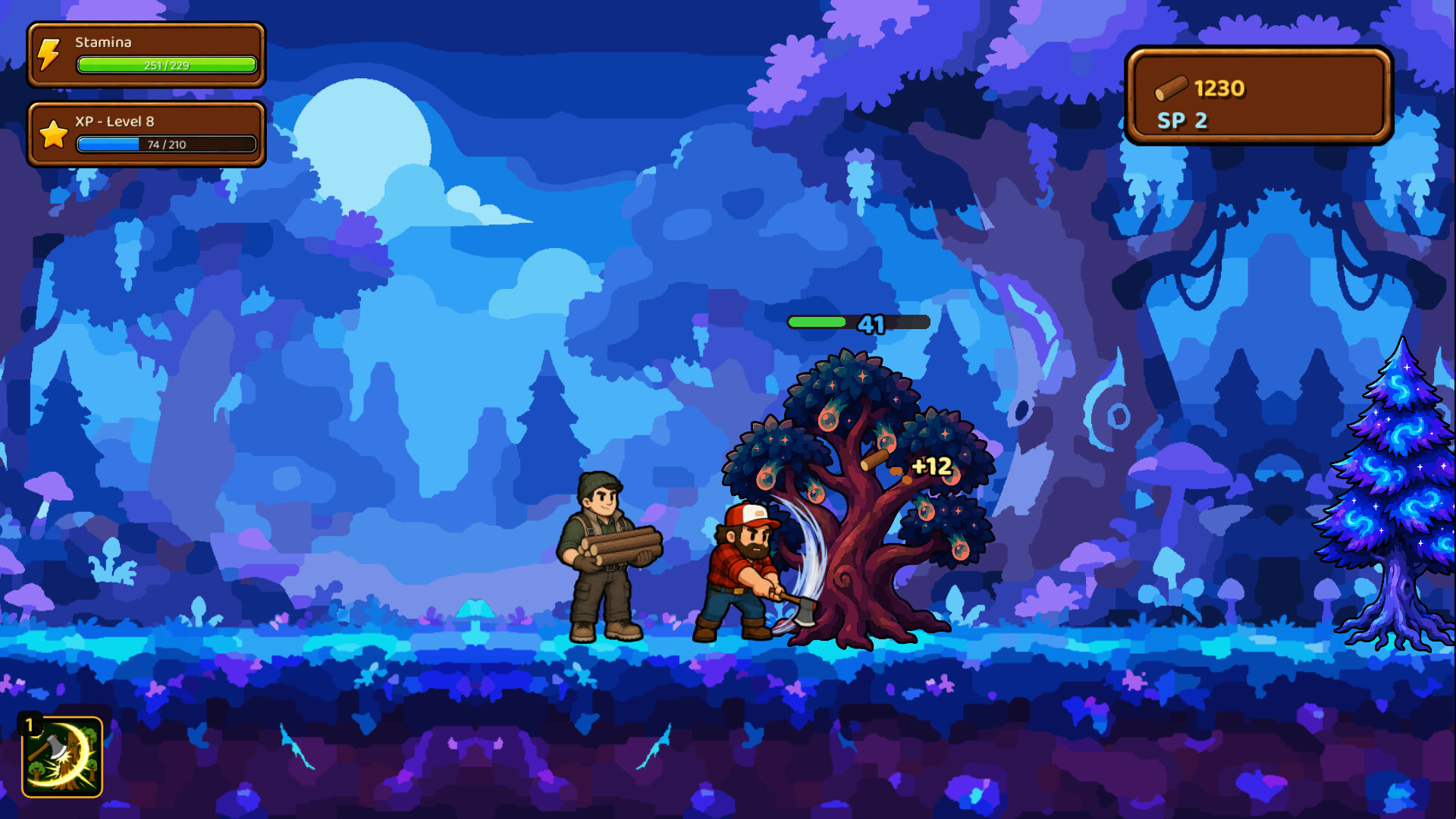
Companions join you on runs, providing assistance to help you out during a run. You select which companions to bring before each region.
You can experiment with different companions across forest areas to see which ones help you most.
- Test each companion in a low‑risk region to gauge their usefulness.
- Mix companions with complementary abilities for balanced support.
05 / THE GUIDE
Platform Features
The game runs on Windows via Steam and supports single‑player play, Steam Achievements, custom volume controls, and family sharing. It is designed for play at your own pace without timed input.
Save-anytime and Steam Cloud integration ensure your progress is retained across sessions.
- Adjust volume settings to suit your environment before long runs.
- Enable family sharing to let others experience the game without separate purchases.

COMMUNITY
Player discussion