 GameWiki
GET YOUR BEARINGS
About DON'T SCREAM TOGETHER
DON'T SCREAM TOGETHER is a minimalist co‑op horror experience where up to four players explore a pitch‑black forest in 1993 with camcorders. The sole aim is to survive until 8:00 AM without screaming or making any loud noise, while searching for batteries and symbols. The game relies on proximity chat, dynamic scares, and a found‑footage aesthetic. It offers two play styles—restart or hunter—and emphasizes calm voice control over puzzles or narrative depth.
01 / THE GUIDE
Gameplay Objective
Players enter a huge, pitch‑black forest equipped with camcorders and must reach 8:00 AM without screaming. Time only advances when a player moves, preventing indefinite standing still.
While moving, players collect batteries to power camcorders and locate scattered symbols. The forest contains strange locations, hidden traps, and occasional hunters that add tension.
- Move steadily to keep time flowing without rushing into scares.
- Prioritize battery locations early to avoid losing power later.
02 / THE GUIDE
Microphone Calibration
Before playing, each player must calibrate their microphone in‑game. Calibration determines the volume threshold that triggers a scream restart.
Even a quiet gasp can be flagged as a scream, so accurate setup is essential for a fair experience.
- Test the calibration with a soft whisper to ensure the threshold is not too low.
- Re‑calibrate after changing headphones or microphone placement.
03 / THE GUIDE
Proximity Chat
Players can talk freely using proximity chat, but any loud voice will cause a restart for the whole group. The chat system encourages quiet communication.
Because the game flags loud sounds as screams, maintaining a low voice level is part of the core challenge.
- Use whisper mode or lower your mic gain when speaking.
- Coordinate gestures or non‑verbal cues to reduce spoken communication.
04 / THE GUIDE
Game Modes
Two modes are available: a restart mode where a scream restarts the session, and a hunter mode where a player can assume the hunter role after a scream.
Both modes support up to four online co‑op players, with testing indicating up to twelve participants.
- Try the hunter mode for a change of perspective after several normal runs.
- Discuss role assignments before starting to avoid confusion.
05 / THE GUIDE
Visual Style
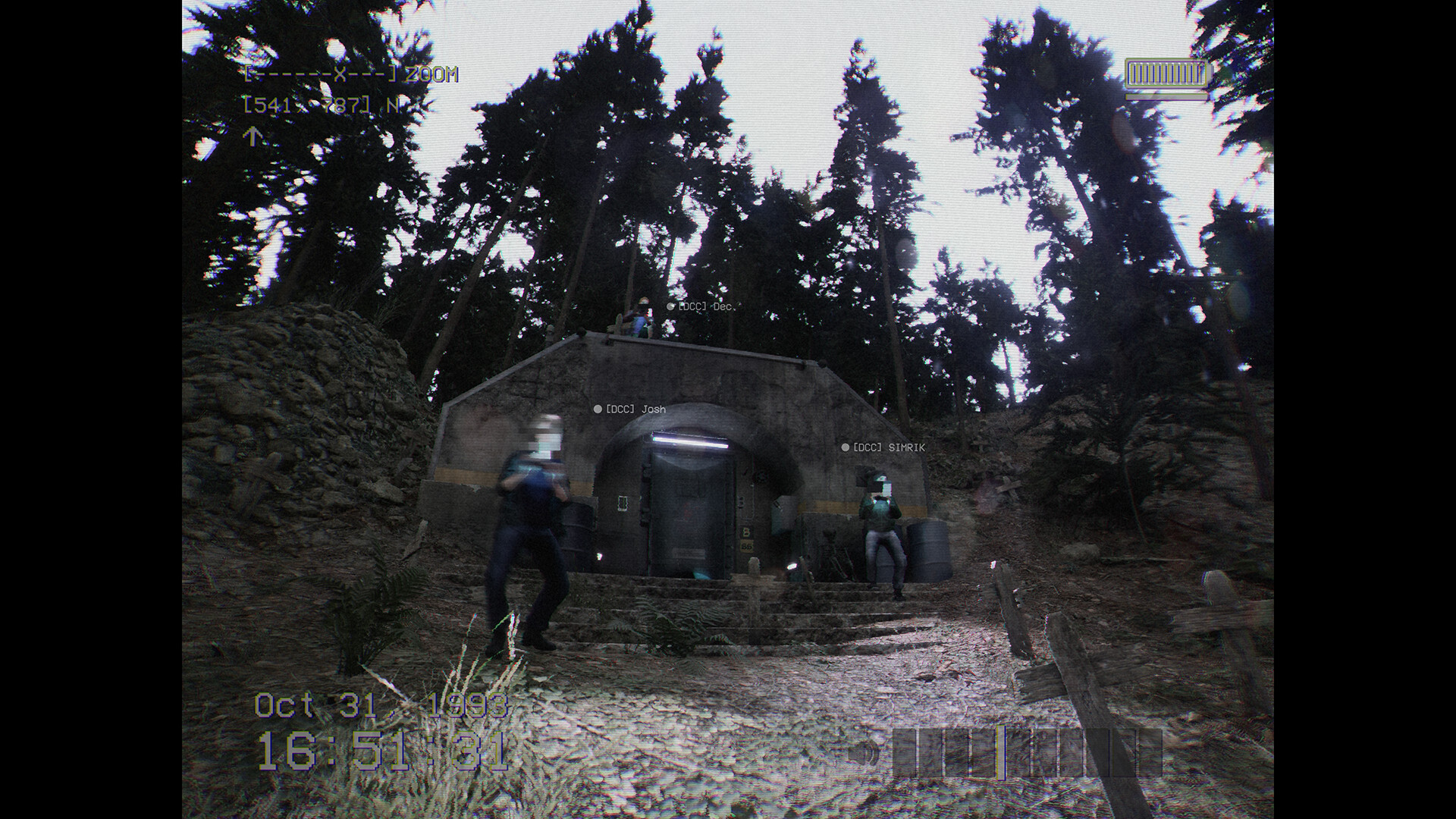
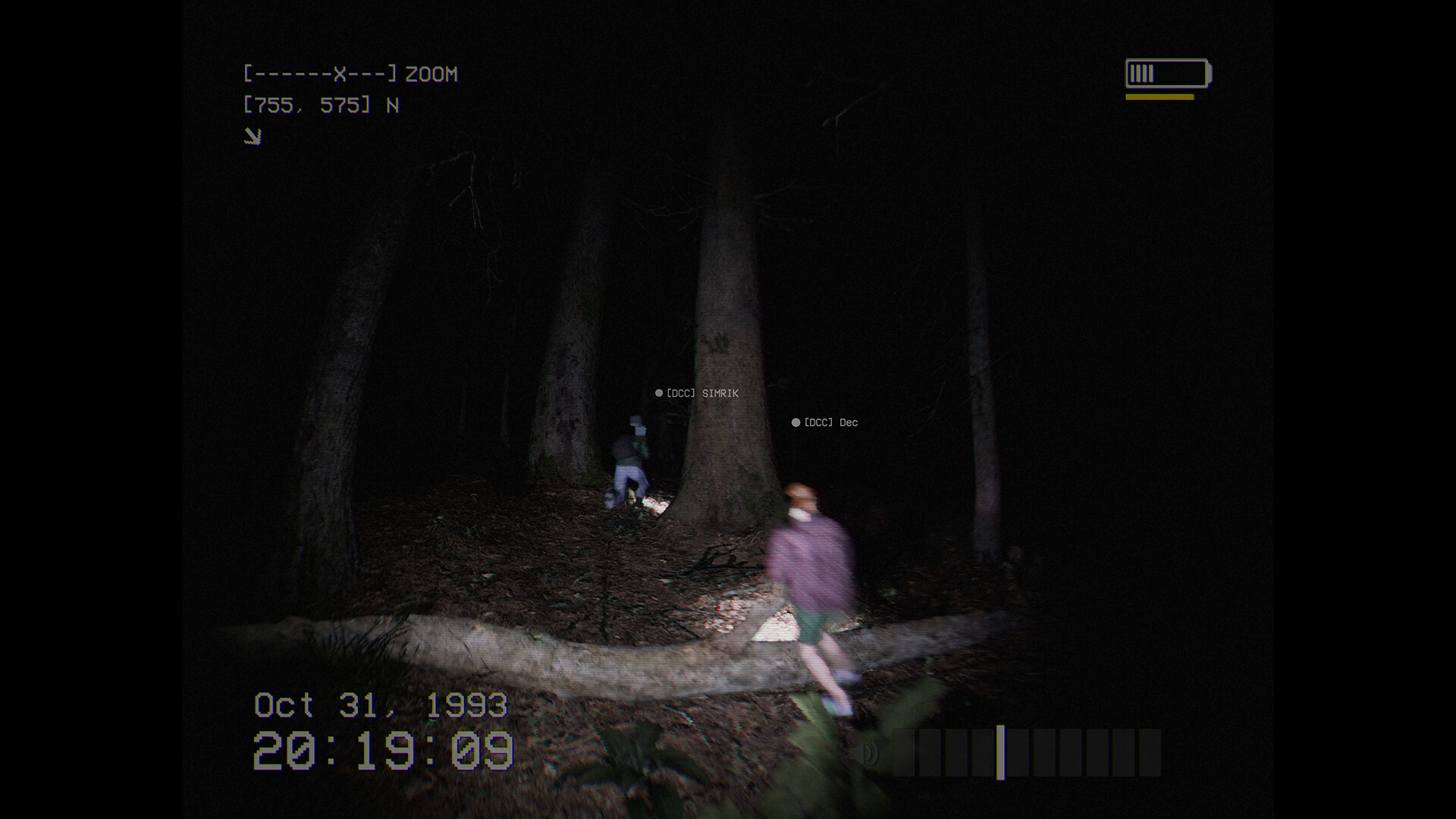
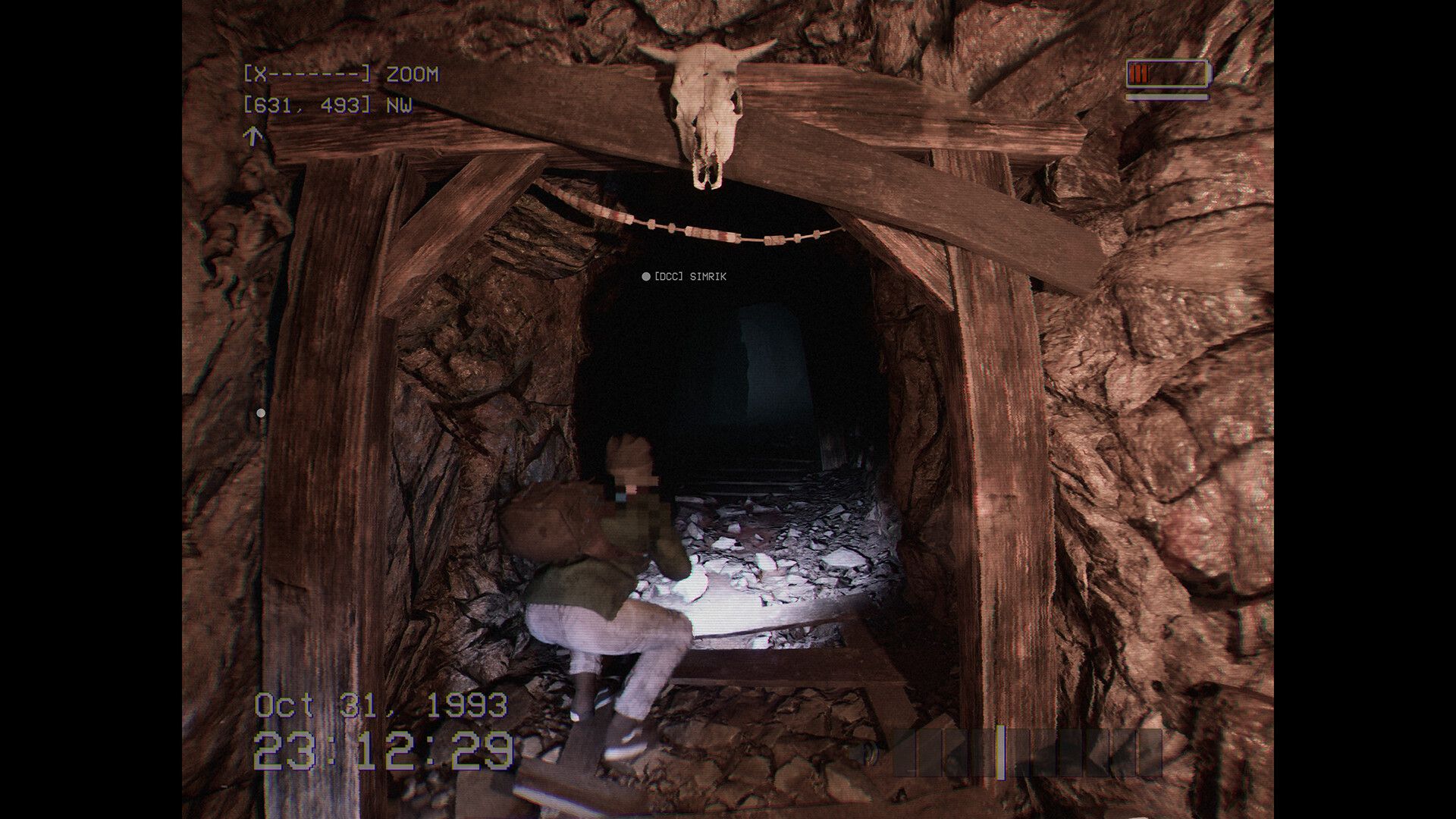
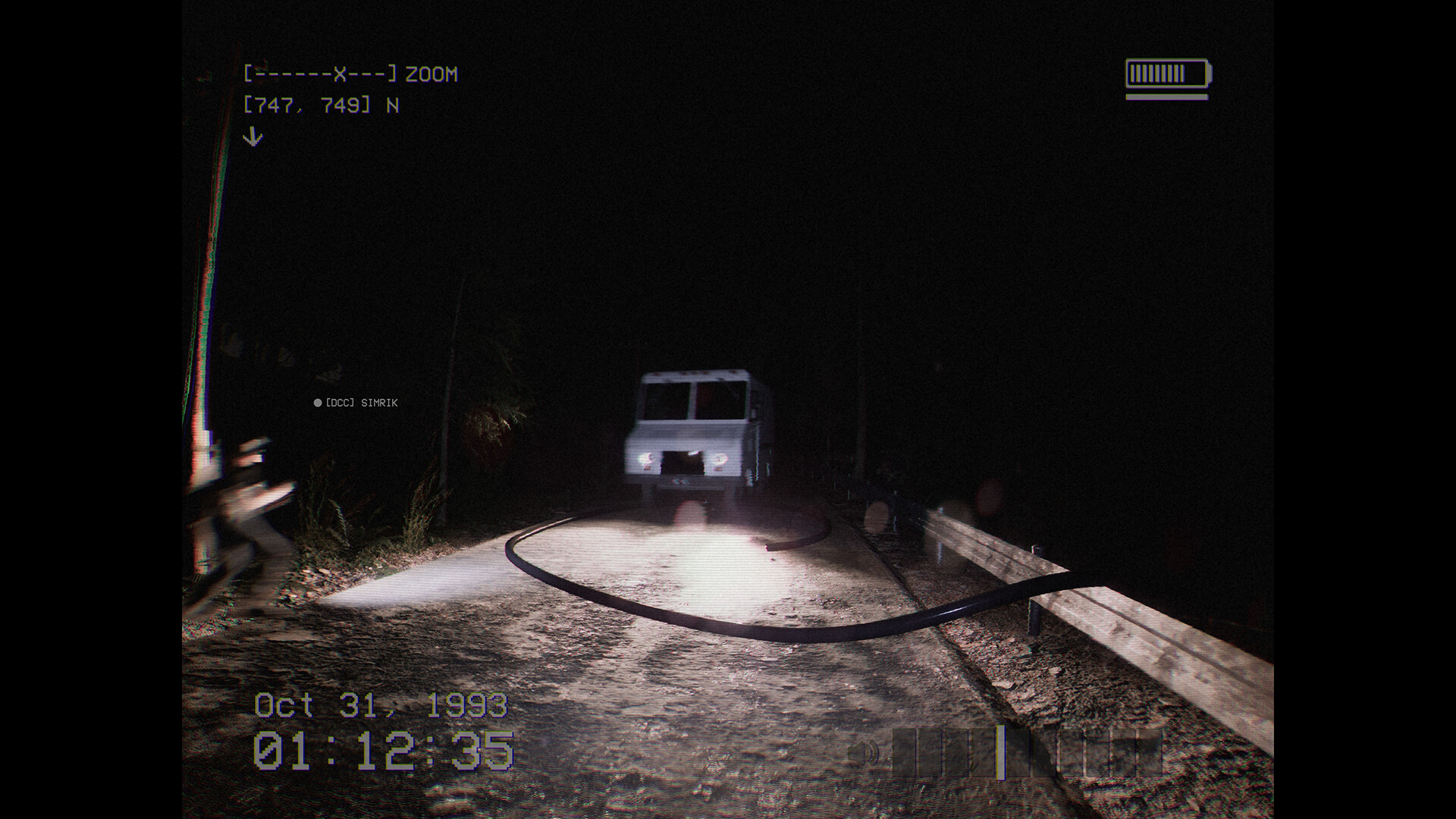
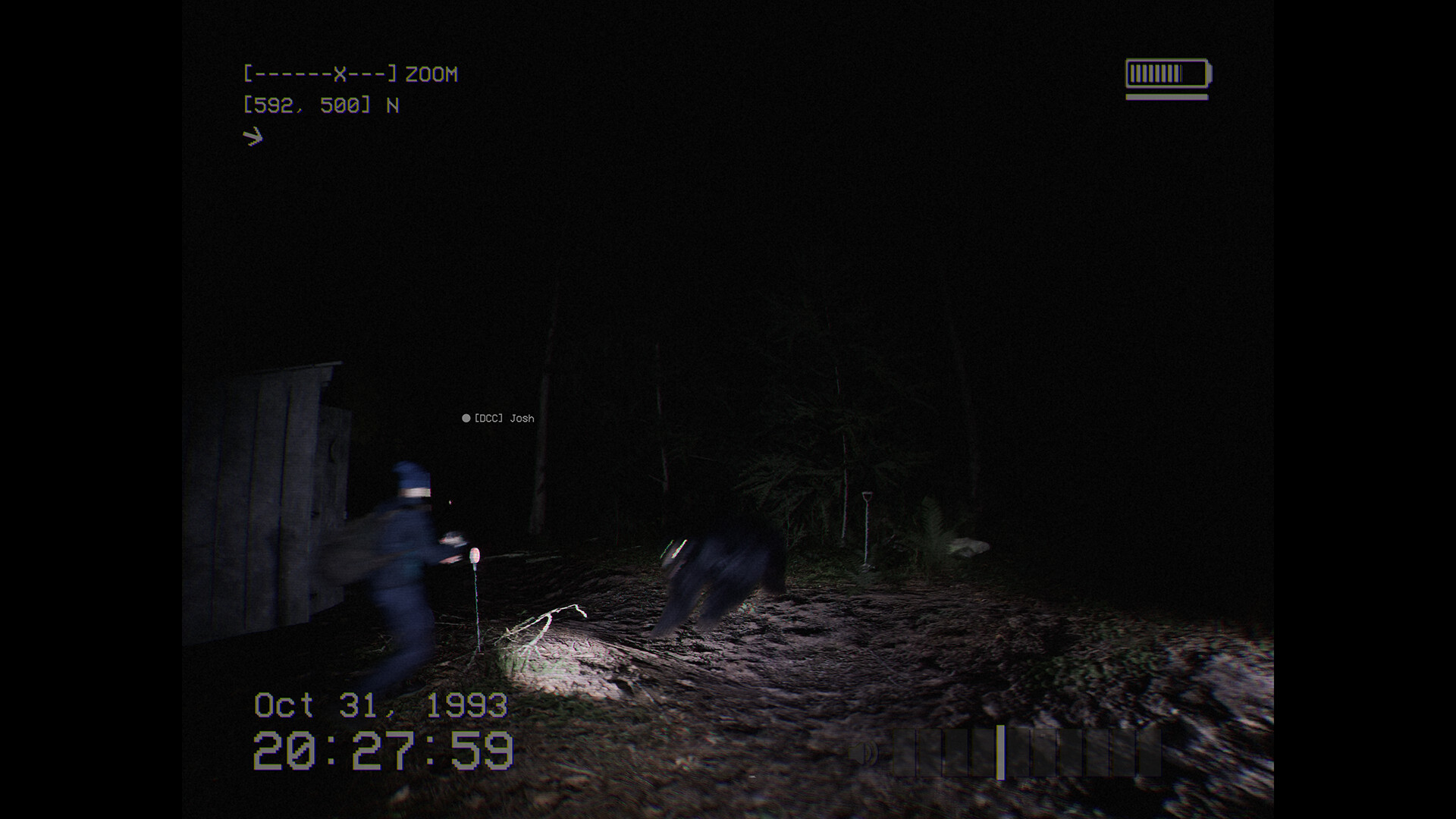
The game adopts a 1990s found‑footage aesthetic, presenting the forest through camcorder lenses. This style enhances the horror atmosphere without complex graphics.
Dynamic scares are generated each playthrough, ensuring that the visual and audio surprises feel fresh.
- Adjust camera comfort settings if the camcorder view feels disorienting.
- Enable stereo sound for better directional scare cues.
COMMUNITY
Player discussion