 GameWiki
GET YOUR BEARINGS
About Dominion
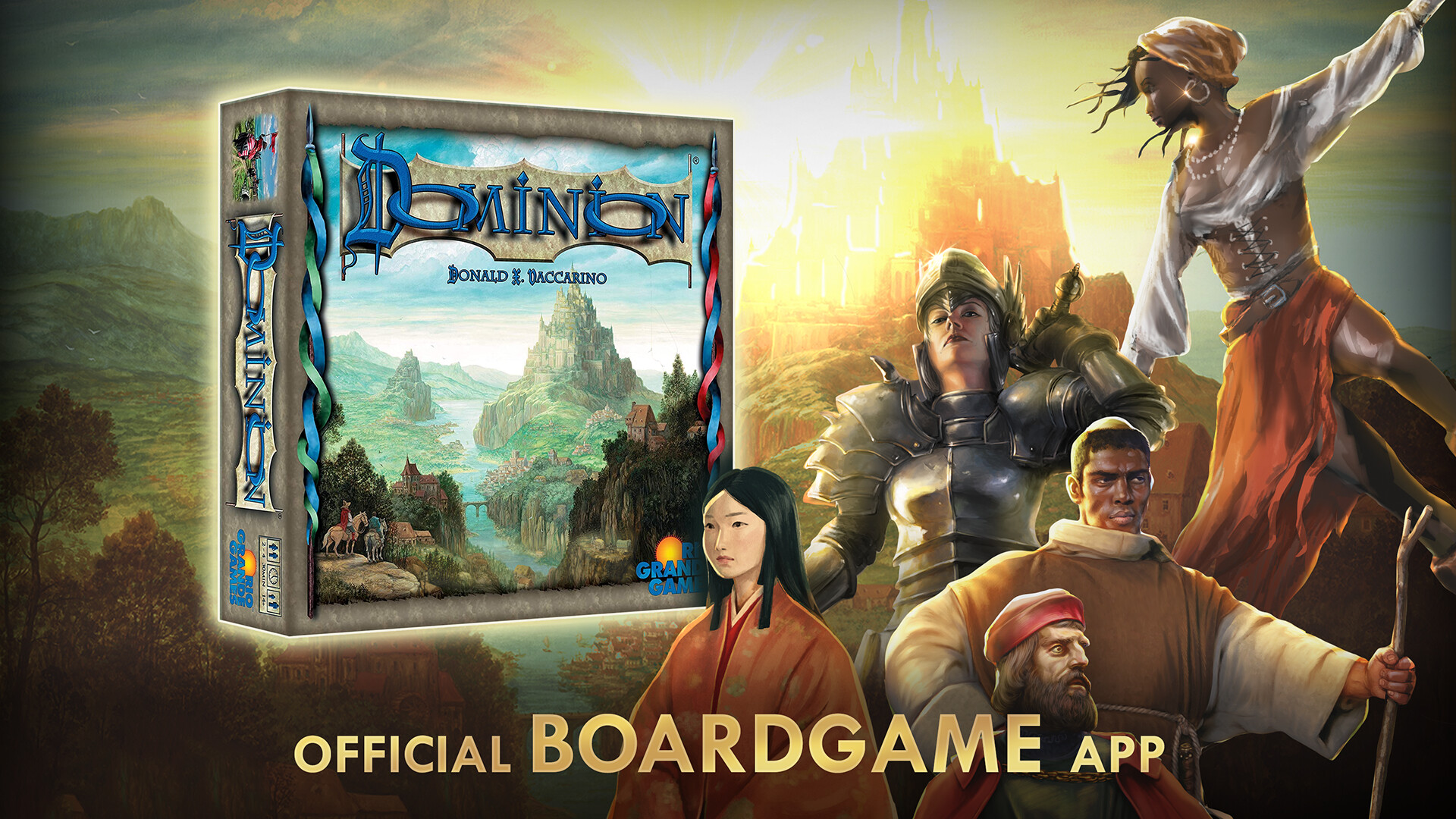
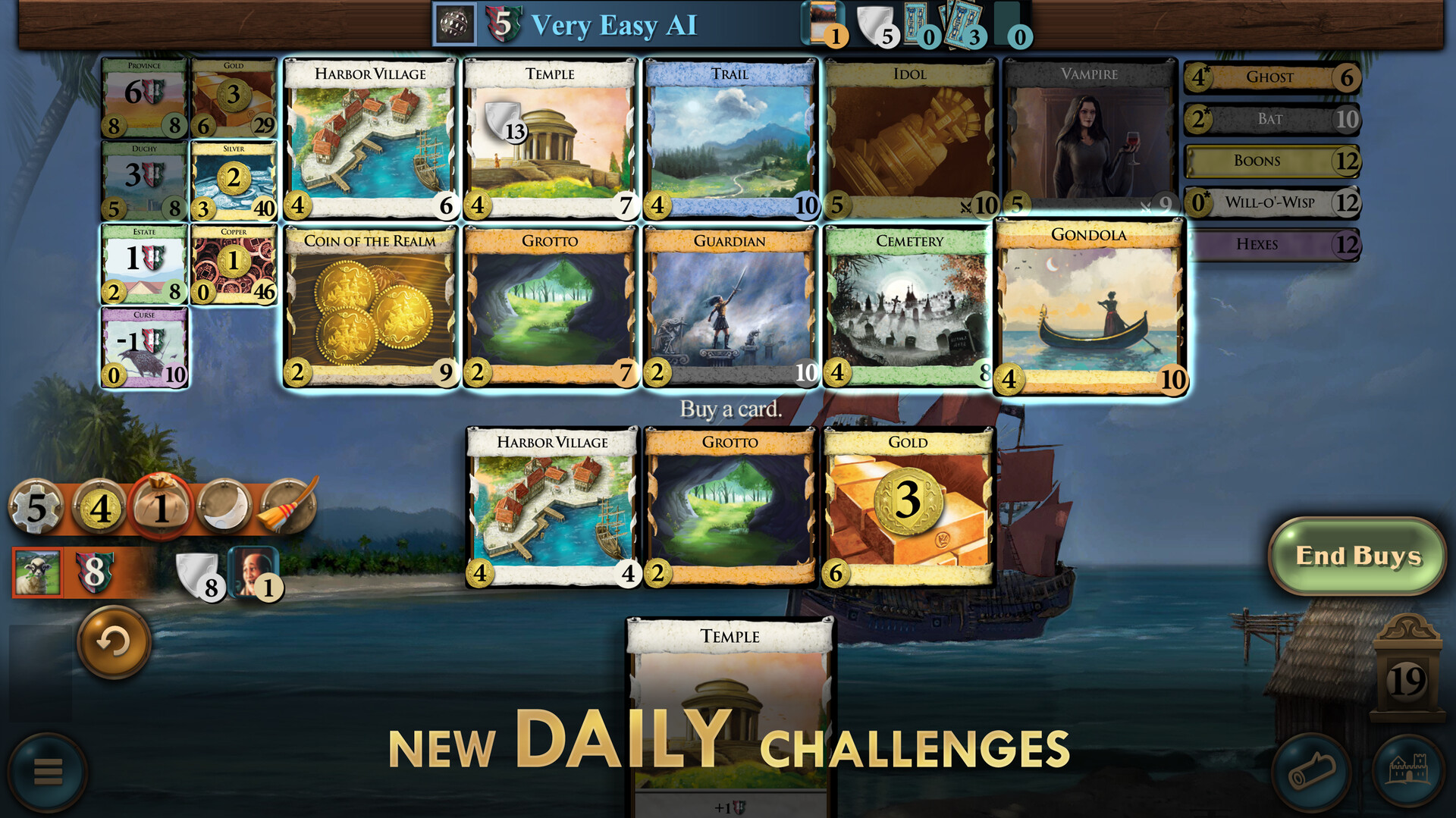
Dominion brings the award‑winning deck‑building board game to digital devices. Players start with a modest deck of Estates and Coppers and aim to accumulate Victory Points by buying stronger cards from a ten‑card tableau. The game offers both solo AI opponents and multiplayer matches, supporting up to six players online.
The free base set includes the original cards, while expansions such as Plunder add new options. Features include cross‑platform matchmaking, daily puzzle challenges, and tools to export and share kingdom configurations. The app also provides tutorials, hints, and automated score‑keeping to ease new players into the strategy‑heavy experience.
01 / THE GUIDE
Solo Play and AI
The digital version includes a solo mode where a robust AI opponent can be selected at four difficulty levels. The AI learns through self‑play, offering a consistent challenge that scales with the player’s skill. Achievements are tied to winning recommended sets against each AI level.
Players can practice strategies without needing other humans, using the AI to test card combos and kingdom builds. The AI’s learning system means repeated games become progressively tougher, encouraging refinement of deck‑building tactics.
- Start on the lowest AI difficulty to learn card interactions before moving up.
- Review the AI’s moves after a game to spot potential improvements.
02 / THE GUIDE
Multiplayer Matchmaking
Dominion supports real‑time and asynchronous multiplayer for 1‑6 players. Ranked and unranked matchmaking let players compete on leaderboards or enjoy casual games. Private tables can be set up for friends, and a lobby system enables quick entry into public matches.
Cross‑platform play allows users on different devices to join the same game, expanding the pool of opponents. Only the host needs to own any selected expansions, so players can try new cards without purchasing them individually.
- Use the lobby to find opponents with similar skill levels.
- Create a private table for a family game to control the expansion set.
03 / THE GUIDE
Daily Dominion Puzzle
A free Daily Dominion puzzle is offered each day, rotating a selection of expansion cards for a single‑player challenge. The puzzle is available to all players without cost and can be used to practice new card interactions.
Completing daily puzzles contributes to a winning streak and can improve a player’s leaderboard position. The puzzles are designed to be quick, fitting a short coffee break.
- Play the daily puzzle before a longer session to warm up.
- Track which expansion cards appear most often to anticipate future puzzles.
04 / THE GUIDE
Expansions and Kingdom Customization
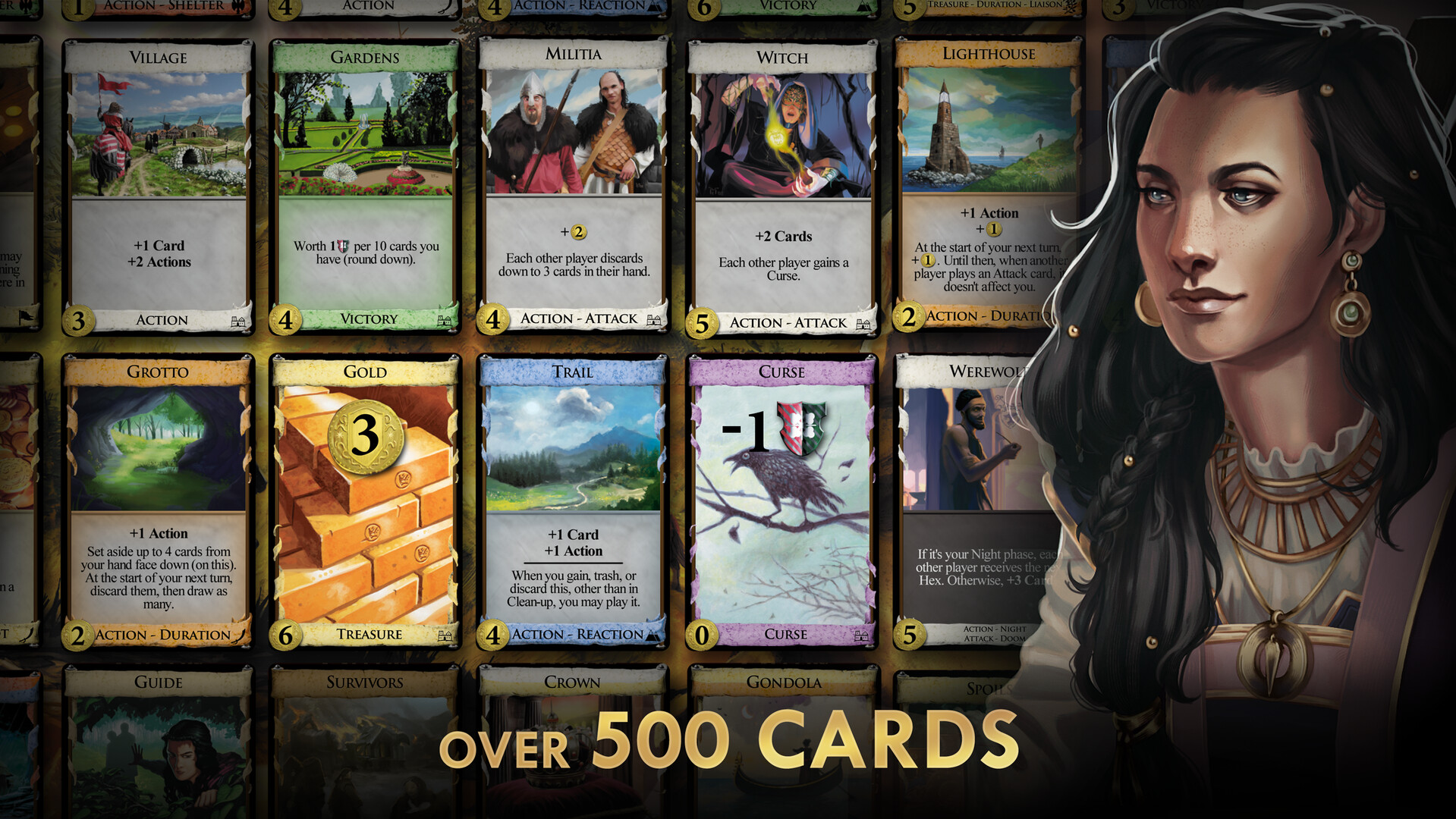
Beyond the base set, Dominion includes over 15 expansions and three promo packs, providing more than 500 cards. Players can enable any combination of expansions in a lobby, and the host’s owned expansions are sufficient for all participants.
The game allows users to export and share kingdom configurations, facilitating strategy comparison. Daily challenges rotate expansion cards, giving a taste of new content without purchase.
- Experiment with different expansion mixes in private games to discover strong combos.
- Export a successful kingdom and review it later to refine your deck‑building approach.
05 / THE GUIDE
Accessibility and UI Options
Dominion includes several UI aids such as Jumbo mode for larger card display on phones, Turbo mode to speed up turns, and automated hints that suggest possible purchases. These options help players of varying skill levels and device sizes.
The tutorial introduces core rules, and the game supports four languages (English, Japanese, German, French). Score‑keeping is automated, reducing bookkeeping errors common in the tabletop version.
- Enable Jumbo mode on small screens to improve readability.
- Turn on hints during early games to learn card synergies faster.


COMMUNITY
Player discussion