 GameWiki
GET YOUR BEARINGS
About Dolls Nest
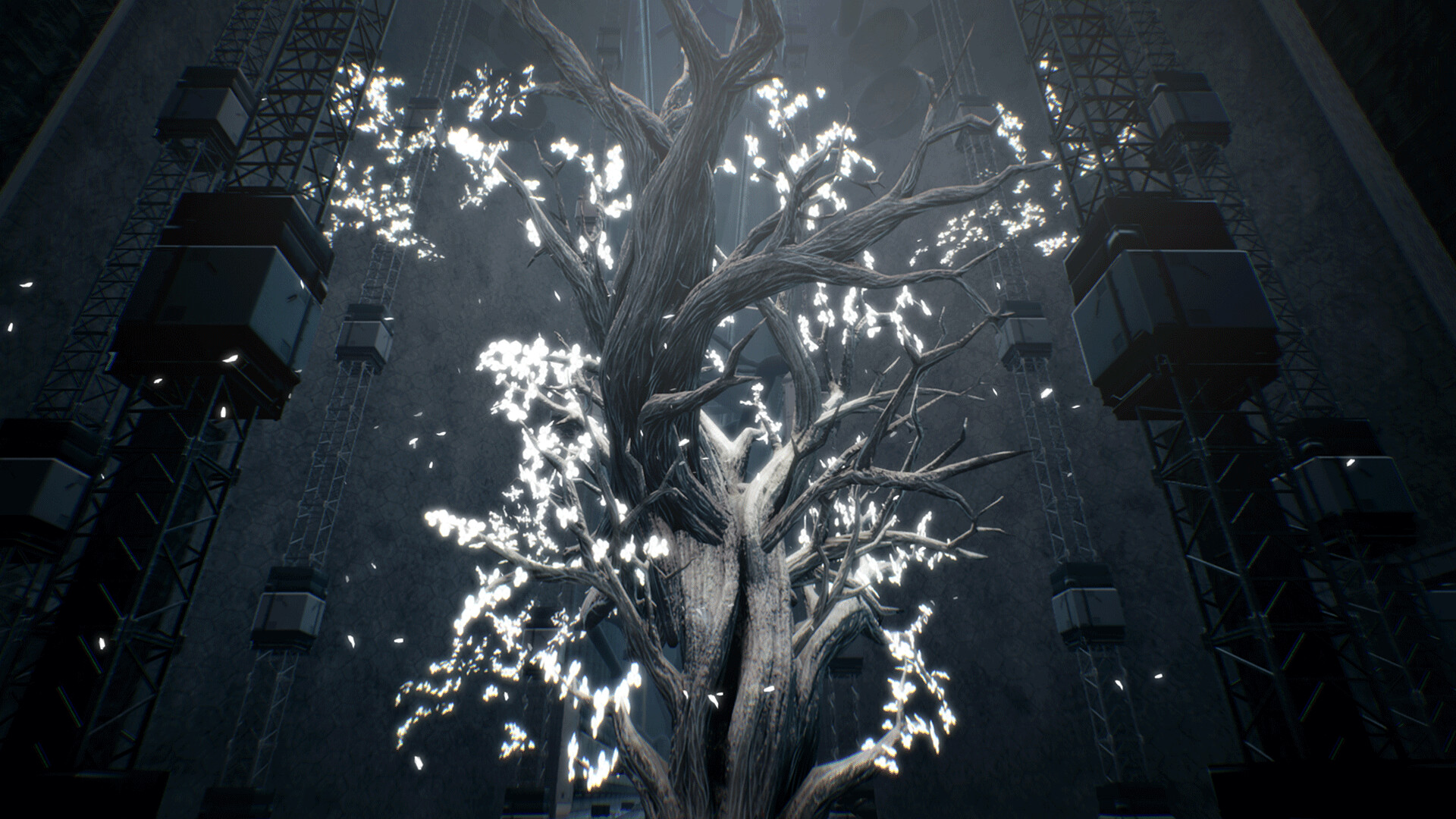
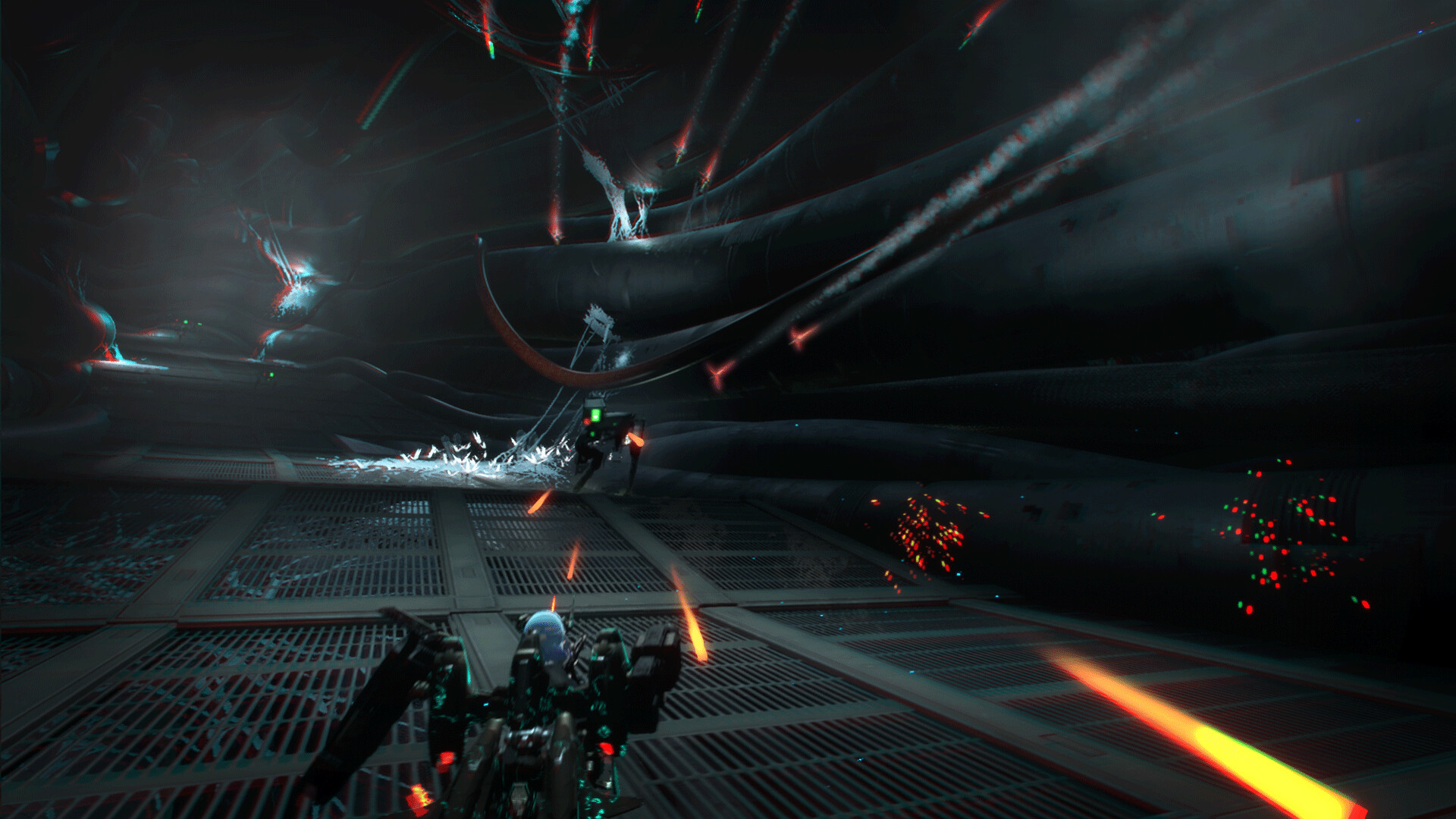
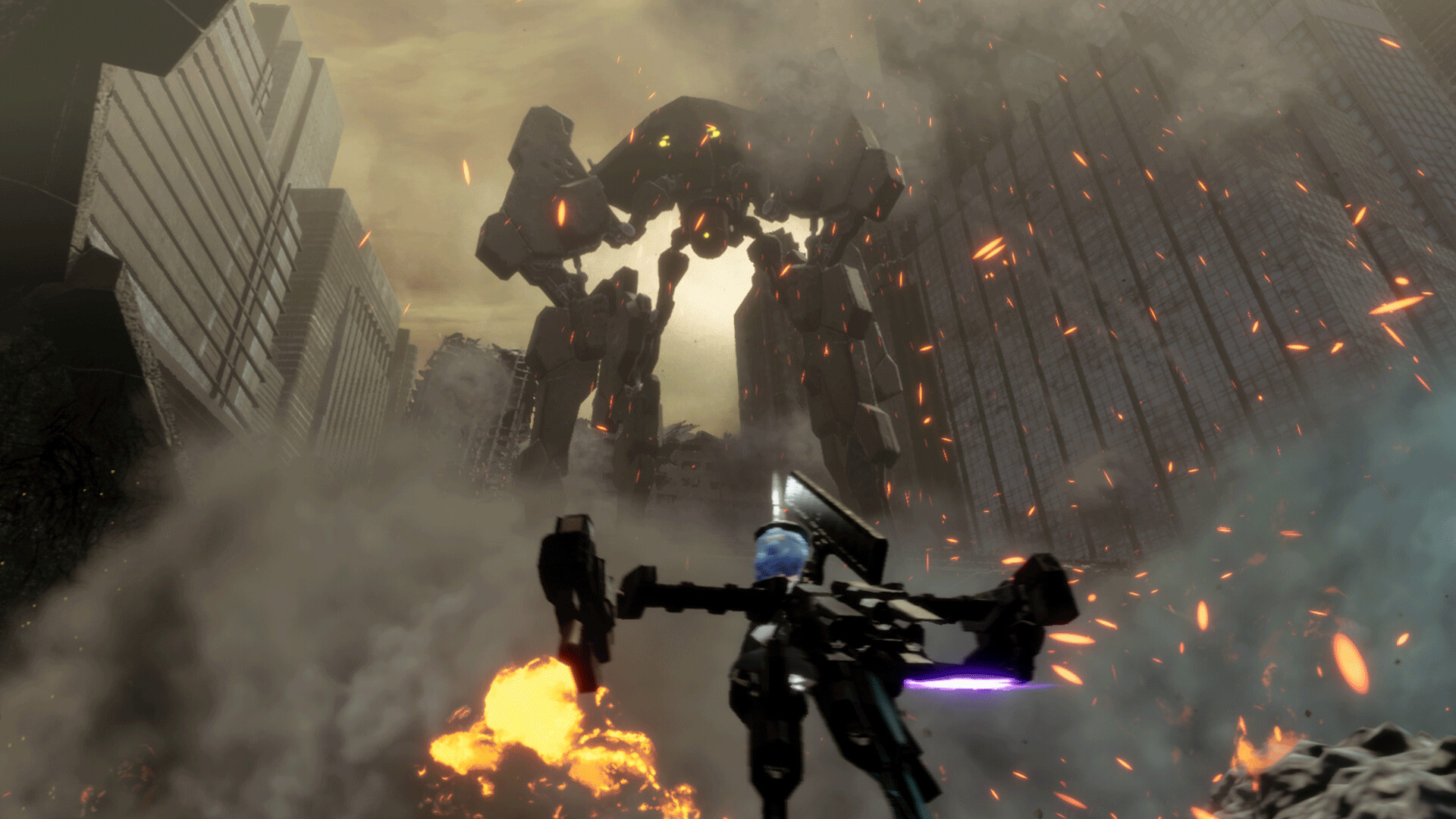
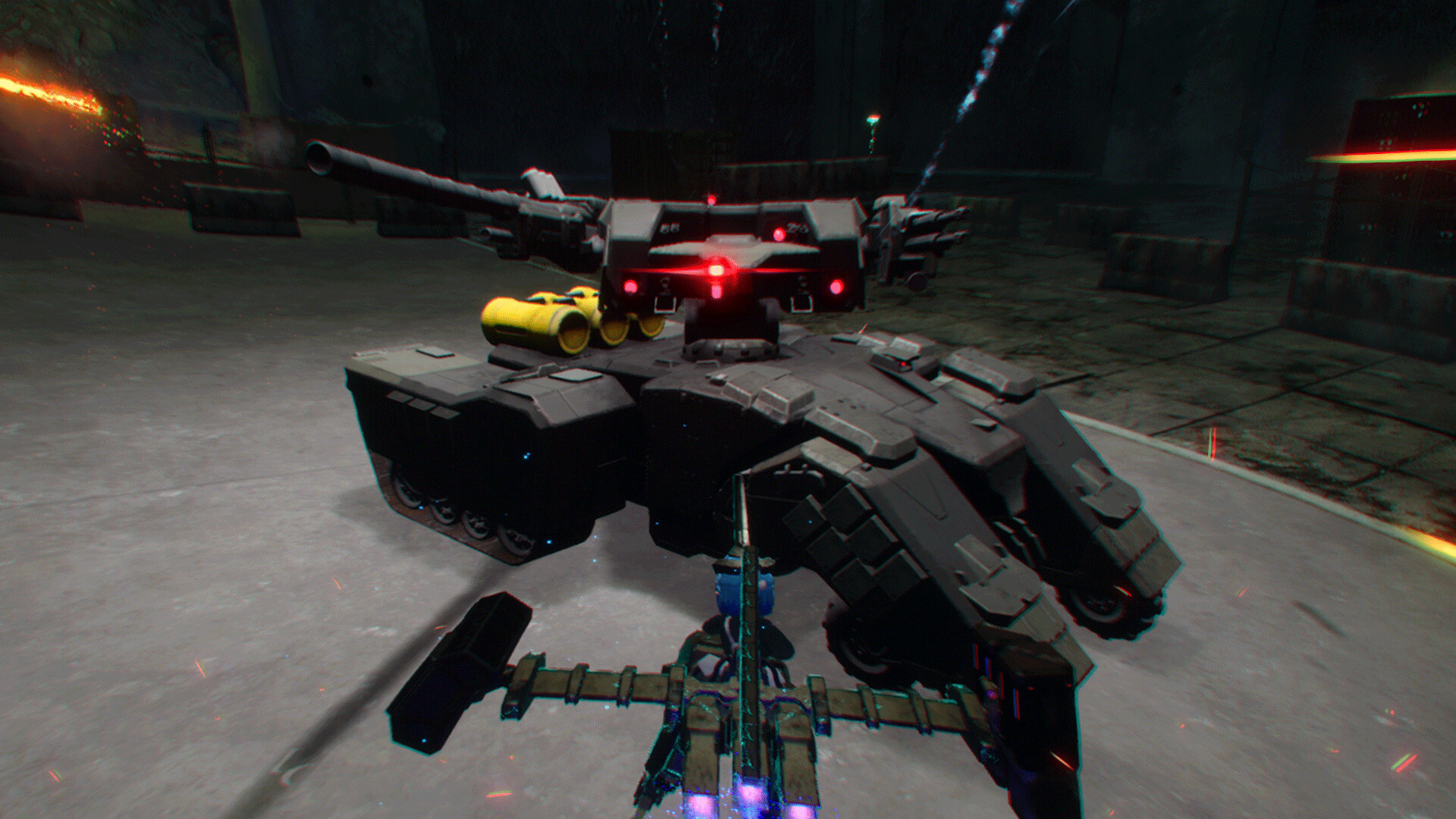
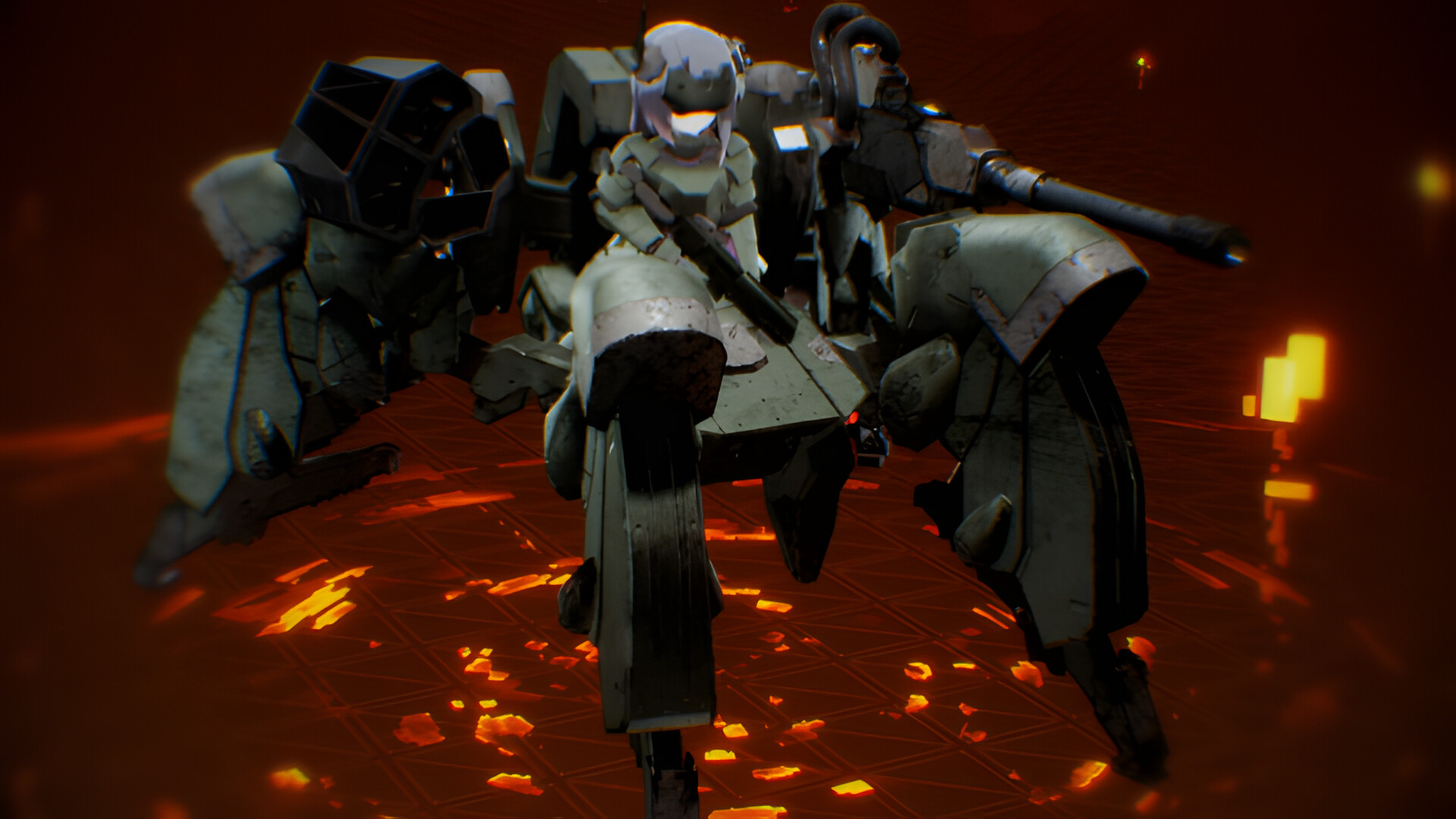
Dolls Nest is a 3D action title where you pilot a mecha‑girl through the vast factory world of Hod. The landscape is filled with broken machines, ruined buildings and armored units, creating a hostile environment to explore.
Survival hinges on scavenging resources, managing a shared energy pool for combat, and swapping Frame Unit parts to suit each encounter. The narrative follows a doll’s awakening as she seeks truth amid the ruined crater.
01 / THE GUIDE
Combat and Energy Management
Dodging and weapon use both draw from a single energy pool. Each action reduces the available energy, so you must watch the meter during fights.
Running out of energy leaves you unable to dodge or attack, making careful timing essential to stay effective in combat.
- Watch the energy meter before committing to a large attack.
- Prioritize dodging when the meter is low.
02 / THE GUIDE
Exploration and Area Bosses
The world of Hod is divided into zones that you explore to locate area bosses. Defeating a boss clears the way to new, previously inaccessible sections.
While moving through zones, events may trigger, adding variety to the journey and sometimes providing additional resources.
- Scout the surroundings for hidden paths before engaging a boss.
- Take note of any event cues that appear during travel.
03 / THE GUIDE
Customization via Frame Units
Frame Units let you change and customize parts on your mecha. Each part can affect combat performance, mobility, or defensive capability.
Choosing parts that match the current challenge improves effectiveness, allowing you to adapt to different enemy types and terrain features.
- Swap to defensive parts when facing high‑damage foes.
- Use mobility upgrades in platform‑heavy sections.
04 / THE GUIDE
Resource Scavenging
Scattered parts and items litter the ruined landscape of Hod. Collecting these resources is necessary for survival and for upgrading Frame Units.
Efficient scavenging reduces the need to backtrack, letting you focus on progression rather than repeated supply runs.
- Mark locations with abundant scrap for later visits.
- Prioritize items that complement your current Frame Unit setup.
05 / THE GUIDE
Platform Features and Support
Dolls Nest runs on Windows and includes partial controller support, Steam achievements, trading cards, cloud saves and family sharing. These integrate the game with the Steam ecosystem.
The features provide convenience for saving progress across devices and allow other Steam users to try the game via sharing.
- Enable Steam Cloud to keep saves synced across PCs.
- Use family sharing to let friends play without a separate purchase.
COMMUNITY
Player discussion