 GameWiki
GET YOUR BEARINGS
About DJ Life Simulator: Learn to DJ for Real
DJ Life Simulator is a simulation game that teaches real‑world DJ techniques. It offers mouse/keyboard play and optional USB/MIDI controller support, letting players practice the same fundamentals used by professional DJs. The game includes a library of lessons, career gigs, and performance analytics that aim to transfer skills to actual equipment.
Set in a single‑player environment, the title features a dynamic crowd that reacts to track choices, a customizable DJ avatar, and the ability to import personal music files in common formats. Early Access status means controller features continue to evolve while the core mixing tools are already functional.
01 / THE GUIDE
Academy Mode Lessons
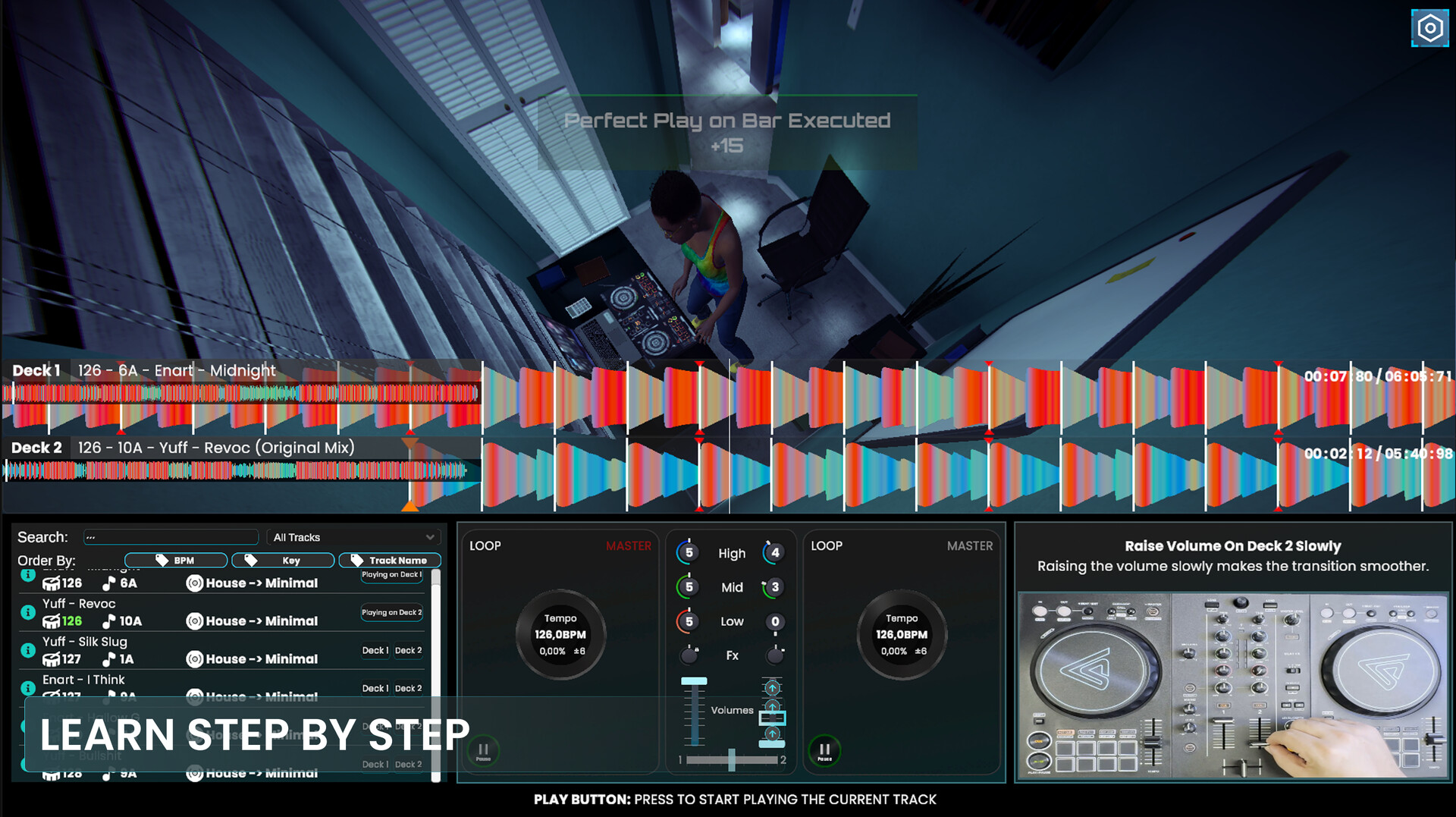
The Academy presents over 20 interactive lessons that guide players from beginner beatmatching to expert use of filters and Beat FX. Each lesson is gamified, rewarding correct timing and technique, and is designed so the skills apply to real DJ gear.
Lessons cover beat counting, crossfader and volume transitions, EQ control, harmonic mixing, loops, and set endings. Advanced topics introduce Echo and Reverb effects for build‑ups and drops, emphasizing musical timing rather than just button presses.
- Start with beatmatching lessons before moving to effects to build a solid rhythmic foundation.
- Observe the in‑game feedback after each lesson to identify which techniques need more practice.
02 / THE GUIDE
Career Mode Progression
Career Mode begins with small house parties and expands to massive festival stages, offering over 100 missions that test the techniques learned in Academy Mode. Successful gigs earn money, gain fans, and unlock new gigs, mirroring a real DJ’s growth.
Performance statistics after each set detail transition quality, beat accuracy, and used effects, helping players pinpoint strengths and weaknesses. Minigame challenges simulate common DJ multitasking scenarios, reinforcing attention and timing under pressure.
- Focus on high transition quality in early gigs to build a strong reputation quickly.
- Use the post‑set analysis to target specific technical mistakes for improvement.
03 / THE GUIDE
MIDI Controller Support
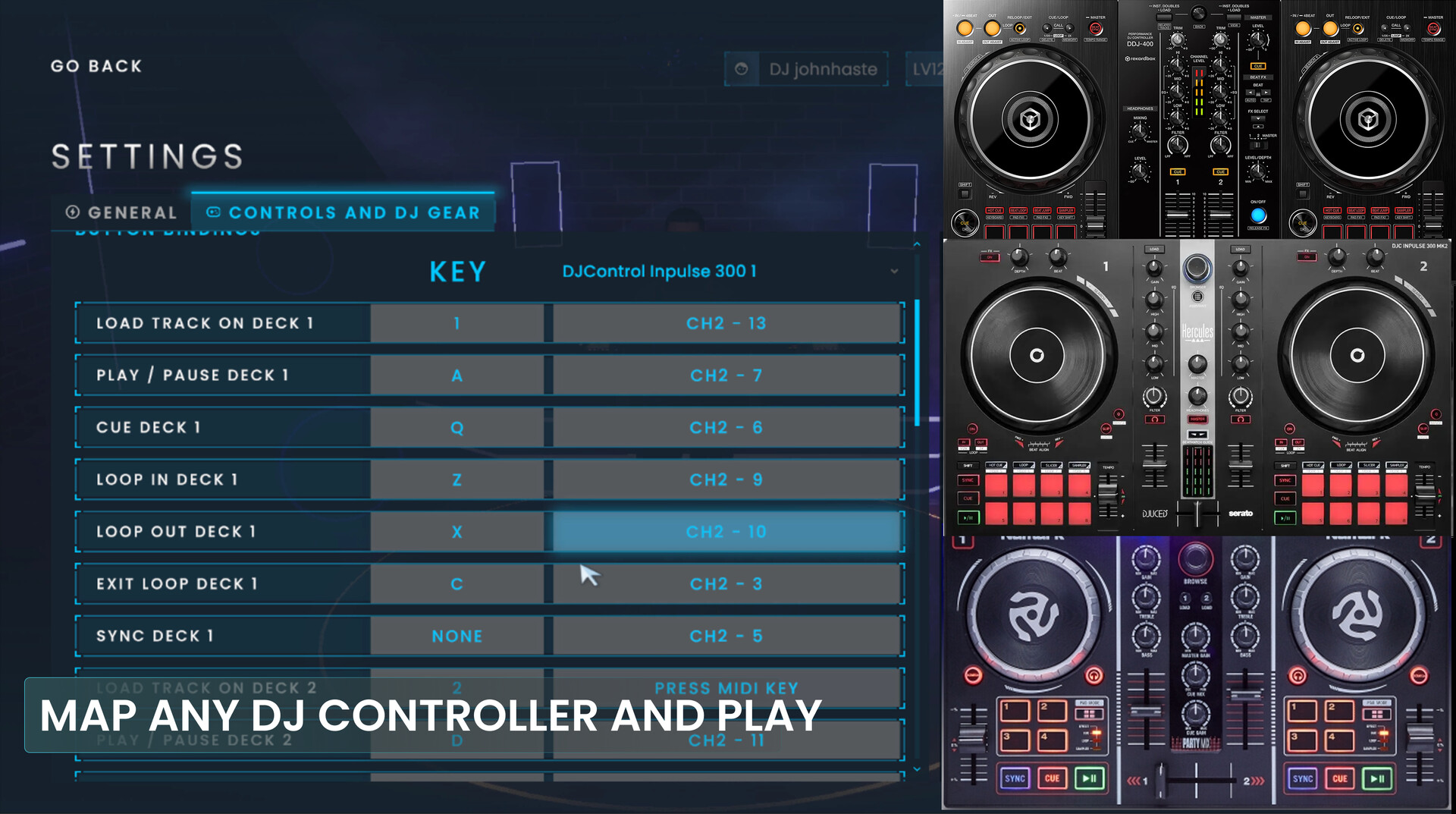
The game works with a range of MIDI‑compatible DJ controllers, including plug‑and‑play Pioneer DJ (AlphaTheta) models. Controllers from Serato, Hercules, Numark, and supported Traktor devices require a one‑time MIDI mapping. Core mixing features are fully supported, while some hardware‑specific functions are pending future updates.
If a controller is not listed, players can download a free demo to test compatibility. Community assistance is available on Discord for setup questions, reflecting the ongoing development of controller support during Early Access.
- Test your controller with the free demo before committing to a full purchase.
- Check the Discord community for quick solutions to mapping issues.
04 / THE GUIDE
Responsive Crowd System
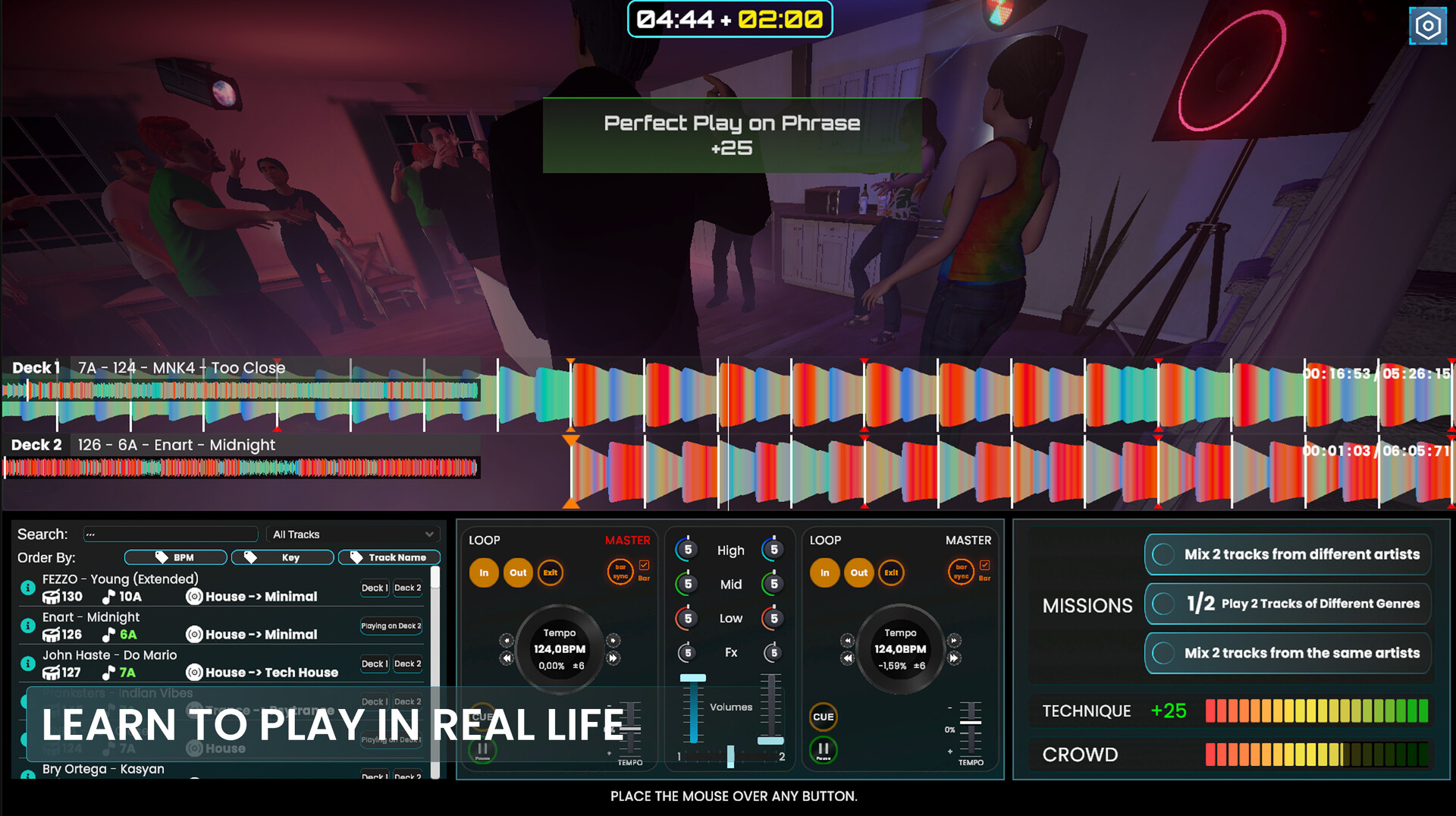
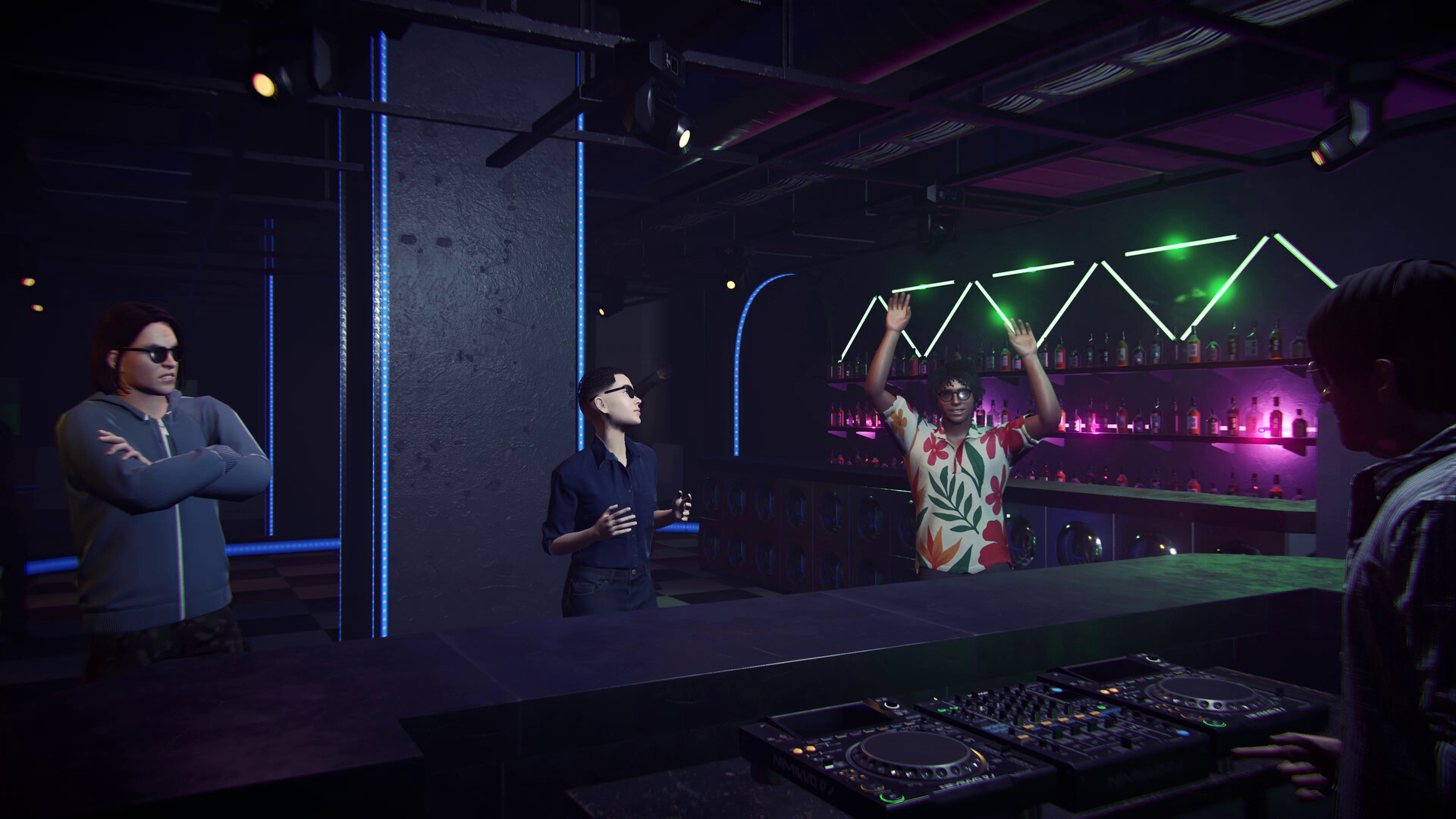
The crowd reacts to musical choices, with each dancer’s clothing indicating a musical preference. Playing tracks that match these preferences raises energy, while experimenting helps win over different types of people. Aura indicators visualize crowd response, teaching players how to read a dancefloor in real time.
This system links technical decisions—such as track selection and effect timing—to visible crowd behavior, providing immediate feedback on how well a set engages different audience segments.
- Observe clothing styles to infer preferred genres before selecting the next track.
- Use aura indicators as a quick gauge of whether the current mix is resonating.
05 / THE GUIDE
Importing Personal Music
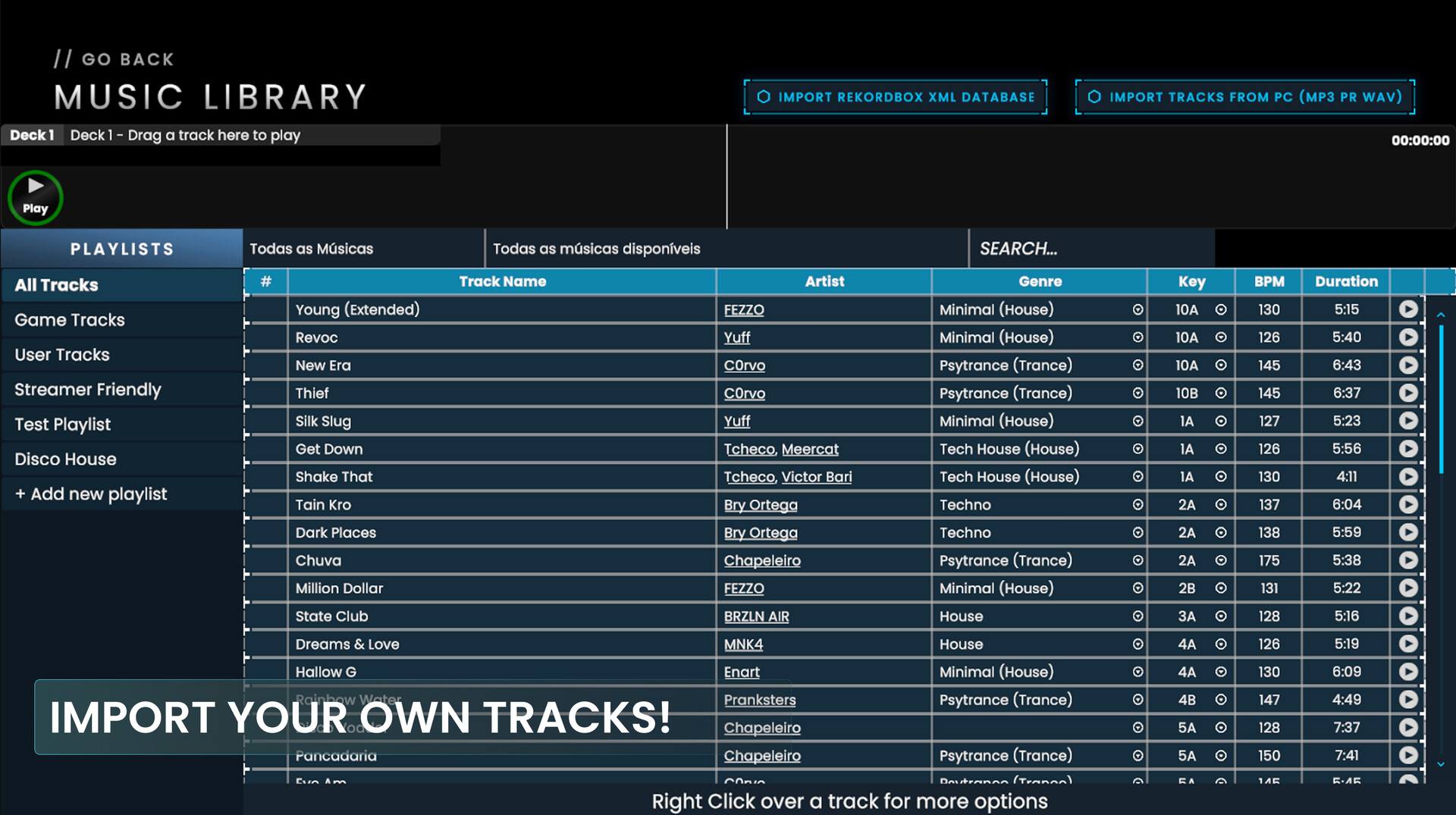
Players can bring their own music into the game using MP3, WAV, FLAC, AIFF, or M4A files. Imports can be done by selecting individual tracks, whole folders, or by loading an exported Rekordbox XML library, preserving metadata for easier set building.
The ability to practice with familiar tracks helps bridge the gap between virtual and real DJing, allowing users to apply learned techniques to music they already know.
- Organize your PC folders by genre to speed up the import process.
- Export your Rekordbox library as XML to bring your track metadata into the game.
COMMUNITY
Player discussion