 GameWiki
GET YOUR BEARINGS
About Distant Worlds 2
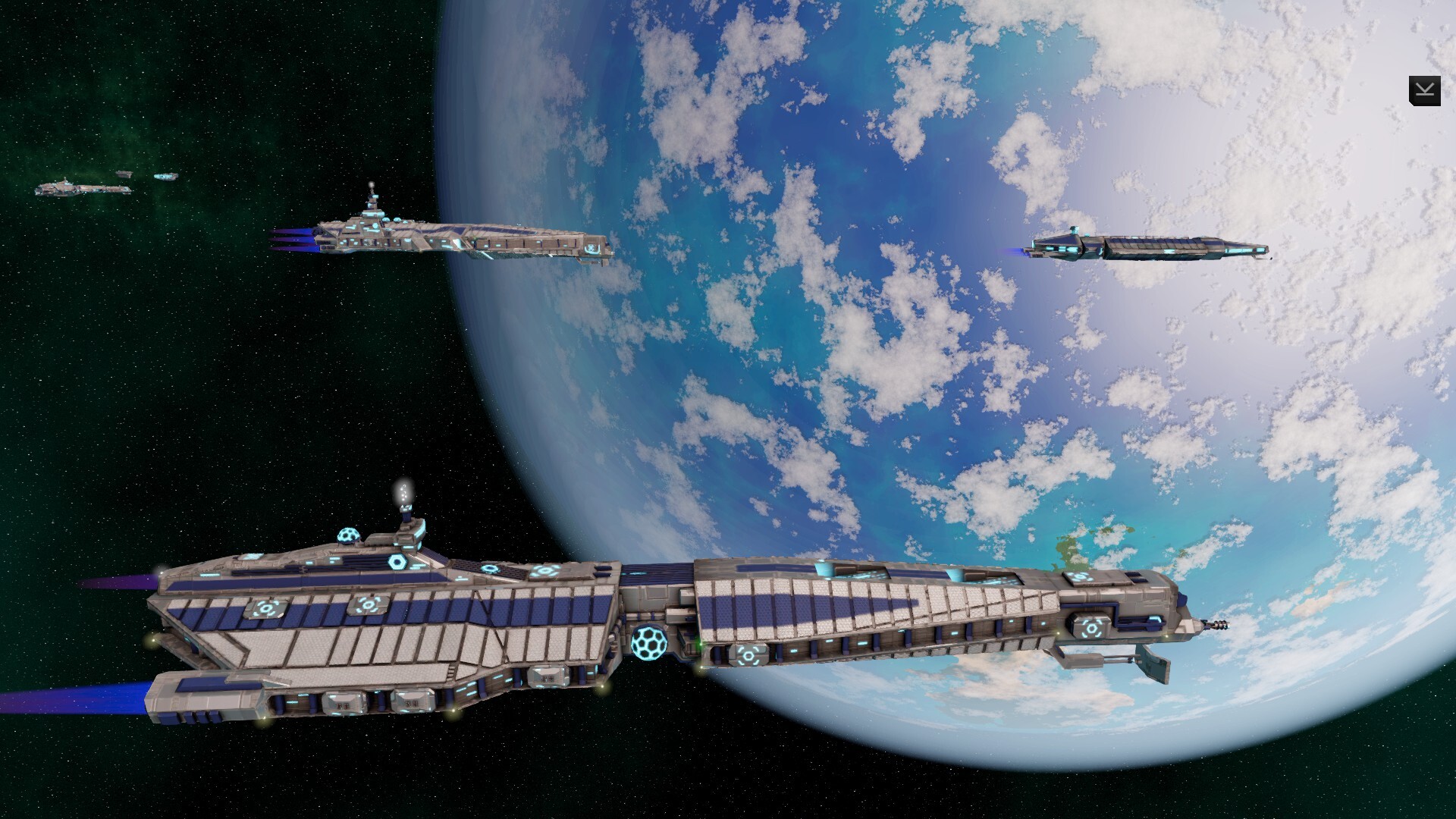
Distant Worlds 2 returns the acclaimed 4X space strategy series with a new 64‑bit engine, 3D graphics and a polished interface. It plays in real‑time but can be paused, giving the depth of turn‑based strategy while keeping the flow of continuous action.
The game supports galaxies of up to 2,000 star systems and offers seven base factions, sandbox play, storylines and victory conditions. A built‑in editor, extensive help and intelligent automation let players shape each session to their preferred scale and style.
01 / THE GUIDE
Procedural Galaxy Generation
Each new game creates a unique galaxy through a complex generation process, guaranteeing that no two playthroughs are identical. The system can produce up to 2,000 star systems, each containing planets, moons and asteroids for exploration and exploitation.
A range of galaxy‑setup options lets you adjust size and characteristics, providing replayability and allowing you to match the galaxy’s scale to your desired level of challenge and time investment.
- Adjust the size sliders to see how galaxy breadth influences exploration time.
- Note the number of star systems early to gauge the overall scope of the game.
02 / THE GUIDE
Seven Base Game Factions
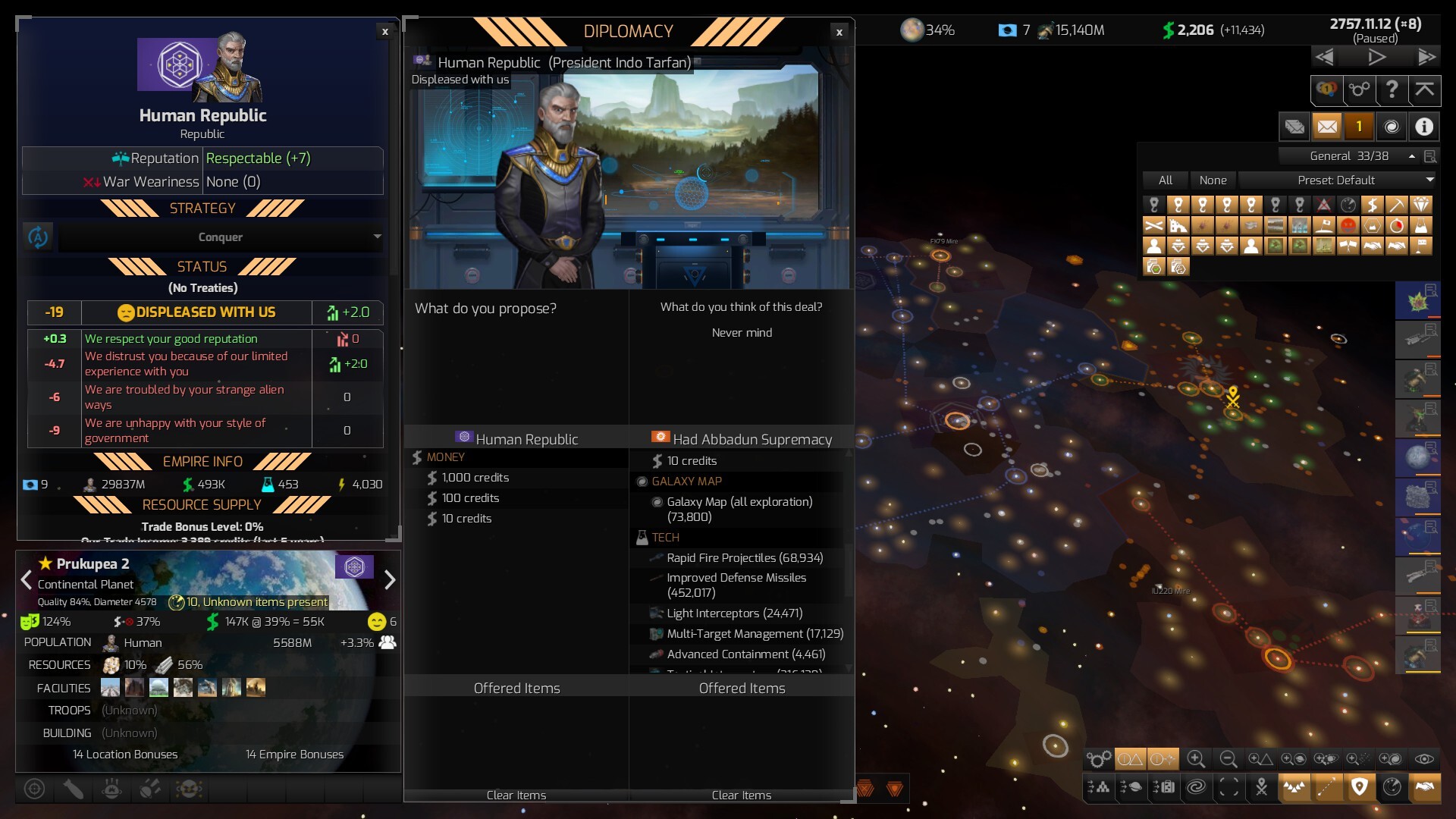
Distant Worlds 2 includes seven distinct base factions, each representing a different playstyle. Selecting a faction determines the initial strengths, diplomatic options and strategic tendencies of your empire.
Factions are integrated into storylines, victory conditions and sandbox mode, so the choice influences how the game unfolds and what tactics feel most natural.
- Read each faction’s description to align its strengths with your preferred tactics.
- Try multiple factions across separate games to experience varied strategic approaches.
03 / THE GUIDE
Intelligent Automation System
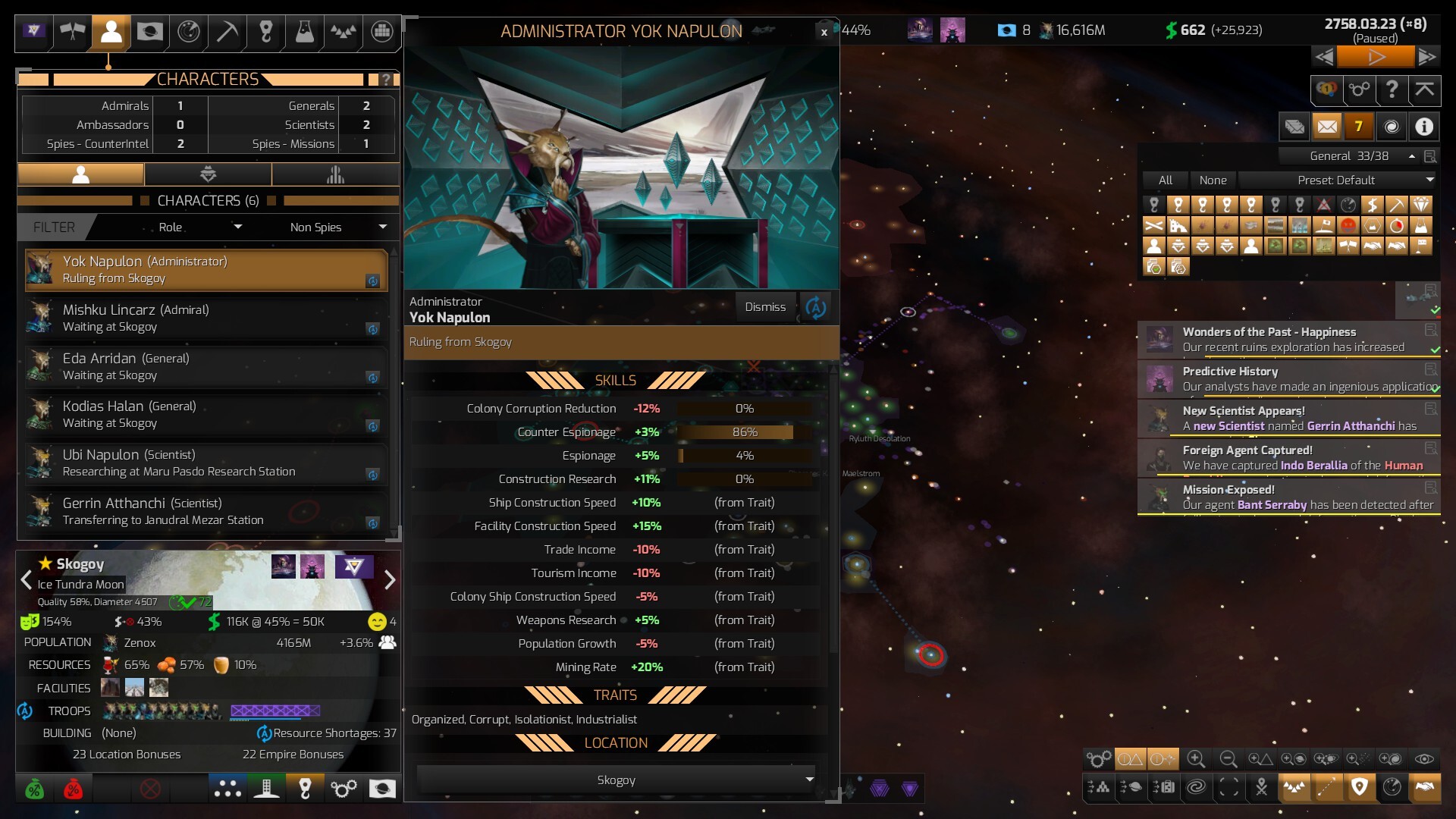
The automation system lets you decide how much control you retain, from managing a single ship to overseeing the entire galactic empire. Advisors can handle routine tasks, freeing you to focus on areas you enjoy most.
Automation lets you tailor the game to your preferred playstyle, giving you flexibility to scale your involvement from a single ship to a vast galactic empire.
- Begin with low automation to learn core mechanics, then increase as the empire grows.
- Use advisors for repetitive duties to keep attention on strategic decisions.
04 / THE GUIDE
Built‑in Game Editor
A built‑in editor lets you modify any aspect of your galaxy, including star systems, planets, asteroids, ships, star bases, space monsters and empire attributes. This enables a fully customized experience before or during a playthrough.
The editor allows you to add or remove elements and adjust properties without needing external tools.
- Save a backup before making major edits so you can revert if needed.
- Use the editor to create specific challenges, such as dense pirate zones.
05 / THE GUIDE
Context‑Sensitive In‑Game Help
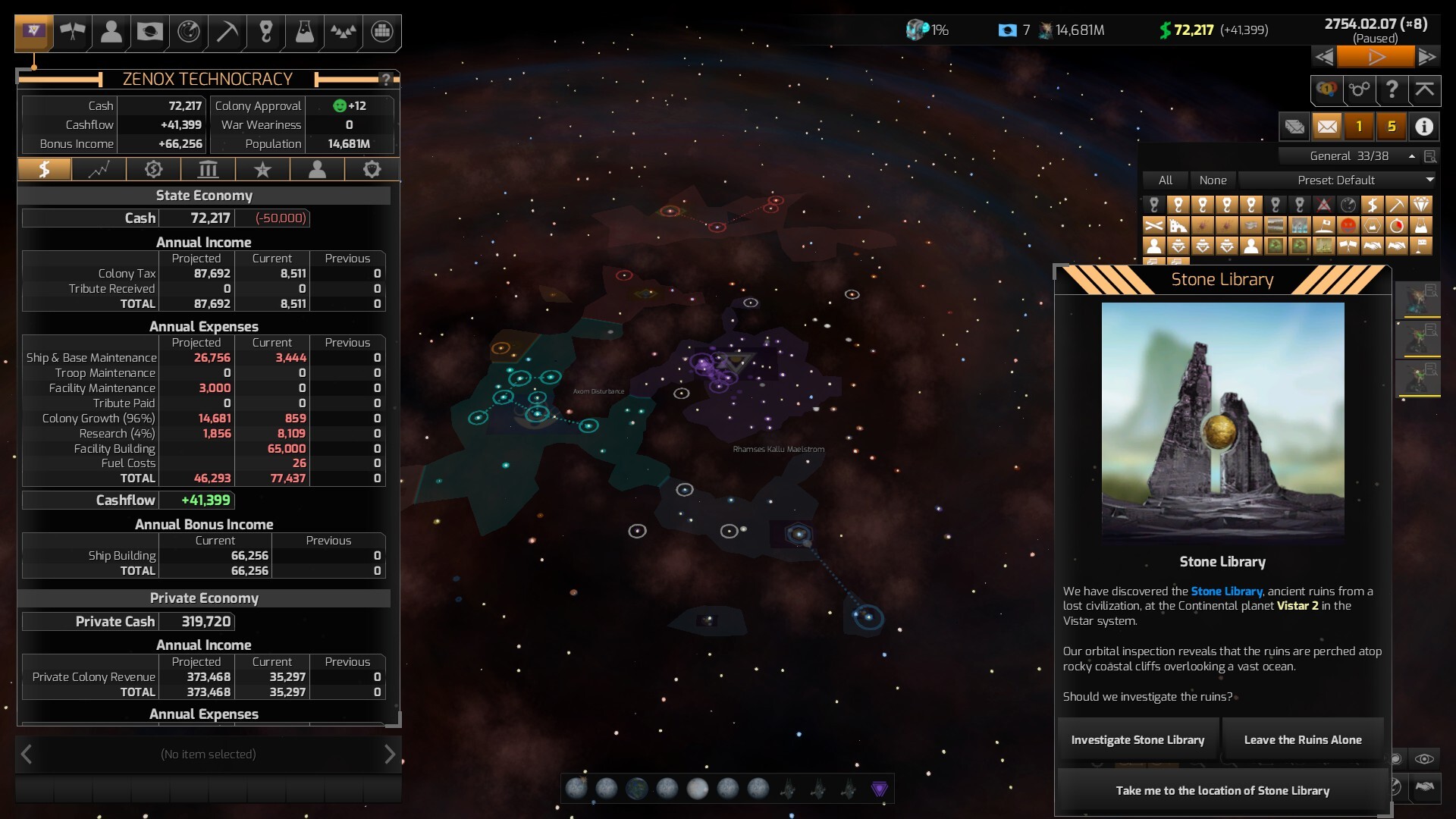
Pressing F1 at any moment opens detailed explanations of the current screen, selected items and underlying mechanics. The “Galactopedia” provides a complete knowledge base for deeper reference.
Tutorials are included to introduce core concepts and tools, ensuring that help is always a single key‑press away and that players can learn without leaving the game.
- Use F1 whenever a new UI element appears to reduce learning time.
- Browse the Galactopedia early to become familiar with empire‑management terminology.
COMMUNITY
Player discussion