 GameWiki
GET YOUR BEARINGS
About Disminal
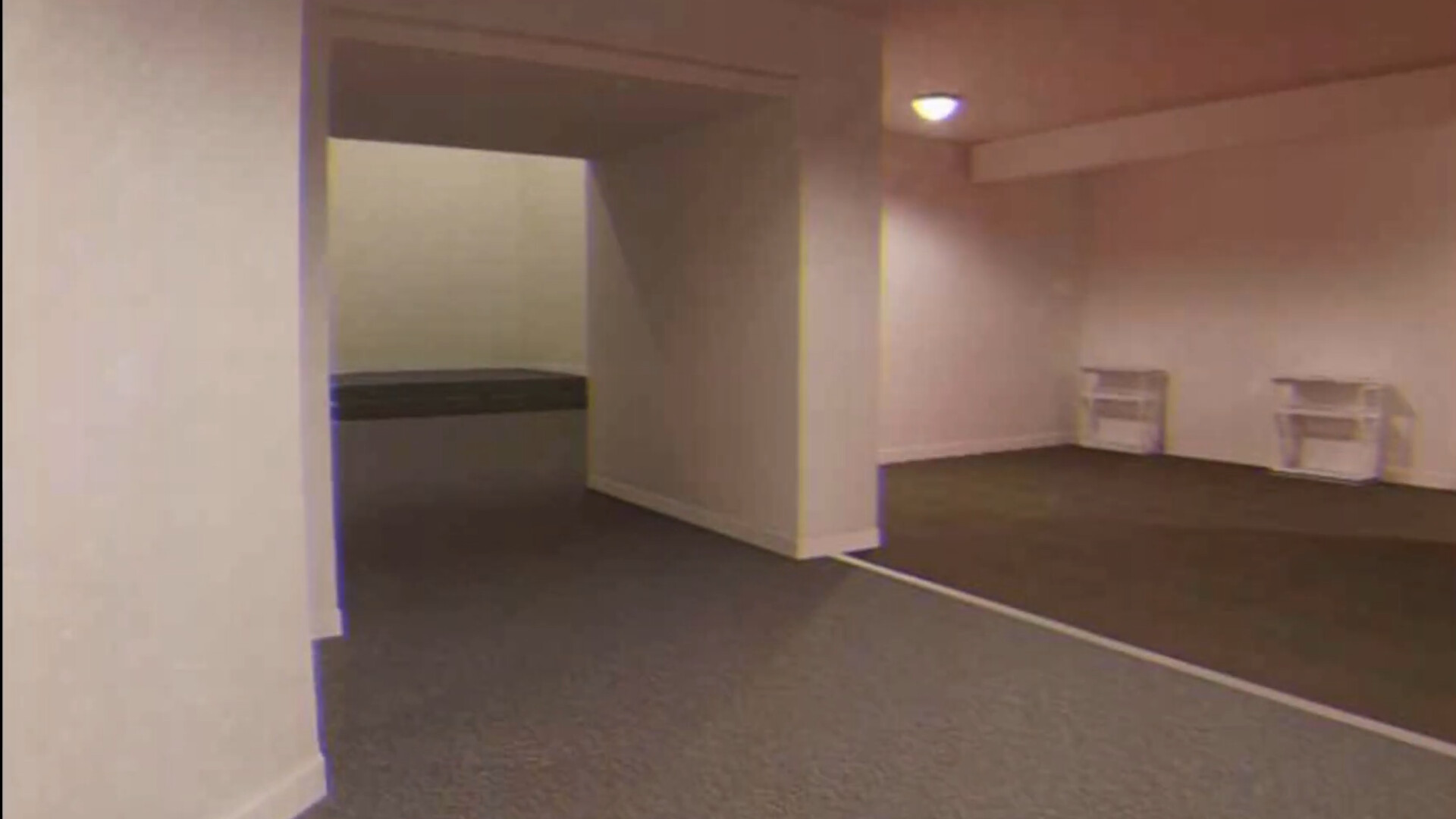
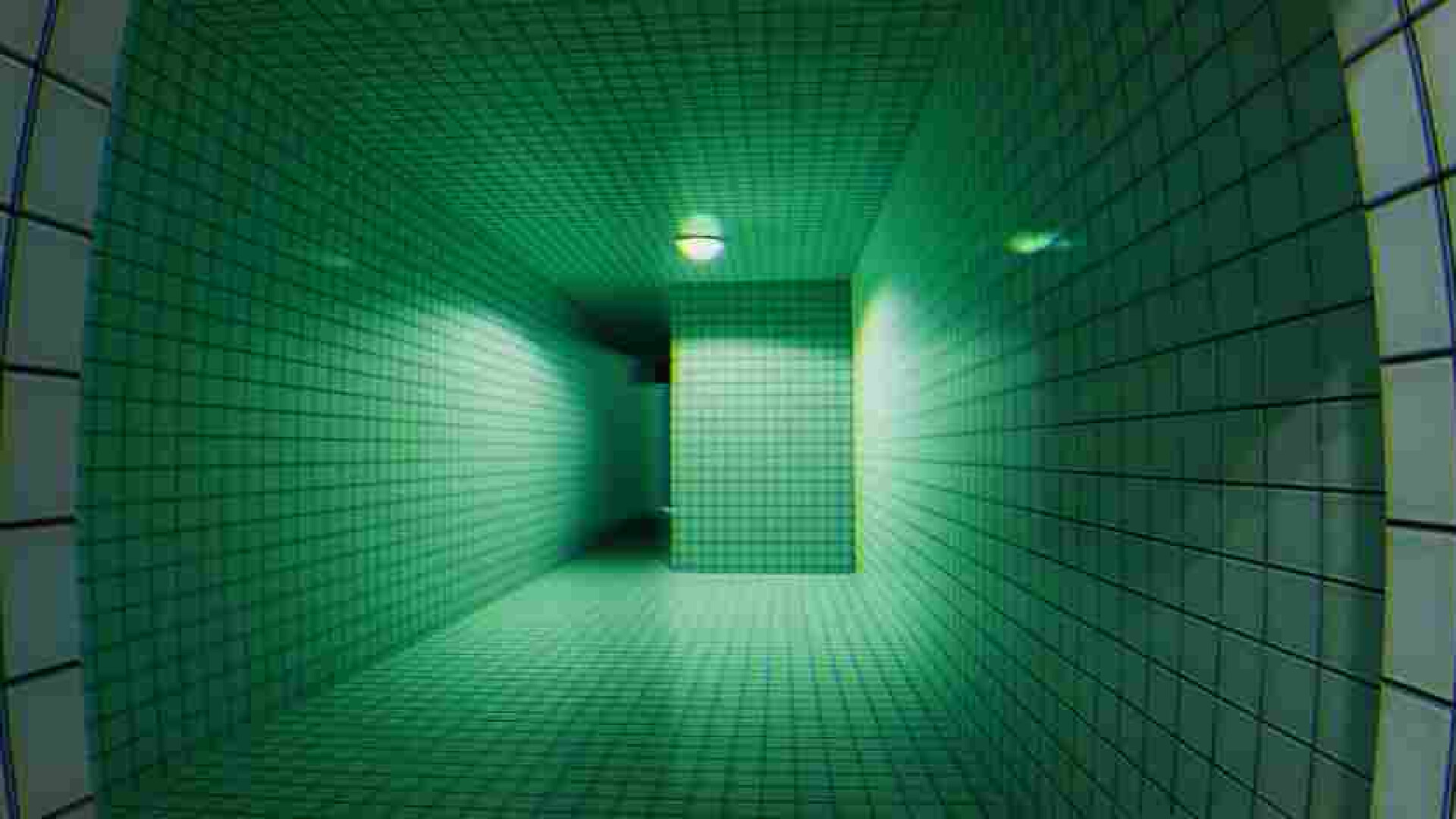
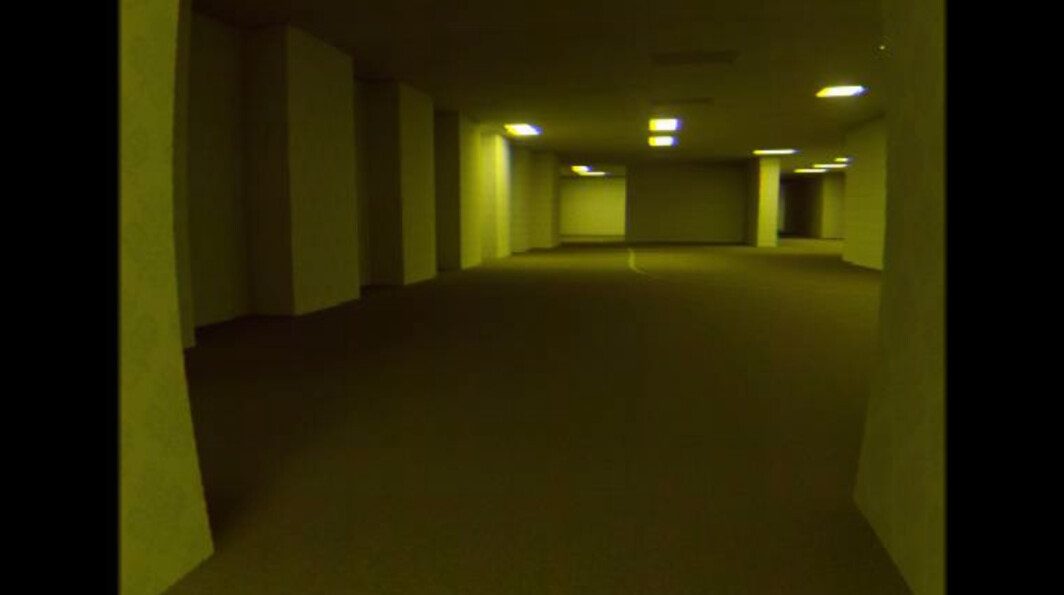
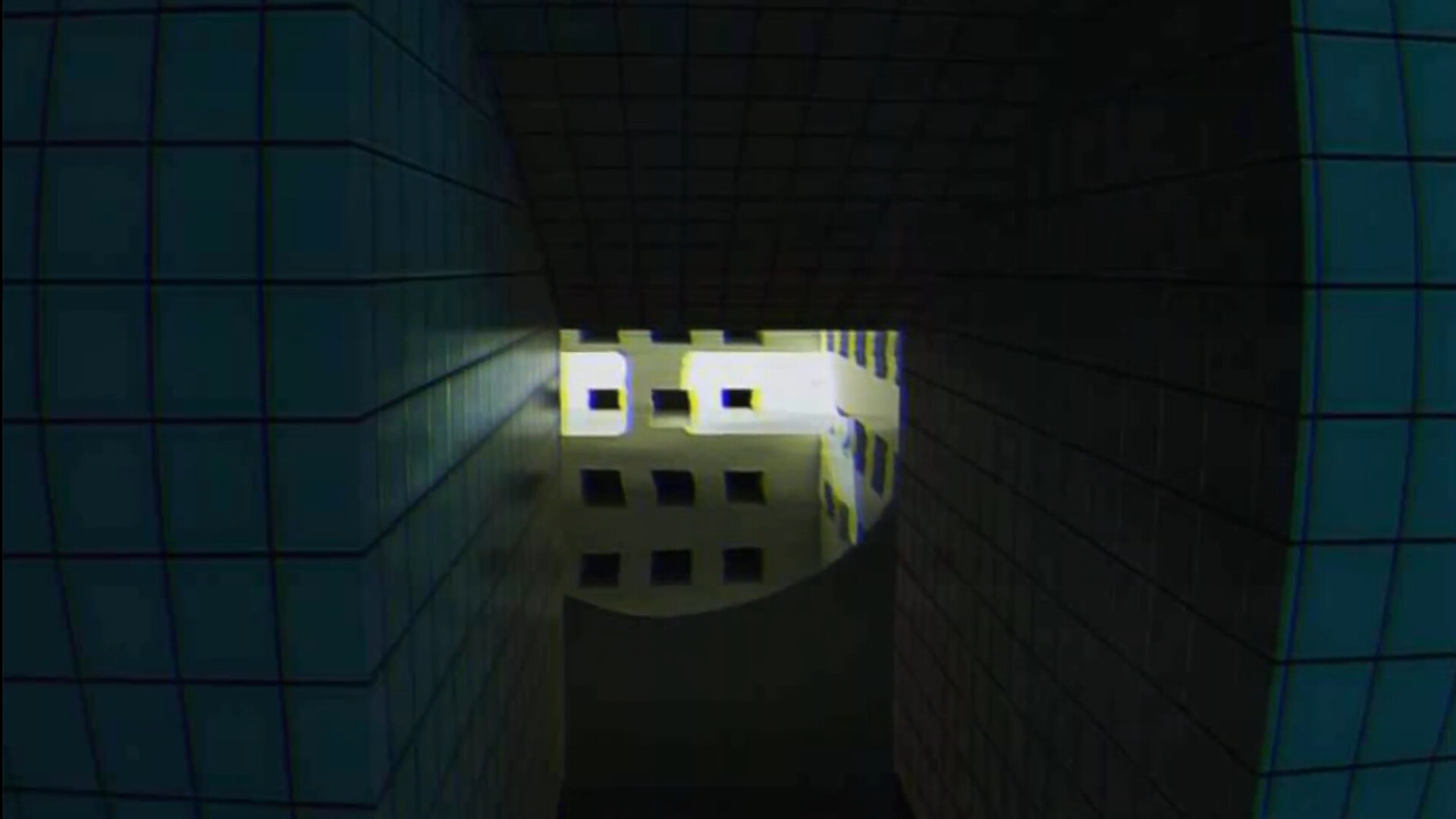
Disminal is a first‑person exploration experience set in back‑room environments that draw on liminal‑space media. Players wander through unsettling, vacant zones while the game asks whether an exit can be found or if the player remains lost between worlds.
The title includes an optional “MPEG” visual mode that adds low‑quality video artifacts to the rendering. The source describes it as a graphical effect that mimics low-quality video artifacts to enhance immersion.
01 / THE GUIDE
Movement Controls
Movement uses the standard WASD keys or the left analog stick on a controller. Holding Left Ctrl (or LT/R2) makes the player crouch, while holding Left Shift (or R1/RB) increases walking speed for quicker traversal.
Interaction is performed with Left Click (or A/X). Zoom toggles with Right Click (or L1/LB); pressing again while held switches between zoom levels, allowing a closer look at environmental details.
- Try crouching in narrow corridors to notice subtle visual cues that may be missed while standing.
- Use the faster‑walk toggle only when you want to cover distance quickly, as the game’s pacing encourages slower observation.
02 / THE GUIDE
MPEG Visual Mode
MPEG mode applies a filter that mimics artifacts found in low‑quality video, such as pixelation and color banding. The mode is optional and can be toggled to match the player’s visual preference.
The source presents the mode as a visual filter that mimics low-quality video artifacts to enhance immersion.
- Activate MPEG mode if you enjoy a retro, glitch‑filled aesthetic that reinforces the back‑room atmosphere.
- Compare the same area with and without the mode to notice how visual fidelity shifts the mood.
03 / THE GUIDE
Platform Availability
Disminal is released on Steam for Windows, macOS, and Linux, making it accessible to a wide range of PC users. The listing notes the game is single‑player and includes Steam achievements.
Full controller support is provided, with explicit compatibility for DualShock and DualSense controllers, allowing play without a keyboard if desired.
- Verify your operating system meets the listed requirements before installing.
- Experiment with both controller and keyboard setups to find the input method that feels most natural for exploration.
04 / THE GUIDE
Aesthetic Focus
The game’s design centers on immersion and appreciation of aesthetics rather than puzzles or combat. Zones are heavily influenced by YouTube videos and images of liminal spaces, creating an uncanny sense of familiarity.
With a design centered on immersion and aesthetics, players can concentrate on visual storytelling, ambient sounds, and lighting to interpret the environment’s narrative.
- Take moments to observe lighting and texture details; they convey much of the story.
- Listen to ambient audio cues, as they reinforce the feeling of being between worlds.
05 / THE GUIDE
Achievements & Family Sharing
Steam achievements are listed as a feature, offering optional recognition for actions taken within the game. The game description does not detail the criteria for individual achievements.
Family Sharing is also supported, allowing multiple Steam accounts to access the same purchase, which can be useful for households with several players.
- Review the Steam achievement list to set personal exploration goals if you enjoy optional challenges.
- Use Family Sharing to let friends or family experience the game without needing separate purchases.

COMMUNITY
Player discussion