 GameWiki
GET YOUR BEARINGS
About Disgaea PC
Disgaea PC brings the classic SRPG experience to Windows, following demon prince Laharl as he battles to reclaim the Netherworld throne after his father's death.
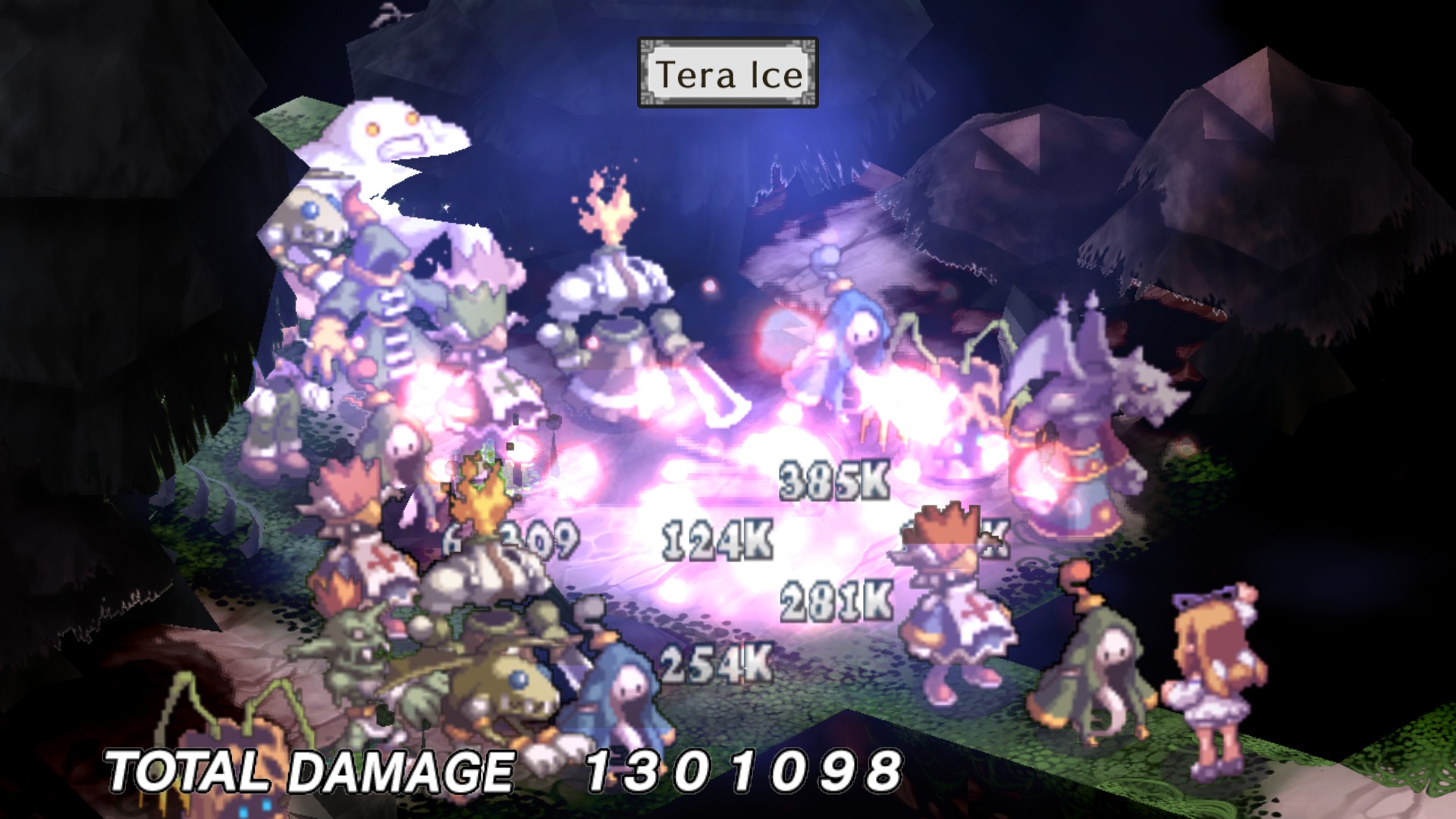
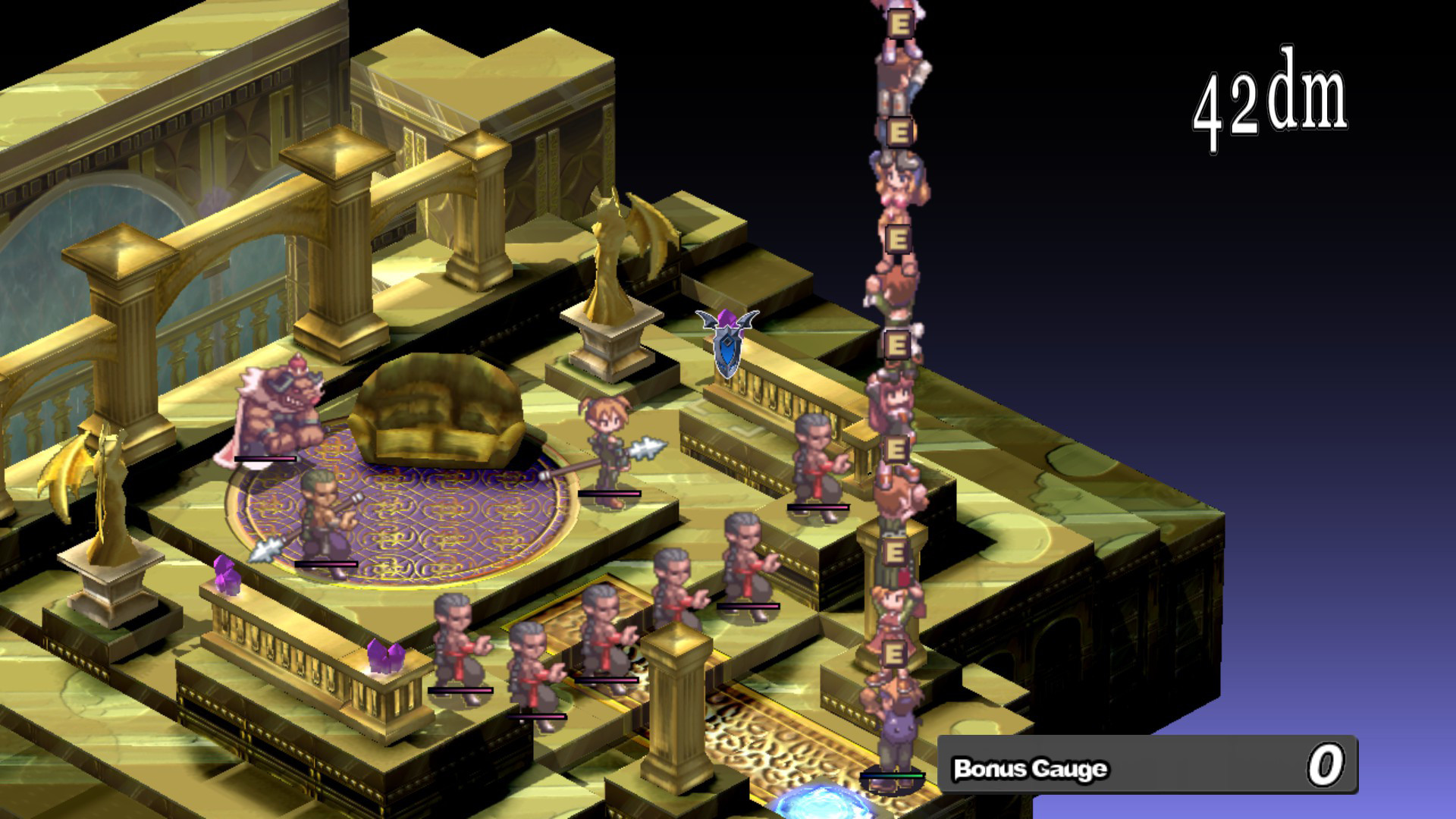
The game features a level cap of 9999, over 40 character types, the Item World dungeon, updated visuals, full keyboard/mouse and controller support, and Steam integration for achievements, cloud saves, and trading cards.
01 / THE GUIDE
Zany Netherworld Plot
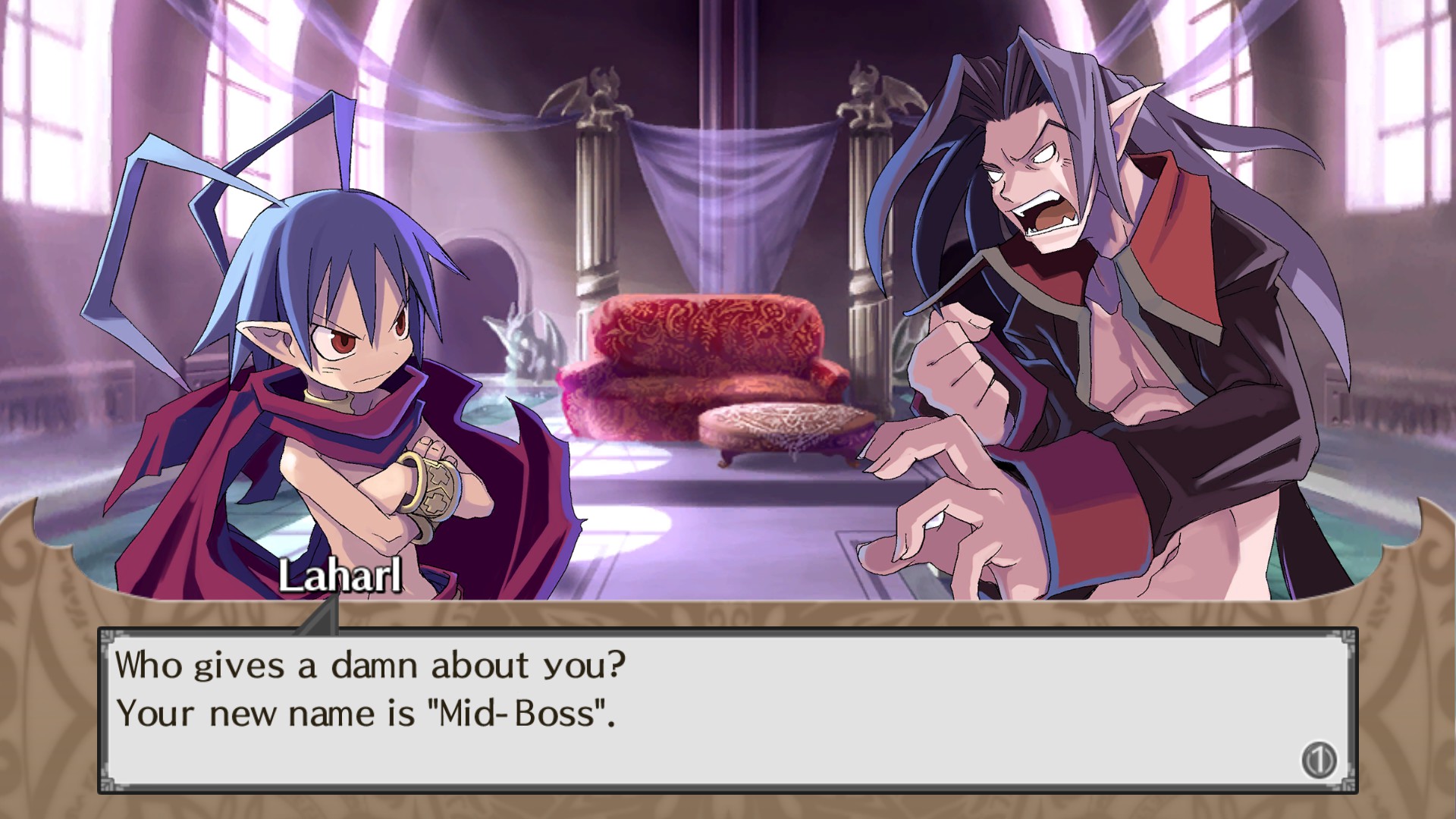
Two years after Overlord Krichevskoy’s death, Laharl awakens to a chaotic Netherworld and teams up with Etna and Flonne to fight for supremacy and the Overlord throne, all presented with a comedic tone that flips traditional notions of good and evil.
- Pay attention to character dialogues for hints about upcoming challenges.
- Enjoy the humor; it often foreshadows gameplay twists.
02 / THE GUIDE
Diverse Character Types
Disgaea PC offers more than 40 unique character types, each with distinct abilities, allowing players to build teams that suit a range of tactical approaches.
- Mix melee and ranged units to cover more battlefield scenarios.
- Experiment with unconventional combos to discover hidden synergies.
03 / THE GUIDE
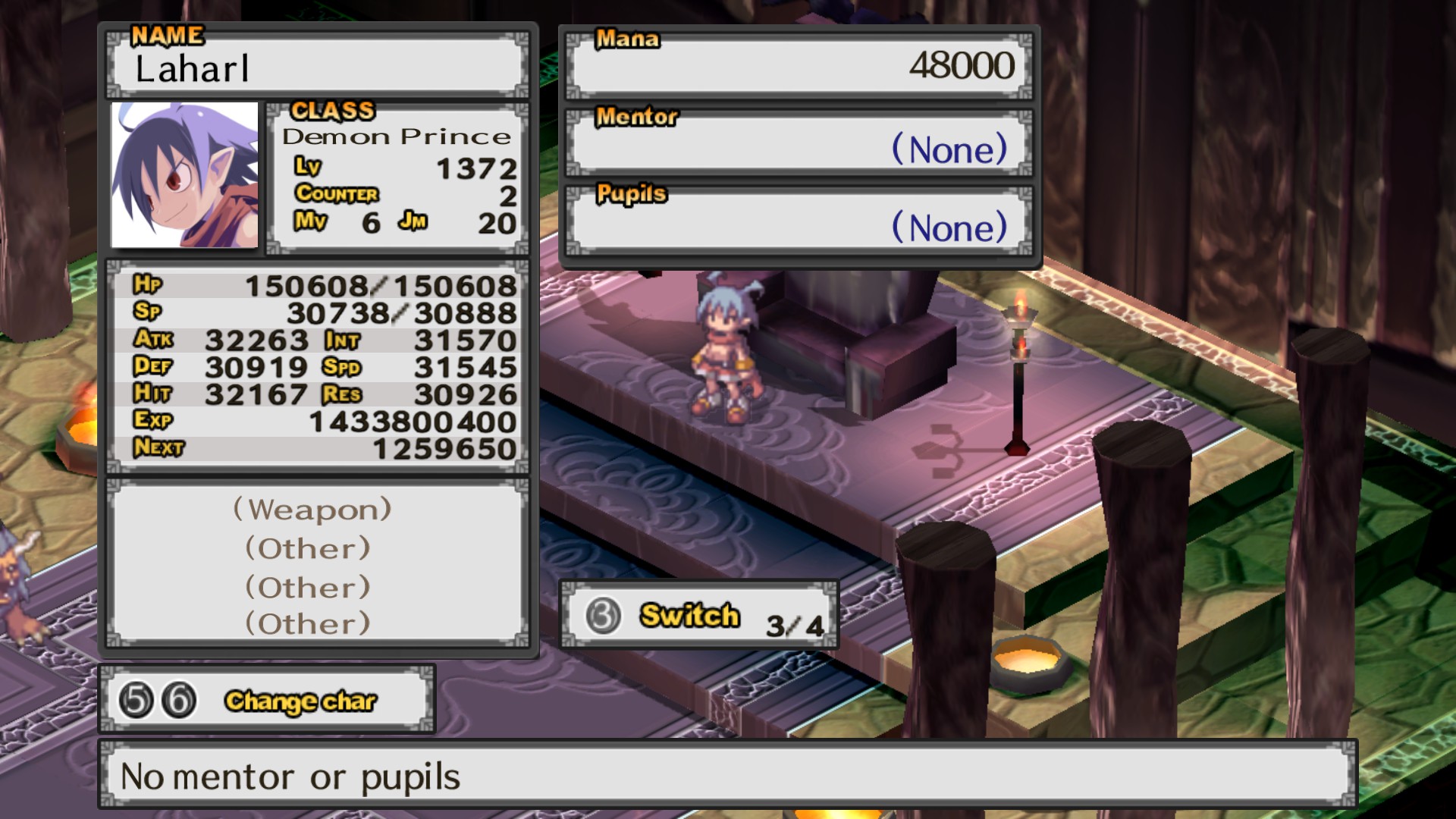
Extreme Level Caps and Transmigration
Characters can reach level 9999, and after hitting the cap players may use Transmigration to restart while retaining stronger per‑level growth, extending long‑term progression.
- Use Transmigration after reaching level 9999 to keep scaling power.
- Plan stat distribution before each reset for optimal growth.
04 / THE GUIDE
Item World Dungeon
The Item World is a randomly generated dungeon where players can enter their equipment; clearing floors improves the item’s stats and abilities, and those upgrades persist outside the dungeon.
- Prioritize strengthening weapons first for immediate combat benefits.
- Save stronger items for deeper Item World runs to maximize upgrades.
05 / THE GUIDE
PC Enhancements and Steam Integration
The PC version adds an updated UI, higher‑resolution textures, and full keyboard/mouse and controller support, improving accessibility and visual clarity while retaining all content from Disgaea: Afternoon of Darkness.
Steam integration provides Achievements, Cloud Saves, and Trading Cards, letting players track progress, sync saves across devices, and collect digital memorabilia.
- Enable Cloud Saves to protect your progress across multiple PCs.
- Try using a controller if you prefer gamepad input.
COMMUNITY
Player discussion