 GameWiki
GET YOUR BEARINGS
About Discussion Over Dinner
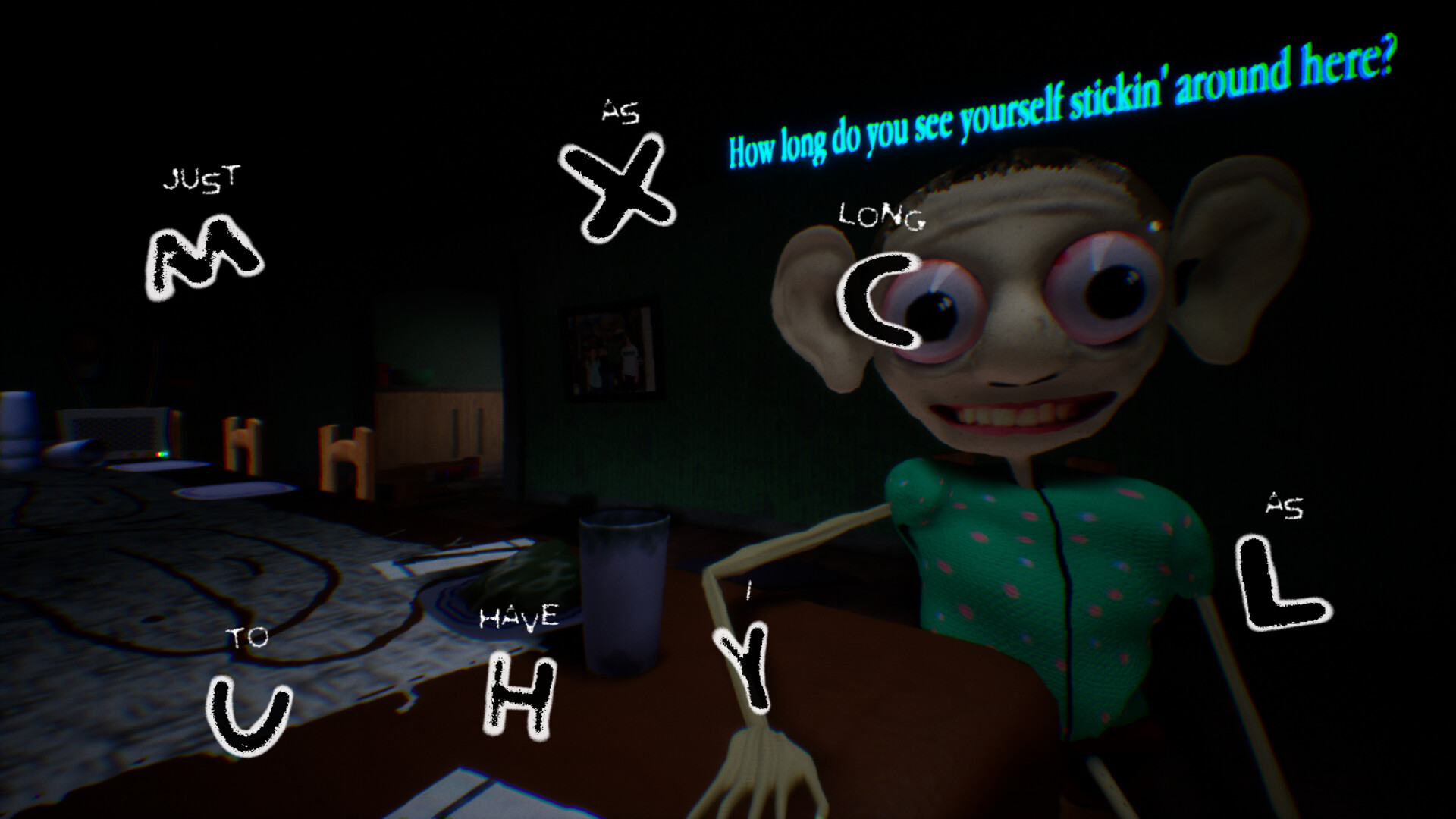
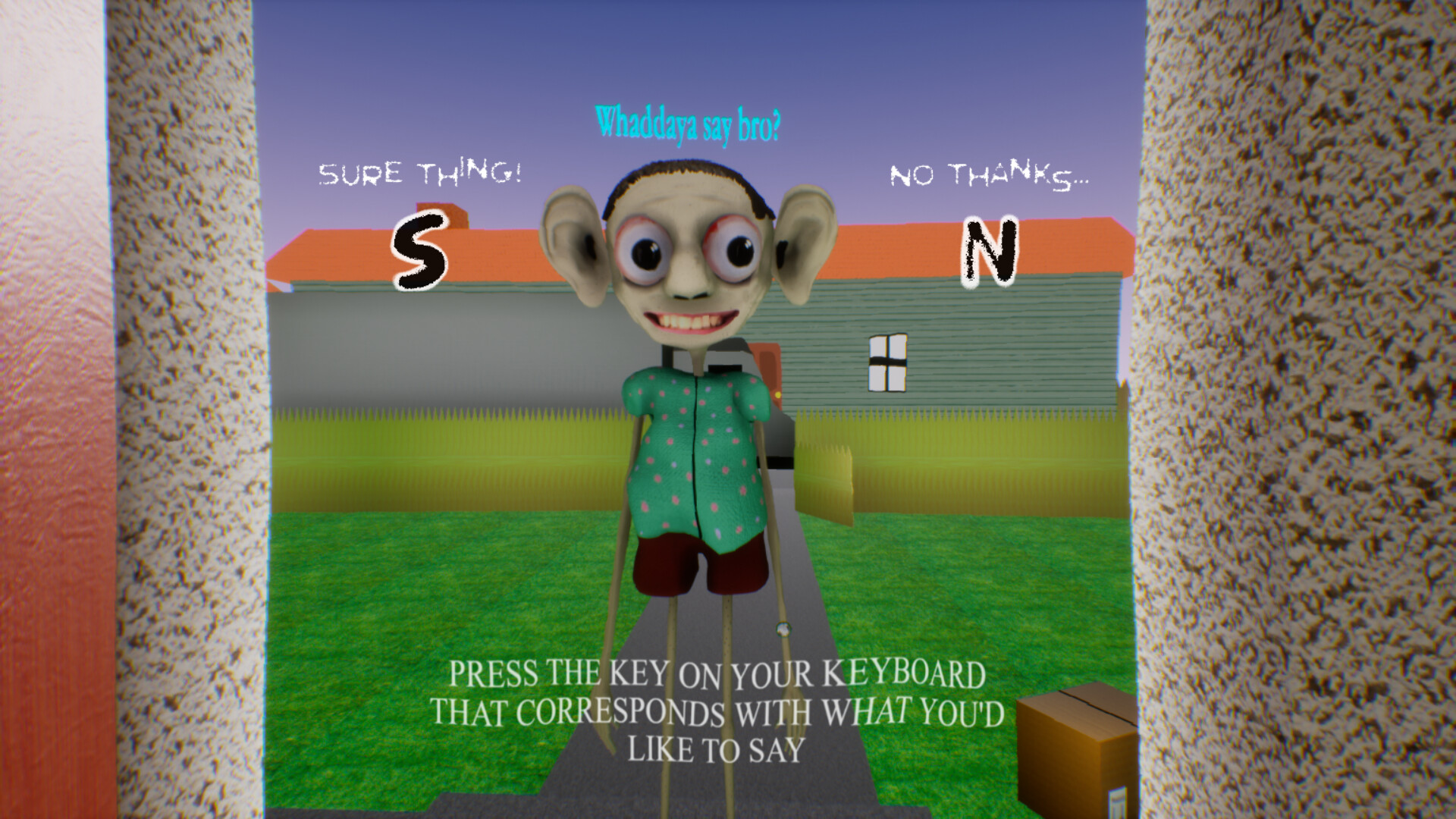
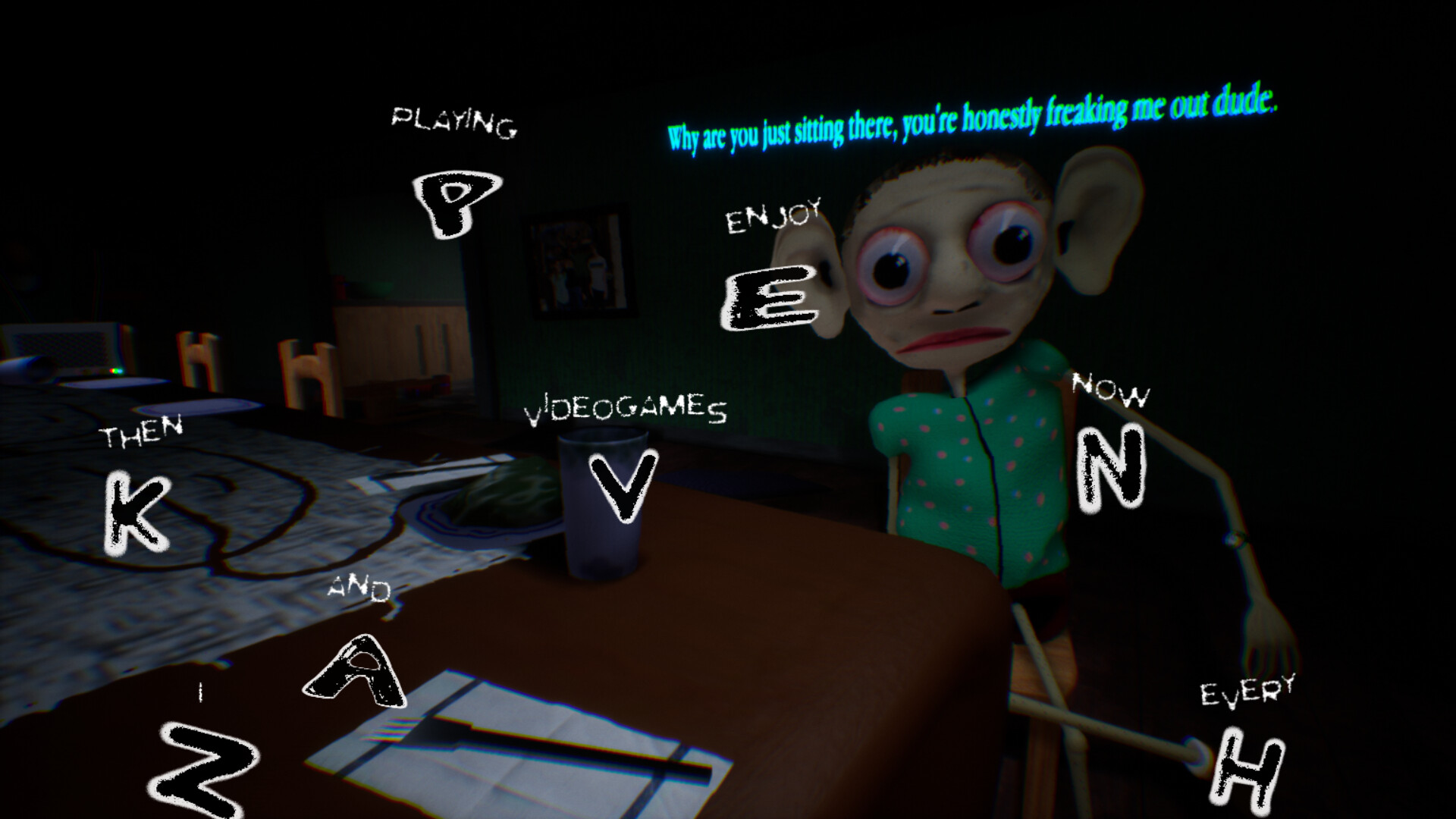
Discussion Over Dinner is a fast‑paced, single‑player simulation where you converse with a new neighbor at a dinner table. The game asks you to type coherent replies in real time while watching the host’s body language for signs of irritation.
Success depends on quick thinking, reliable keyboard input, and a smooth framerate to avoid softlocks. It is free to play on Windows via Steam and includes Steam Achievements and Family Sharing support.
01 / THE GUIDE
Gameplay Flow
Each round begins with the host posing an almost interrogatory question. You must type a response before the next prompt appears, and the timing is tight enough that hesitation can pause the conversation.
When you answer promptly, the dialogue continues without interruption, allowing you to maintain a steady exchange. Delayed or incoherent answers may increase tension and influence the dinner’s overall outcome.
- Observe how quickly the host follows up to gauge the needed response speed.
- Keep your typing rhythm consistent to match the game’s pacing.
02 / THE GUIDE
Reading Body Language
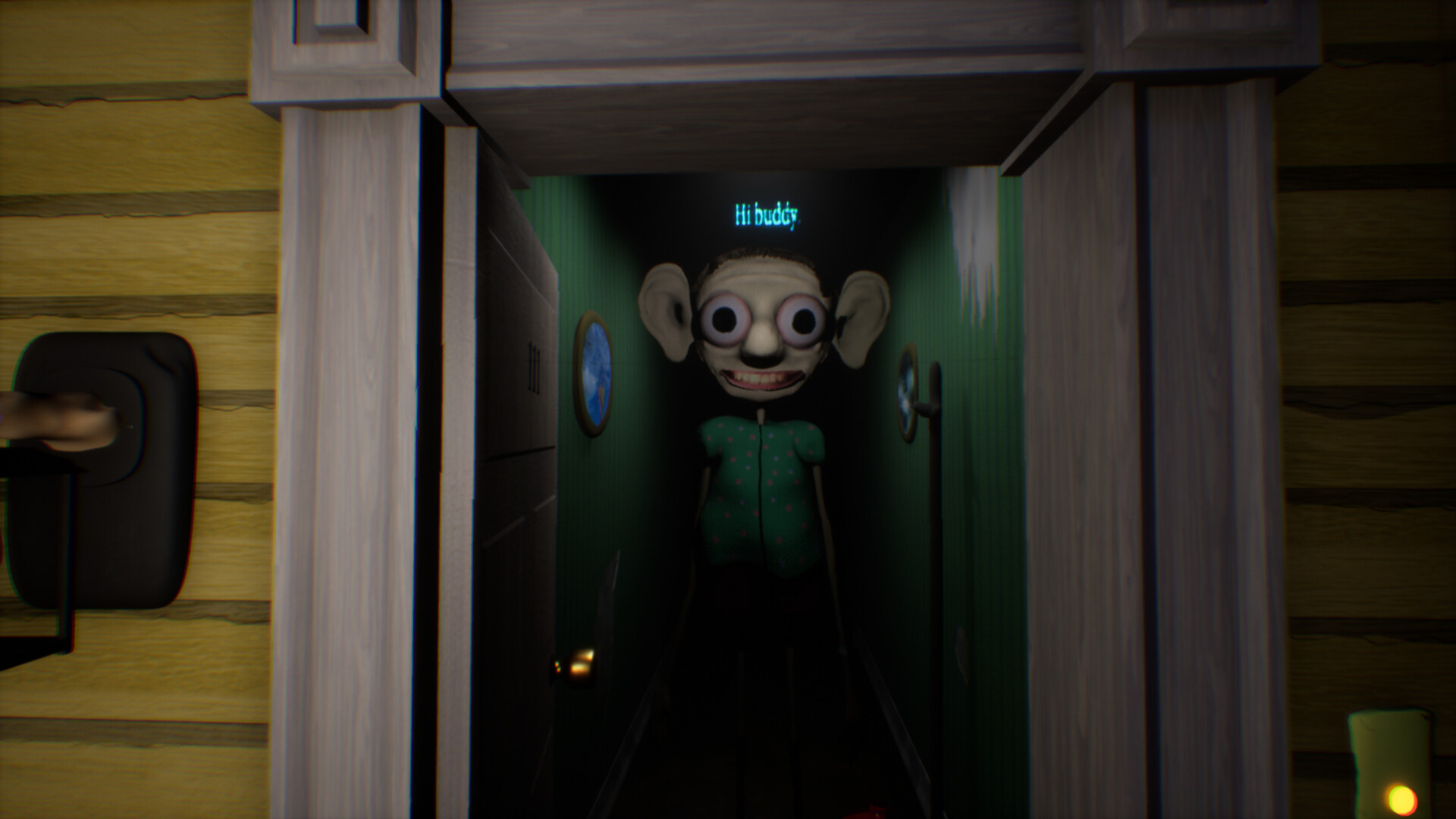
While you type, the host’s facial expressions and gestures provide visual feedback on their mood. Visible irritation suggests you may need to adjust tone or speed to keep the conversation smooth.
Conversely, relaxed posture indicates the dialogue is flowing well, increasing the chance of leaving the table as friends rather than a secret.
- Notice subtle cues such as sighs or eye rolls.
- Align your response tone with the host’s current demeanor.
03 / THE GUIDE
Keyboard Requirements
The title is built for computer play with a keyboard and requires every key to function correctly. A missing or stuck key can prevent you from entering required replies and halt progress.
A smooth framerate is also recommended; low performance may cause softlocks or sequence breaks, keeping the typing interface responsive.
- Test all keys in a text editor before starting a session.
- Adjust graphics settings to maintain stable performance.
04 / THE GUIDE
Steam Achievements
Playing through Steam records achievements for various milestones, such as completing a dinner or maintaining a steady response pace. These badges appear on your Steam profile after each playthrough.
Achievements give a simple way to gauge performance across multiple sessions without altering core gameplay.
- Review your achievement list after each dinner to see which milestones you reached.
- Use the list to identify aspects of your play you might want to improve.
05 / THE GUIDE
Family Sharing Compatibility
The game supports Steam’s Family Sharing, allowing other accounts on the same device to launch it without separate purchases. Shared access does not modify any gameplay elements.
Family Sharing lets other accounts access the game through the shared install, and you can check your own achievement list after each session.
- Enable Family Sharing in Steam before launching the game.
- Check personal achievement logs after each shared session.
COMMUNITY
Player discussion