 GameWiki
GET YOUR BEARINGS
About Diorama Builder
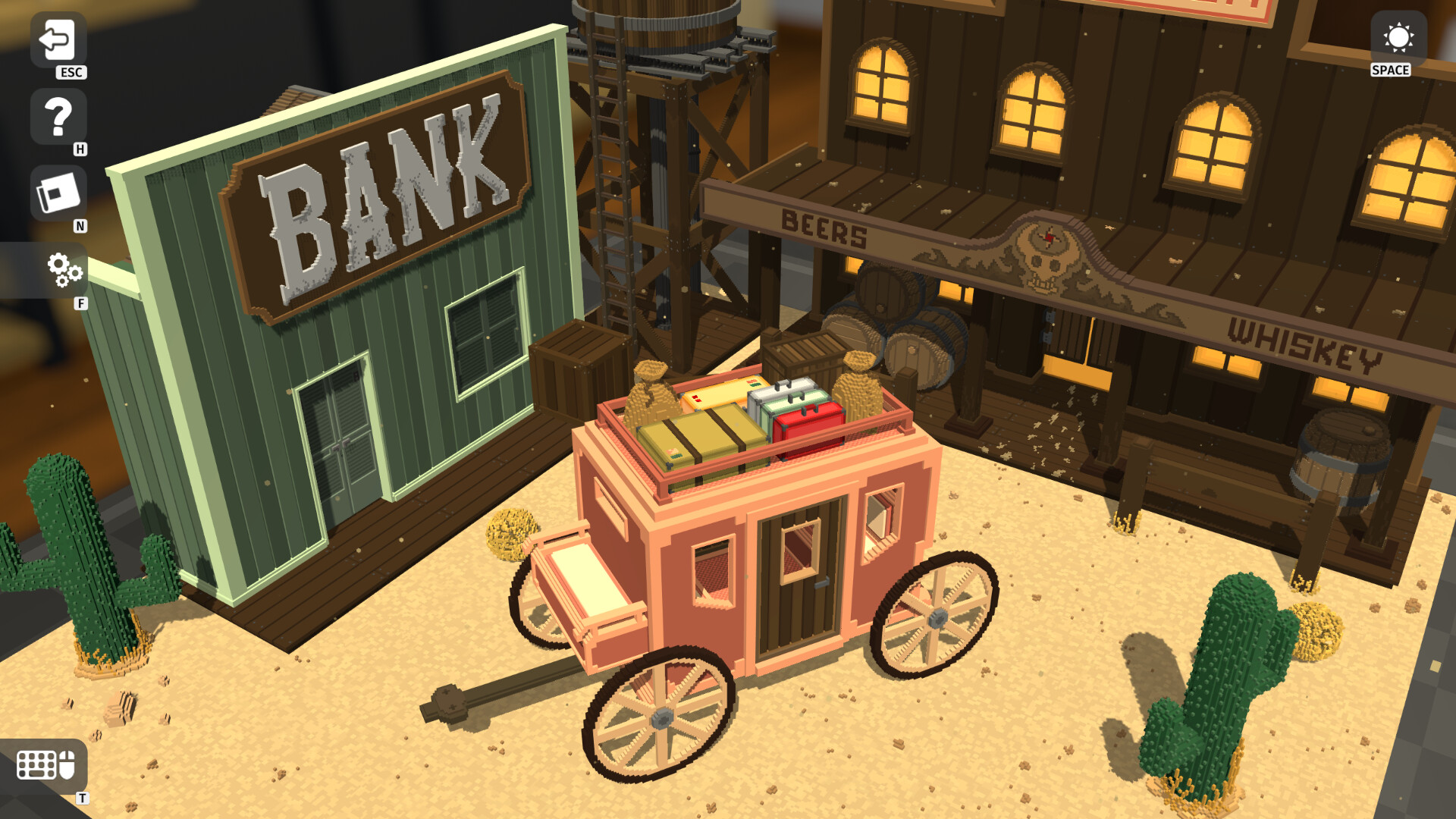
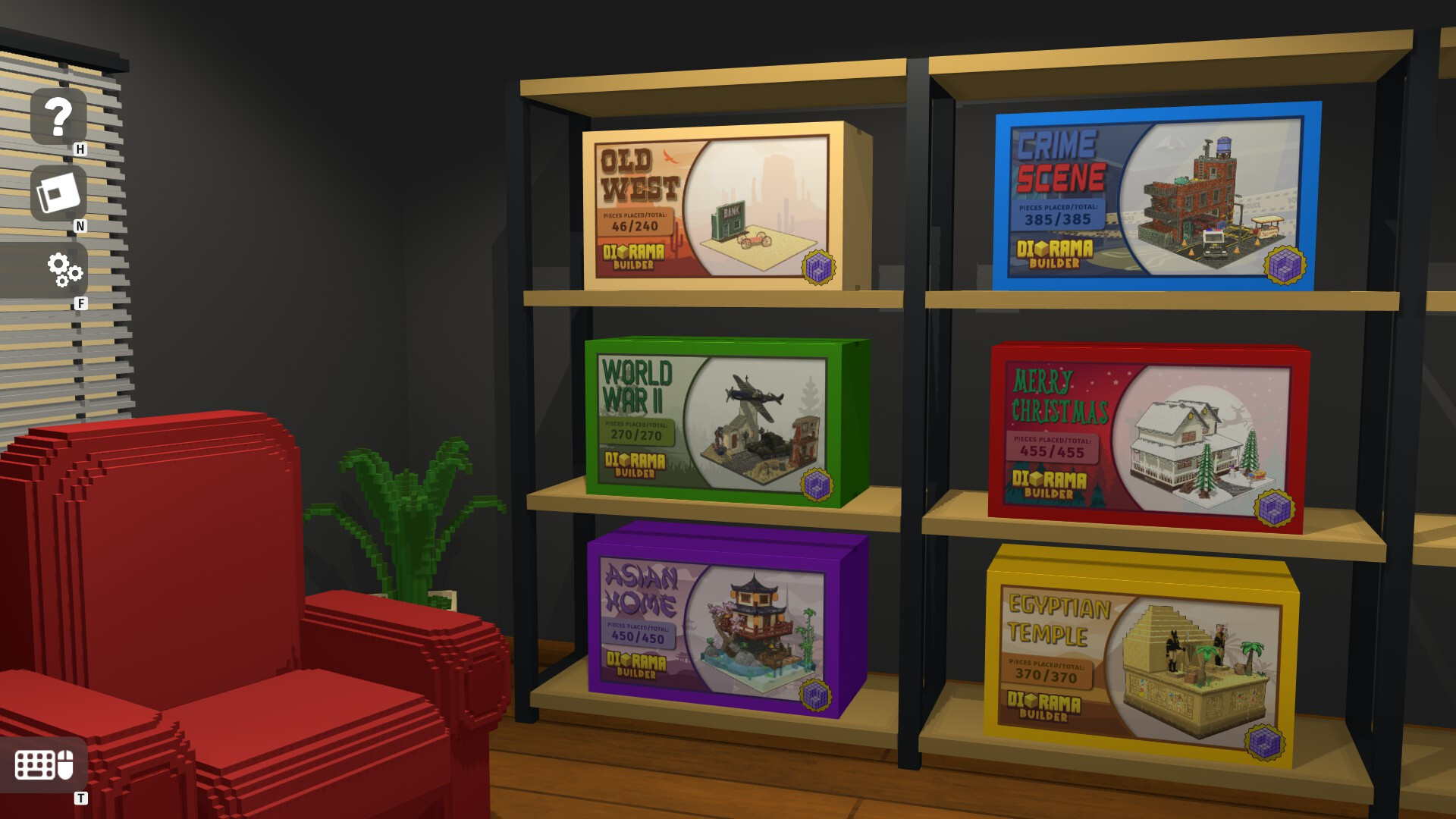
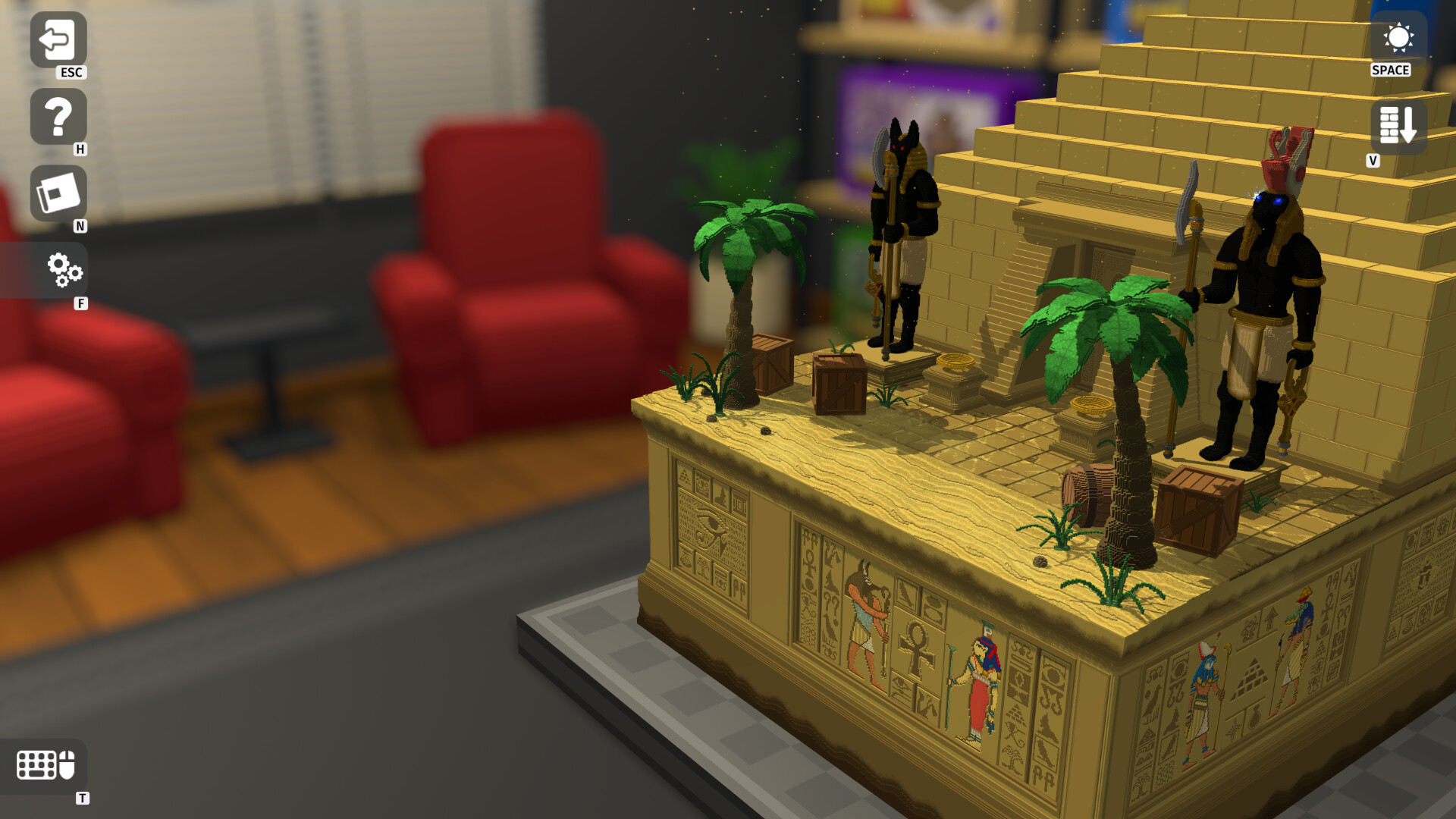
Diorama Builder lets you assemble voxel‑crafted miniature worlds, from modern cities to medieval castles. You pick a diorama from your collection, mount each piece one at a time, and then explore the finished scene at your own pace.
The game runs on Windows and macOS and includes Steam features such as achievements, trading cards, cloud saves and family sharing, all presented in a single‑player experience.
01 / THE GUIDE
Building Dioramas
The description states you choose a diorama from your collection and mount each piece individually, allowing you to construct the miniature world on your terms. This piece‑by‑piece method defines the core building activity.
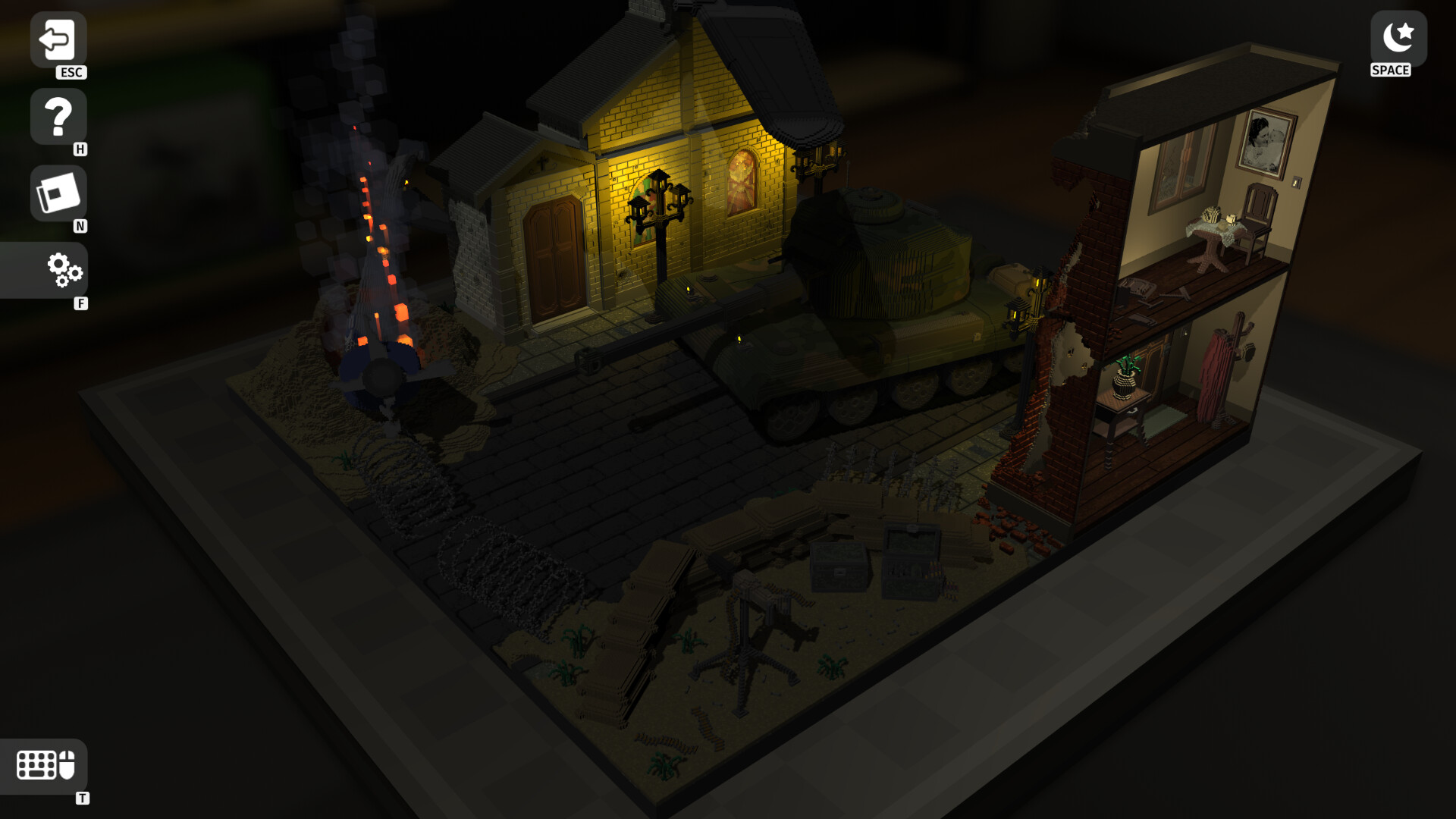
After placement, the game lets you hide or reveal parts, giving you control over how the scene is presented without dismantling pieces.
- Start with larger base pieces to establish scale before adding details.
- Use the hide/reveal option to inspect interiors without removing pieces.
02 / THE GUIDE
Exploring Themes
Diorama Builder offers diverse themes, ranging from contemporary cities to medieval castles, providing varied visual styles and layouts for each miniature world.
Playing with your mini-worlds can uncover hidden interactions, adding dynamic elements beyond static displays.
- Visit each theme to compare architectural styles.
- Observe which objects trigger animations for future reference.
03 / THE GUIDE
Camera Controls
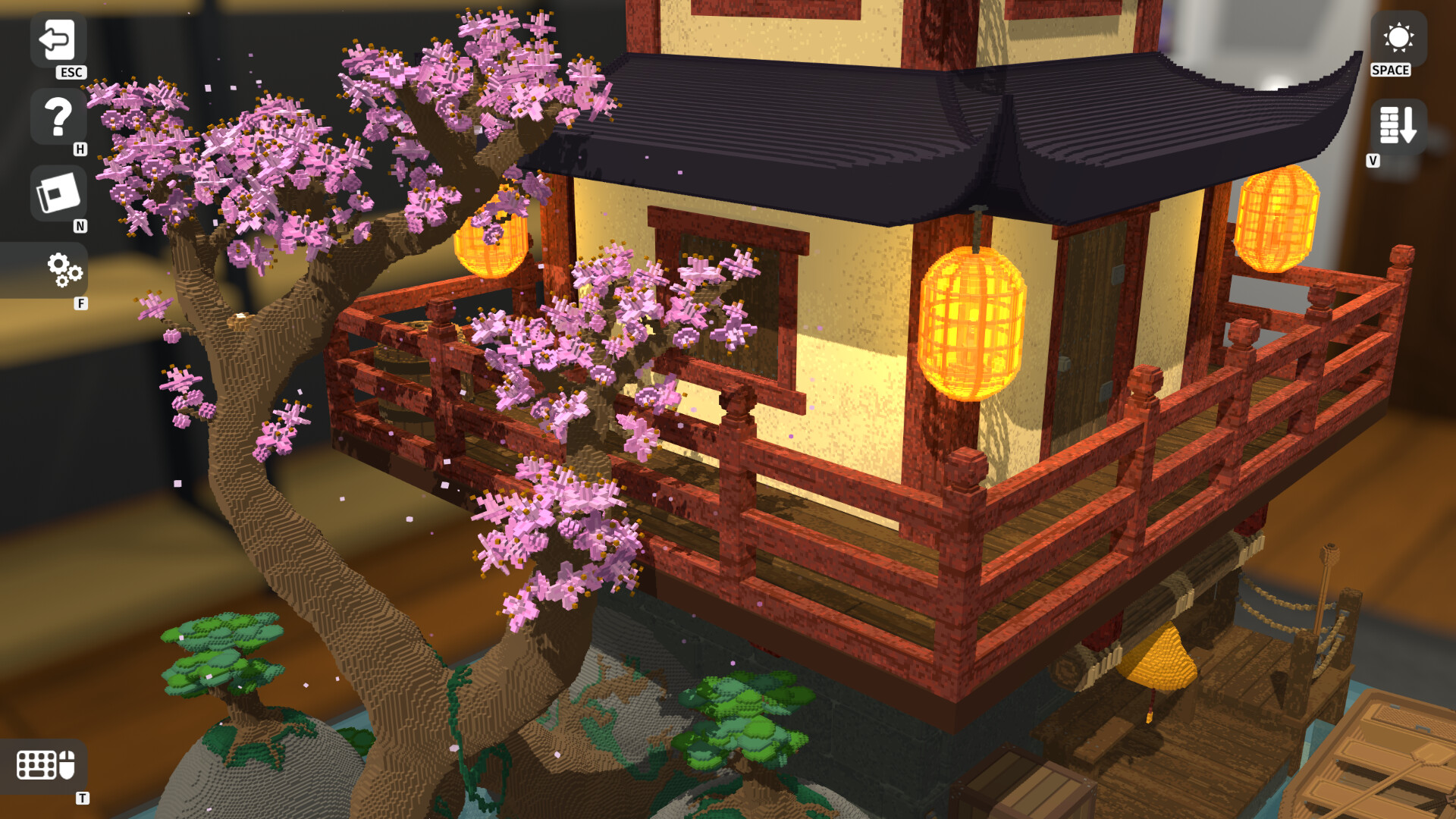
The game provides intuitive camera controls that let you rotate, zoom and pan smoothly across a diorama, facilitating detailed inspection from any angle.
A hide/reveal feature works alongside the camera tools, allowing clearer views of interior structures while maintaining overall context.
- Adjust zoom gradually to catch small details.
- Combine panning with hide/reveal to navigate complex interiors.
04 / THE GUIDE
Tilt Five™ AR Integration
When paired with the Tilt Five™ augmented reality system, the wand provides full control over scenery view, including rotation, zoom and panning, and the menu appears below the board for a model‑like interaction.
After finishing a diorama, pointing the wand at certain objects triggers animations, bringing parts of the scene to life.
- Move the wand to test rotation, zoom and panning in AR mode.
- Look for objects that animate when targeted.
05 / THE GUIDE
Steam Features
Diorama Builder includes Steam achievements and trading cards, offering collectible milestones as you play.
Steam Cloud and Family Sharing are listed features, allowing saved progress to be stored online and the game library to be shared with other accounts.
- Check the achievement list to set personal goals.
- Enable cloud storage in Steam settings if you wish to keep saves online.
COMMUNITY
Player discussion