 GameWiki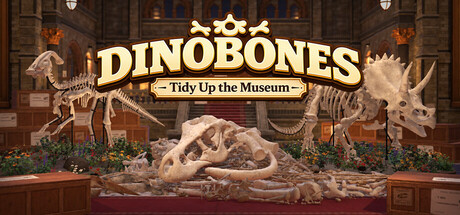
GET YOUR BEARINGS
About DinoBones: Tidy Up the Museum
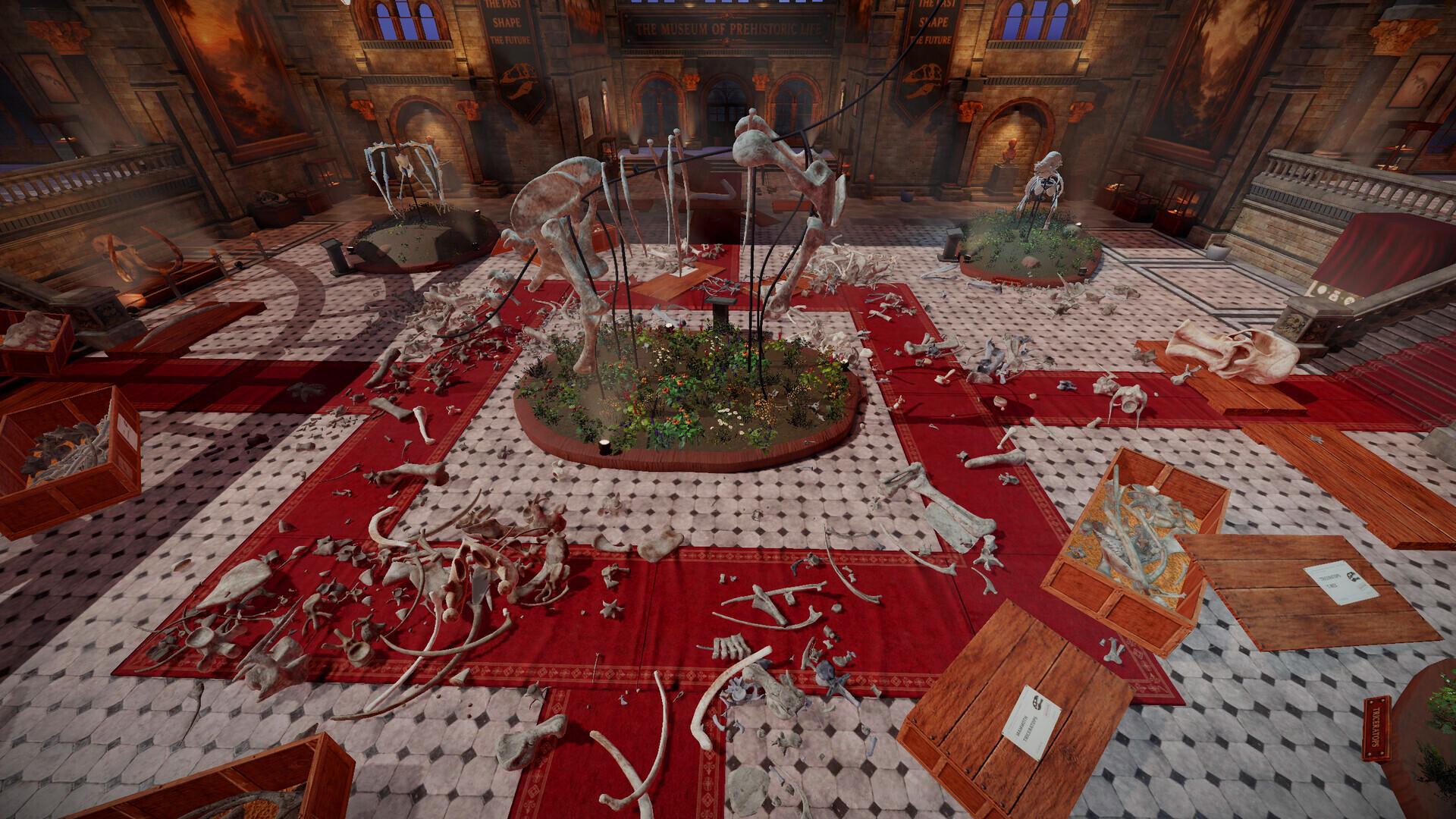
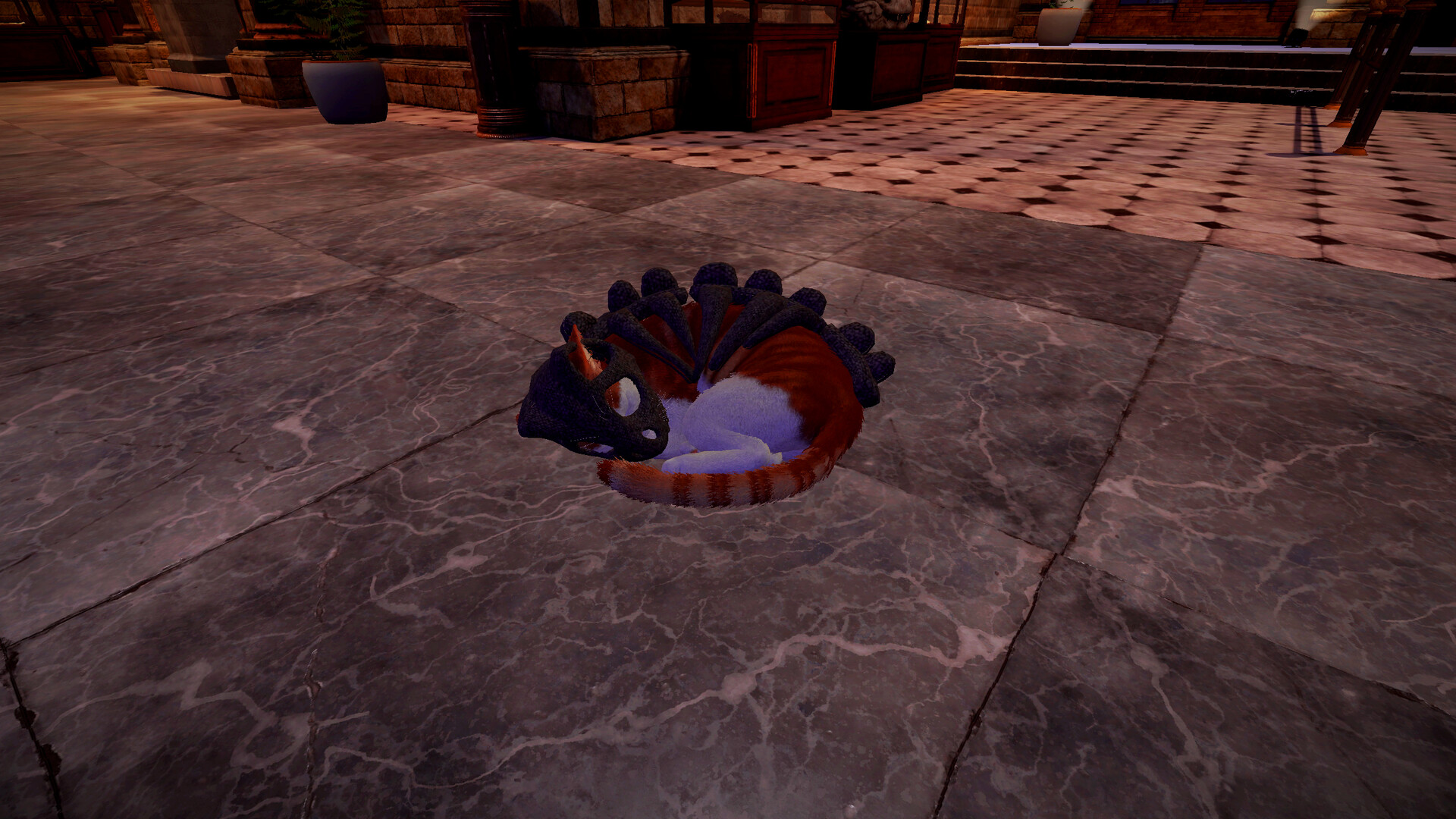
DinoBones: Tidy Up the Museum drops you into a chaotic exhibit where crates have tipped and dinosaur bones litter the floor. Together with a cat you must locate, identify, and reassemble nine skeletons.
The game relies on simple pick‑up and placement actions without skill trees or upgrades. Completing each skeleton triggers a special event that leaves small rewards, toys, or surprises in the museum.
01 / THE GUIDE
Collecting Bones
Bones appear on the floor, stairs, and wherever crates have spilled. Every piece begins labeled “Unknown” until you pick it up.
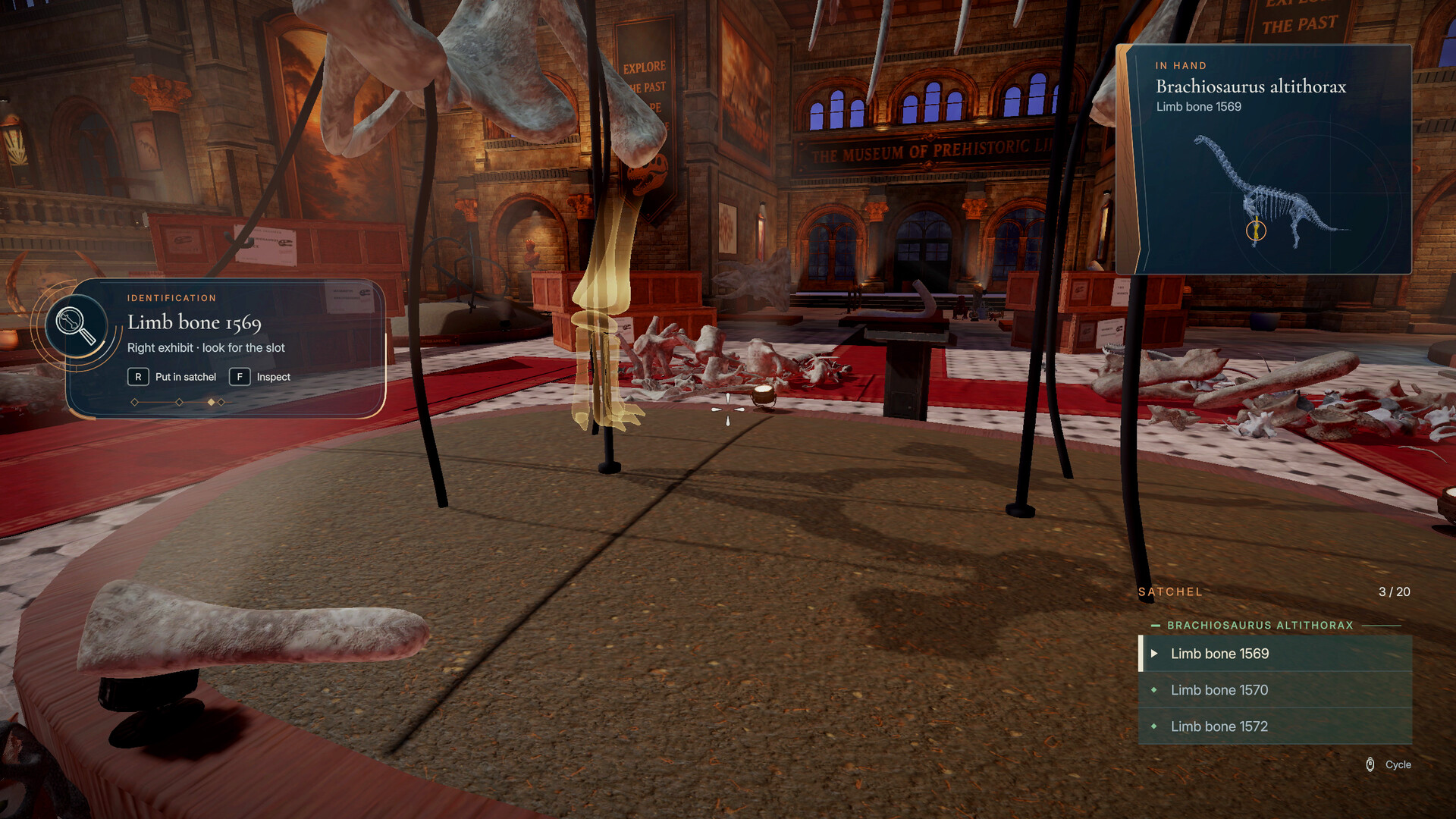
You can approach a bone, pick it up, and carry it to any assembly slot. No timed input is required, so you may move at your own pace.
- Scan the area first; bones are scattered across multiple surfaces.
- Move slowly and carefully when carrying a bone to its slot.
02 / THE GUIDE
Identifying Skeletons
Each bone’s visual traits—color, texture, and wear—are distinct for each dinosaur. As you collect more pieces, those traits become easier to recognize.
There are no skill trees or upgrades; recognition improves naturally as you place additional bones, making later identification faster.
- Group bones that share similar colors or textures before placing them.
- Compare a newly found bone with those already placed to confirm its species.
03 / THE GUIDE
Assembling Skeletons
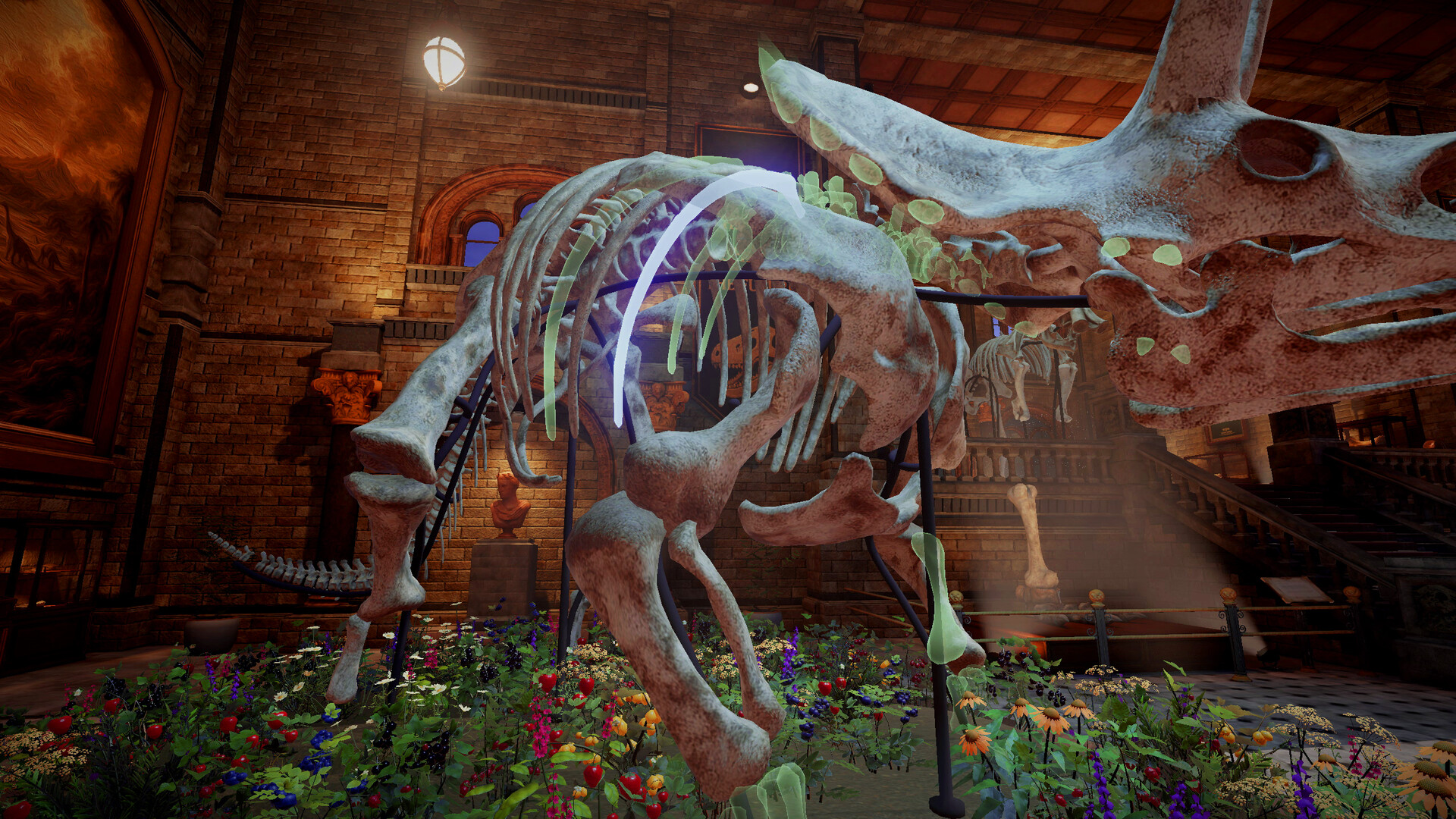
Find the correct slot for each bone and click it into place one at a time. The game does not enforce precise timing.
When a skeleton is completed, a special event occurs in the museum, leaving a small reward, toy, or surprise behind.
- Place larger bones first to create a clear framework for smaller pieces.
- Watch for the event cue after each completed skeleton to notice the reward.
04 / THE GUIDE
Audio & Visual Settings
Custom volume controls let you adjust overall sound, and the game supports both stereo and surround sound.
Adjustable text size changes the size of on‑screen text, helping readability without altering gameplay.
- Increase text size if bone labels become difficult to read.
- Listen closely with the game's stereo or surround sound to notice which presentation feels clearer to you.
05 / THE GUIDE
Platform & Controller Support
DinoBones runs on Windows, macOS, and Linux and includes full controller support, covering DualShock and DualSense devices.
The game is single‑player, supports Steam Cloud, and can be played without timed input, allowing casual sessions on any supported platform.
- Test both DualShock and DualSense controllers to find a comfortable grip.
- Enable Steam Cloud to keep progress when switching computers.

COMMUNITY
Player discussion