 GameWiki
GET YOUR BEARINGS
About Dino Crisis 2
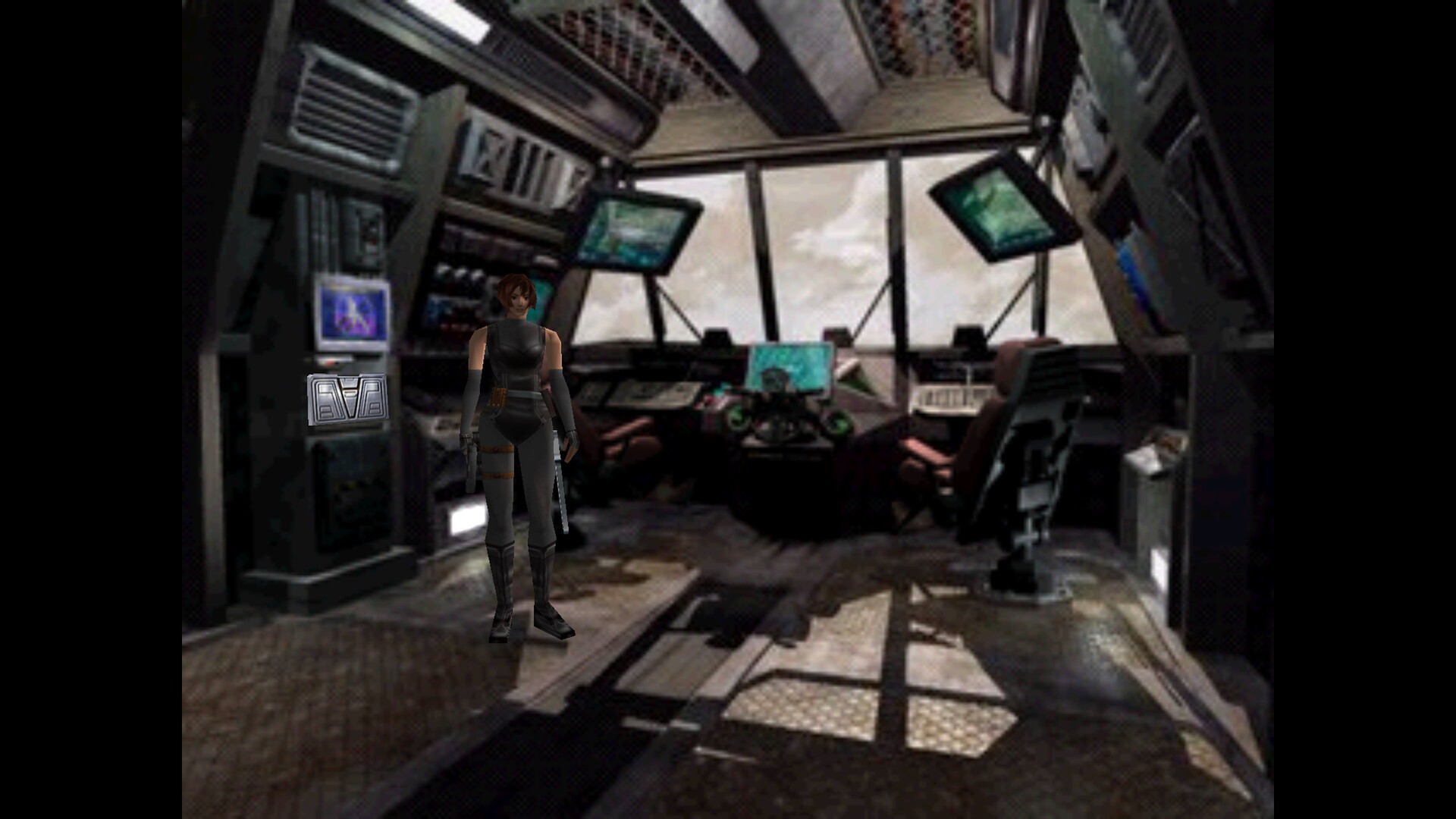
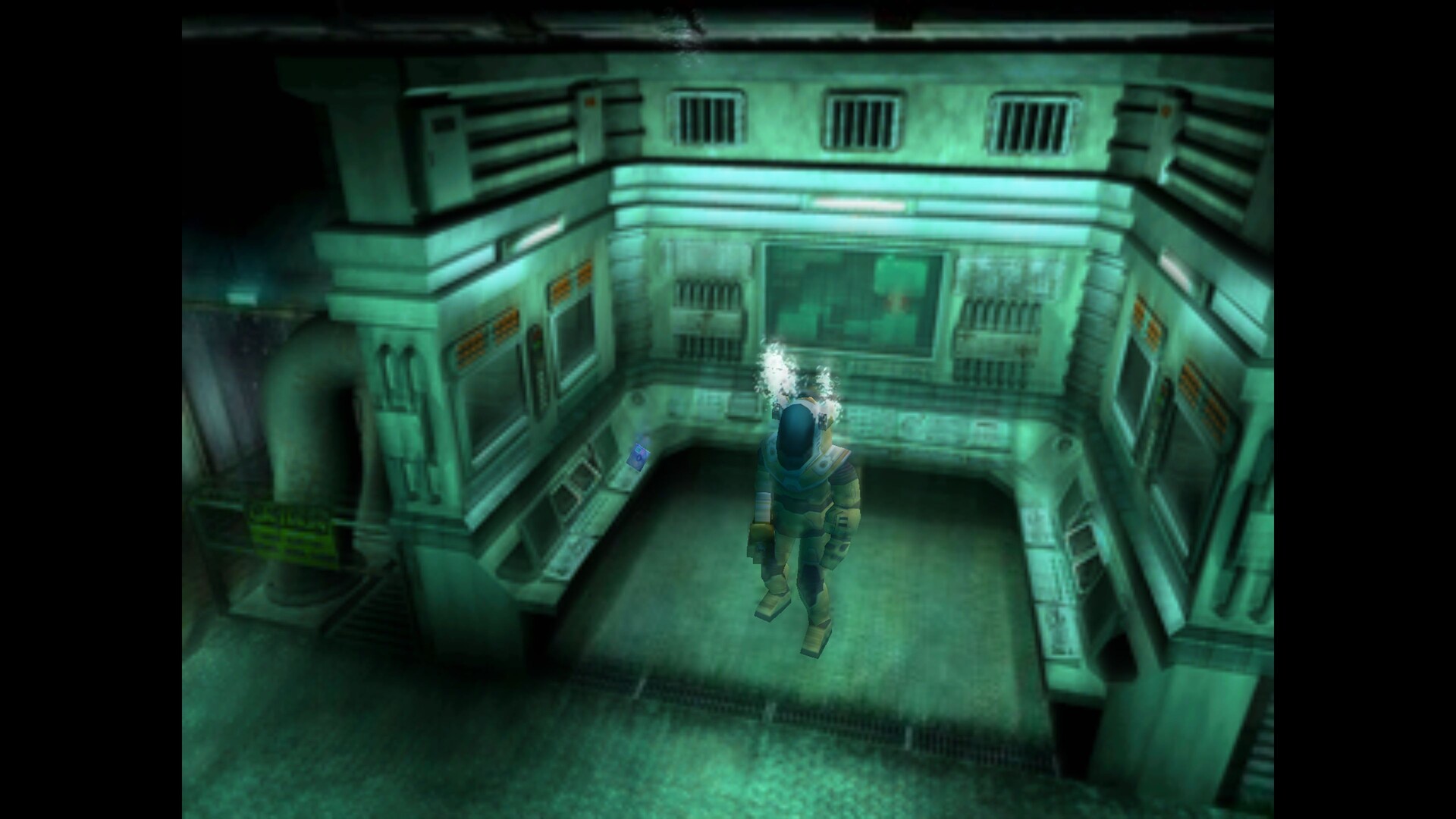
Dino Crisis 2 follows a government rescue mission sent through an experimental time‑gate to the shattered Edward City after a second Third Energy accident. Regina leads the team to retrieve research data and any survivors from the displaced city, confronting the aftermath of the reactor explosion.
The re‑release runs on Windows 10 and Windows 11, adds full English and Japanese localisations, and provides modern controller support plus extensive graphics options such as windowed mode, V‑sync, gamma correction and anti‑aliasing while preserving the original action‑adventure experience.
01 / THE GUIDE
Story
One year after the operation to retrieve Dr. Kirk, the Third Energy project causes a second catastrophic explosion that destroys Edward City. The government responds by deploying an untested time‑gate to send a rescue team back in time.
Regina heads the mission, tasked with recovering research data and any remaining personnel. The narrative unfolds as the team navigates the displaced city and encounters the consequences of the reactor’s instability.
- Watch cutscenes for hints about the time‑gate’s effects.
- Take note of environmental details that expand the backstory.
02 / THE GUIDE
Characters
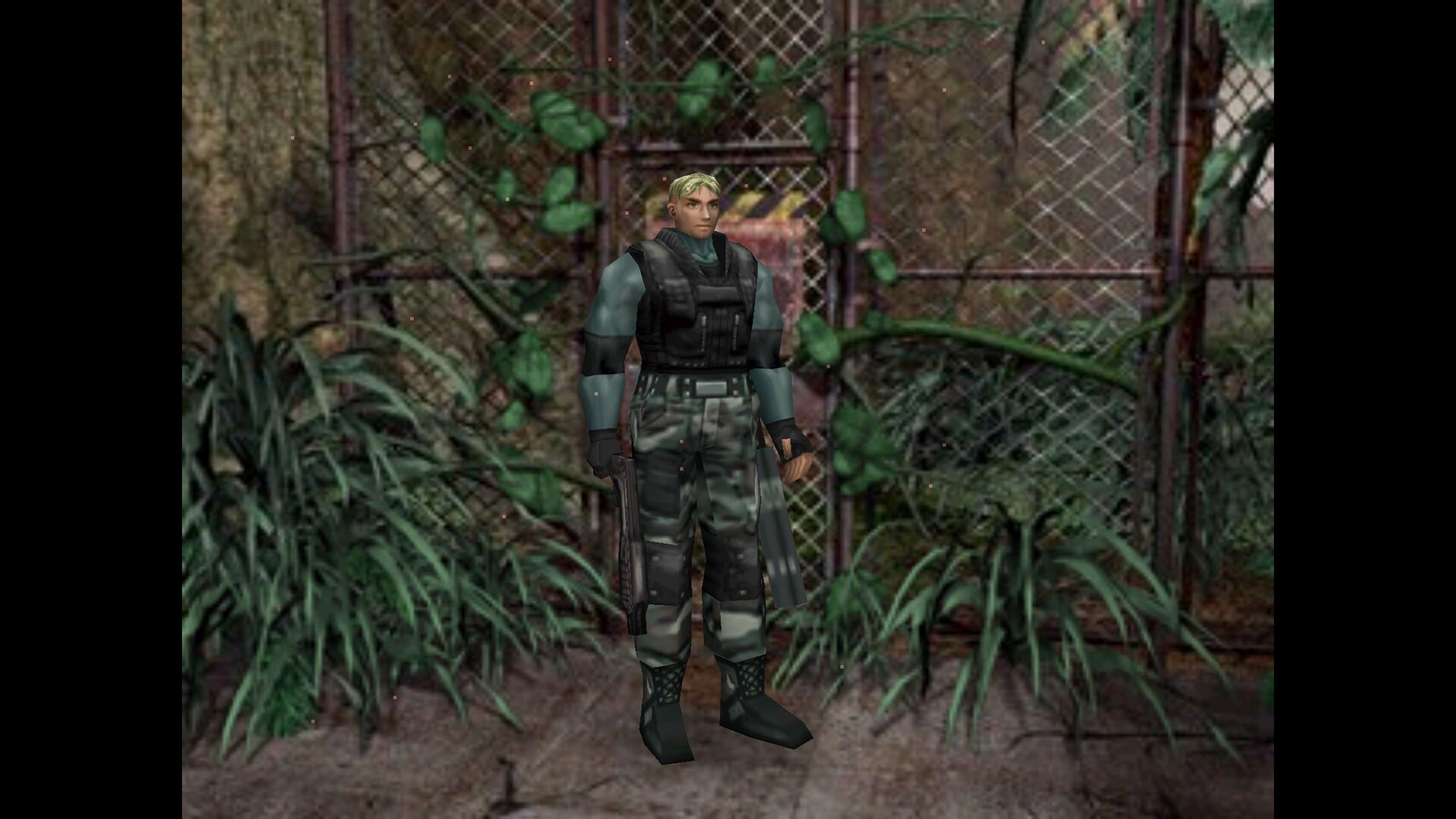
Regina returns as the primary protagonist, leading the rescue effort. The description also confirms that Dylan appears alongside her, continuing his role from the previous title.
Both characters are presented without specific gameplay roles, allowing the story to focus on their involvement in the time‑gate operation and the search through Edward City.
- Observe dialogue between Regina and Dylan for plot clues.
- Track each character’s appearances to follow the narrative flow.
03 / THE GUIDE
Dinosaurs
The game features more than ten dinosaur types, expanding the variety of enemies encountered throughout the levels. This increase adds visual and combat diversity compared with the earlier title.
The number of dinosaurs attacking at once has doubled, creating larger group encounters that require players to manage multiple threats simultaneously.
- Watch enemy patterns to anticipate group behavior.
- Maintain distance when many dinosaurs appear to avoid being overwhelmed.
04 / THE GUIDE
Graphics Options
The re‑release introduces a suite of rendering controls: display mode for resolution and refresh rate, presentation mode for fullscreen or windowed, aspect‑ratio correction, scaling method, vertical synchronization, gamma correction, anisotropic filtering and anti‑aliasing.
Additional visual improvements include enhanced DirectX rendering, item rendering, fogging, and cartridge‑box alignment, all aimed at smoother performance on modern hardware.
- Enable V‑sync to reduce screen tearing on high‑refresh monitors.
- Adjust gamma if scenes appear too dark or bright.
05 / THE GUIDE
Controller Support
The game supports a wide range of modern controllers, including Sony DualSense, DualShock 4, Microsoft Xbox Series, Xbox One, Xbox 360, Nintendo Switch and Logitech F series, applying optimal button bindings automatically regardless of hardware or wireless mode.
Partial controller support is offered alongside a keyboard‑only option, giving players flexibility to choose their preferred input method without losing functionality.
- Test the automatic bindings and re‑map if needed for comfort.
- Switch to keyboard‑only mode if a controller feels unresponsive.
COMMUNITY
Player discussion