 GameWiki
GET YOUR BEARINGS
About Ding Dong XL
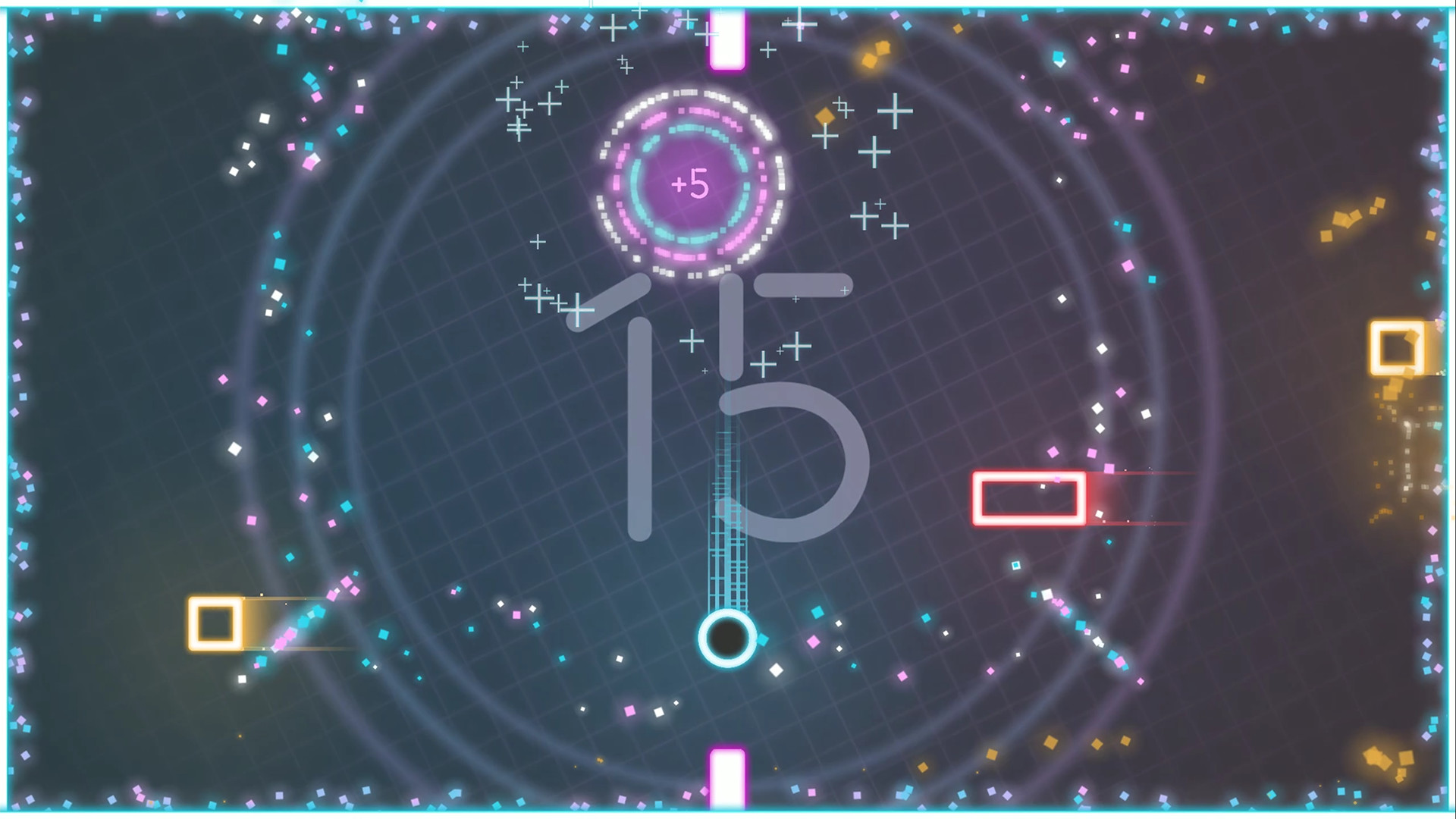
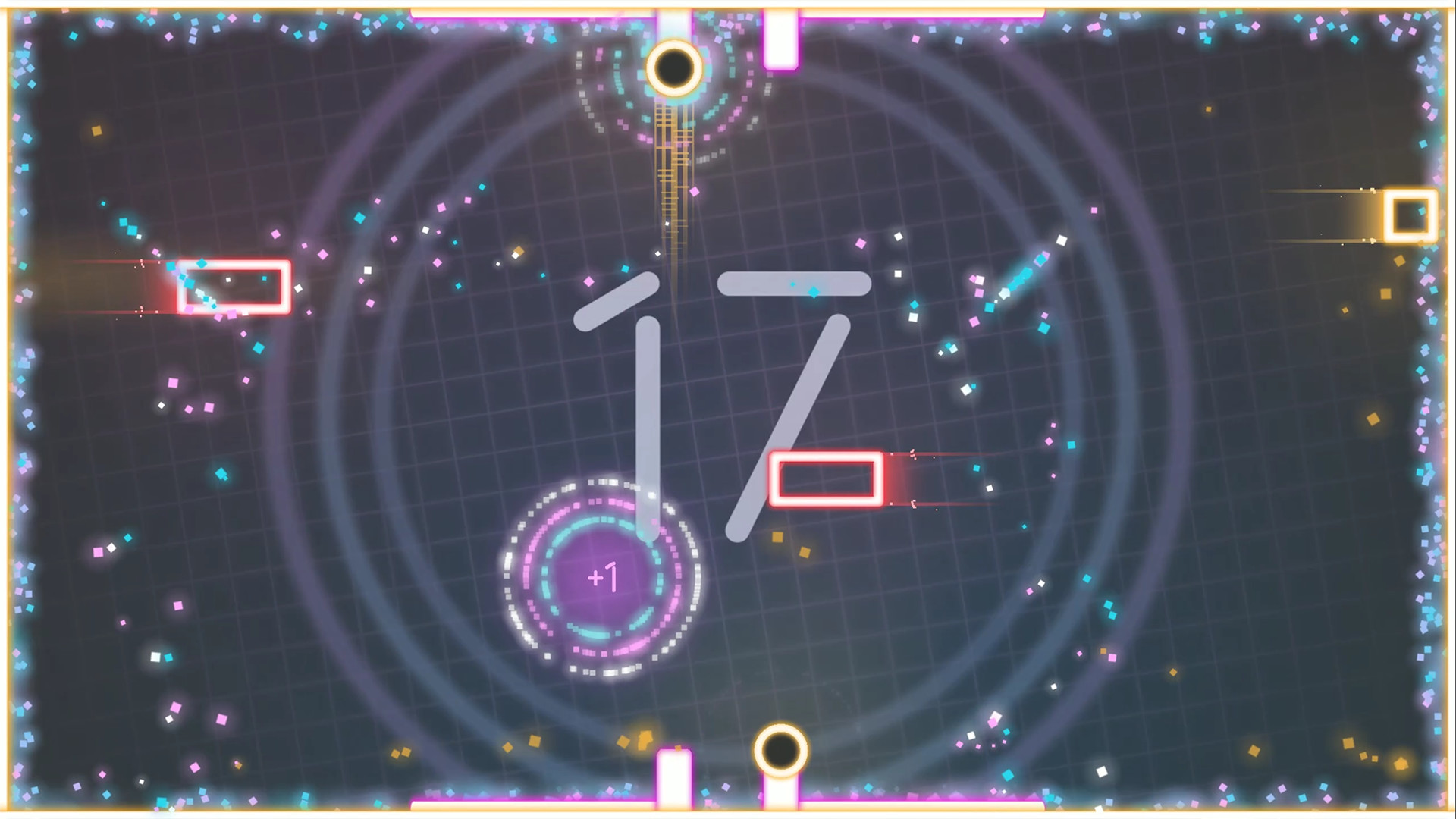
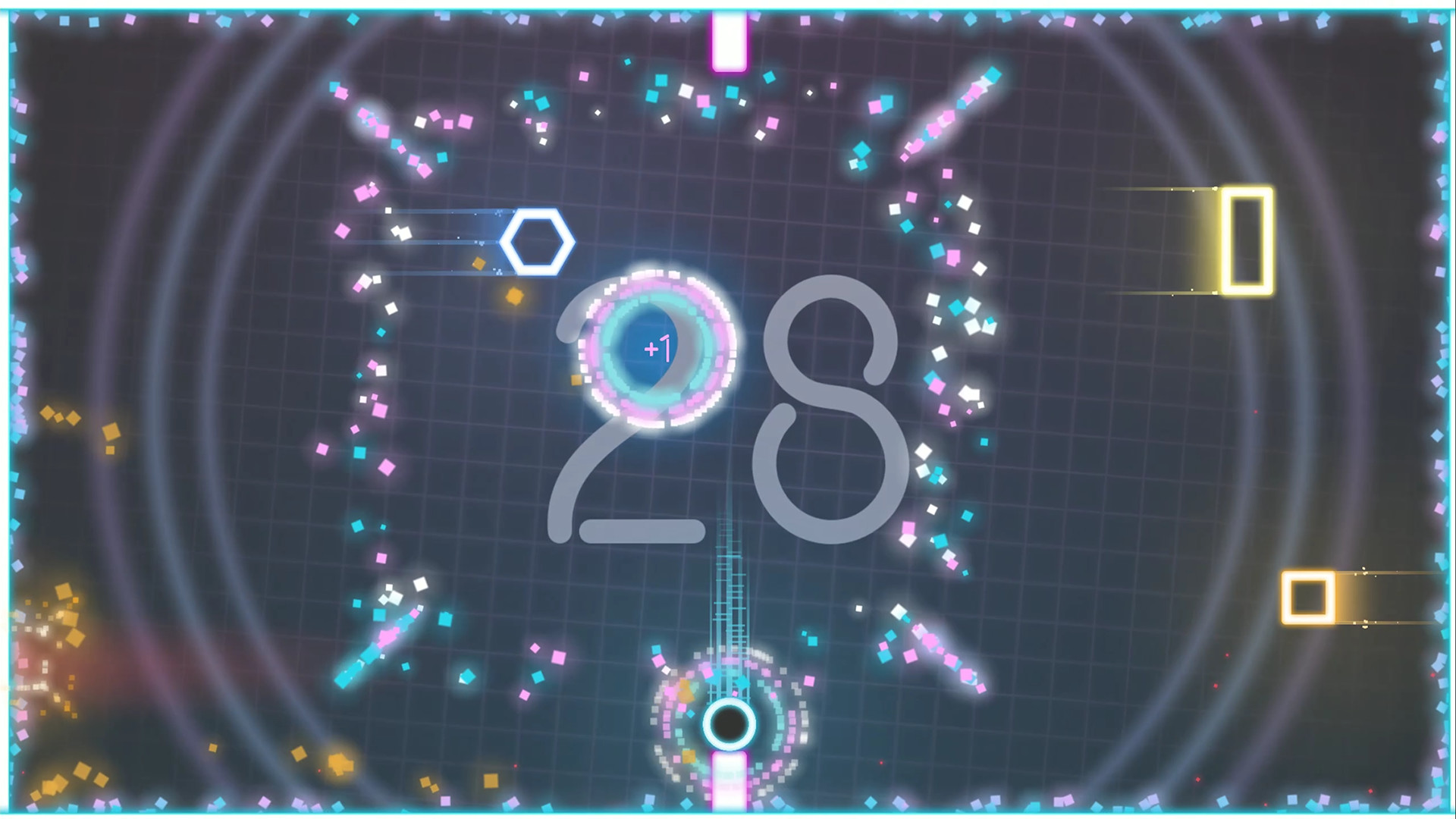
Ding Dong XL is a fast‑paced, endless arcade title where you guide Ding and Dong between the top and bottom of the screen, dodging obstacles and smashing power‑ups. The game rewards reflexes and timing, offering a simple one‑button tap to switch vertical positions while the challenge escalates.
Designed for quick pick‑up sessions, the title supports keyboard, mouse, and full controller input, and includes unlockable cosmetic skins, a dual‑button challenge, and an expert‑only infinite mode. Steam integration adds achievements, cloud saves, leaderboards, and trading cards, while the game is localized into ten languages.
01 / THE GUIDE
Gameplay Mechanics
Players tap to move Ding or Dong from the top of the screen to the bottom, or vice versa, avoiding enemies and collecting points. Near‑misses trigger a Close Call Bonus, granting extra points for risky play.
The game runs endlessly, with obstacles becoming increasingly difficult as the player survives longer. Scores accumulate from points, power‑up smashes, and bonus awards, encouraging repeated attempts to beat personal or leaderboard records.
- Observe obstacle patterns early to anticipate timing for near‑miss bonuses.
- Focus on consistent tapping rhythm to maintain position control during faster sections.
02 / THE GUIDE
Control Options
Ding Dong XL offers simple one‑button gameplay that can be played with a keyboard, mouse, or any full‑controller device. The input method does not affect core mechanics, allowing an intuitive pick‑up‑and‑play experience.
Full controller support means the game accepts standard controller inputs, while keyboard and mouse also map to the single tap action, giving players flexibility in how they interact with the arcade action.
- Try the mouse for rapid tapping if you find keyboard latency uncomfortable.
- Test a controller to see whether it feels smoother for vertical switches during high‑speed segments.
03 / THE GUIDE
Game Modes
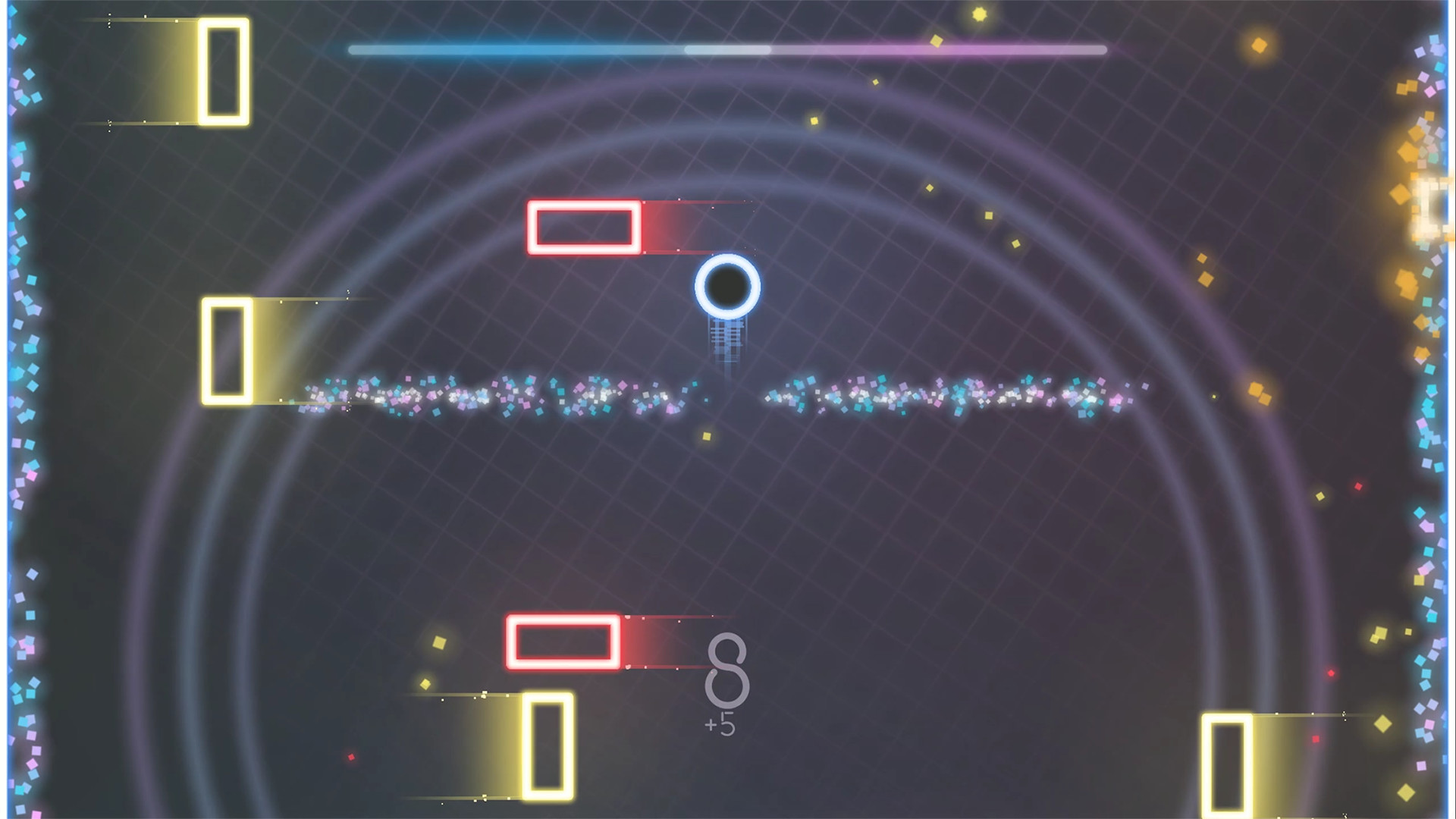
The default mode is an endless arcade run that grows harder over time. Dual Mode Challenge adds a second button for added difficulty or enables local co‑op on a single controller.
Infinite Mode is a special expert setting that pushes difficulty to an “incredibly difficult new challenge,” offering a higher skill ceiling for seasoned players.
- Start with the standard mode to learn obstacle timing before trying Dual Mode.
- Use Infinite Mode to benchmark your highest possible score against the leaderboards.
04 / THE GUIDE
Cosmetic Skins
Players can unlock visual skins that change the appearance of Ding or Dong. Some skins are borrowed from other Adamvision Studios titles, providing a cross‑game aesthetic variety.
These skins are purely visual and do not alter gameplay mechanics, allowing players to personalize their avatar without affecting performance.
- Collect skins to showcase personal style on leaderboards.
- Experiment with skins from other Adamvision games for a fresh look during long sessions.
05 / THE GUIDE
Steam Features
The Steam version includes achievements, cloud saves, leaderboards, and trading cards, integrating the game into the broader Steam ecosystem. These features track progress and compare scores with other players.
Remote Play on TV and Remote Play Together let players stream or share the game locally, while Family Sharing permits multiple accounts to access the title.
- Steam Cloud support is available, which can help keep your saves consistent across devices.
- Check the leaderboards regularly to gauge where you stand among global players.

COMMUNITY
Player discussion