 GameWiki
GET YOUR BEARINGS
About Different Strokes
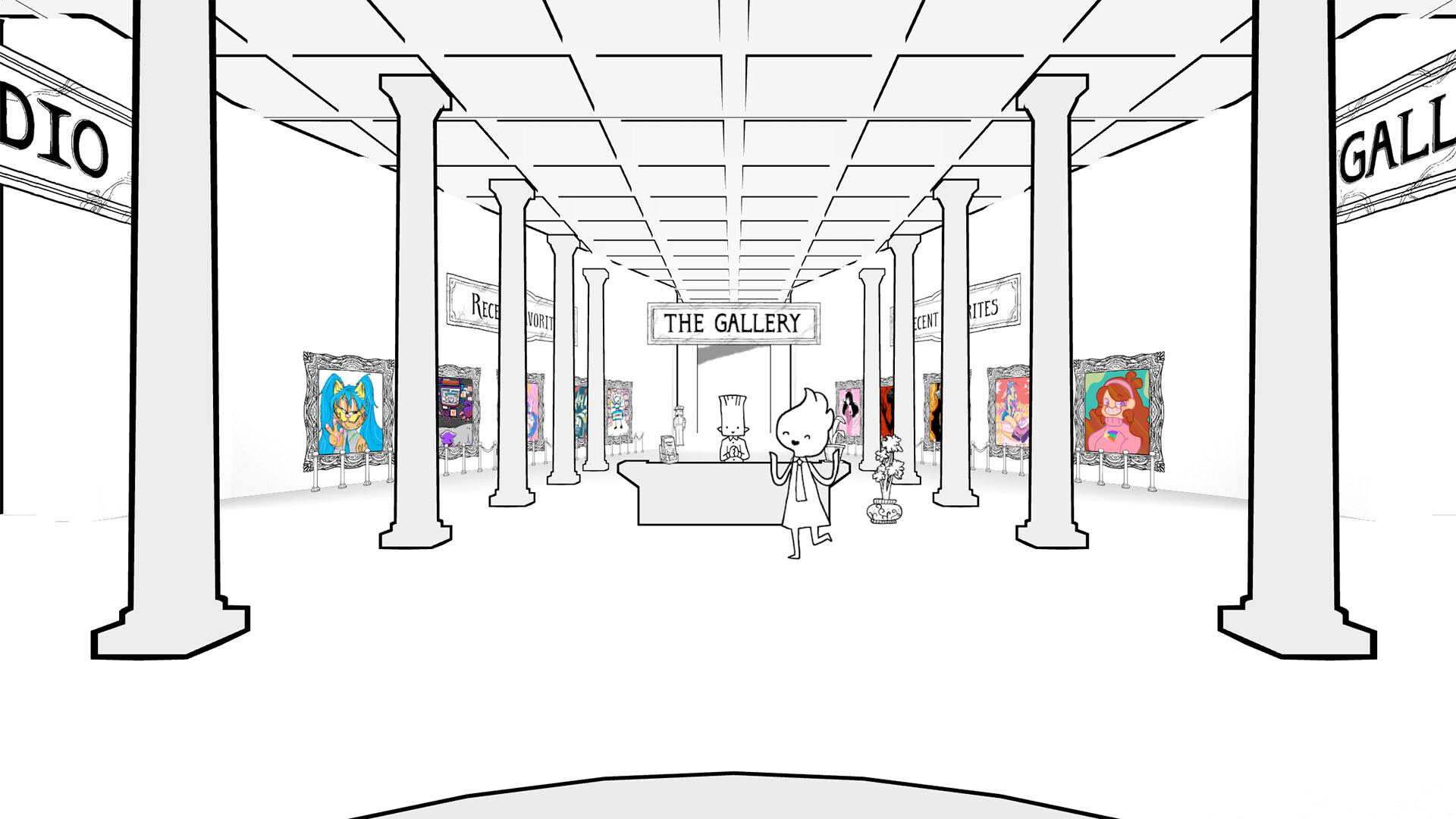
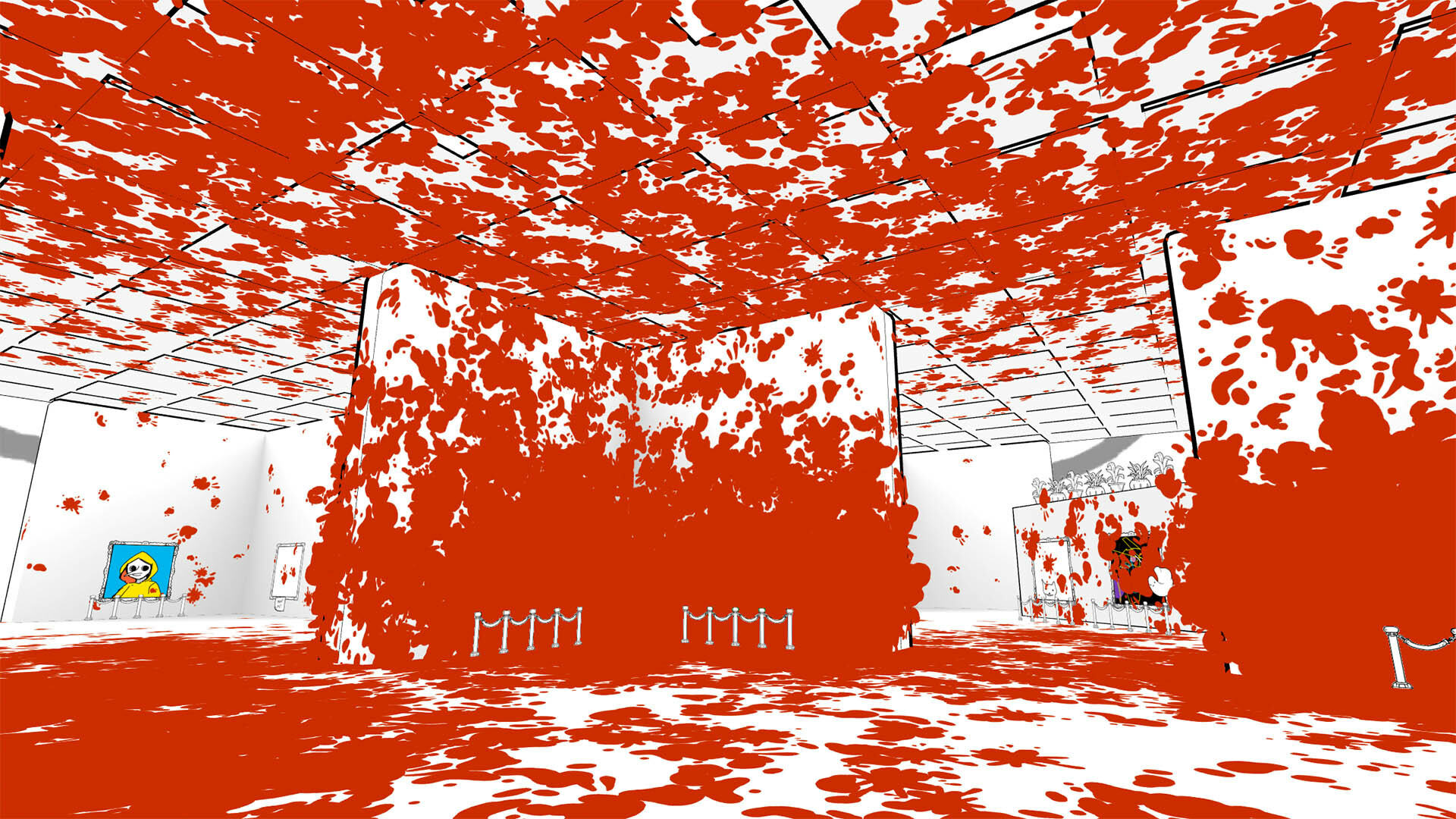
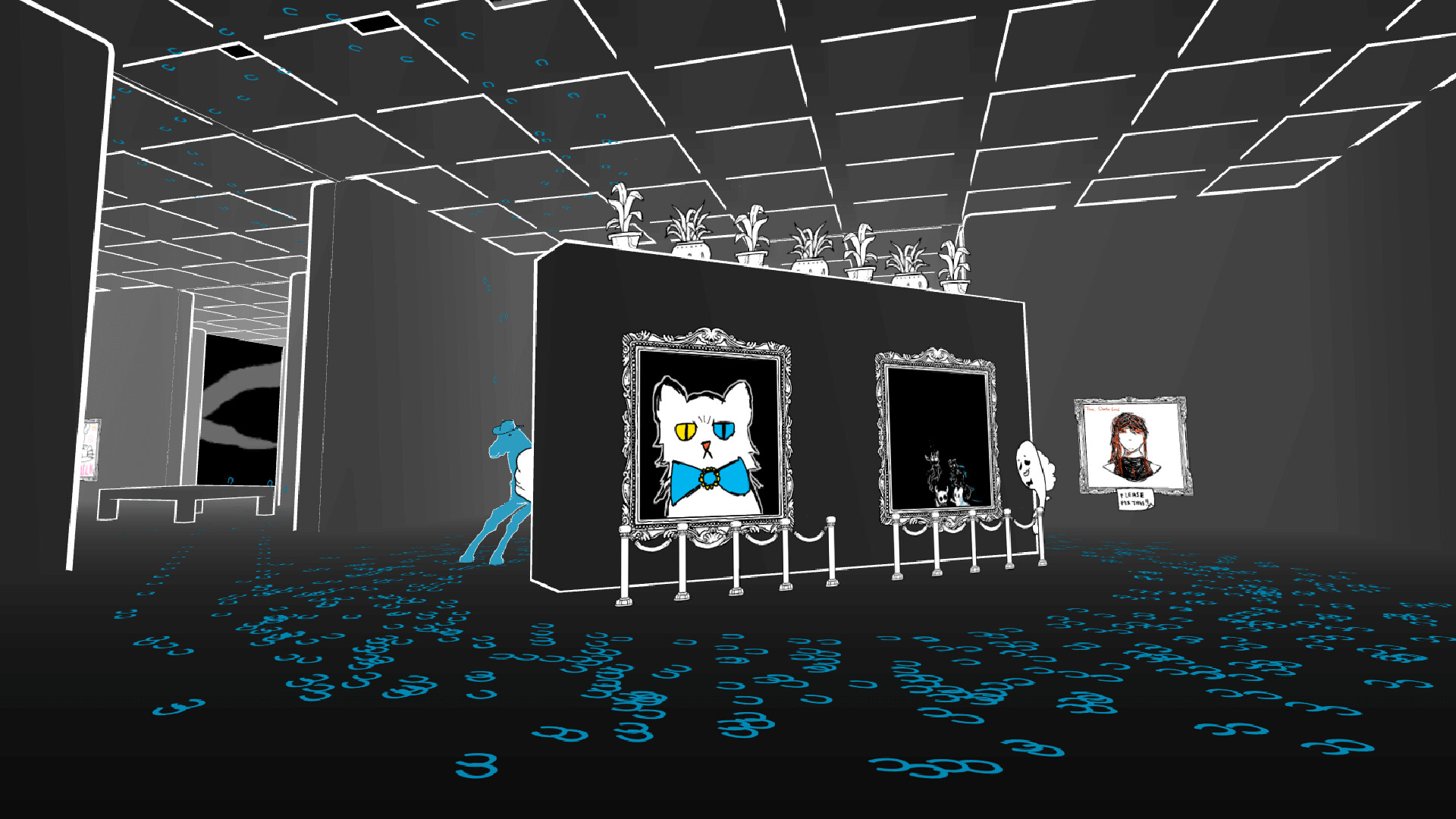
Different Strokes is an online collaborative painting game where you wander a shared gallery, create art on blank canvases, edit other players’ work, and assign ratings. All creations are generated live by the community, so the exhibition constantly evolves.
A weekly themed gallery offers a less‑crowded space for focused exposure, and a Deluxe Edition DLC adds nine extra colors, smaller brushes, smoothing, fill patterns, a straight‑line tool, canvas zoom/rotation, a studio viewing room, and an easel that stores up to three drafts.
01 / THE GUIDE
Exploring, Painting, Editing, and Rating
The main loop has you explore the ever‑expanding gallery, locate blank canvases, and paint your own pieces. You can also edit other players’ artwork and give each completed work a rating.
All artwork is created and remixed live by the community, meaning the gallery’s content changes continuously as players add, modify, and rate pieces.
- Try editing a piece you like to see how small changes affect its rating.
- Explore different corners of the gallery to discover varied styles.
02 / THE GUIDE
Gallery of the Week
Each week a new "gallery of the week" opens with a specific theme, giving artists a chance to showcase work that fits the prompt. This space is less crowded than the main gallery, increasing the chance of standing out.
Art submitted to the weekly gallery follows the same live creation and rating system as the main gallery, allowing themed pieces to compete for attention alongside regular submissions.
- Focus on the weekly theme to attract more likes.
- Use the weekly gallery to test new techniques before posting to the main gallery.
03 / THE GUIDE
Deluxe Edition DLC Add‑Ons
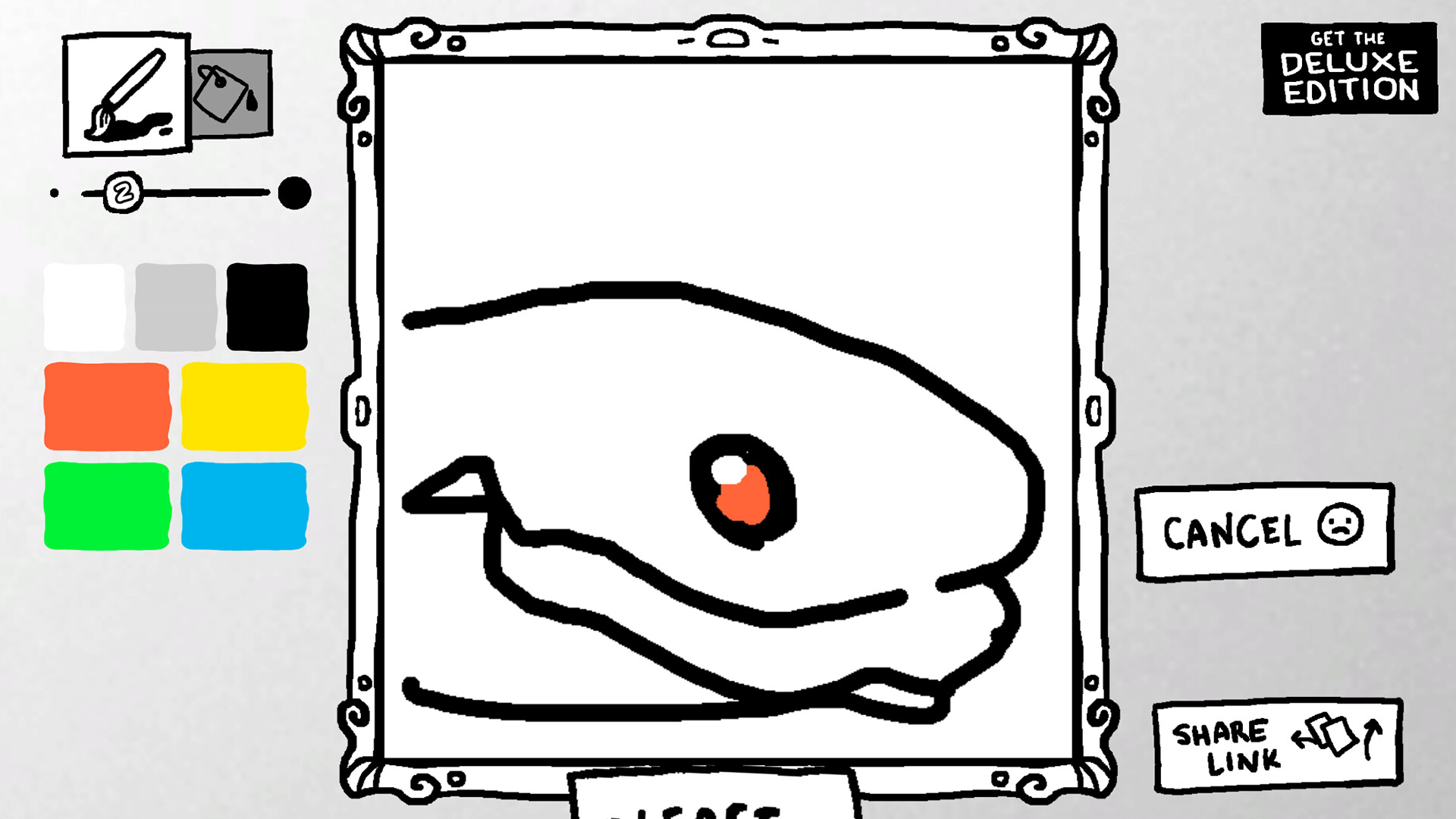
The Deluxe Edition DLC unlocks nine extra colors and several new tools, such as smaller brush sizes, brush smoothing, fill patterns, a straight‑line tool, and canvas zoom/rotation. These options expand artistic flexibility.
Additional studio features include a room for viewing liked paintings and an easel that can store up to three draft works, helping you manage unfinished pieces before publishing.
- Experiment with brush smoothing for cleaner lines.
- Use the easel drafts to iterate before publishing a final piece.
04 / THE GUIDE
User Accounts and Sharing
Players may create a separate username/password account usable across the browser and Itch.io, or log in with Steam, which ties the profile to that platform. Logged‑in users see their name on created or edited paintings.
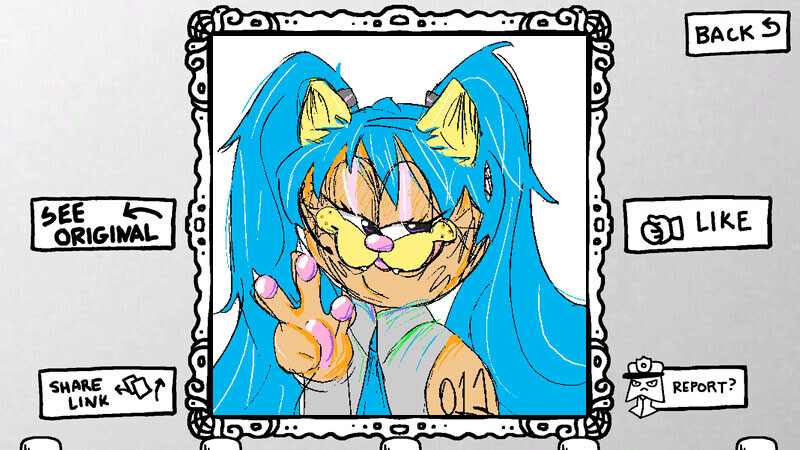
A share‑link button opens a web page for each painting, and notifications inform you when others like your work, showing total like counts.
- Use a separate username/password account if you want an identity usable across the Itch.io and browser versions.
- Share standout pieces via the link to attract feedback outside the game.
05 / THE GUIDE
Steam Integration and Multiplayer
Different Strokes runs on Windows and offers both single‑player and multiplayer modes, allowing anyone to join the shared gallery. Multiplayer lets multiple players interact in the same space simultaneously.
Steam features such as Achievements, Cloud saves, and Family Sharing are available, providing additional options for Steam users.
- Steam Cloud is available if you want Steam's save syncing for your sessions.
- Check the achievement list for optional goals while you paint.
COMMUNITY
Player discussion