 GameWiki
GET YOUR BEARINGS
About Diesel Railcar Simulator
Diesel Railcar Simulator puts you behind the wheel of British diesel railcars and locomotives from the 1960s. With over 150 miles of track across three detailed routes, the game offers a realistic physics model and authentic sounds for train‑sim enthusiasts.
Players can drive manually with full controls or use a simplified six‑key mode, and may also hand over control to AI. A career mode links individual services, while a robust editor suite and Steam Workshop support let the community create new trains, routes, and timetables.
01 / THE GUIDE
Train Selection
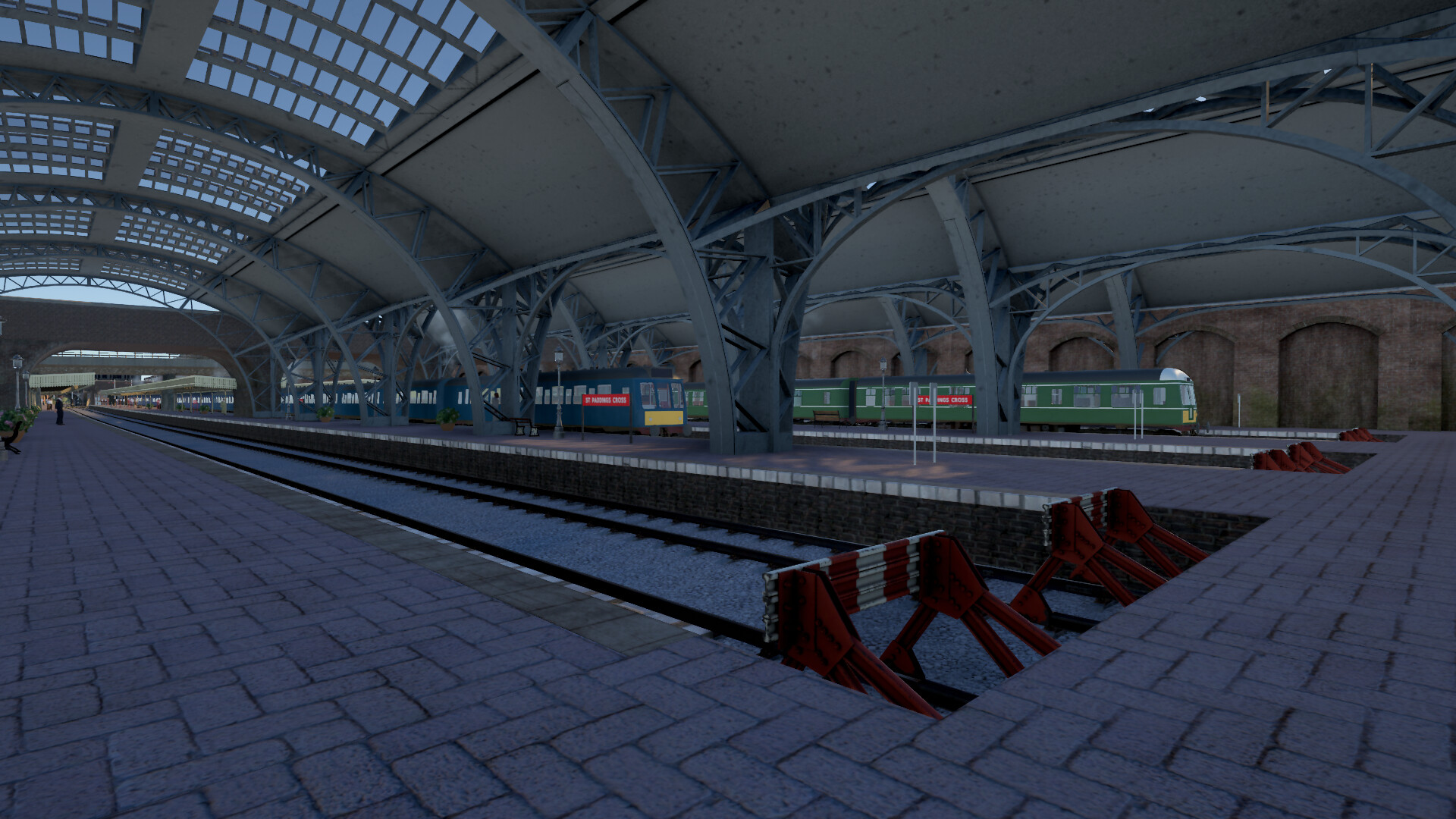
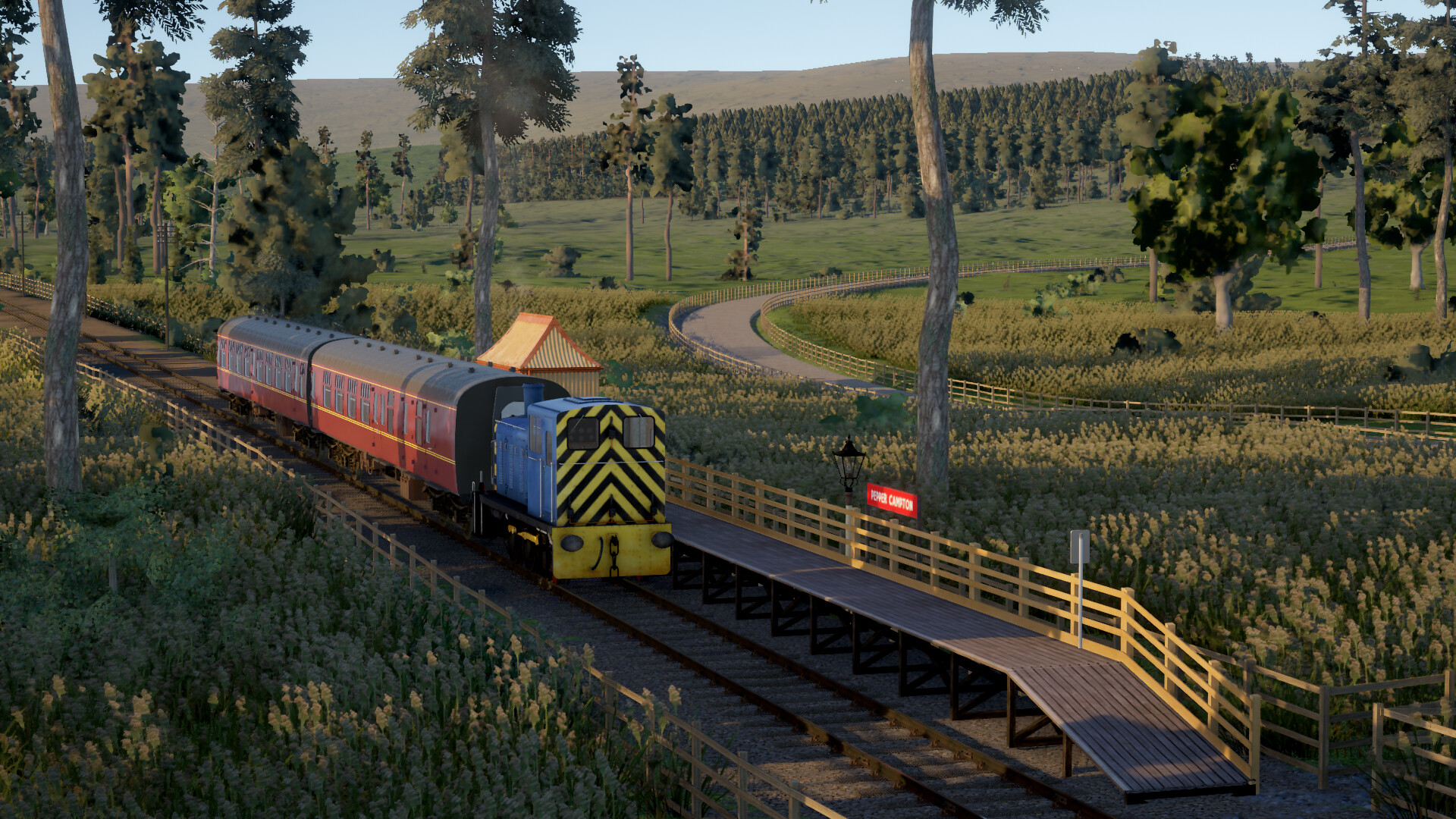
The simulator includes four diesel railcar classes with manual gearboxes—112, 117, 122, and 126—as well as a Class 127 railcar with a torque converter that removes the need for gear changes. Locomotives such as Classes 03, 37, and 40, plus a variety of passenger coaches and goods wagons, are also available.
All these vehicles are modeled with detailed transmission components and suspension, providing distinct handling characteristics. Players can switch between trains during a session to view any active service from any perspective.
- Compare the manual gearbox railcars to the torque‑converter railcar to see how gear‑changing affects your driving rhythm.
- Experiment with different locomotive classes to notice variations in power and braking response.
02 / THE GUIDE
Route Choices
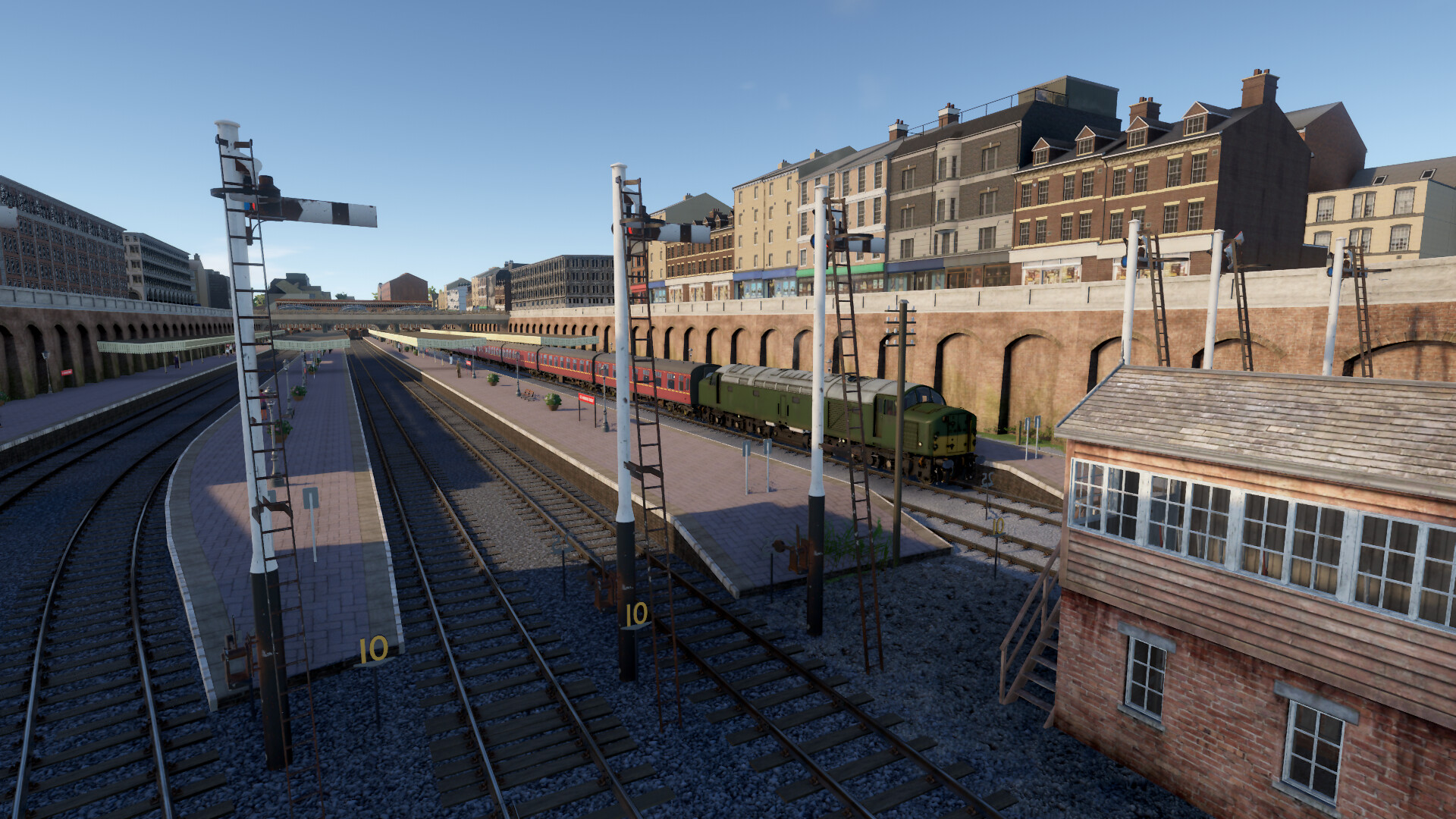
Three routes total more than 150 miles of track, each with a unique environment. North Landen is a busy four‑track main line with express and stopping trains. Westfords offers a warm valley with two main lines and suburban branches. Mountain Pass features a double‑track line with a single‑track section over rugged hills and steep gradients.
Additional routes can be added via the Steam Workshop, expanding the geographic variety beyond the base offering.
- Try the Mountain Pass route to experience challenging gradients and single‑track operations.
- Use the Workshop to explore community‑created routes that may introduce new scenery.
03 / THE GUIDE
Driving Modes
Players may drive fully manually with optional HUD guides, or activate a 'simple controls' mode that reduces input to six keys. Input can be handled via keyboard, gamepad, or mouse‑controlled in‑cab interfaces. Alternatively, the AI can take over, allowing observation from any viewpoint.
These options let newcomers start easy while giving veterans the depth of full manual operation, all within a single‑player experience.
- Start with simple controls to learn timetable basics before switching to full manual mode.
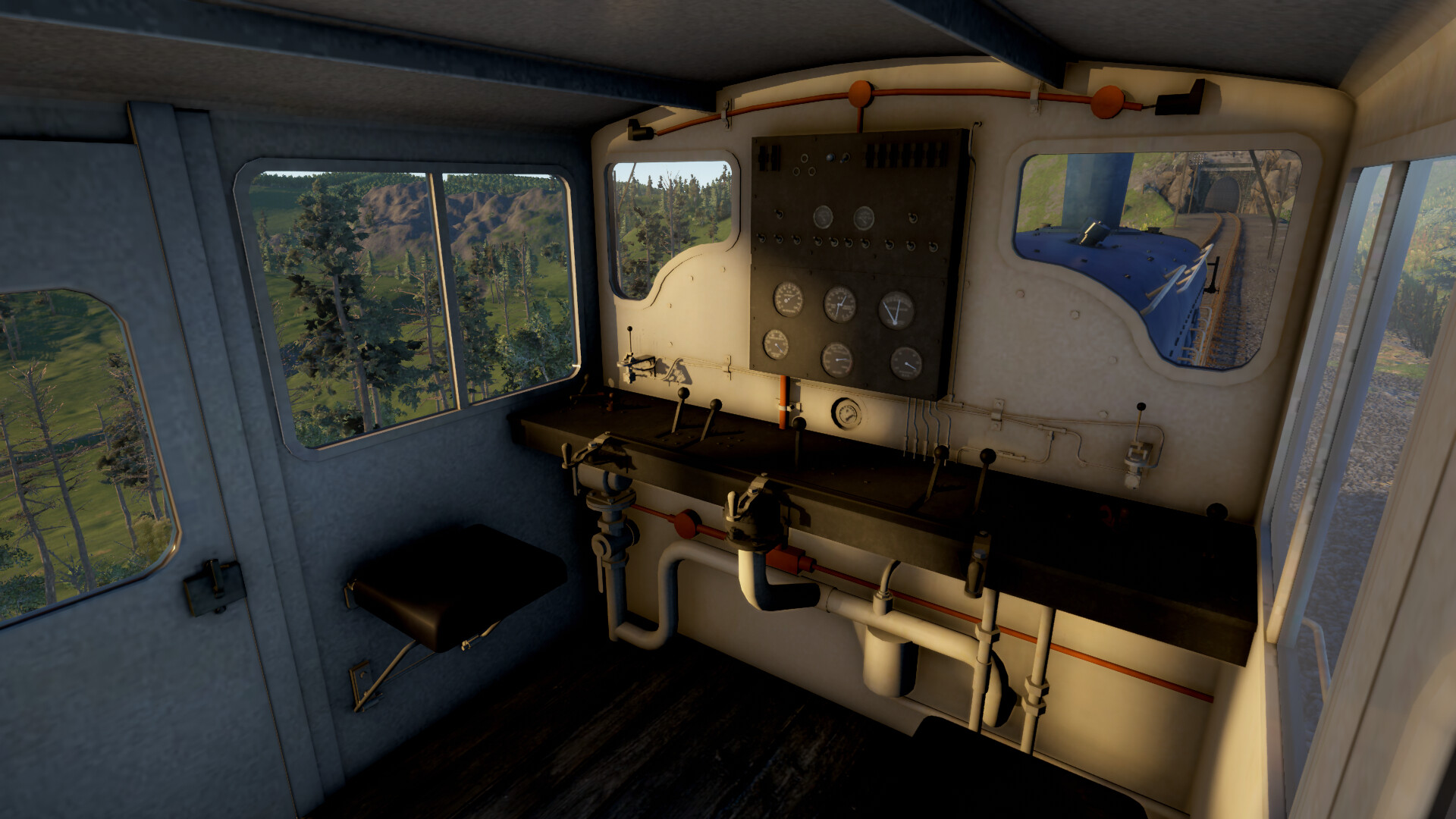
- Use the mouse‑controlled cab to get a more immersive feel of the train’s instruments.
04 / THE GUIDE
Career and Scoring
Each route provides a full daytime timetable, and every service—inter‑city, semi‑fast, stopping, freight, rescue, or empty stock—is drivable. After completing a run, the game evaluates driving style and timekeeping, encouraging repeats for higher scores through more accurate braking or economical driving.
The career mode strings individual runs together, adding randomisation and player choice, while achievements reward exploration of different play styles.
- Focus on consistent braking to improve your score on repeat runs.
- Check the post‑run evaluation to identify areas where you can drive more economically.
05 / THE GUIDE
Modding Tools
Built‑in editors let players create new trains, routes, and timetables. The train editor includes a vehicle body modelling tool usable without prior 3D experience, while the route editor supports custom assets and imported models. Timetables can be populated to generate busy traffic.
All creations can be shared through the Steam Workshop, fostering a community of user‑generated content that expands the simulator beyond its original assets.
- Use the vehicle body tool to design a unique livery before importing a custom model.
- Test a new route with a simple timetable to ensure traffic flows as intended.
COMMUNITY
Player discussion