 GameWiki
GET YOUR BEARINGS
About Dice In You
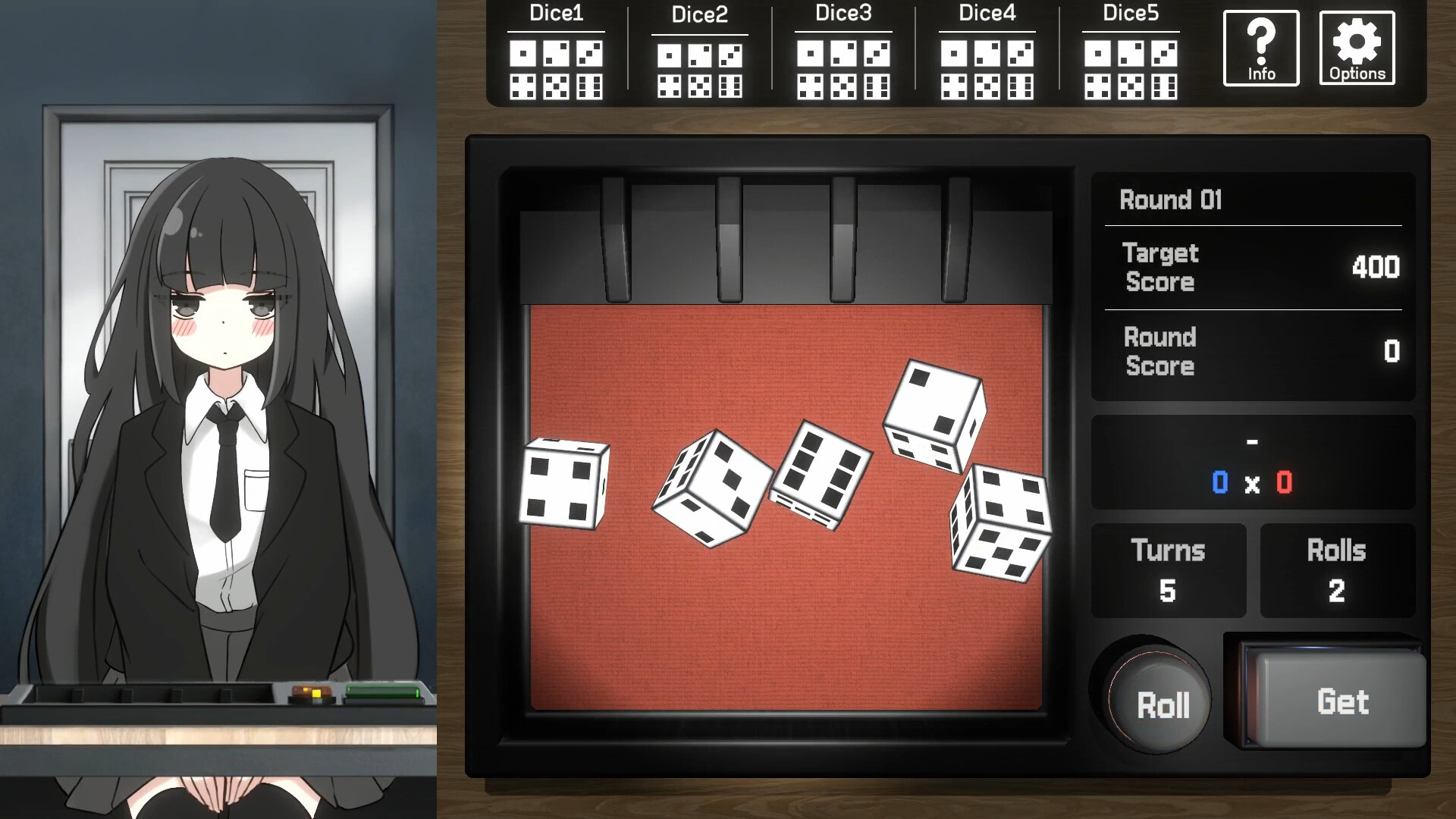
Dice In You blends roguelike deck‑building with dice mechanics, placing you in a sealed room alongside a mysterious girl. Your goal is to operate the central device, clear each round, and ultimately escape together.
The game offers a single‑player experience with mouse‑only control, custom volume, and the ability to save at any time. It runs on Windows and macOS, supporting family sharing and free‑to‑play access.
01 / THE GUIDE
Core Gameplay
You awaken in an unfamiliar, sealed space and must clear rounds using a deck of dice. Each round presents a challenge that you meet by playing dice cards, reflecting the roguelike deck‑builder style. The objective is to operate the device in front of you, progressing toward escape while managing the dice you draw each turn.
- Observe how each dice card interacts with the round’s requirements before playing.
- Consider the order of dice usage to maintain flexibility for later rounds.
02 / THE GUIDE
Dice Fusion
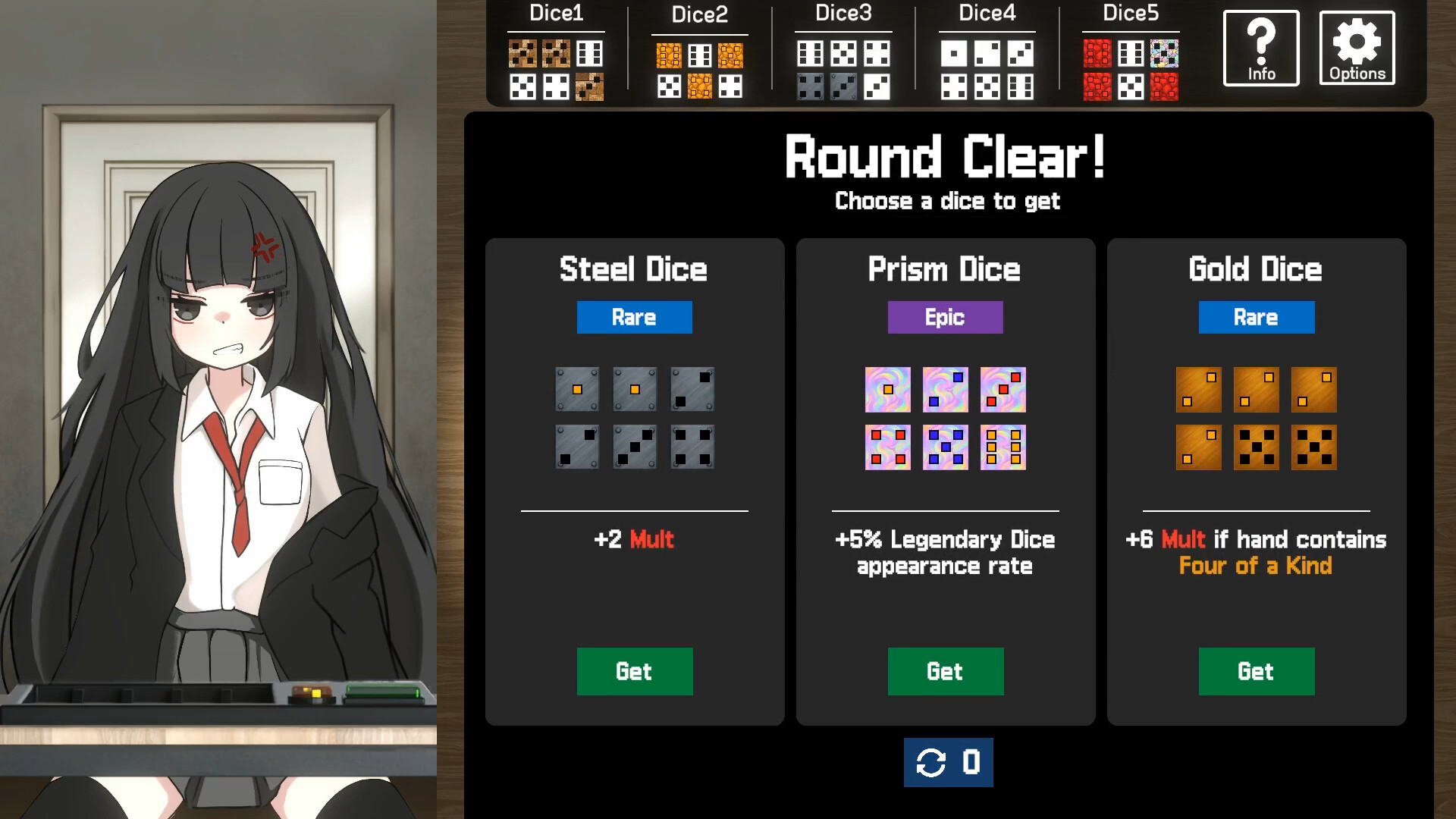
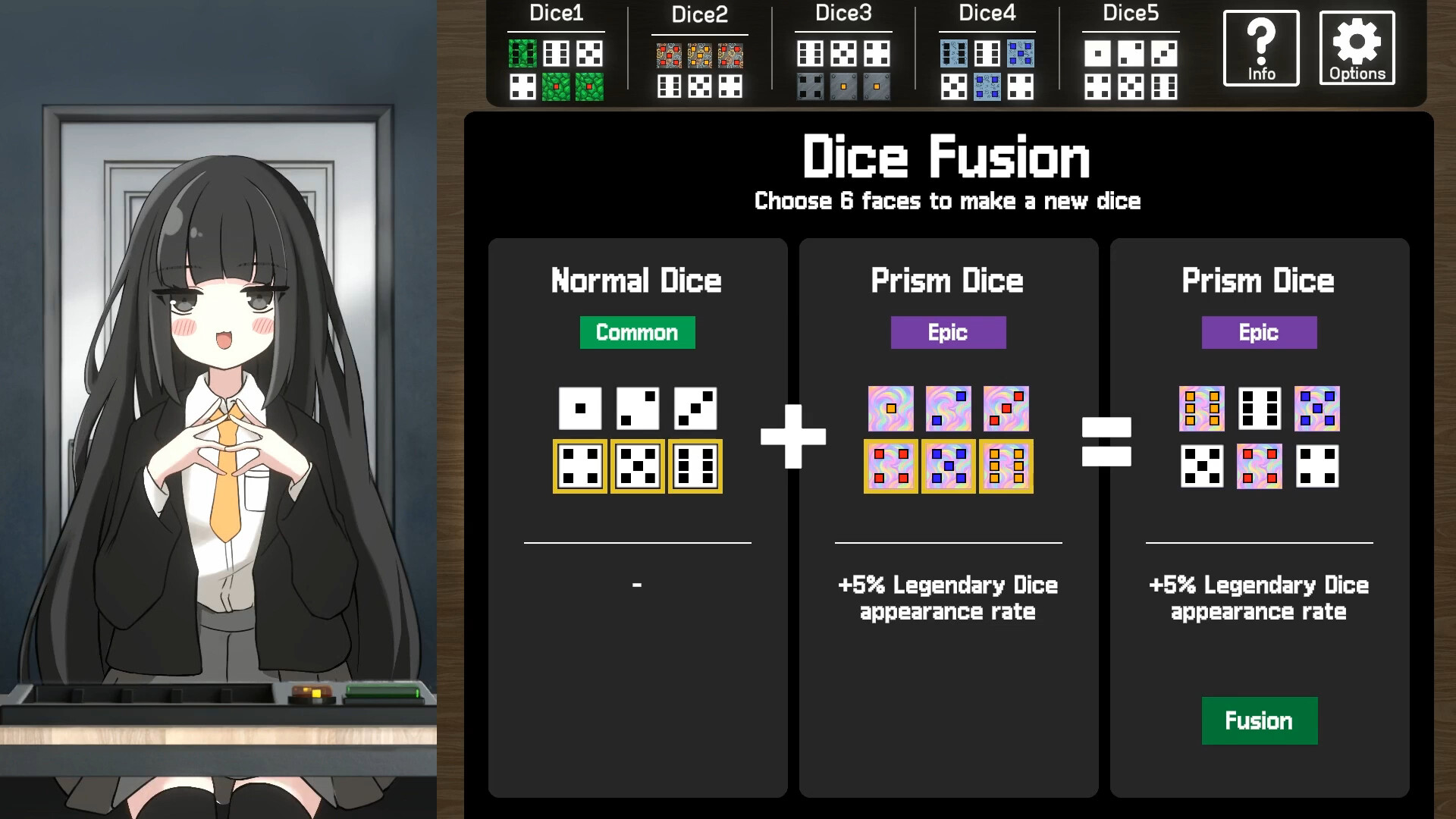
At the end of each round you can obtain dice with special abilities. These newly acquired dice may be fused with an existing die, allowing you to craft a custom, more powerful die for future use. Fusion creates a personalized die that can influence later rounds, adding strategic depth to deck construction.
- When fusing, compare the special abilities of both dice to maximize synergy.
- Keep a balance of offensive and defensive abilities in your custom dice.

03 / THE GUIDE
Girl’s Emotions
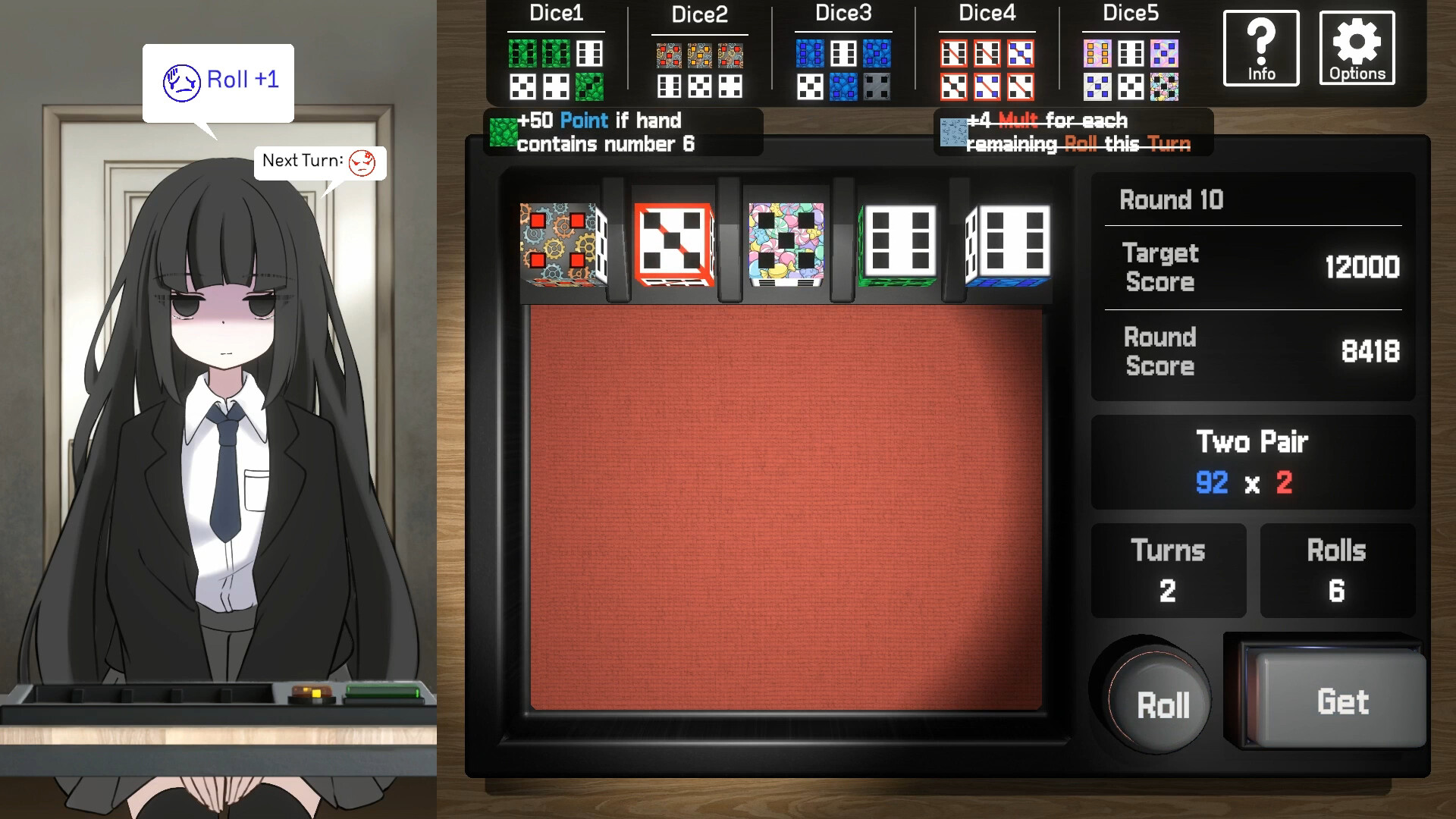
The mysterious girl’s emotions shift based on your play style. These emotional changes can affect gameplay, potentially offering assistance as you progress. Monitoring her emotional state may help you understand how your decisions influence her, and her shifting feelings may end up helping you.
- Pay attention to any visual or textual cues indicating her mood changes.
- Adjust your strategy if her emotions seem to hinder your progress.
04 / THE GUIDE
Accessibility Options
Dice In You includes a Mouse Only option, custom volume controls, and the ability to play without timed input, making the experience adaptable to various player needs. You can also save at any moment, providing flexibility during longer sessions. These features aim to reduce barriers, allowing players to focus on strategy rather than strict timing or complex input schemes.
- Use the Save Anytime feature before experimenting with risky dice fusions.
- Adjust volume settings to suit your environment, especially during focused play.
05 / THE GUIDE
Platform Availability
The game is available on Windows and macOS, supporting single‑player mode and family sharing. This ensures that multiple users on the same account can enjoy the game without additional purchases. While Linux is not listed, the supported platforms cover the majority of PC gamers seeking a casual indie experience.
- Check your operating system compatibility before installing.
- Utilize family sharing to let other household members try the game.
COMMUNITY
Player discussion