 GameWiki
GET YOUR BEARINGS
About DFHack - Dwarf Fortress Modding Engine
DFHack is an add‑on for Dwarf Fortress that adds a collection of tools, bug‑fixes, automation agents and design blueprints. It works with the Steam version of the game and can load third‑party mods from the Workshop or forums.
The add‑on installs itself into the Dwarf Fortress folder the first time it is launched. Existing manual installations are detected when the Steam version is subscribed, and the configuration stored in the dfhack‑config directory is preserved.
01 / THE GUIDE
Installation and First Launch
When DFHack is launched for the first time it copies its files into the Dwarf Fortress installation directory. This single launch is required for the add‑on to become active and ready for use.
On Linux the DFHack executable and Dwarf Fortress must share the same Steam Compatibility setting (for example “Steam Linux Runtime 1.0 (scout)”). The requirement is specific to Linux and does not affect Windows installations.
- Confirm the Compatibility setting matches before the first launch on Linux.
- Run DFHack once immediately after subscribing to ensure the files are placed correctly.
02 / THE GUIDE
Tools Included in the Default Distribution
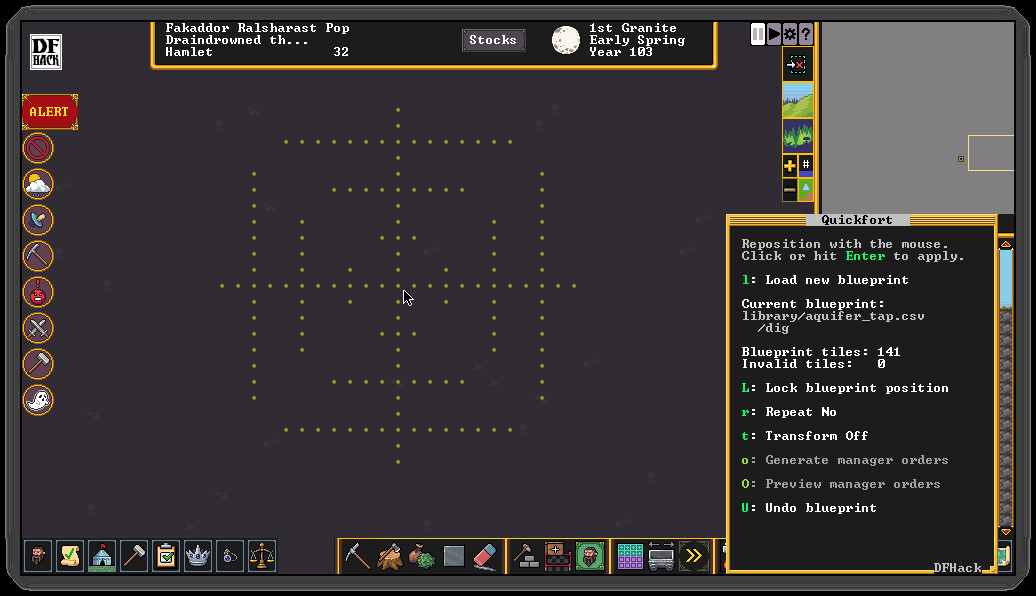
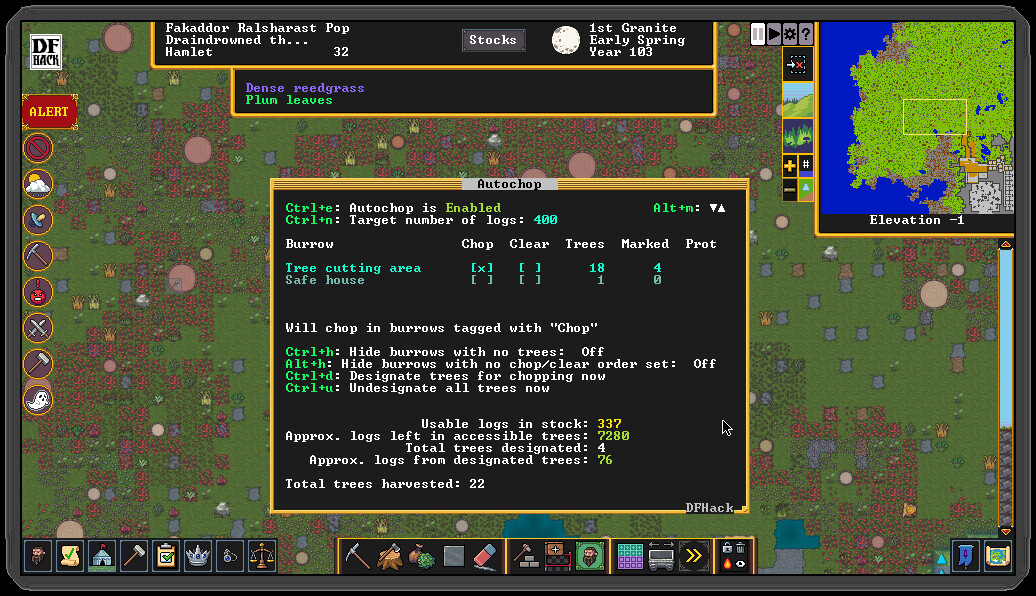
The default DFHack package contains bug‑fixes, interface improvements, automation agents, design blueprints and building‑block utilities for modders. These components aim to reduce bugs and give players more control over routine gameplay.
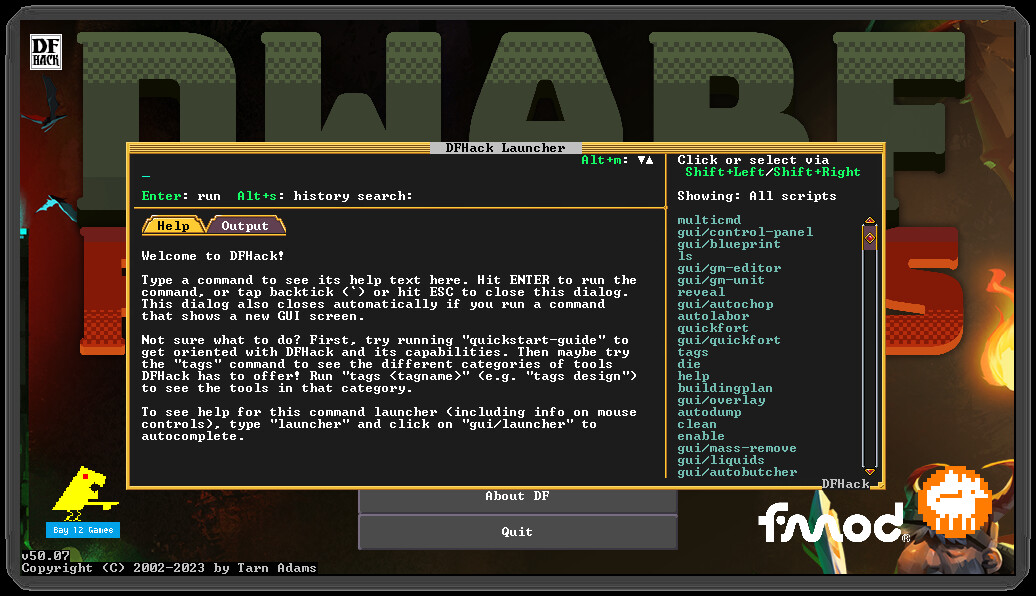
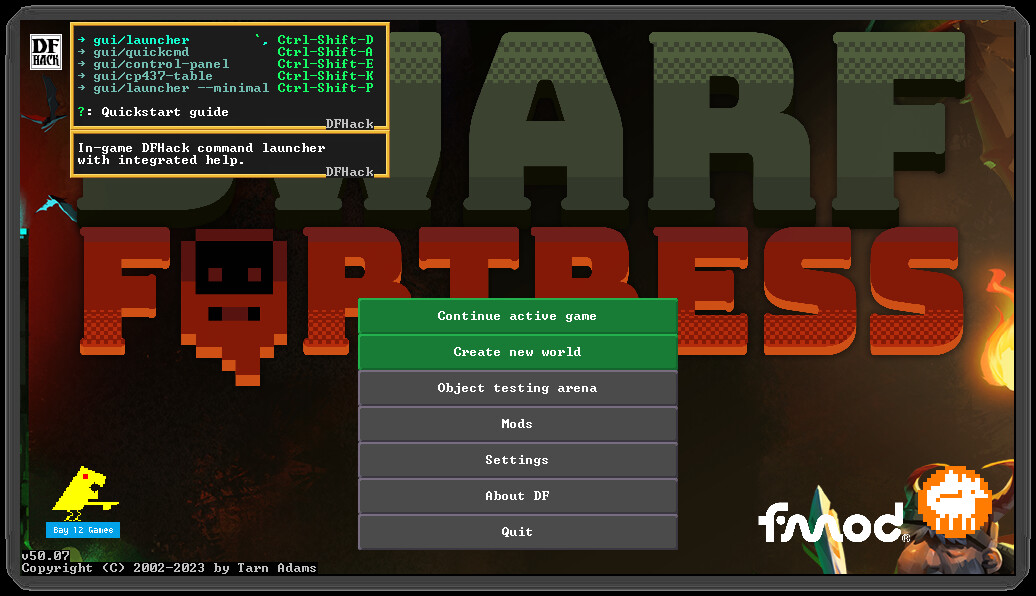
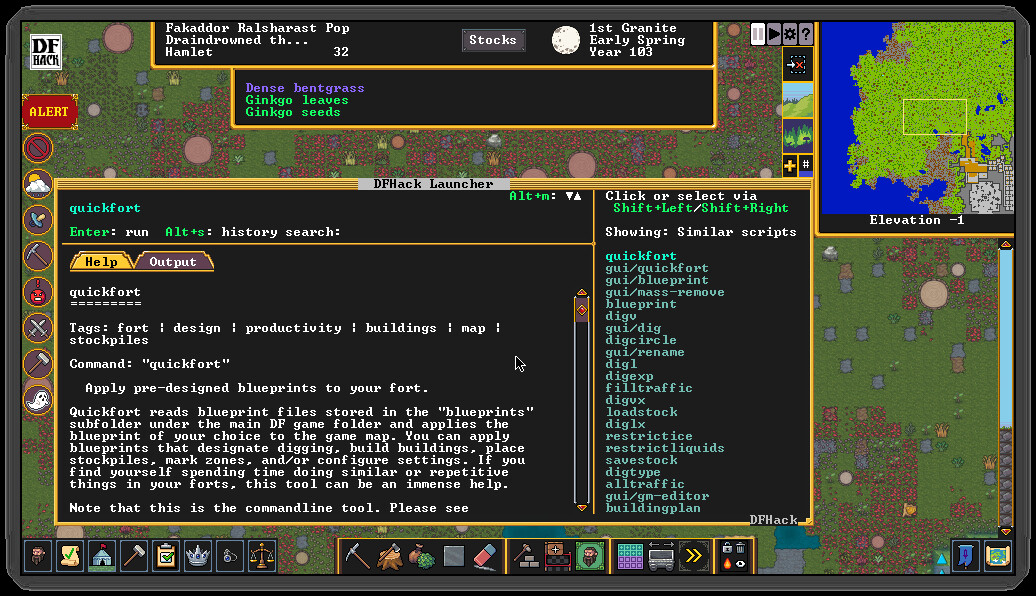
A Quickstart Guide is provided on the project website and can be opened in‑game with the quickstart‑guide command. The guide explains how to access and use the bundled tools after installation.
- Open the quickstart‑guide command early to locate the most useful automation agents.
- Review the design blueprint tool to see how it streamlines construction tasks.
03 / THE GUIDE
Third‑Party Mod Integration
Mods downloaded from the Dwarf Fortress Steam Workshop or the forums can seamlessly integrate with the DFHack framework and extend the game beyond what is possible by modding the raws alone.
When reporting an issue, attaching a zip file that contains the savegame and any active mods helps developers reproduce the problem, because they need those files to load the exact state.
- Keep a zip of all active mods ready for faster issue reporting.
- Test new Workshop mods in a separate save to avoid unintended interactions.
04 / THE GUIDE
Support and Issue Reporting
Feature requests and bug reports are submitted as Issues on DFHack’s GitHub tracker, which is linked from the “Stats” entry in the sidebar. This is the preferred channel for communication with the developers.
Including a clear description of the steps that led to the problem, together with a zipped savegame and any relevant mods, speeds up the debugging process because the team can load the exact scenario.
- Use the quickstart‑guide command to view help resources before filing a report.
- Describe the sequence of actions that caused the bug in detail.
05 / THE GUIDE
Platform Support and Steam Features
DFHack runs on Windows and Linux, matching the platforms listed for the Steam version of Dwarf Fortress. macOS is not supported according to the official platform list.
The add‑on is listed with the features Single‑player, Steam Cloud and Family Sharing. These labels indicate that the product can be used in a single‑player context and that Steam’s generic Cloud and Family Sharing services are available.
- Check that your operating system is Windows or Linux before installing.
- Verify that Steam Cloud is enabled in the client if you wish to use the generic service.
COMMUNITY
Player discussion