 GameWiki
GET YOUR BEARINGS
About DevilConnection
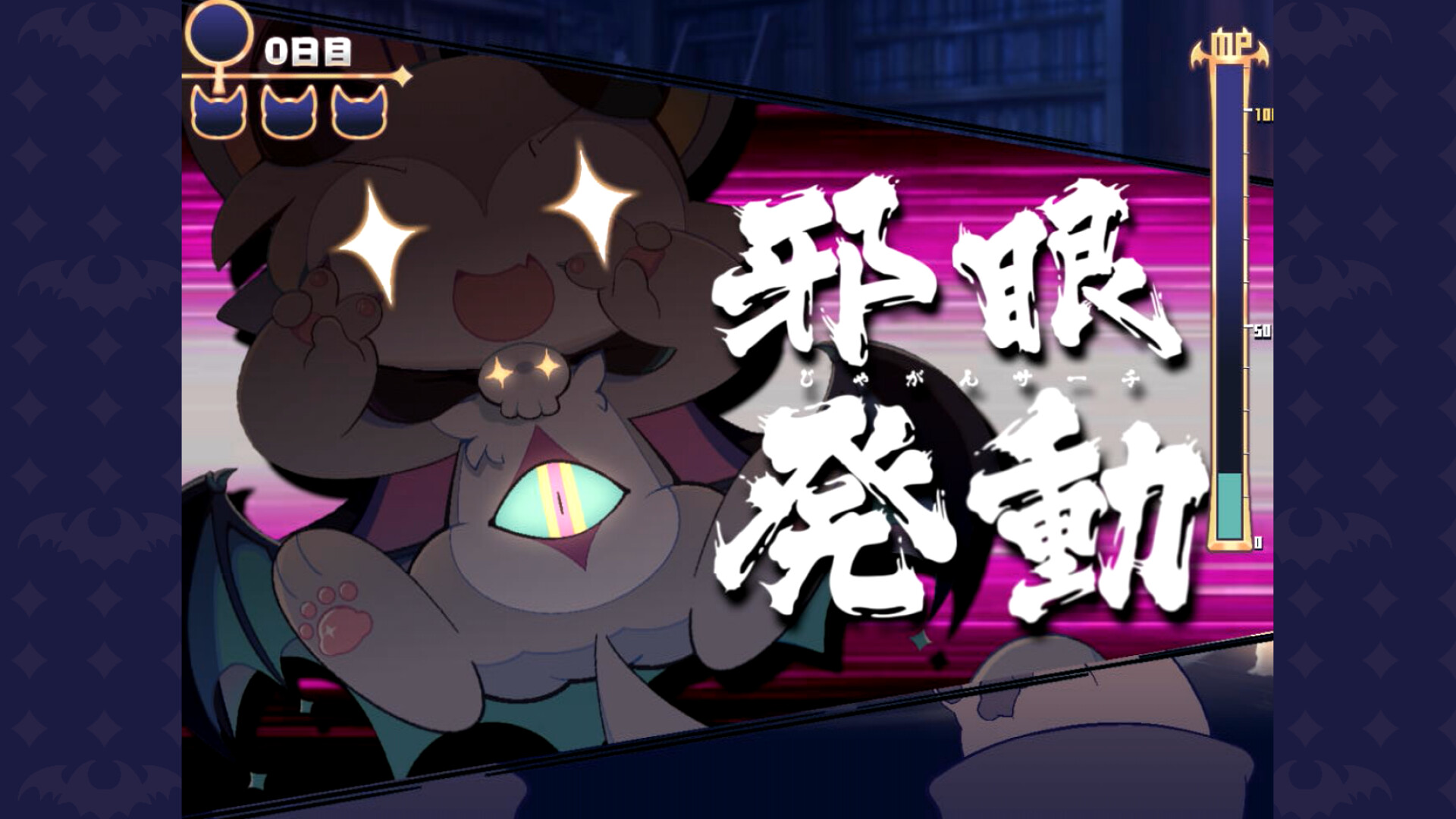
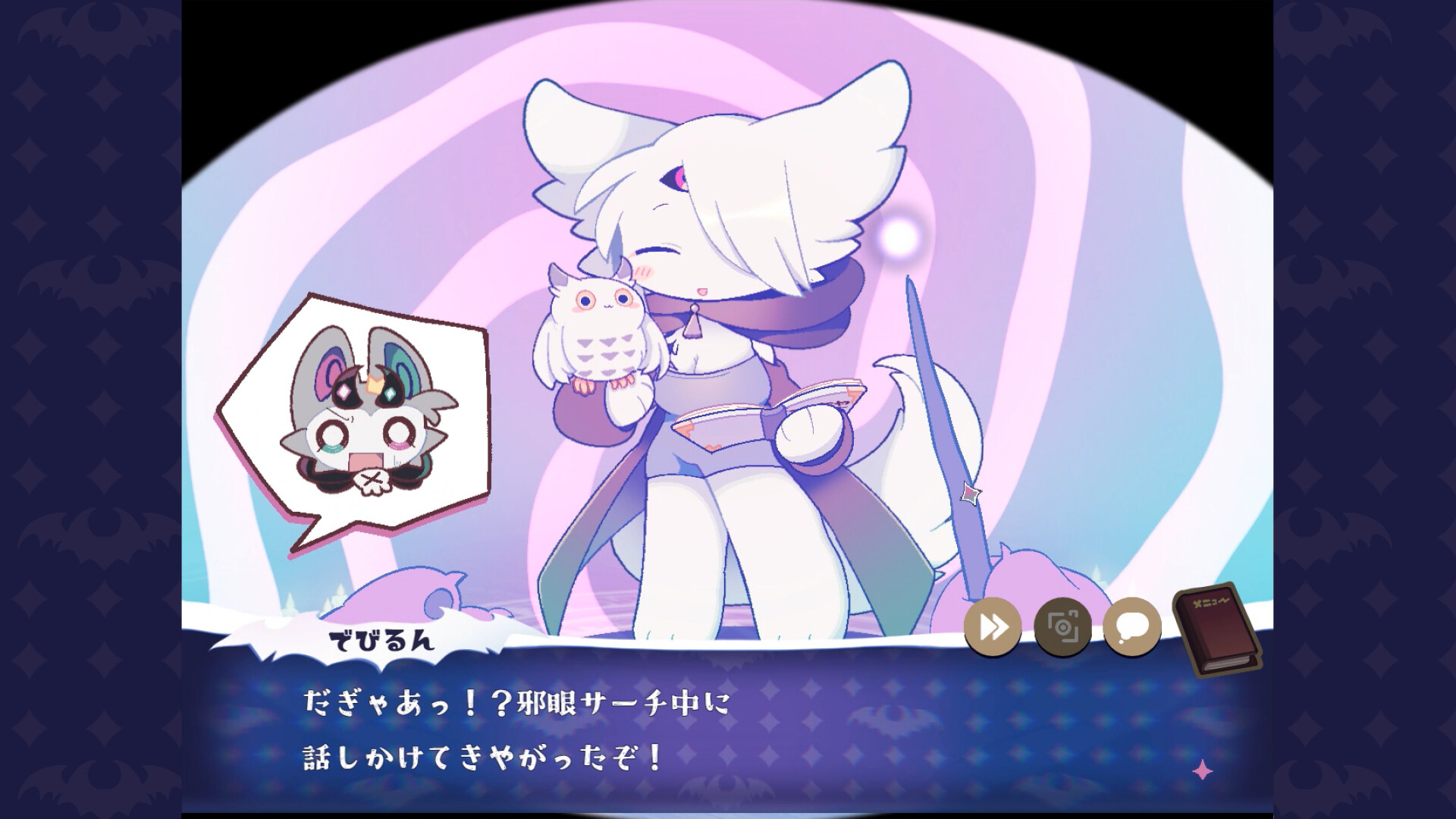
In DevilConnection you play as a summoner who binds a demon named Debirun in the magical realm of Magirisia. The story follows your attempts to gather emotional aura from summoned characters, using Debirun’s Evil Eye Search to choose between two options that shape the narrative.
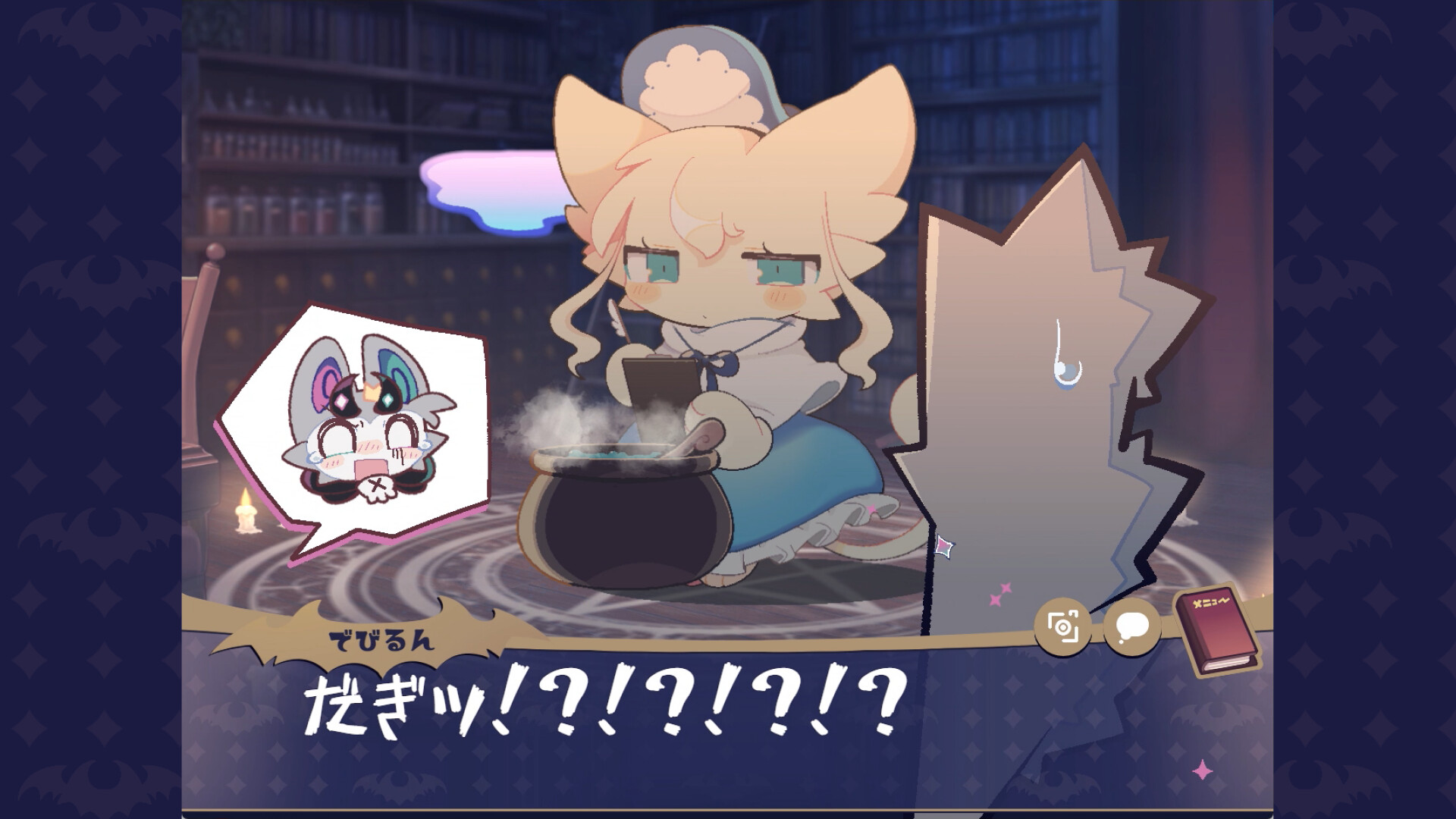
The game blends adventure and indie storytelling with a camera and decorating system, allowing you to capture and stamp photos of fully animated characters. Multiple endings encourage repeated play, while mouse‑focused controls and optional keyboard shortcuts manage dialogue, saving, and screenshot functions.
01 / THE GUIDE
Summoning and Emotional Aura
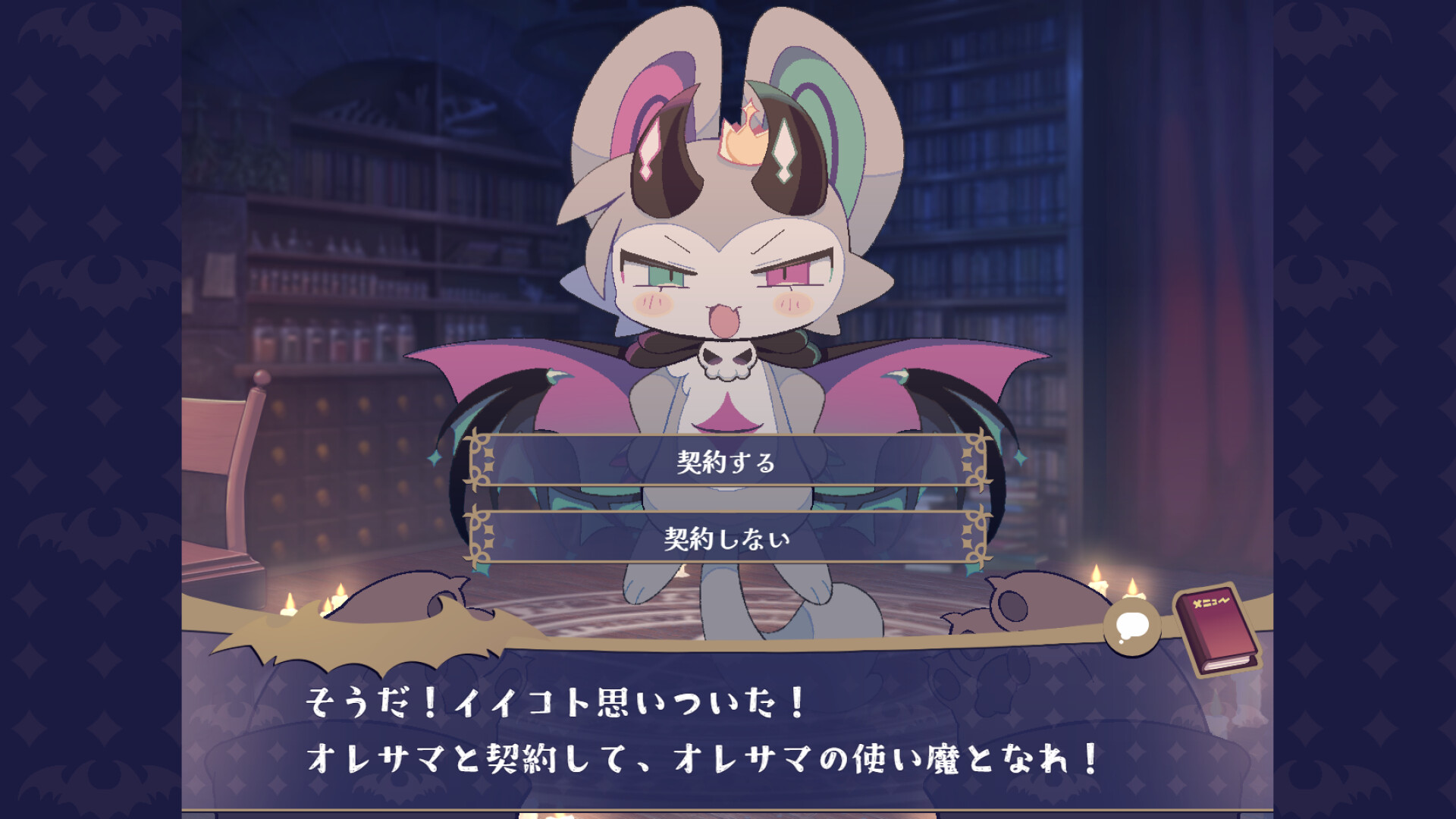
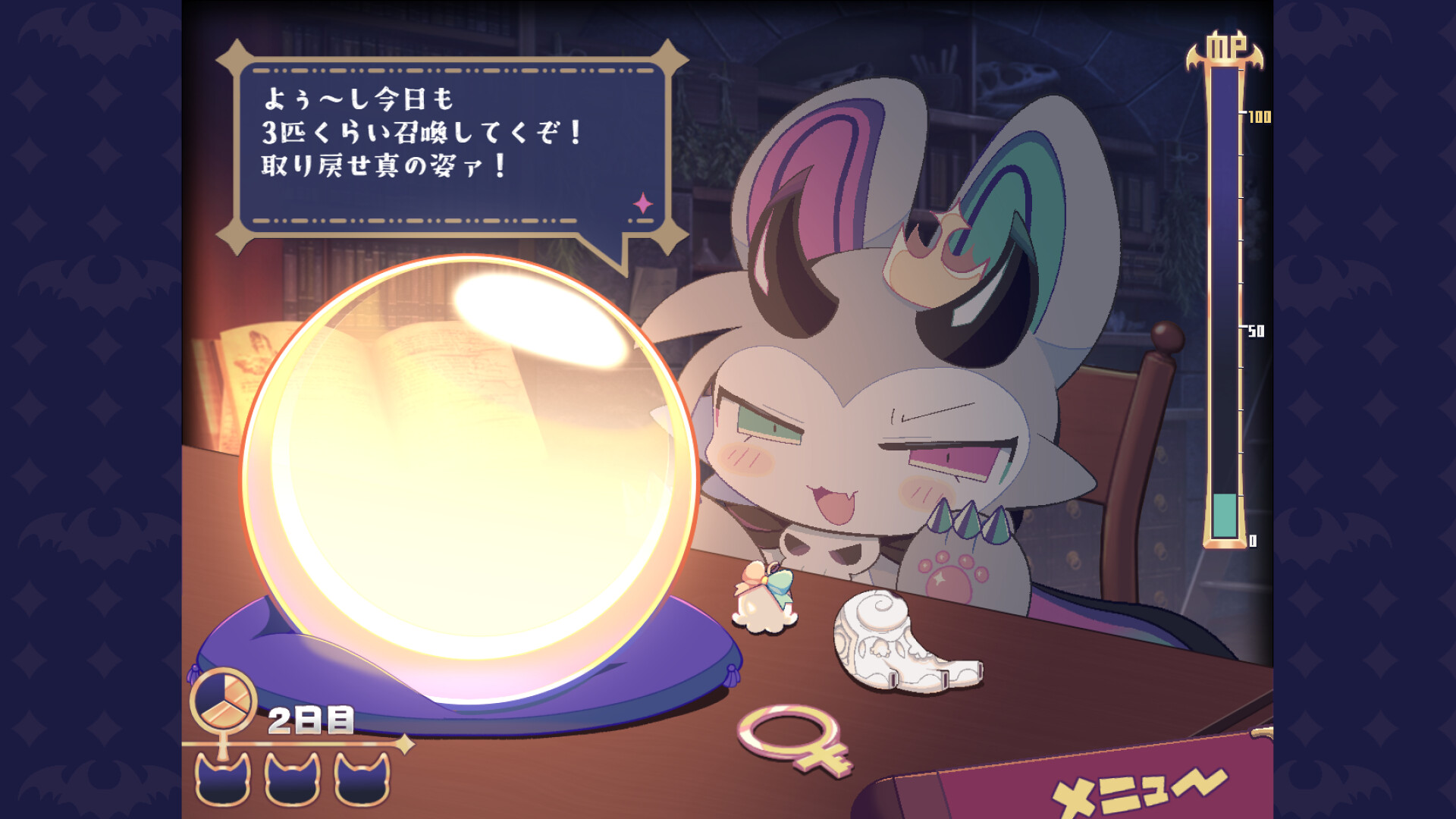
More than 30 unique characters can be summoned, each with fully animated facial expressions. Interacting with a character’s body triggers various reactions that help convert their emotional aura into magical power. Choosing between two options during the aura‑conversion phase influences the story. The correct choice can be identified using Debirun’s Evil Eye Search, which reveals the opponent’s thoughts and guides the decision.
- Observe character reactions before selecting.
- Use Evil Eye Search to confirm your guess.
02 / THE GUIDE
Multiple Endings and Save/Load
The game features a large number of endings; a wrong choice may cause an immediate ending. Players are encouraged to use the save and load system to explore different outcomes and ultimately discover the true ending. The ability to reload after an ending lets you experiment with choices without restarting the entire story, making each branch accessible through the save screen (S) and load screen (L).
- Save before critical choices.
- Reload to test alternative outcomes.
03 / THE GUIDE
Camera and Decorating Features
A built‑in camera lets you take photos of characters in various poses, applying filters and later decorating the images with stamps unlocked as you progress. This system encourages creative expression alongside the narrative. Stamps become available through story advancement, and photos can be taken with various filters, allowing you to personalize each captured moment before sharing it online with the #deviconnect hashtag.
- Experiment with different filters.
- Collect stamps by advancing the story.
04 / THE GUIDE
Audio and Atmospheric Design
The soundtrack combines cute, dark gothic, and fantasy music that matches the magical world of Magirisia. These audio cues reinforce the story’s immorality theme and enhance immersion during character interactions. All facial expressions are fully animated, and the music fits the tone of the magical world, creating a cohesive atmosphere that supports both the adventure and indie storytelling elements.
- Listen for musical cues indicating tension.
- Notice how animation syncs with audio.
05 / THE GUIDE
Controls and Input Methods
The game primarily uses mouse controls, with right‑click clearing the message window and the mouse wheel advancing messages. Keyboard shortcuts supplement mouse input for actions such as sending messages (Enter), taking screenshots (F10), and accessing menus (B, L, S). These inputs provide a streamlined way to navigate dialogue, manage saves, and capture screenshots without requiring additional hardware.
- Use mouse wheel for quick message flow.
- Press F10 to capture moments instantly.
COMMUNITY
Player discussion