 GameWiki
GET YOUR BEARINGS
About Devices Tycoon
Devices Tycoon is a single‑player business simulation where you found a tech company. You choose a name, a country of incorporation, and a start‑up capital before beginning production of devices such as smartphones, tablets, laptops, smart watches, headphones, TVs, operating systems, and processors.
The game includes a detailed device editor, global hiring of designers, programmers, and engineers, office acquisition, presentations, marketing tools, worldwide store placement, and the ability to negotiate or purchase other companies. Progress can be saved at any time and synced via Steam Cloud.
01 / THE GUIDE
Company Setup
At launch you enter a company name, select the country where the company is created, and allocate a start‑up capital amount. These choices establish the initial parameters for your business simulation.
The selected country and capital define the baseline resources you will manage as you develop products and expand operations.
- Write down your chosen company name and country for quick reference during play.
- Note the amount of start‑up capital to track how early expenses affect cash flow.
02 / THE GUIDE
Device Editor
A realistic editor lets you adjust device size, color, screen, processor, graphics card, speakers, packaging, and many other attributes. More than 10,000 functions are available for customization.
Each device you finish appears on store shelves, where customer reviews generate a score that is displayed in the game.
- Experiment with different component combinations to see a variety of review scores.
- Use the packaging options to create distinct visual presentations for each product.

03 / THE GUIDE
Employee Management
You can hire designers, programmers, and engineers from locations around the world. Designers, programmers, and engineers are all available for hire around the world.
Designers, programmers, and engineers can all be hired to staff your growing company.
- Check the global hiring list to compare the availability of each role.
- Keep a record of how many employees you have in each category.
04 / THE GUIDE
Office Upgrades
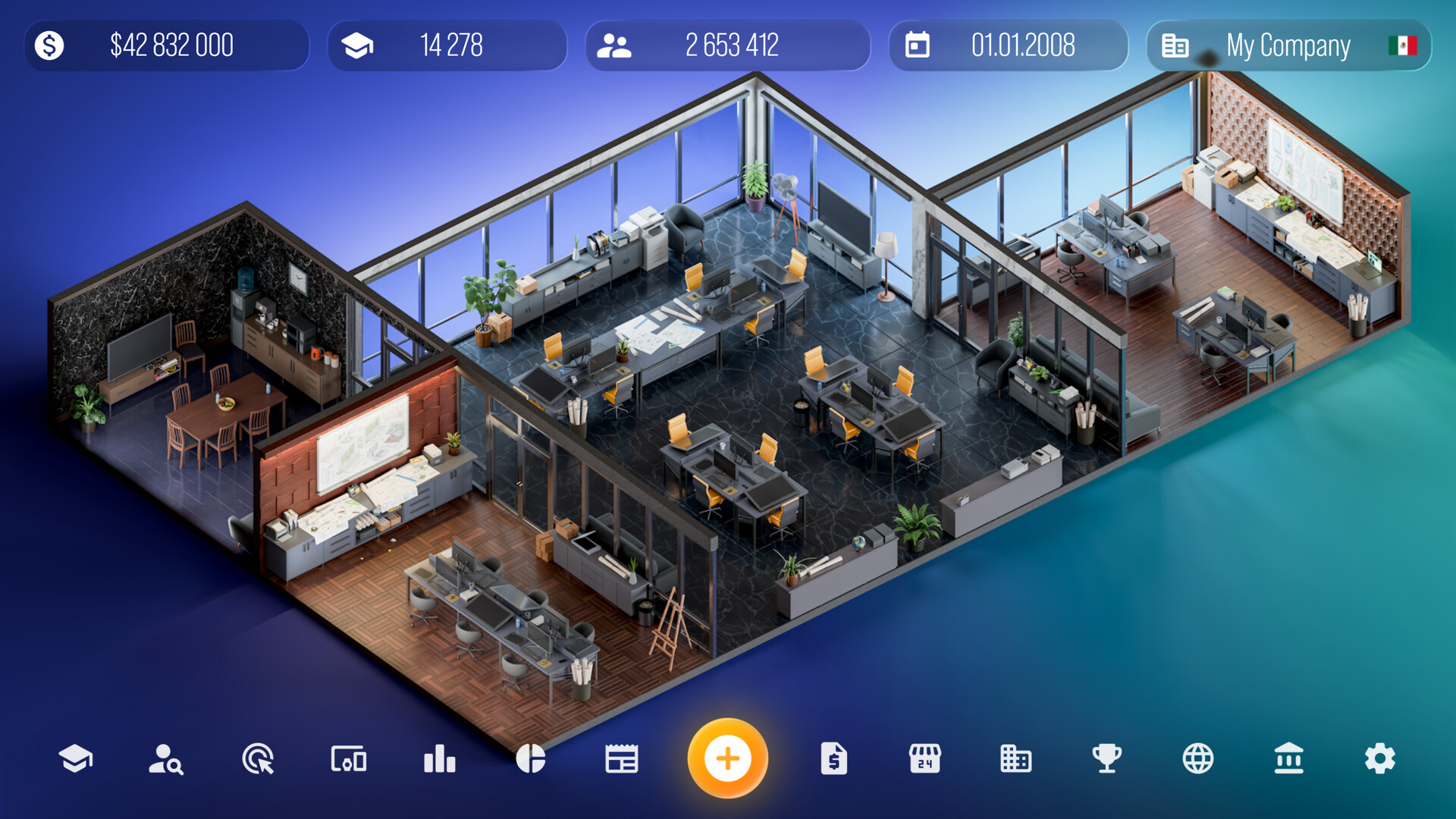
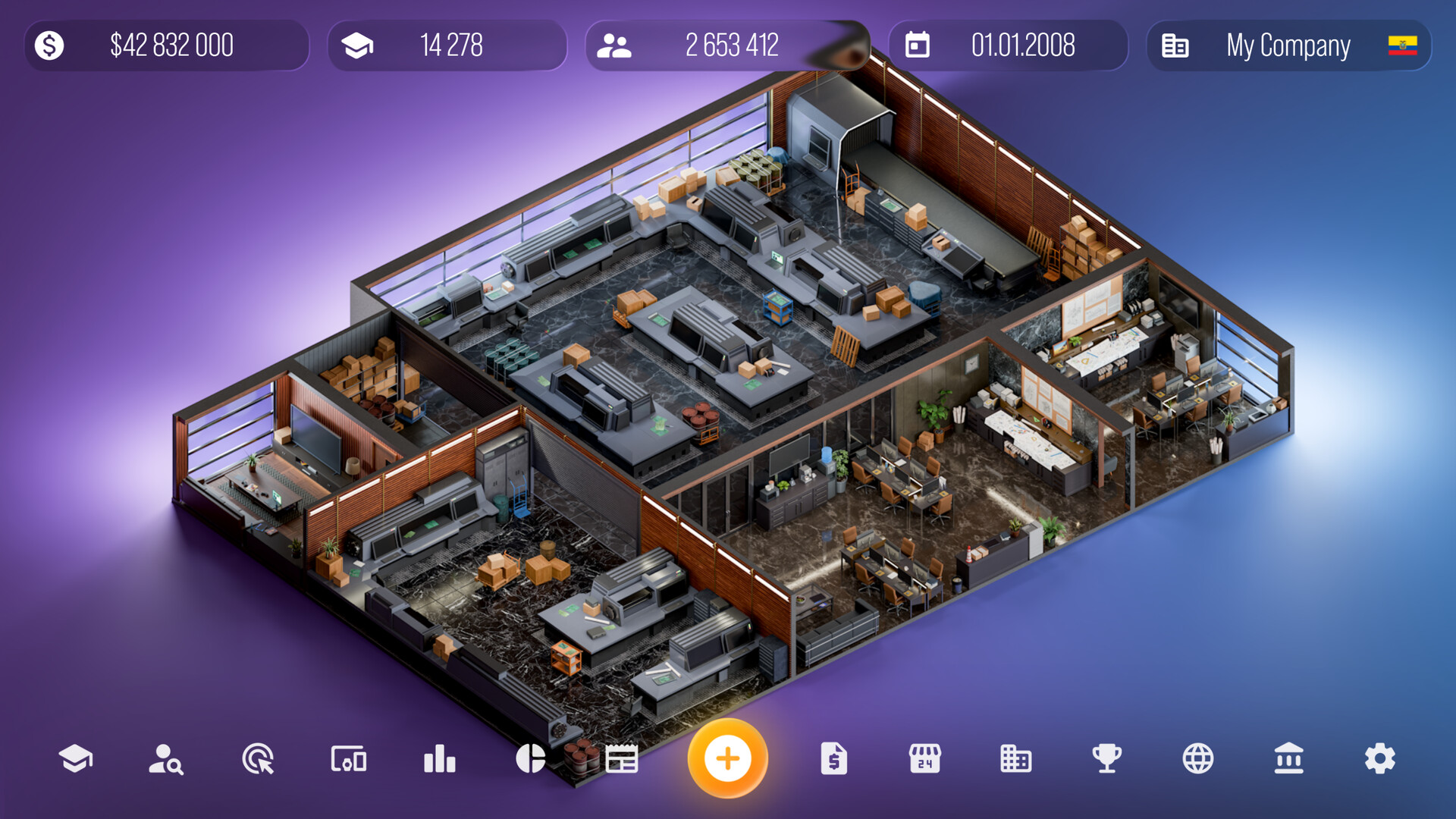
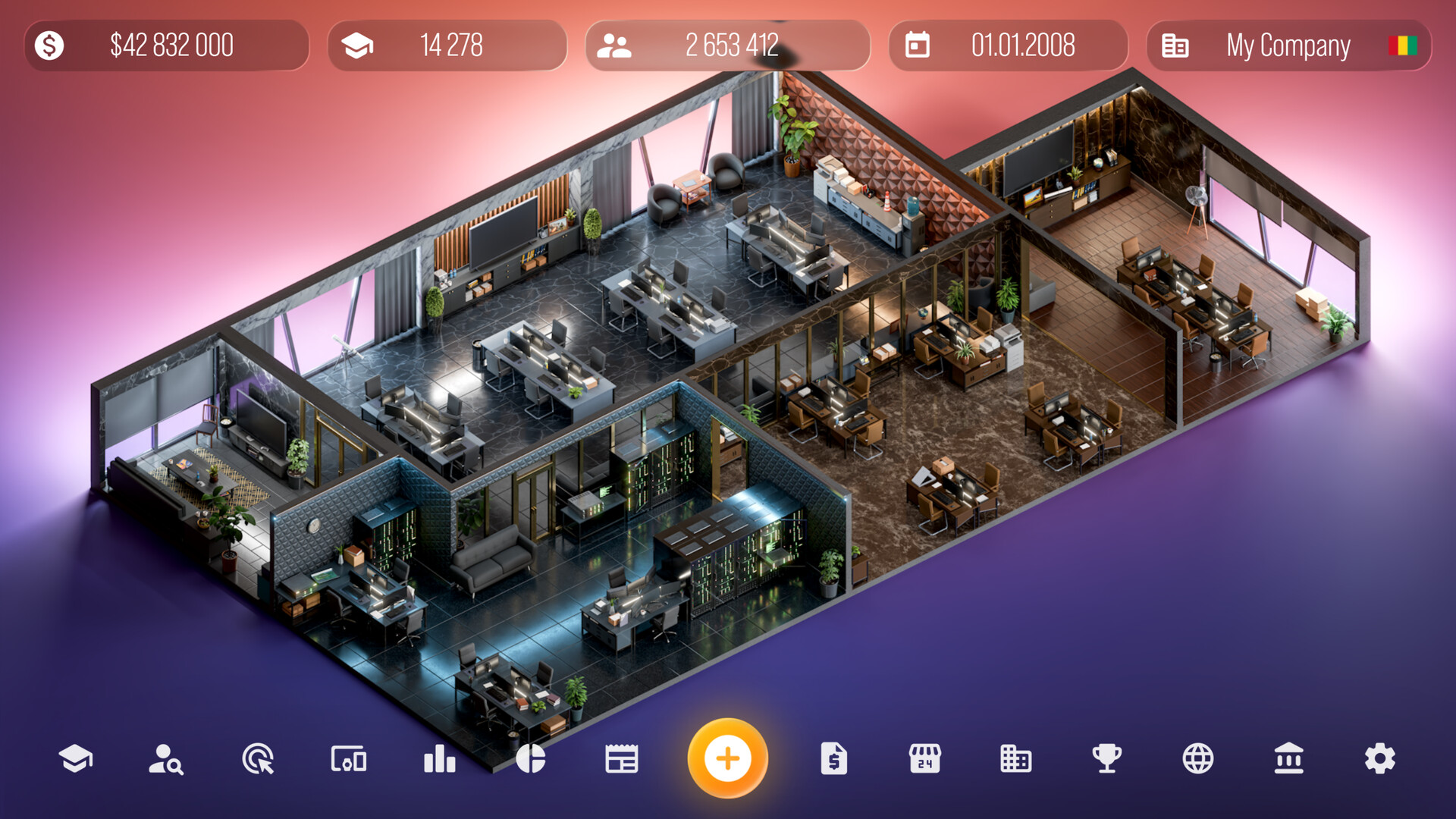
More than 16 offices can be purchased for designers, programmers, and engineers. Each office can be upgraded after purchase.
Upgrading an office further develops the workspace available to your employees.
- Review the office list to see which departments have available upgrades.
- Plan purchases so you have enough space for future hires.
05 / THE GUIDE
Marketing & Sales
Before a device launches you can hold a presentation, study marketing data, and view ratings of other companies worldwide. All of these actions are available to you in the game.
You can also open stores in different regions, negotiate with other companies, and purchase them through the in‑game interface.
- Use the presentation screen to record the timing of each launch event.
- Compare competitor ratings to identify which markets have higher scores.
COMMUNITY
Player discussion