 GameWiki
GET YOUR BEARINGS
About Desktop Survivors 98
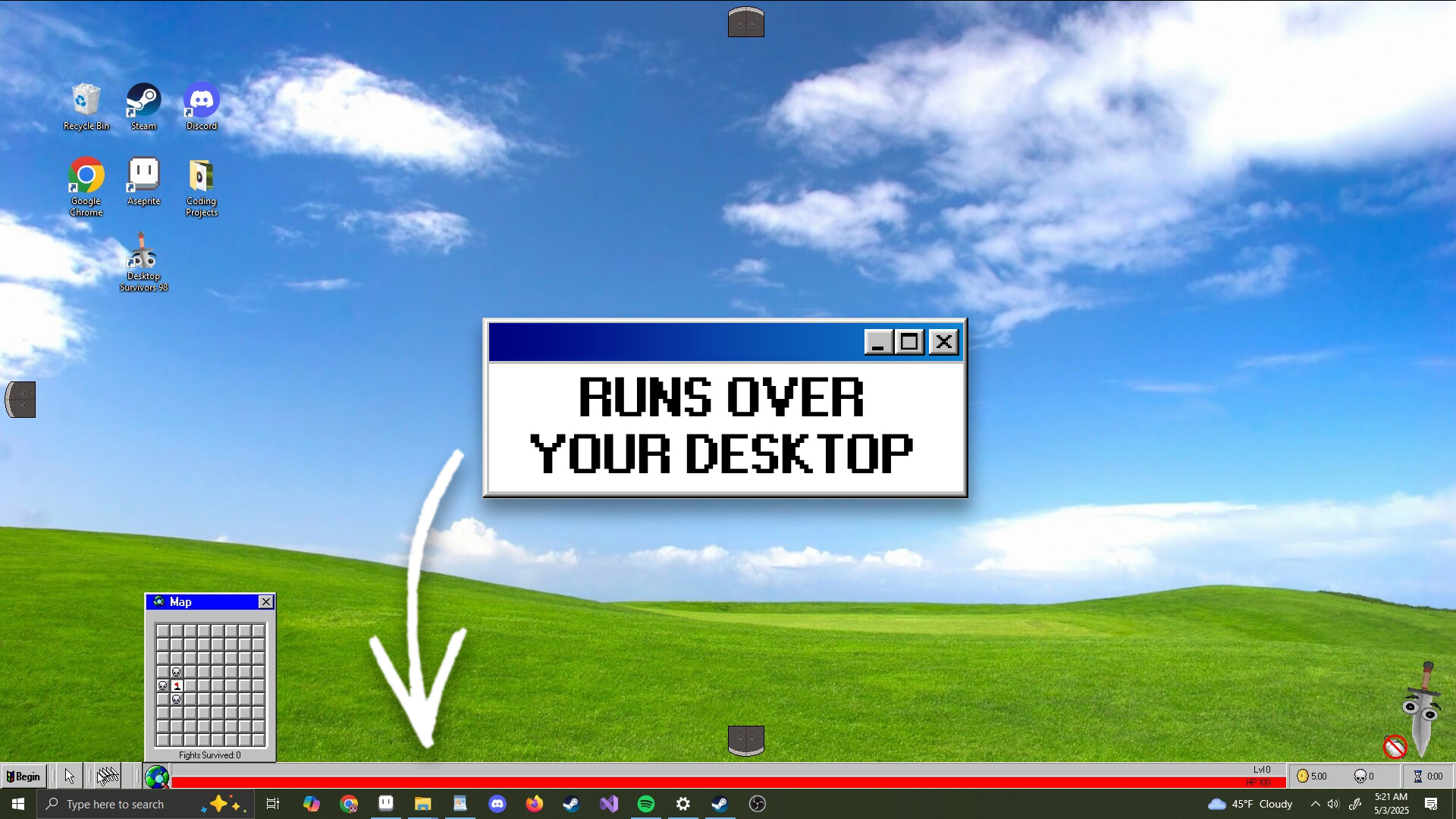
Desktop Survivors 98 drops you into fast‑paced, bullet‑hell rounds that play directly over your desktop. Your cursor becomes the hero, fighting waves of enemies that appear across whatever you have open, letting you multitask while you survive.
The game offers randomly generated dungeons, a variety of weapons and upgrades, and a retro‑inspired visual style. You can toggle the action on or off at any time, making it easy to fit quick bursts or longer sessions into your routine.
01 / THE GUIDE
Desktop Overlay Play
The action runs over your Windows desktop rather than in a separate window, allowing enemies, upgrades and chaos to appear on top of any open applications. This design lets you keep other tasks visible while the game runs.
Because the game overlays the desktop, you can pause or hide it at any moment, then resume with a click, making it suitable for both short breaks and extended play.
- Try launching the game with minimal open windows to reduce visual clutter.
- Use the toggle feature to pause when you need to attend to other tasks.
02 / THE GUIDE
Cursor Combat
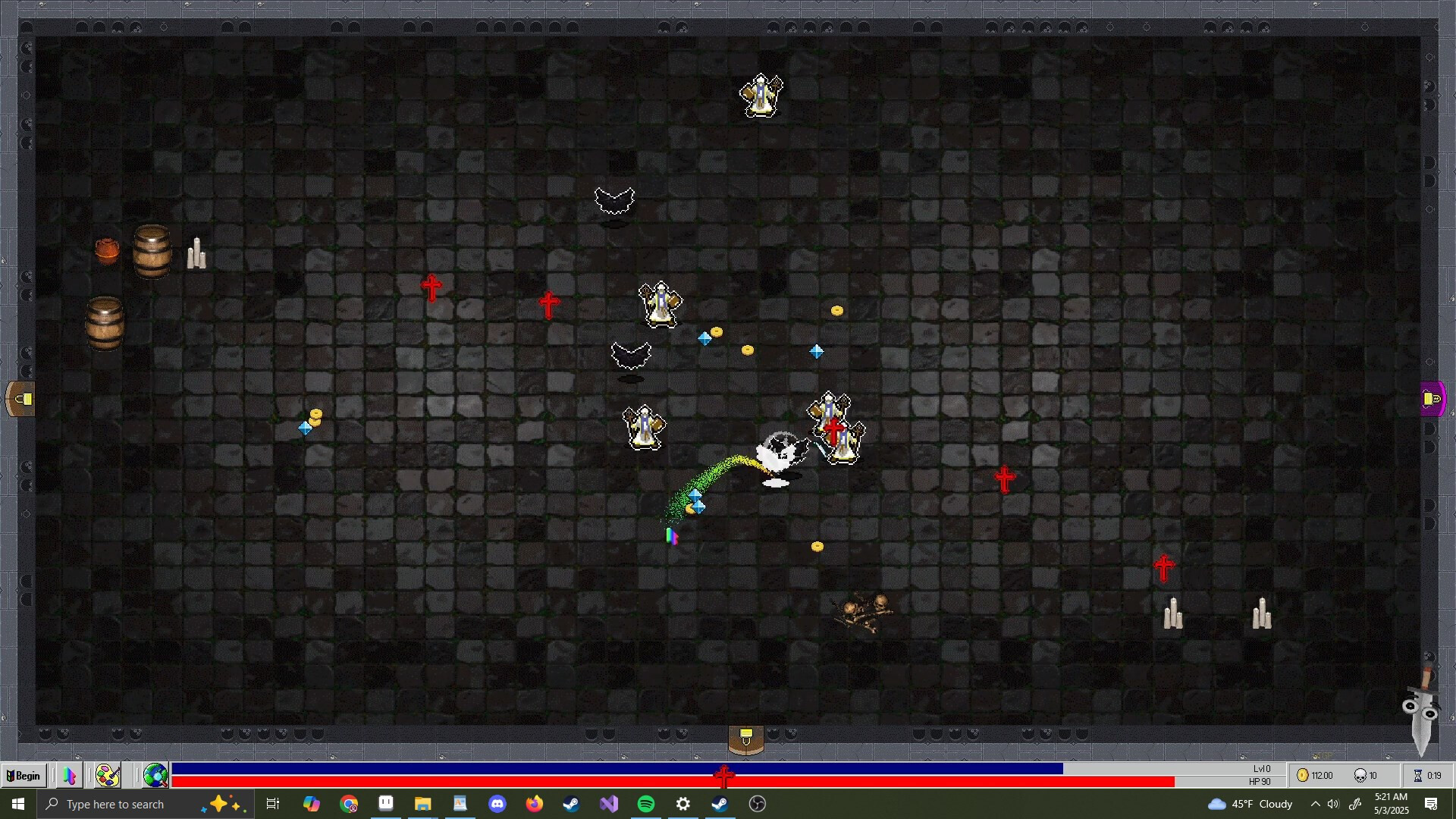
Your mouse cursor acts as the player character, moving freely across the screen to dodge and attack. Enemy waves increase in speed, creating a bullet‑hell experience that tests reflexes and precision.
The cursor‑based control works alongside a Mouse Only Option, ensuring the core combat can be handled without additional peripherals.
- Adjust your mouse sensitivity for finer control during dense enemy swarms.
- Keep the cursor near the center of the screen to maximize reaction time.
03 / THE GUIDE
Weapons and Upgrades
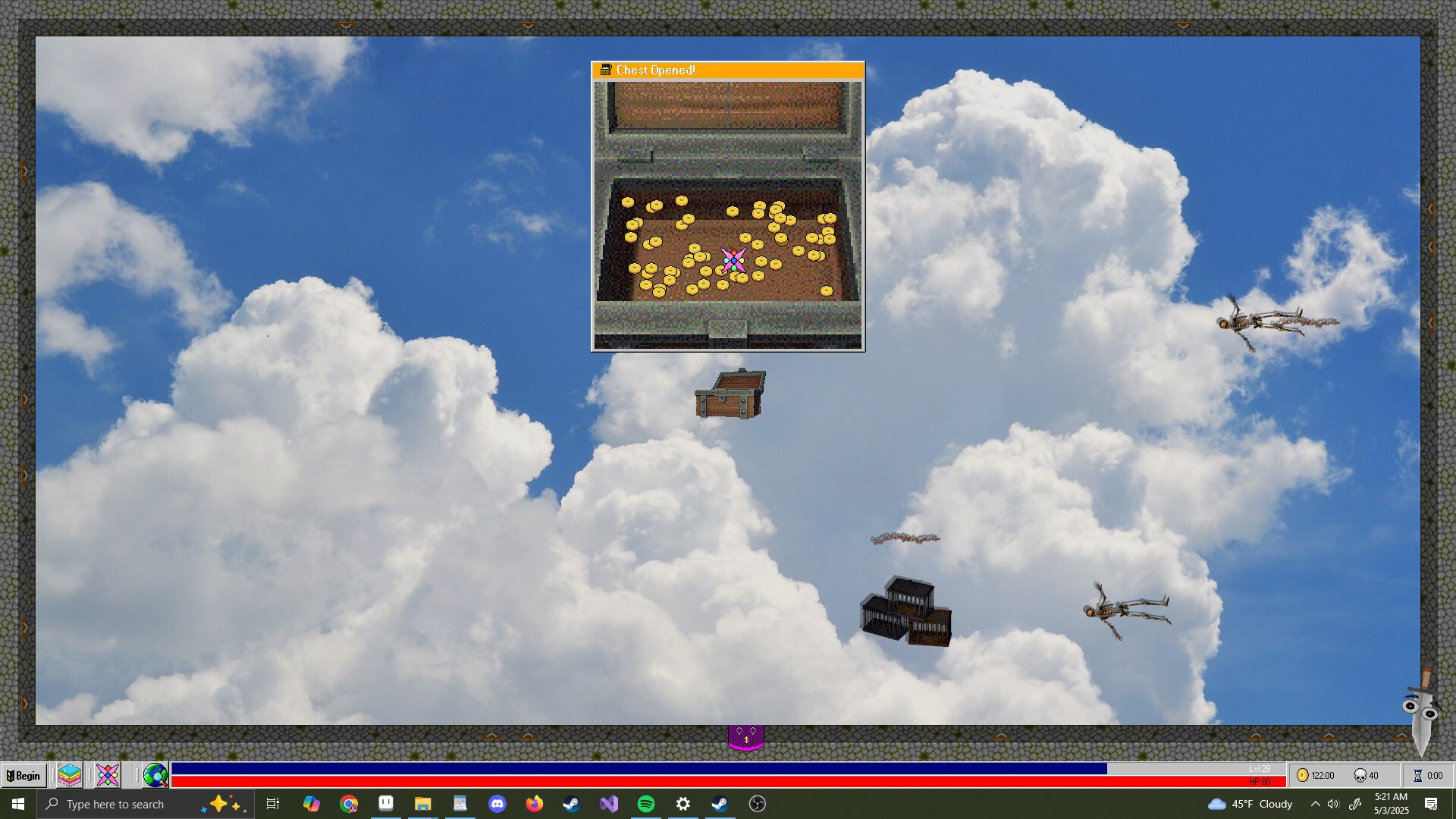
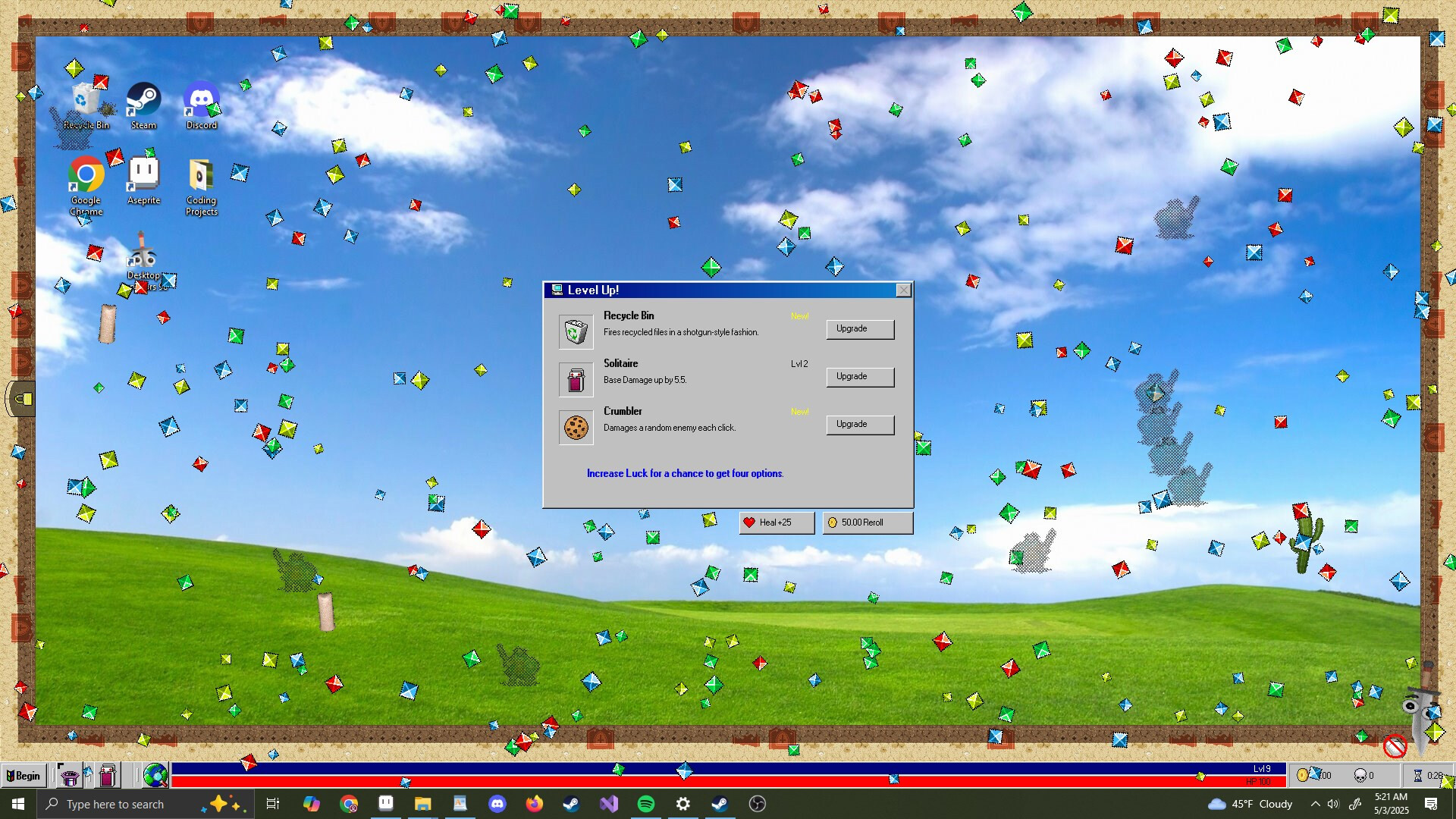
Throughout each round you can discover, acquire, and upgrade a variety of weapons. Upgrades enhance your firepower, allowing you to handle increasingly relentless enemy hordes.
The upgrade system is tied to progression within a round, encouraging players to prioritize powerful items as the difficulty ramps up.
- Prioritize upgrades that increase attack speed when facing dense bullet patterns.
- Experiment with different weapon types to find a style that matches your reflexes.
04 / THE GUIDE
Retro‑Inspired Visuals
The game uses a nostalgic aesthetic reminiscent of classic PC titles, featuring retro‑inspired visuals. This visual approach reinforces the indie, casual feel of the experience.
The retro look also helps keep on‑screen elements clear, which can aid quick decision‑making during hectic combat.
- Enable adjustable text size if you find the retro fonts hard to read.
- Appreciate the visual style as a nod to early PC gaming history.
05 / THE GUIDE
Flexible Session Length
Rounds are designed to be quick, yet the game can extend into longer challenges if you choose. The ability to toggle the game on or off at any moment means you can pause, step away, and return whenever you’re ready.
This flexibility makes Desktop Survivors 98 suitable for both brief interludes and marathon sessions, fitting various play schedules.
- Use the toggle feature to take short breaks without ending a round.
- Set personal time goals to balance quick runs with longer attempts.

COMMUNITY
Player discussion