 GameWiki
GET YOUR BEARINGS
About Desktop Raid
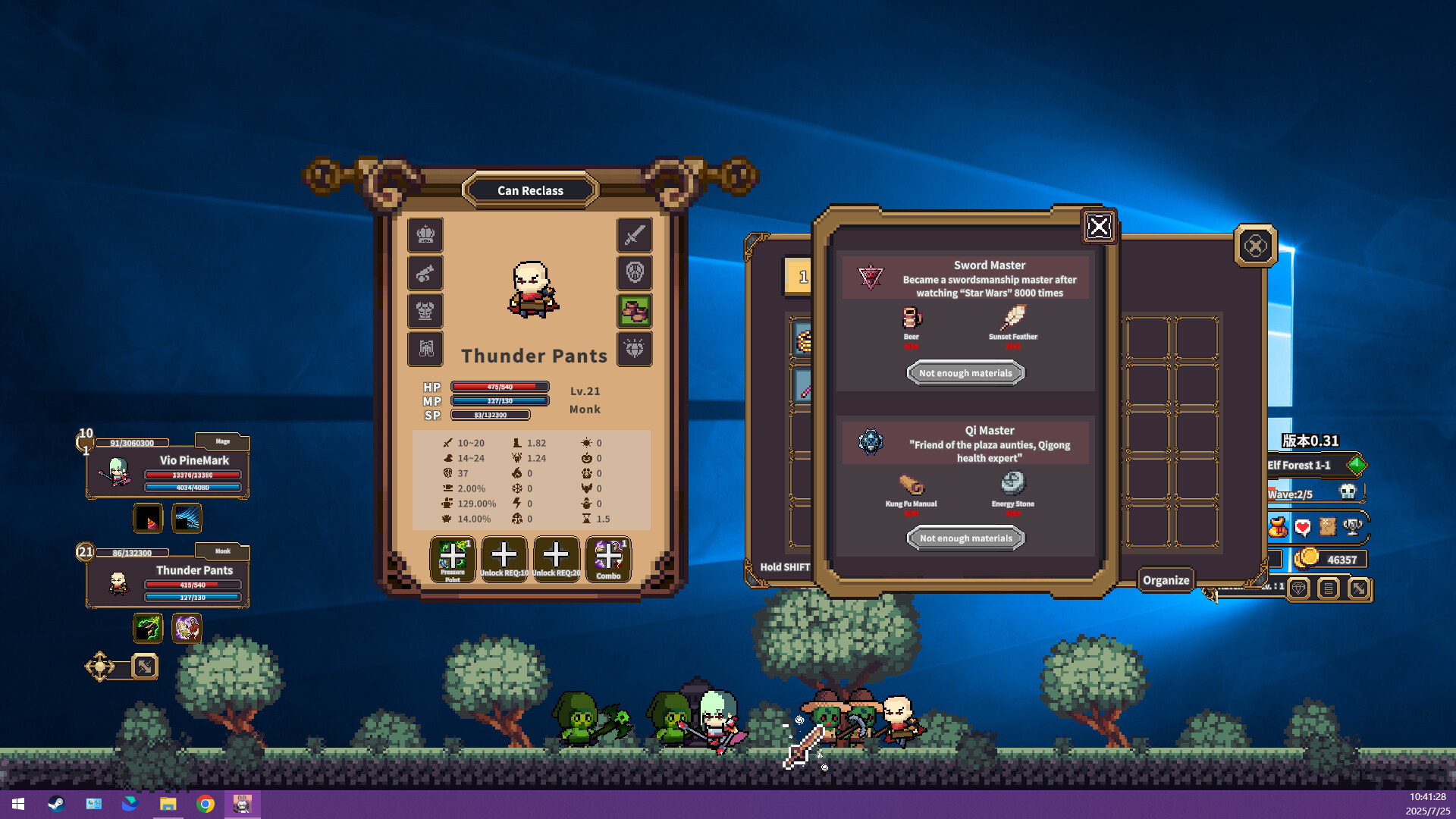
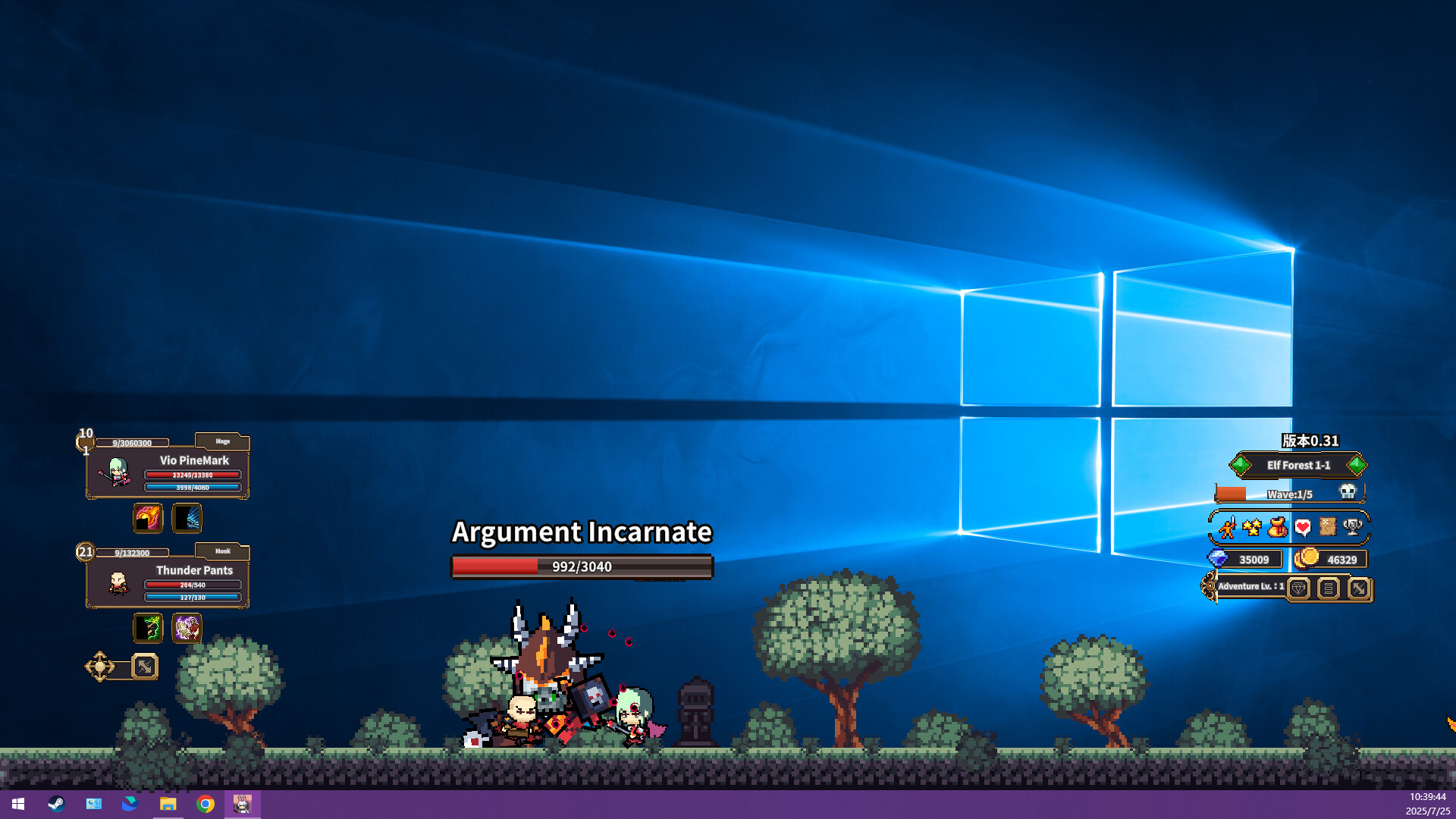
Desktop Raid is an idle RPG that runs in a corner of your Windows desktop, letting heroes fight monsters and collect loot without any manual input. The game continuously advances while you work or relax, offering a hands‑free leveling loop.
Featuring retro pixel‑art side‑scrolling battles, over a dozen branching classes and a deep progression system, Desktop Raid blends classic RPG loot satisfaction with strategic auto‑chess lineup decisions. Steam achievements, cloud saves, and family sharing round out the single‑player experience.
01 / THE GUIDE
Automated Combat
Combat runs automatically, so you never need to click skills or move heroes. Battles continue even when you’re away, and loot drops and stats increase continuously.
The system handles everything from low‑level mobs to bosses, ensuring a steady flow of gear and experience without player intervention. This design removes repetitive grinding typical of traditional RPGs.
- Check the game periodically to claim loot before it caps.
- Adjust your hero lineup during breaks for better long‑term progression.
02 / THE GUIDE
Branching Classes
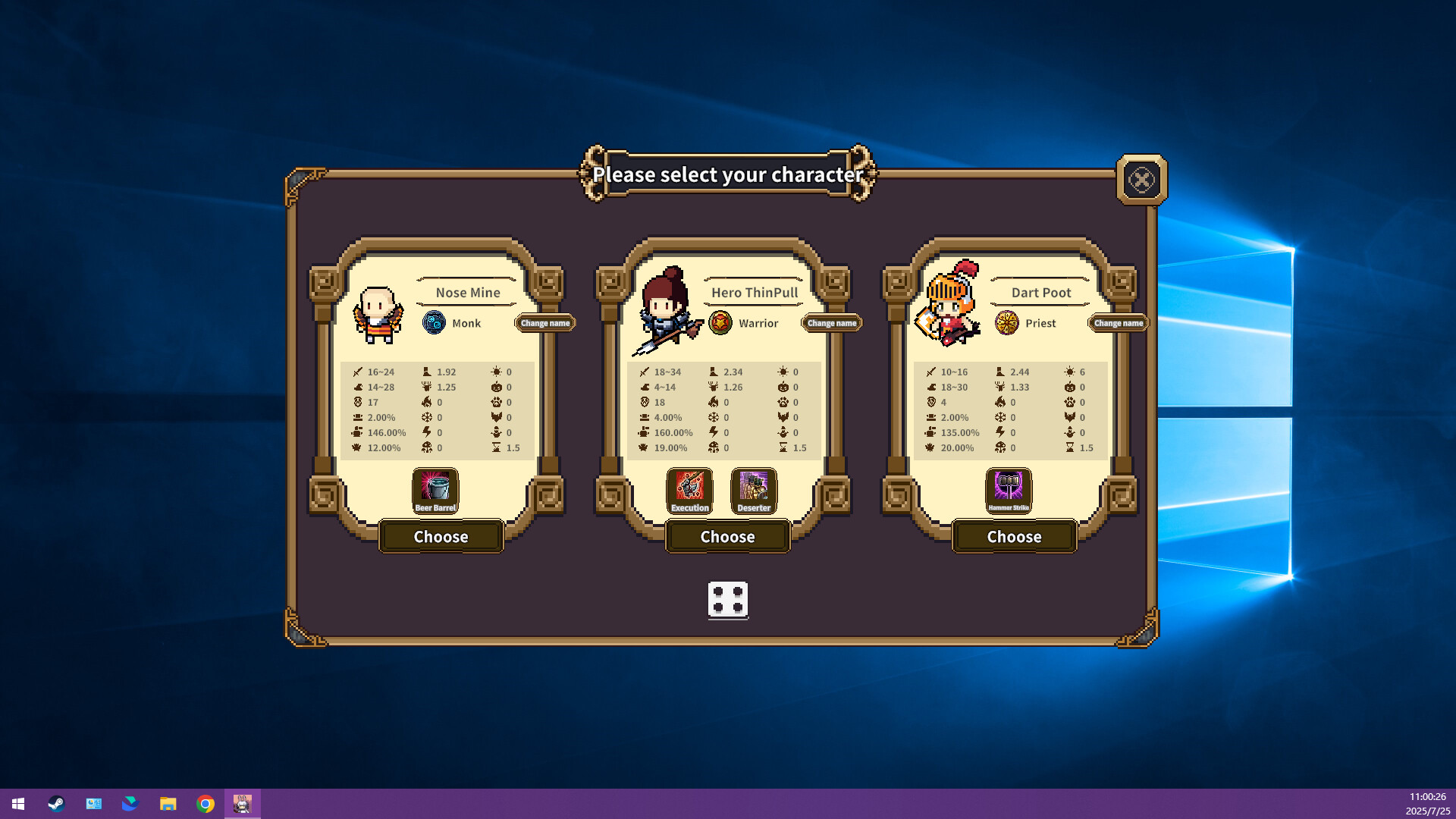
Desktop Raid offers more than a dozen classes, including Warrior, Mage, Assassin, Summoner, Tomb Keeper, and Alchemist. Each class has unique talents and growth paths, allowing distinct playstyles.
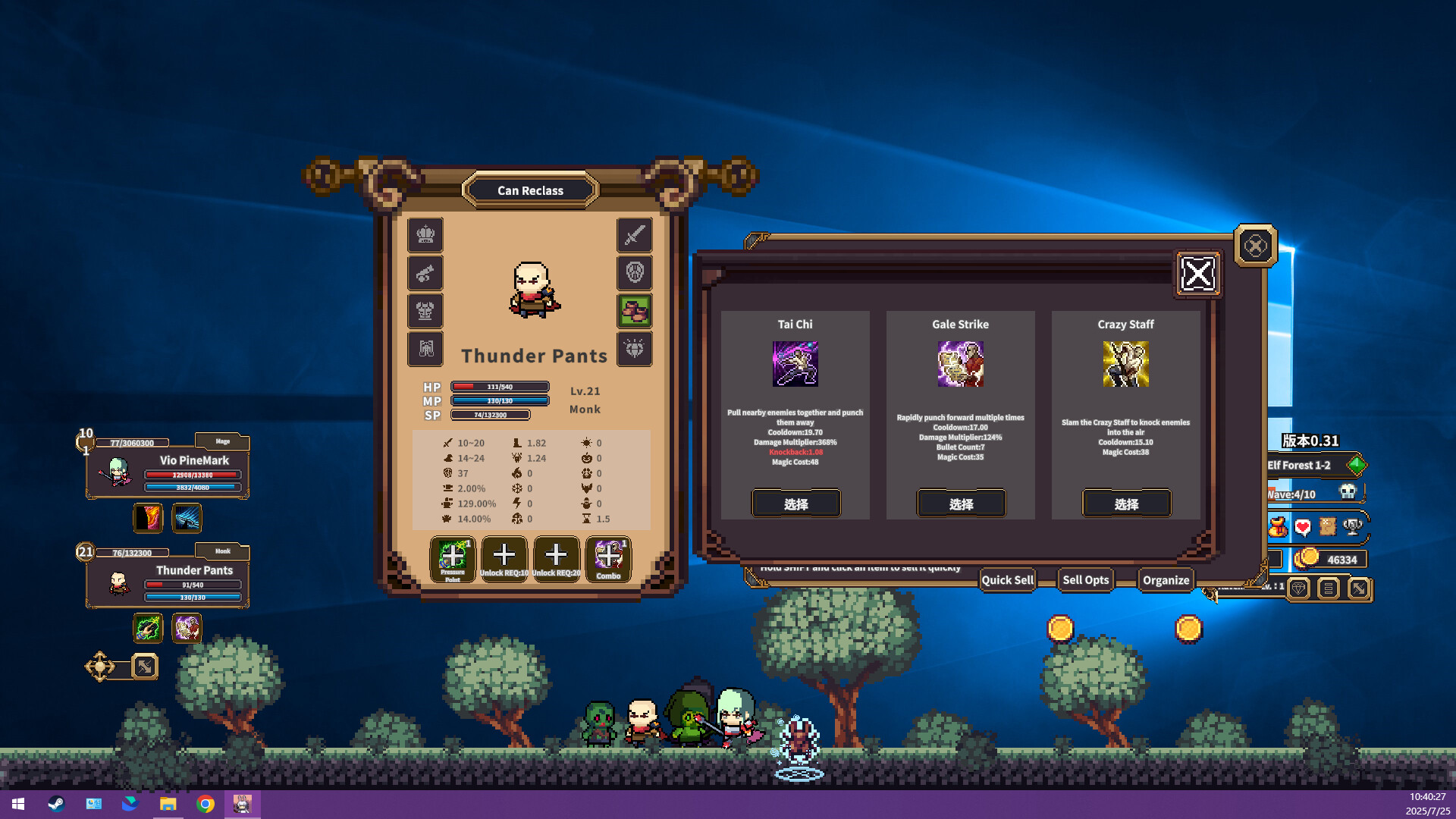
The large skill pool lets you mix abilities for screen‑clearing AOE bursts or complex summons and control combos, giving flexibility in building your ultimate dungeon‑clearing party.
- Experiment with different class combos to discover synergistic skill interactions.
- Focus on a single class early to unlock its talent tree before diversifying.
03 / THE GUIDE
Loot and Leveling Loop
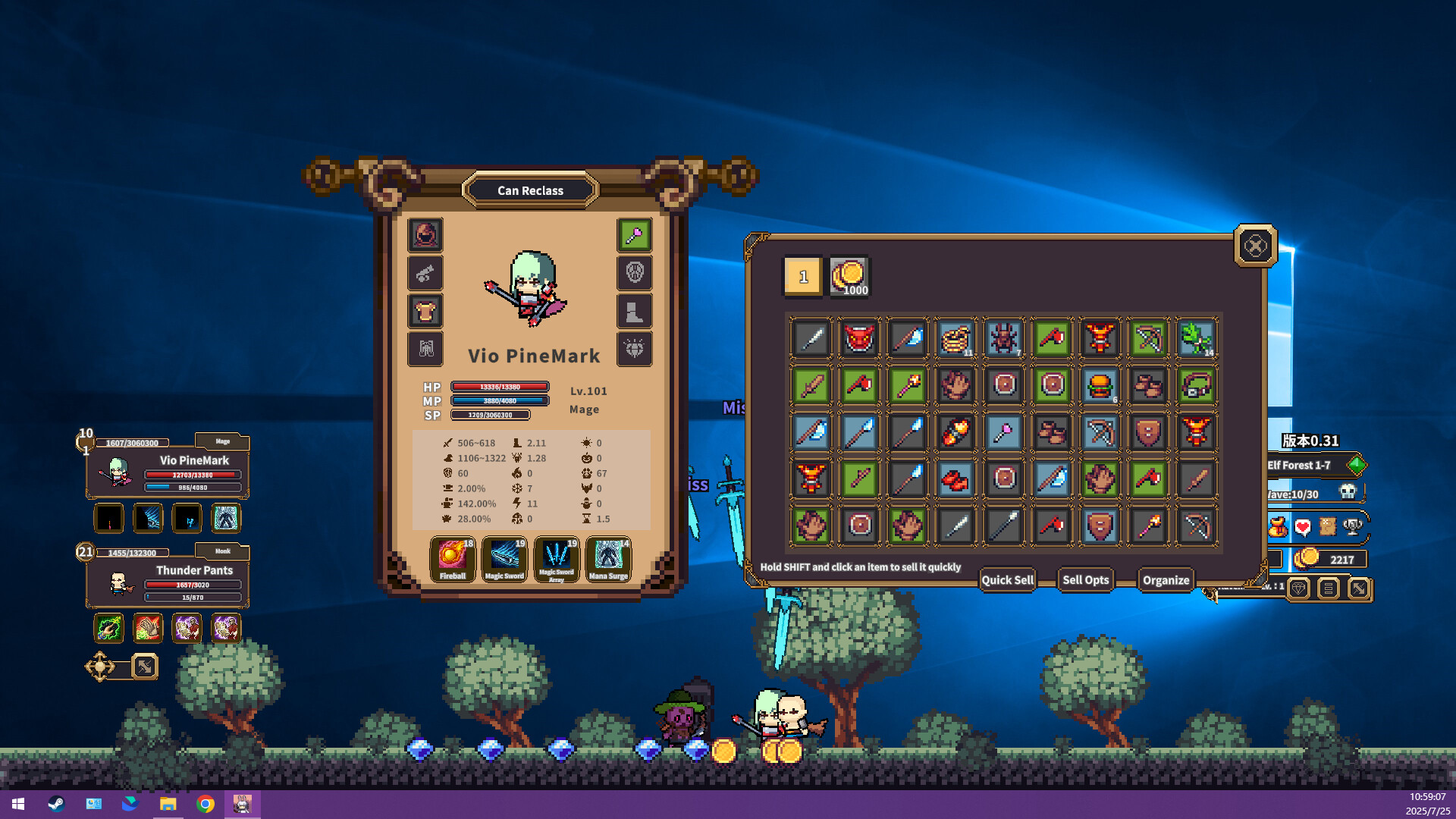
Gear drops and random affixes appear automatically as heroes defeat enemies. Stats rise constantly, mirroring the satisfying loot loop of classic RPG dungeons.
Monsters scale on their own, ensuring that grinding never truly ends and that higher‑tier gear remains relevant throughout the experience.
- Prioritize gear with set effects that complement your hero lineup.
- Watch for gear upgrades that unlock new skill tiers.
04 / THE GUIDE
Retro Pixel‑Art Presentation
The game adopts a side‑scrolling pixel‑art aesthetic that pays homage to classic RPG combat. Its minimal screen footprint lets it sit unobtrusively in a corner of your desktop.
A quick glance reveals your squad in action, providing visual feedback without disrupting other tasks such as work or study.
- Resize the window to keep the view clear while maintaining desktop space.
- Use the pause function if you need a distraction‑free moment.
05 / THE GUIDE
Steam Features
Desktop Raid supports Steam Achievements, cloud saves, and Family Sharing, allowing progress to sync across devices and enabling shared play with family accounts.
These features are available on Windows, the sole supported platform, ensuring a consistent single‑player experience across installations.
- Enable cloud sync to protect your progress against accidental data loss.
- Check the achievement list for optional challenges that guide deeper exploration.
COMMUNITY
Player discussion