 GameWiki
GET YOUR BEARINGS
About Desktop Explorer
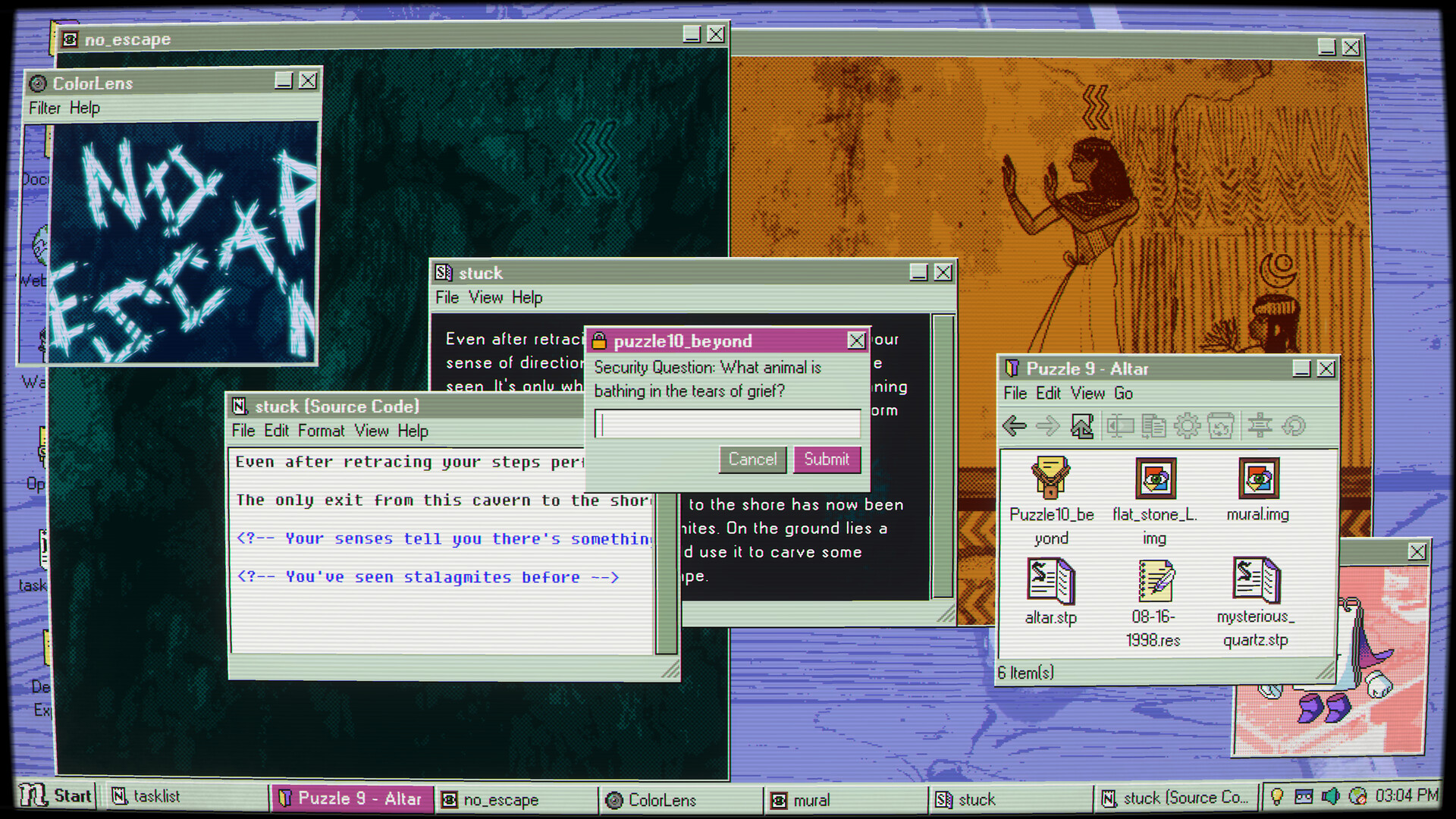
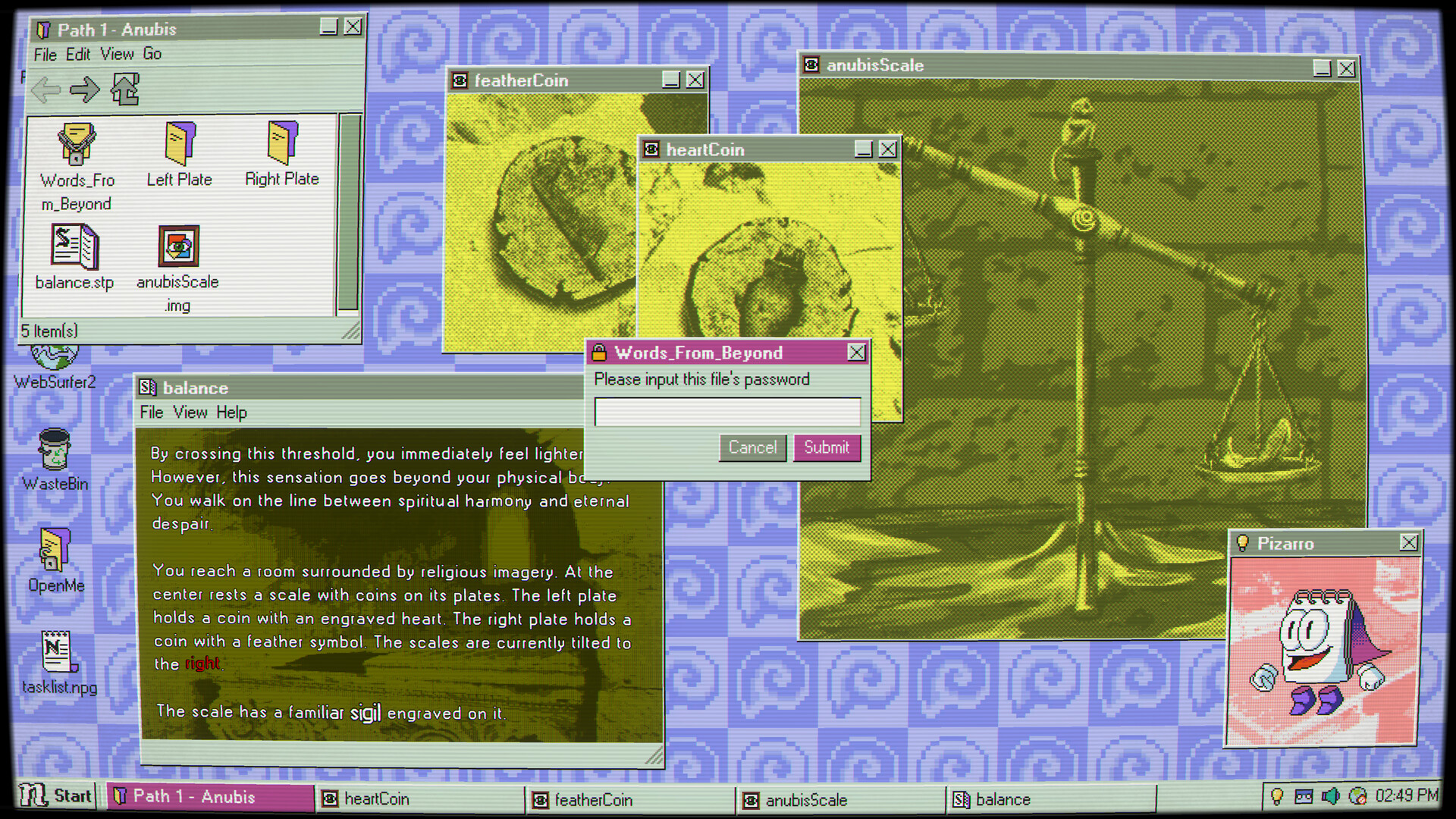
Desktop Explorer drops you into a simulated 1990s operating system, where a letter from a late uncle launches an investigation into a missing‑person case. The computer itself becomes the stage, and every desktop window may conceal a clue to the mystery.
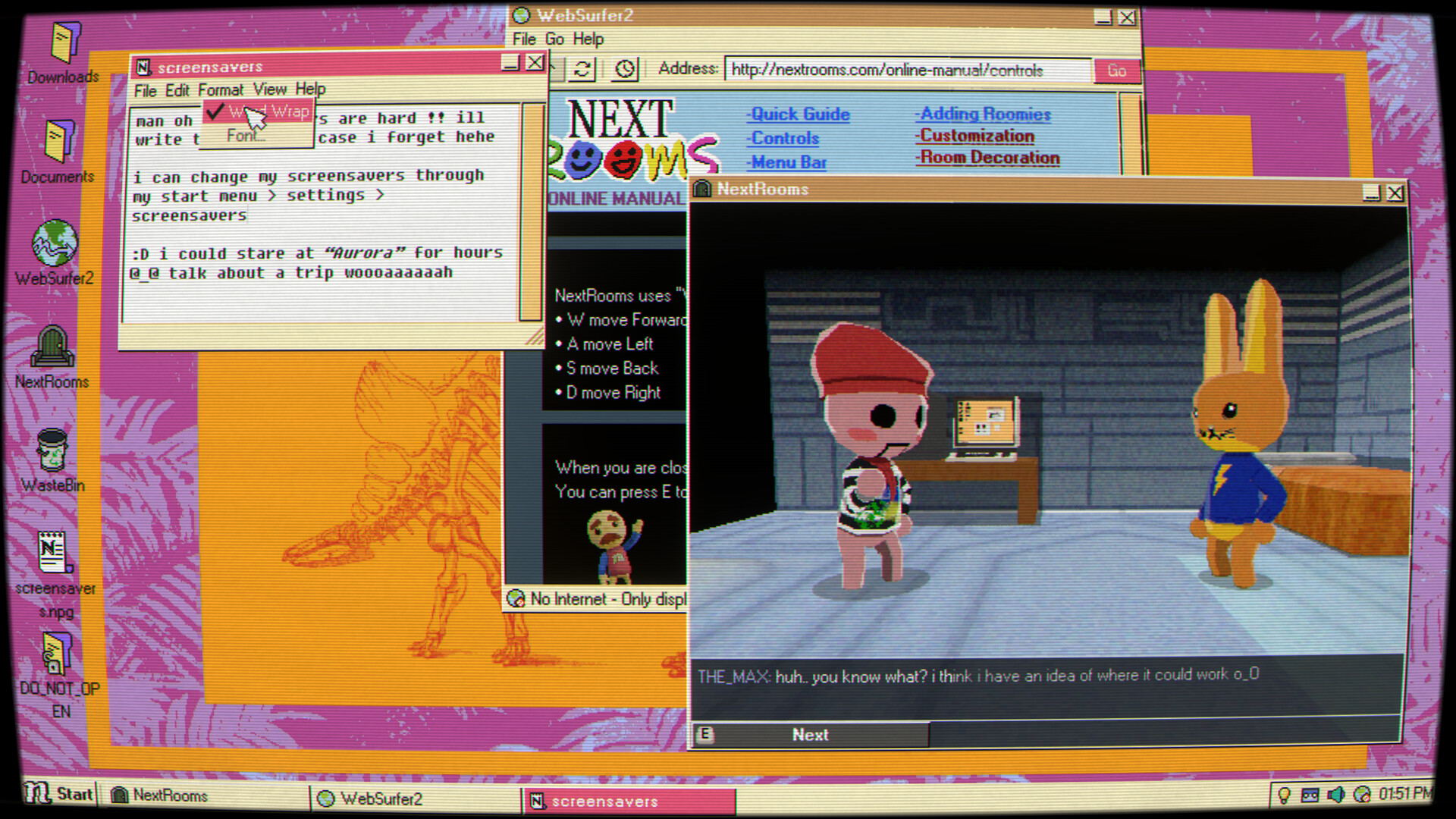
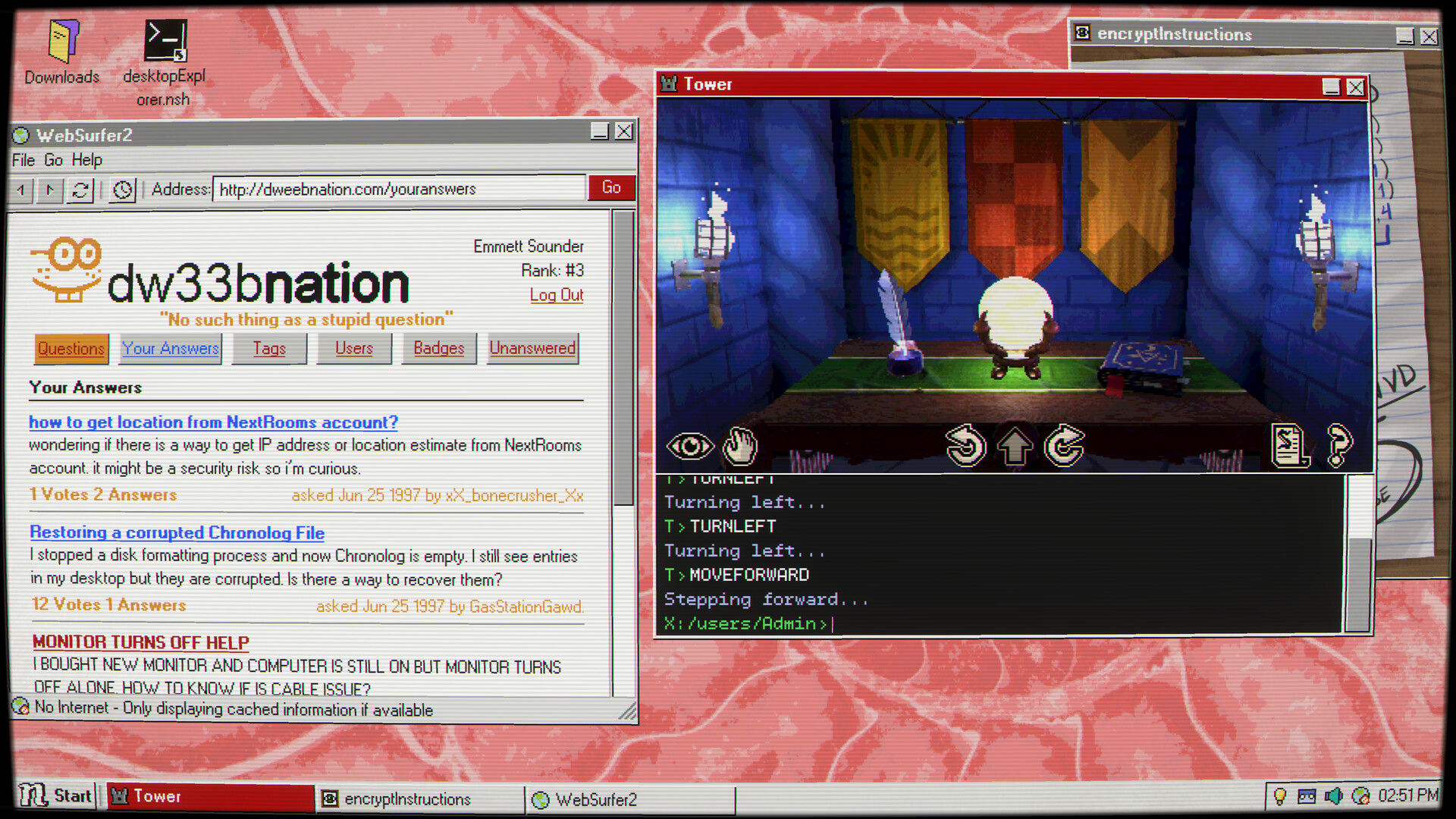
The game blends psychological horror with adventure, using classic OS tools such as file explorers, chat logs, and corrupted applications. Its 3‑D retro‑digital environments, original soundtrack, and nostalgic computer sounds let you progress at your own pace, with save‑anywhere support.
01 / THE GUIDE
Retro OS Exploration
The setting imitates a 90’s operating system, turning each open window into a potential source of narrative information. Players must browse folders, examine icons, and read system messages to locate hidden fragments of the story.
Because every interface element can hide a clue, careful inspection of file names, timestamps, and visual glitches becomes essential for piecing together the case.
- Note recurring file‑name patterns that may hint at story links.
- Watch for visual distortions that often mark important data.
02 / THE GUIDE
Puzzle Mechanics
Puzzles are built around familiar OS utilities: opening corrupted files, reading chat logs, and navigating system menus. The challenge lies in logical deduction using the simulated desktop.
The design avoids timed input, allowing you to save at any moment and approach each obstacle without pressure, which supports a self‑paced investigative style.
- Capture screenshots of cryptic messages for later reference.
- Create a manual save before attempting a risky file operation.
03 / THE GUIDE
Atmospheric Audio
An original, evocative soundtrack and a collection of nostalgic computer sounds accompany the visual style, reinforcing the psychological horror atmosphere. Stereo sound adds depth to the digital environment.
The soundtrack and nostalgic computer sounds reinforce the eerie atmosphere of the digital environment.
- Adjust the custom volume controls to hear faint background whispers.
- Listen for tempo changes that coincide with key discoveries.
04 / THE GUIDE
Photosensitivity Warning
The game includes occasional flashing lights, rapid screen effects, and quickly changing imagery that could trigger discomfort for players with photosensitive conditions. The warning covers occasional flashing lights, screen effects, and rapidly changing imagery.
If such visuals become unsettling, players are advised to modify display settings, take breaks, or use external filters to reduce brightness and flashing intensity.
- Pause and save if the flashing becomes uncomfortable.
- Consider a monitor filter to lessen brightness during intense scenes.
05 / THE GUIDE
Platform Support
Desktop Explorer runs on Windows and macOS, offering a single‑player experience with Steam achievements, cloud saves, family sharing, and custom volume controls. The game does not require timed input.
Steam Cloud stores progress online, while the ability to save anytime lets you explore the retro desktop at a comfortable speed on either supported platform.
- Enable Steam Cloud to keep saves synchronized across devices.
- Check the achievement list for optional challenges.

COMMUNITY
Player discussion