 GameWiki
GET YOUR BEARINGS
About Derail Valley
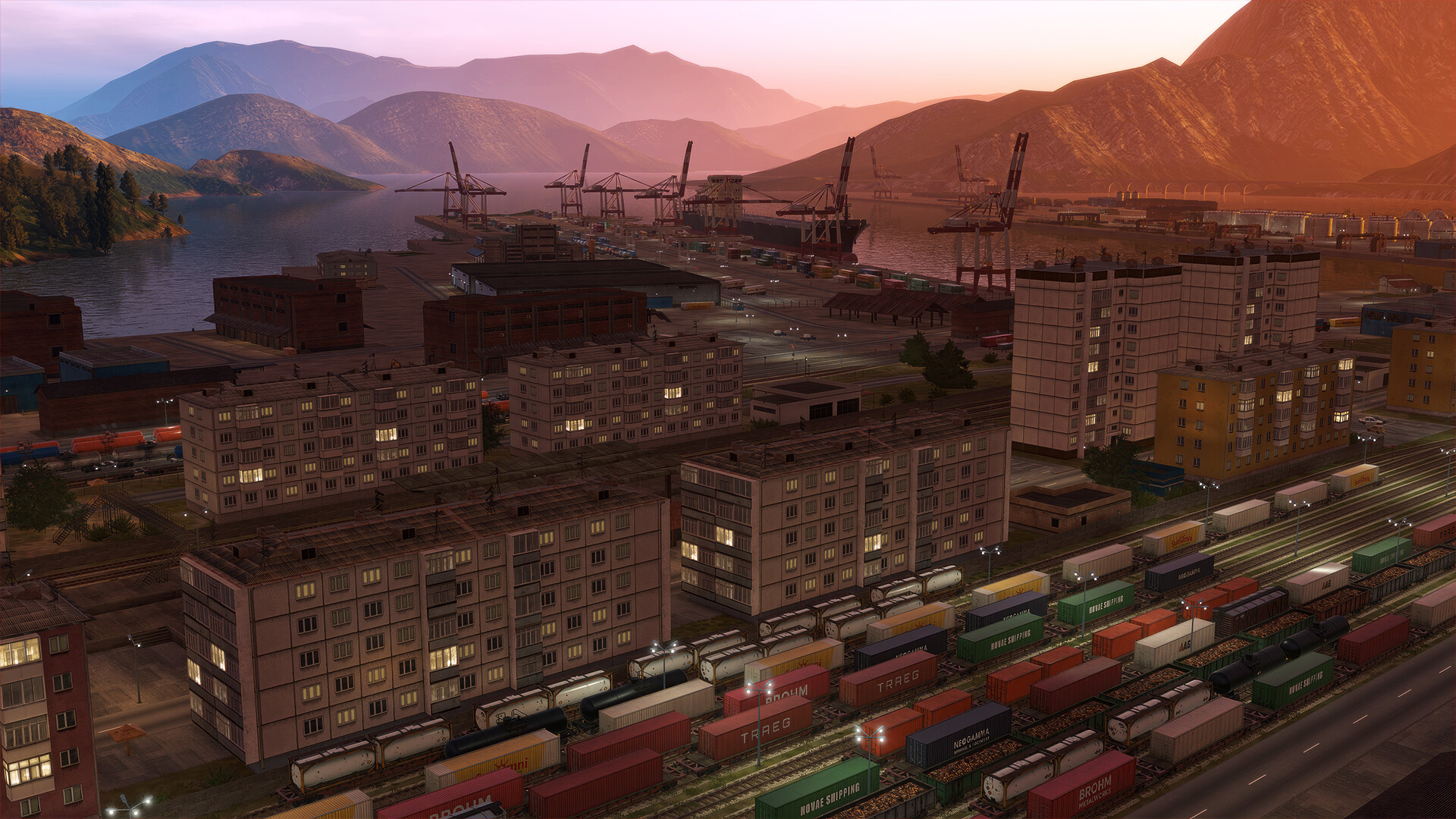
Derail Valley puts you behind the controls of realistic steam and diesel locomotives in a 256 km² open world. The landscape is filled with vegetation, water, towns and an extensive rail network that links dozens of industries.
You earn money by completing procedurally generated deliveries, buy licenses, vehicles and gadgets, and can switch to sandbox mode where the economy is ignored. The game runs on PC and supports mainstream VR headsets.
01 / THE GUIDE
Open World Exploration
The map covers 256 km² of unrestricted terrain, featuring varied vegetation, water bodies and a dense railroad network that connects multiple towns and industrial sites. Day‑night cycles and dynamic weather such as clouds, fog and rain change visibility and traction.
Players may walk or drive trains without interruption, choosing routes and destinations freely. The environment reacts to the time of day and weather, so each journey feels distinct.
- Use walk mode to inspect switch positions before committing to a route.
- Observe weather changes to anticipate reduced traction on slopes.
02 / THE GUIDE
Career Progression & Economy
Deliveries are procedurally generated from more than 80 cargo types, each with its own origin and destination, forming a dynamic industrial chain. Completing orders grants money that can be spent on new licenses, vehicles and performance gadgets.
Efficient driving, fuel management and vehicle upkeep lower costs and speed career advancement. A sandbox mode removes the economic focus, allowing unrestricted play without financial penalties.
- Balance fuel consumption against delivery speed to maximize earnings.
- In sandbox mode, experiment with unusual cargo loads without worry.
03 / THE GUIDE
Locomotive Classes & Mechanics
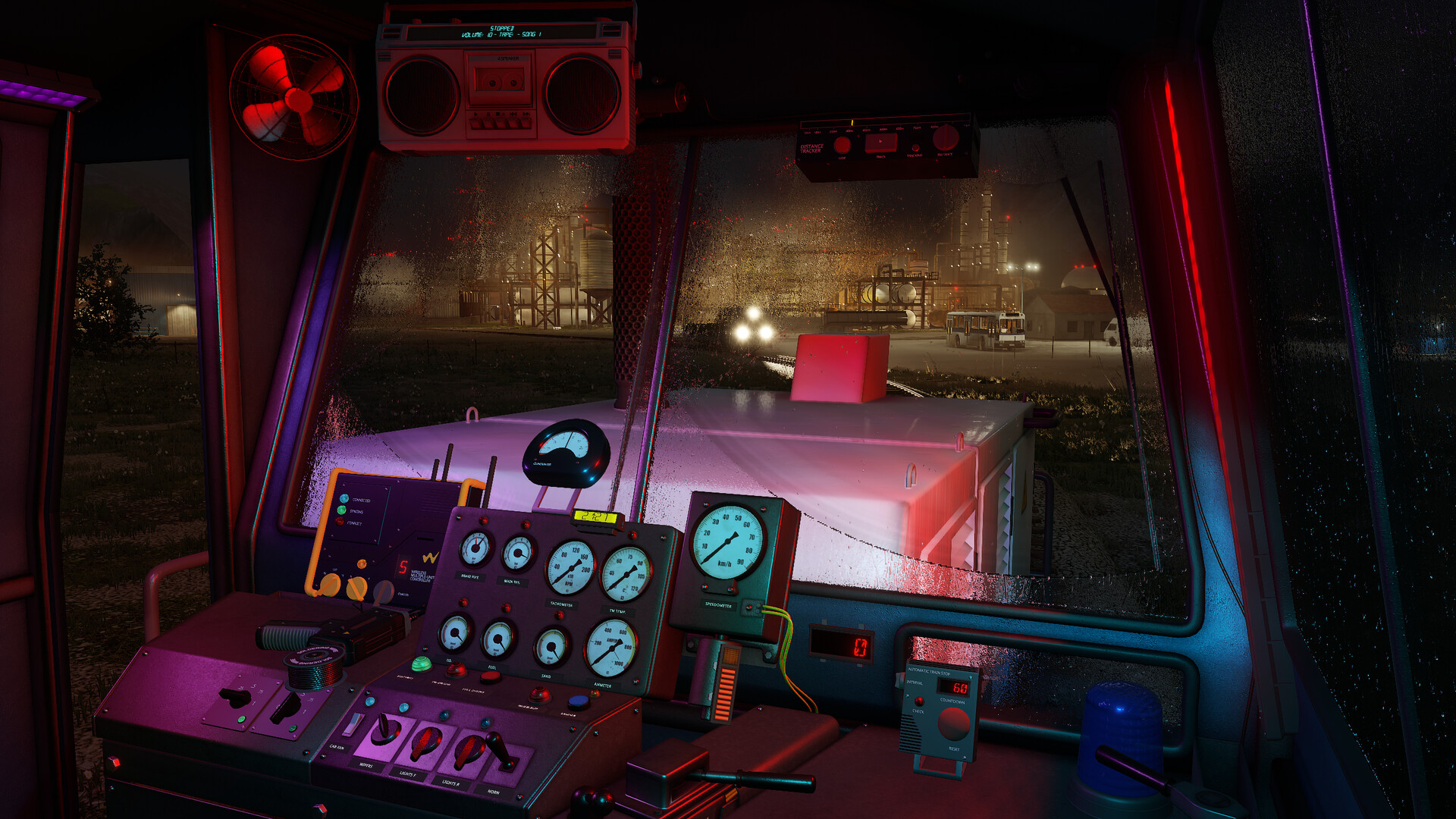
Six locomotive classes—steam and diesel—feature distinct transmission types, sounds, physics and interaction. Players regularly engage in coupling, servicing, brake securing and shunting as part of normal operation.
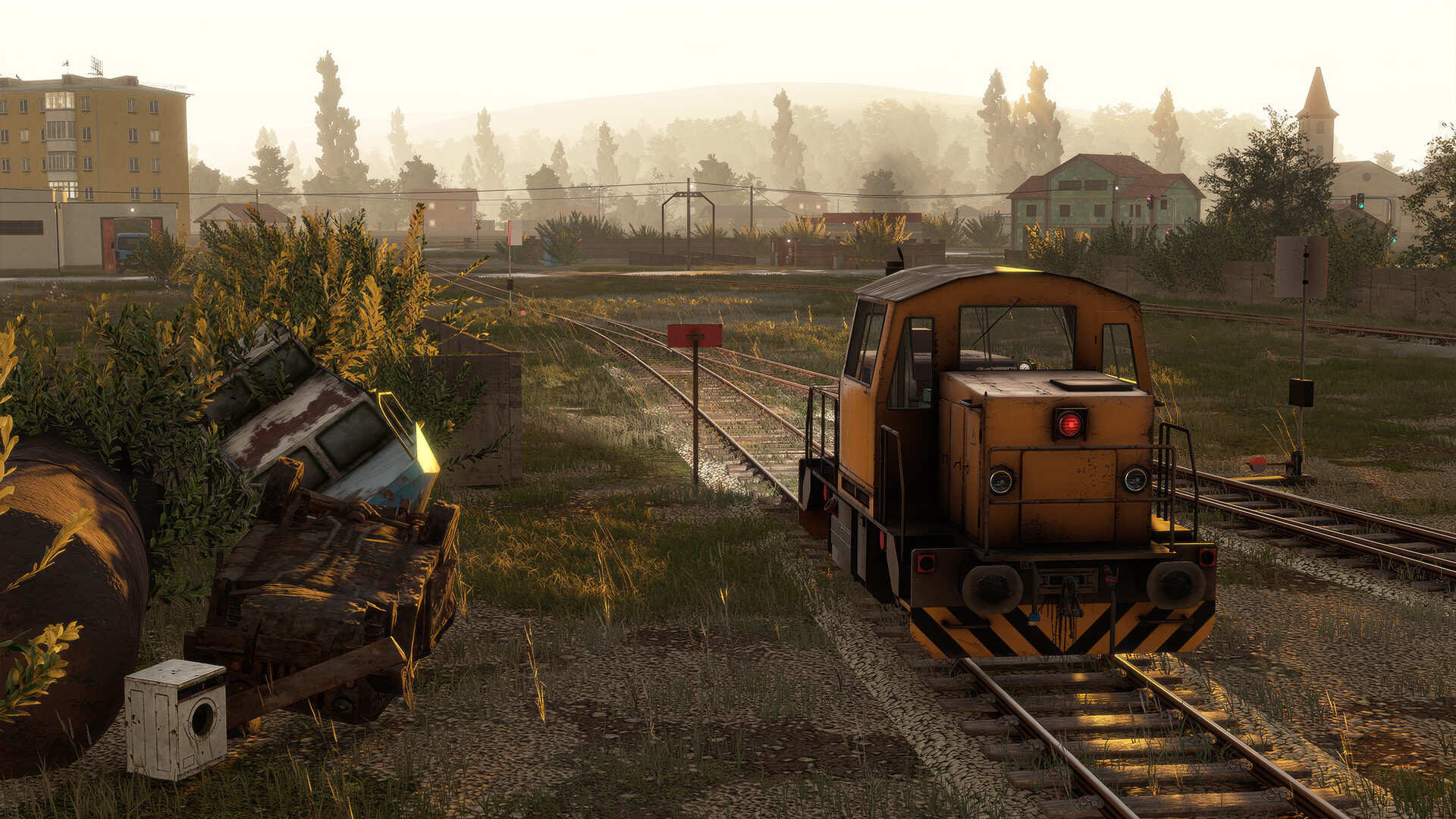
Derelict locomotives can be found, restored and equipped with gadgets such as digital speedometers, clinometers and distance trackers, which improve driving performance.
- Test each locomotive’s braking response before long hauls.
- Install a clinometer to better gauge gradients on steep sections.
04 / THE GUIDE
VR and PC Compatibility
Derail Valley is built for both standard PC and mainstream PC VR devices, letting players operate controls with their hands in a spatially present environment. Switching between VR and PC sessions is seamless.
Control options include tracked controller support, partial controller support, a keyboard‑only mode and adjustable difficulty, giving players flexibility in how they interact with the simulation.
- Start a session in PC mode to plan routes, then switch to VR for immersive driving.
- Adjust difficulty if frequent derailments interrupt progress.
05 / THE GUIDE
Tutorials and Manual
Quick tutorials introduce basic driving, coupling and braking, while a comprehensive user manual covers deeper rail procedures and vehicle mechanics for players who want detailed knowledge.
The game allows saving at any time and uses Steam Cloud to synchronize progress, so learning can continue across multiple sessions without loss.
- Review the manual after each tutorial to reinforce new concepts.
- Use the save‑anytime feature to test risky maneuvers safely.


COMMUNITY
Player discussion