 GameWiki
GET YOUR BEARINGS
About Deleted Wiki: Clean Up the Lost Files
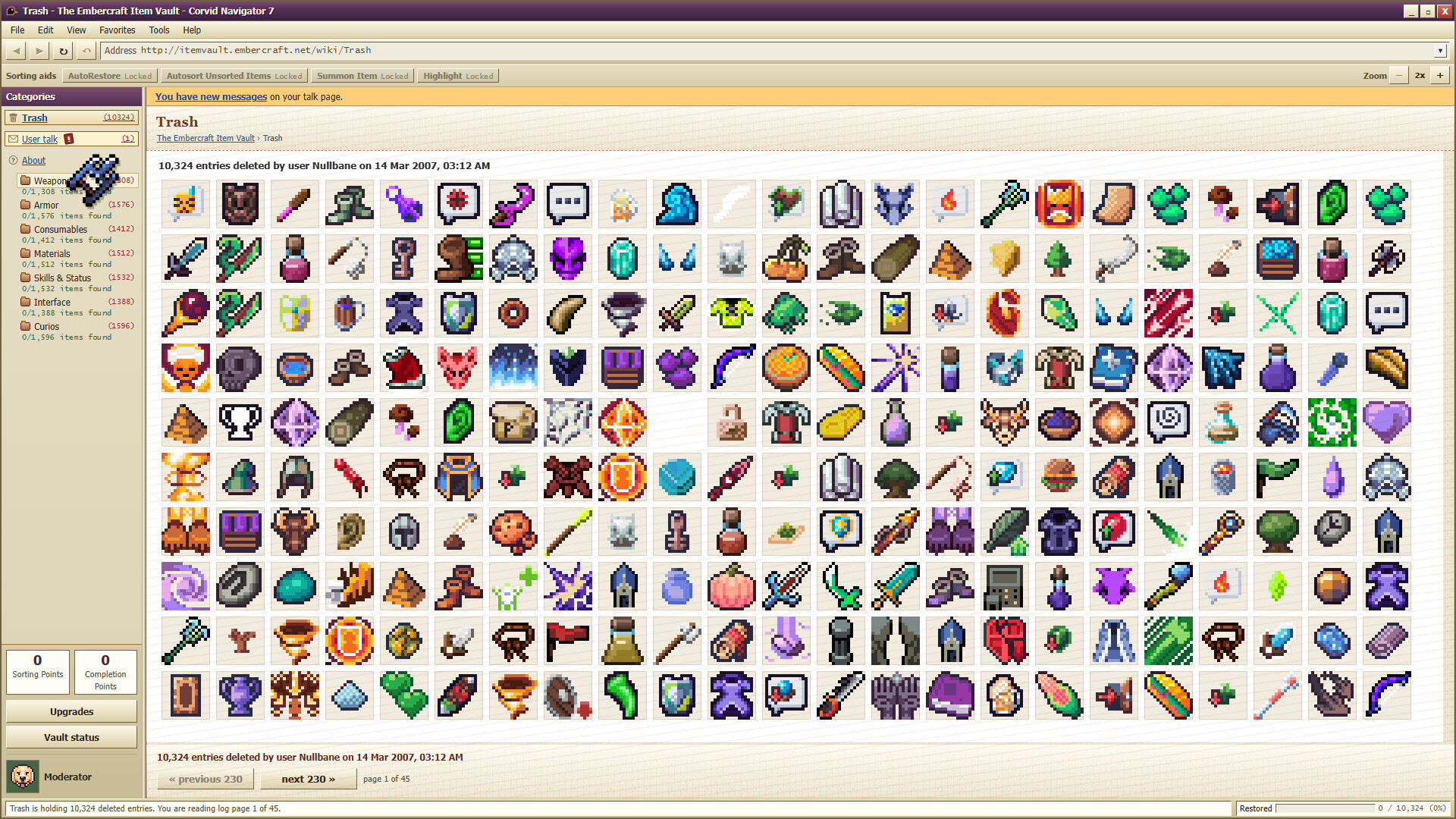
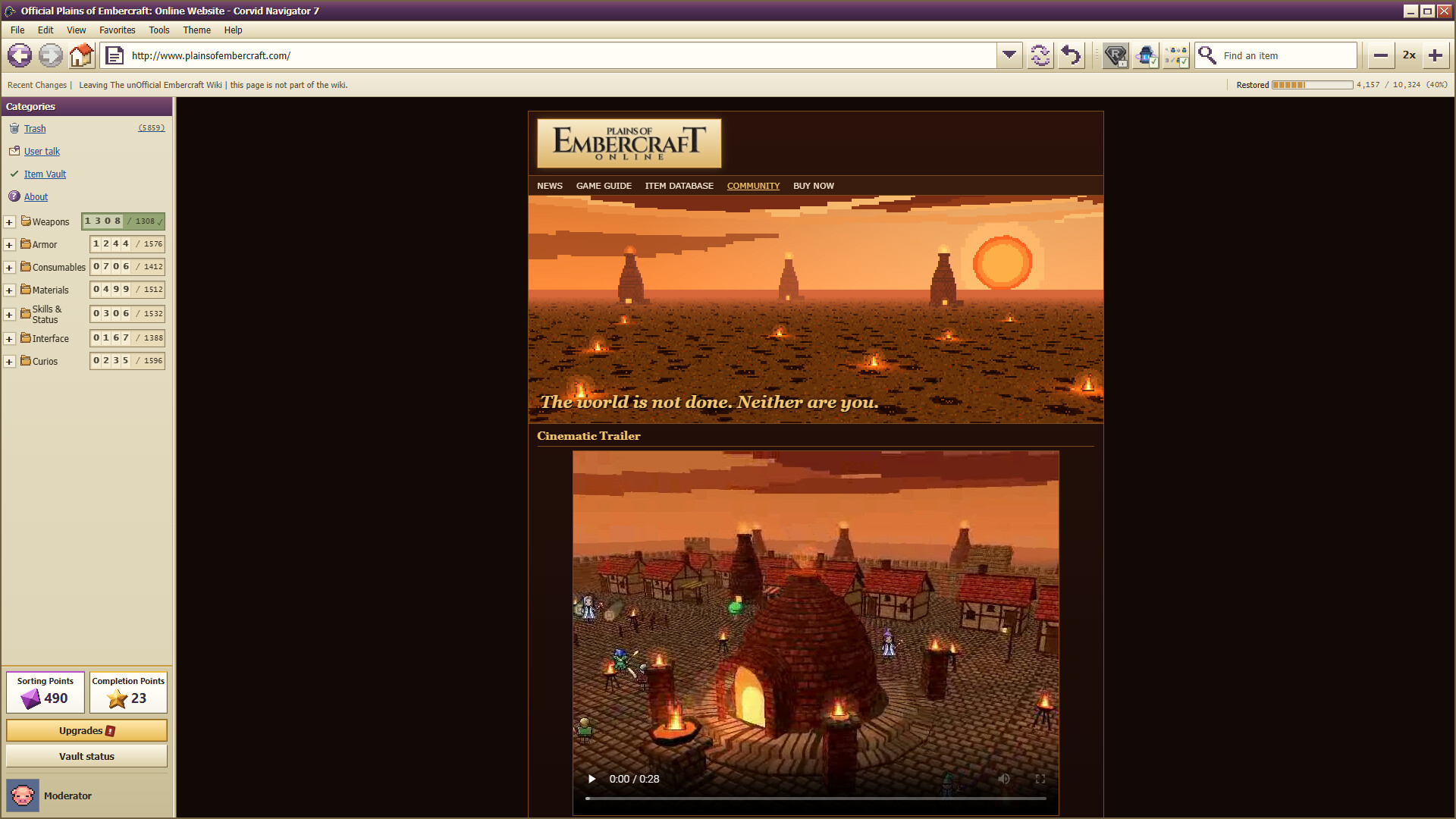
Deleted Wiki: Clean Up the Lost Files is a cozy incremental sorting game where you act as the new moderator of a fan wiki. A vandal erased 10,324 item pages, and you must drag each item from the Trash into one of seven category folders.
Sorting earns points that unlock user‑written scripts, letting you automate multiselection, stack gathering and eventually hand the work to SortBot and AutoRestore. The game runs at your own pace, offers three challenge modes, a secret mode, and supports mouse‑only play with Steam achievements and cloud saves.
01 / THE GUIDE
Sorting Mechanics
Items appear in the Trash and must be dragged onto one of seven Category folders: Weapons, Armor, Consumables, Materials, Skills & Status, Interface, and Curios. Each correctly placed item grants a Sorting Point.
When a full row of items is completed within a Sub‑Category, you receive a Completion Point, which can be spent on stronger scripts. This loop encourages steady, incremental progress.
- Focus on filling rows first to maximize Completion Points.
- Use the mouse‑only option to avoid accidental mis‑drops.
02 / THE GUIDE
Category System
The game features seven main categories, each containing Sub‑Categories such as Swords under Weapons or Debuffs under Skills & Status. Items must be placed in the correct Sub‑Category to earn Completion Points.
Sorting within Sub‑Categories follows a row‑based layout; completing a row triggers a reward. This structure mirrors the original fan wiki’s organization.
- Refer to the category names on the left to avoid mis‑placement.
- Group similar items mentally before dragging.
03 / THE GUIDE
User Scripts
Points can be spent on twelve user‑written scripts created by Wren, the wiki’s developer. Scripts range from Multiselect, which lets you pick multiple items at once, to AutoRestore, which automates large portions of the sorting process.
Acquiring scripts gradually reduces manual effort, turning the game from pure drag‑and‑drop into a semi‑automated restoration task.
- Invest early points in Multiselect to speed up early sorting.
- Save points for AutoRestore once most rows are filled.
04 / THE GUIDE
Challenge Modes
Beyond the main sorting experience, the game offers three distinct challenge modes and a hidden secret mode. Each mode presents its own constraints or goals, adding variety to the core loop.
The game also features Steam Leaderboards for comparing your results with other players.
- Try a challenge mode after unlocking a few scripts for smoother play.
- Check the secret mode for unexpected mechanics.
05 / THE GUIDE
Audio & Save Profiles
The game includes ten music tracks and supports three separate save profiles for keeping different progress states. The game includes custom volume controls.
Steam Cloud syncs your progress and profile choices, ensuring continuity across sessions on supported platforms.
- Create a dedicated profile for each challenge mode.
- Adjust volume levels to keep focus while sorting.

COMMUNITY
Player discussion