 GameWiki
GET YOUR BEARINGS
About Defender's Quest: Valley of the Forgotten (DX edition)
Defender's Quest: Valley of the Forgotten (DX edition) mixes tower‑defense mechanics with tactical RPG depth. Characters act as mobile towers, level up, learn skills, and equip gear, letting you shape each battle’s strategy.
The title runs on Windows, macOS, and Linux, offers full controller support, Steam achievements, cloud saves, and a built‑in level editor, while providing extensive accessibility options.
01 / THE GUIDE
Battle System
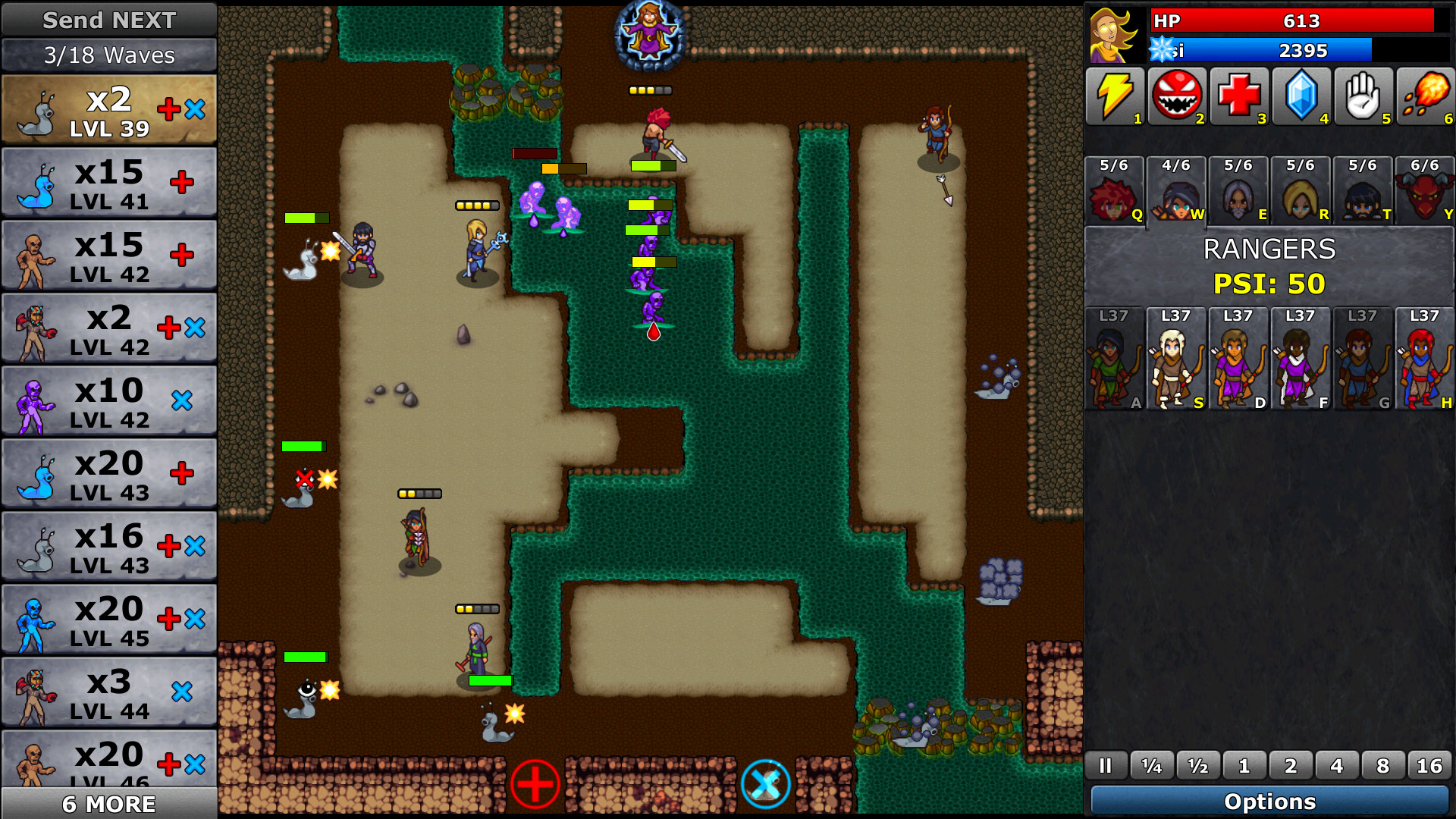
Combat blends real‑time tower defense with RPG growth. Individual characters replace static towers, attacking enemies while gaining experience.
Game speed can be adjusted, and commands may be issued while the game is paused, allowing precise planning without time pressure.
- Try different speed settings to see how they affect decision‑making.
- Use the pause‑command feature to arrange complex actions before resuming.
02 / THE GUIDE
Customization
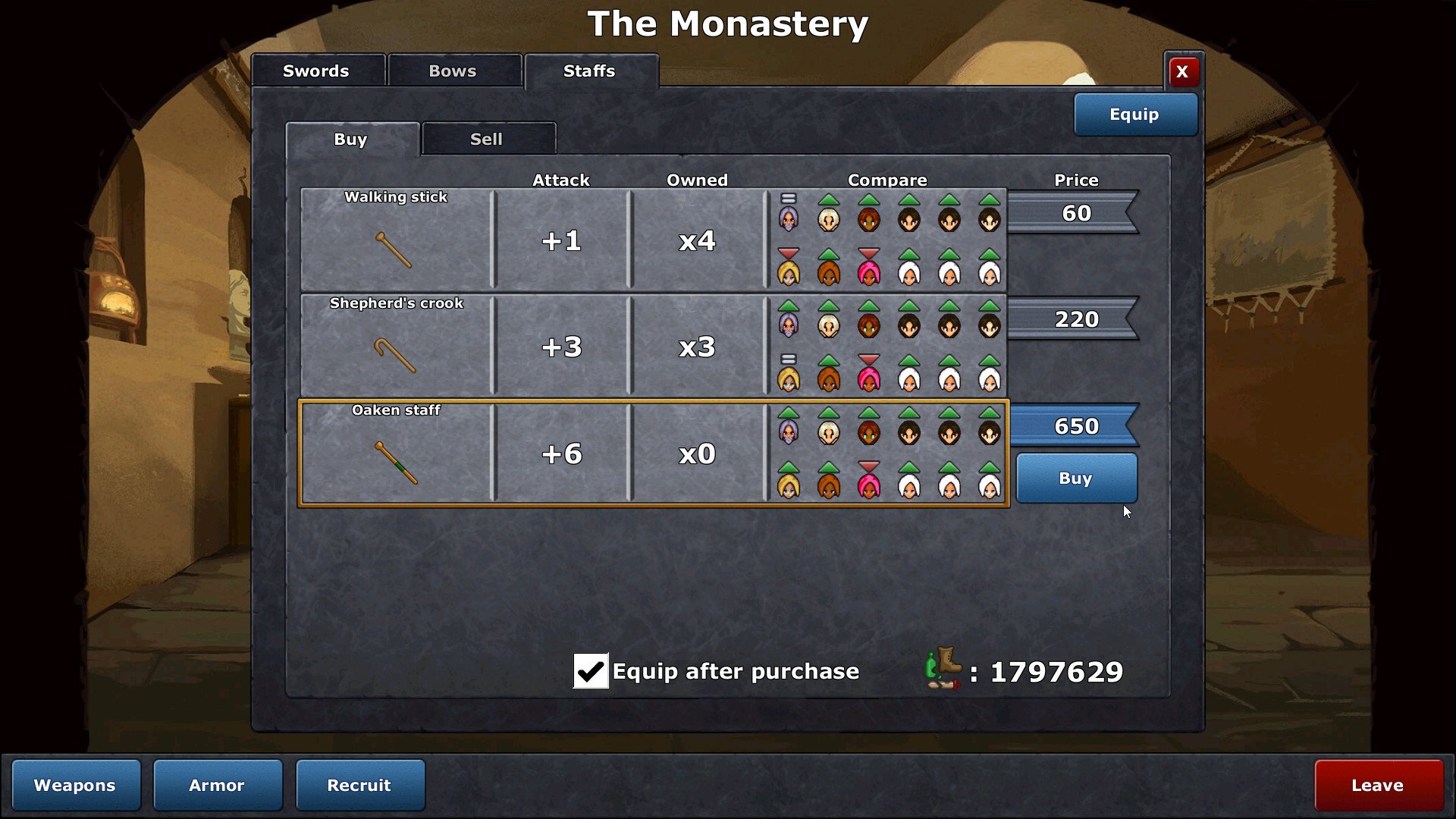
Each character levels up, learns new skills, and equips gear individually, giving you control over role definition such as damage, defense, or support.
Because customization is per‑character, you can experiment with varied builds across the party to meet different enemy types and map layouts.
- Mix gear types to balance offense and defense for each unit.
- Track skill progress to keep party roles complementary.

03 / THE GUIDE
Story & Narrative
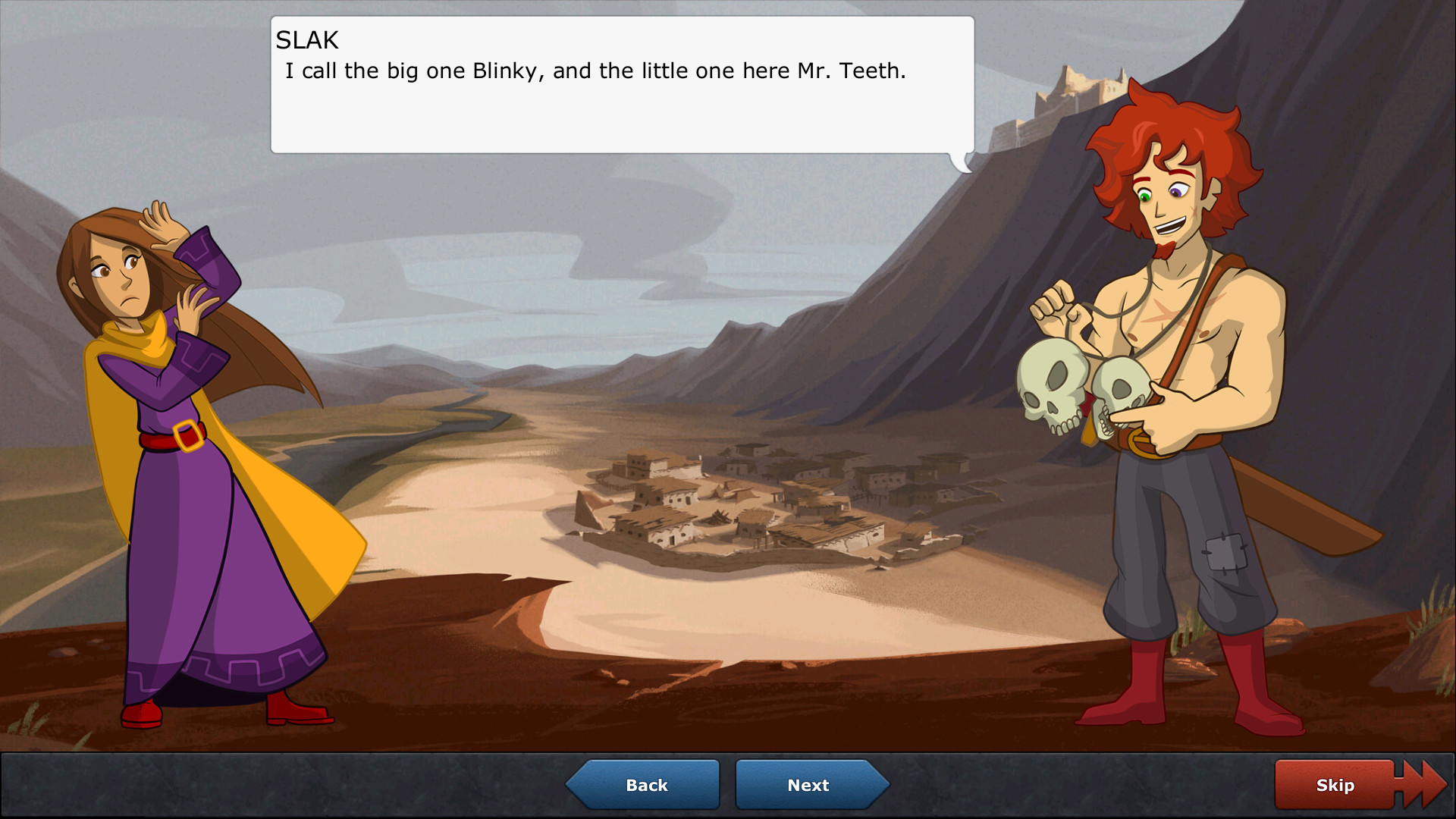
The game features a character‑driven story written by an English major, aiming for fast‑paced, snappy dialogue that stays relevant to gameplay.
The story strives to stay relevant to gameplay with minimal exposition, delivering plot context alongside strategic decisions.
- Listen to dialogue during fights for clues that may affect tactics.
- Follow character arcs to anticipate future skill or gear options.
04 / THE GUIDE
Accessibility Options
Defender's Quest includes a wide range of options and accessibility settings, offering extensive options and accessibility settings to tailor your experience.
These settings work together with adjustable game speed and pause‑command features, offering multiple ways to tailor difficulty and input comfort.
- Explore the accessibility settings early to match your needs.
- Combine speed adjustments with pause commands for comfortable pacing.
05 / THE GUIDE
Level Editor
A built‑in level editor lets players create custom maps, which can be shared through Steam Workshop integration.
Steam Cloud is listed as a feature, which may help keep your created levels available across devices that support it.
- Start with simple layouts to learn the editor tools before adding complexity.
- Test your map at multiple speeds to gauge balanced difficulty.

COMMUNITY
Player discussion