 GameWiki
GET YOUR BEARINGS
About Decollate Decoration
Decollate Decoration is a point‑and‑click adventure where you play as a newly‑made ghost trying to reunite with a beloved figure referred to only as “Him.” The narrative unfolds through dialogue choices, poltergeist actions, dream visits, and curses, all aimed at influencing his fate before your soul moves on.\n\nThe game offers a concise main story of about one to two hours, split into six possible endings, plus a prologue and epilogue that add roughly an extra hour. It supports full controller input, Steam achievements, cloud saves, and family sharing, and runs on Windows PCs.
01 / THE GUIDE
Story and Structure
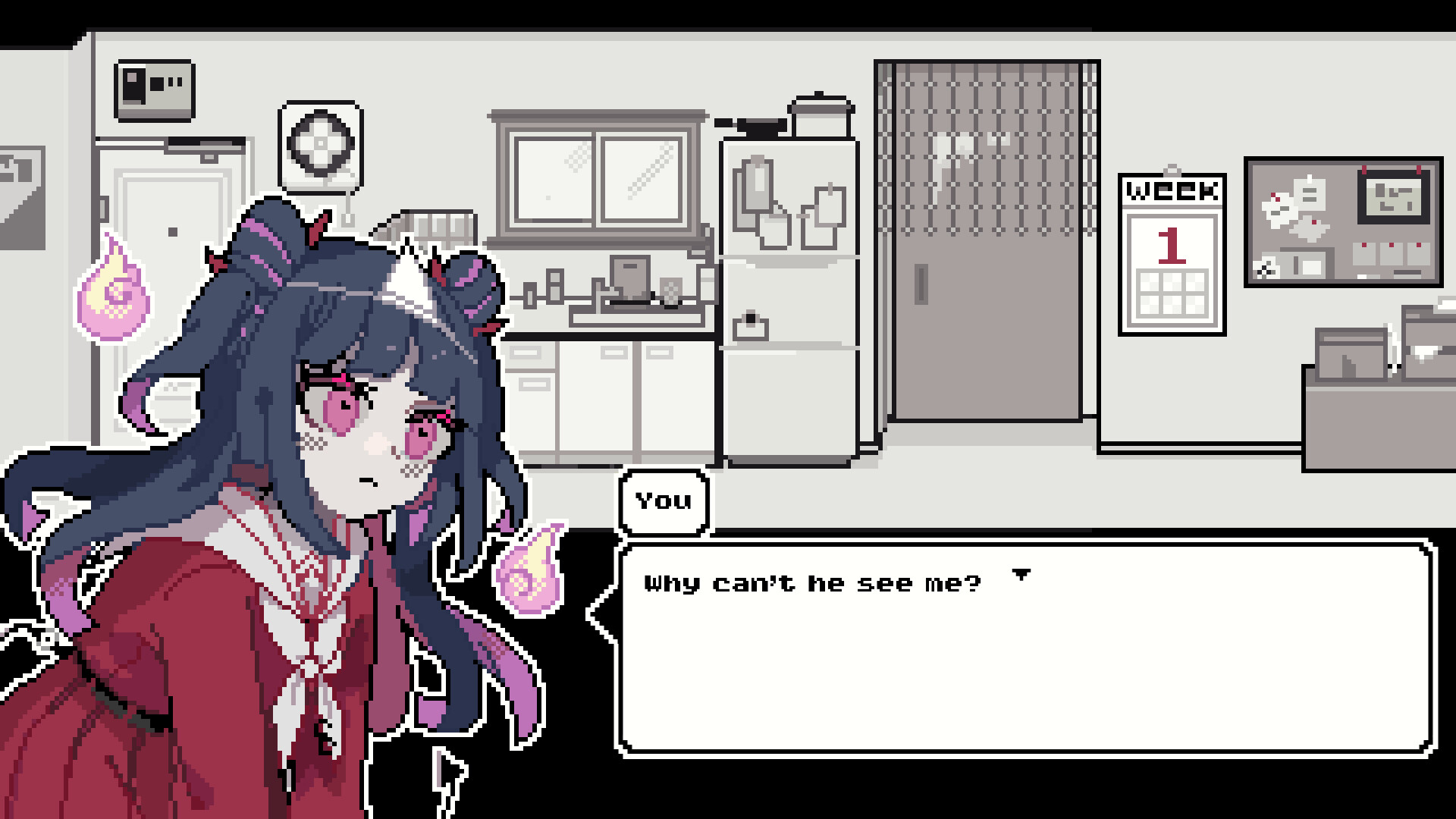
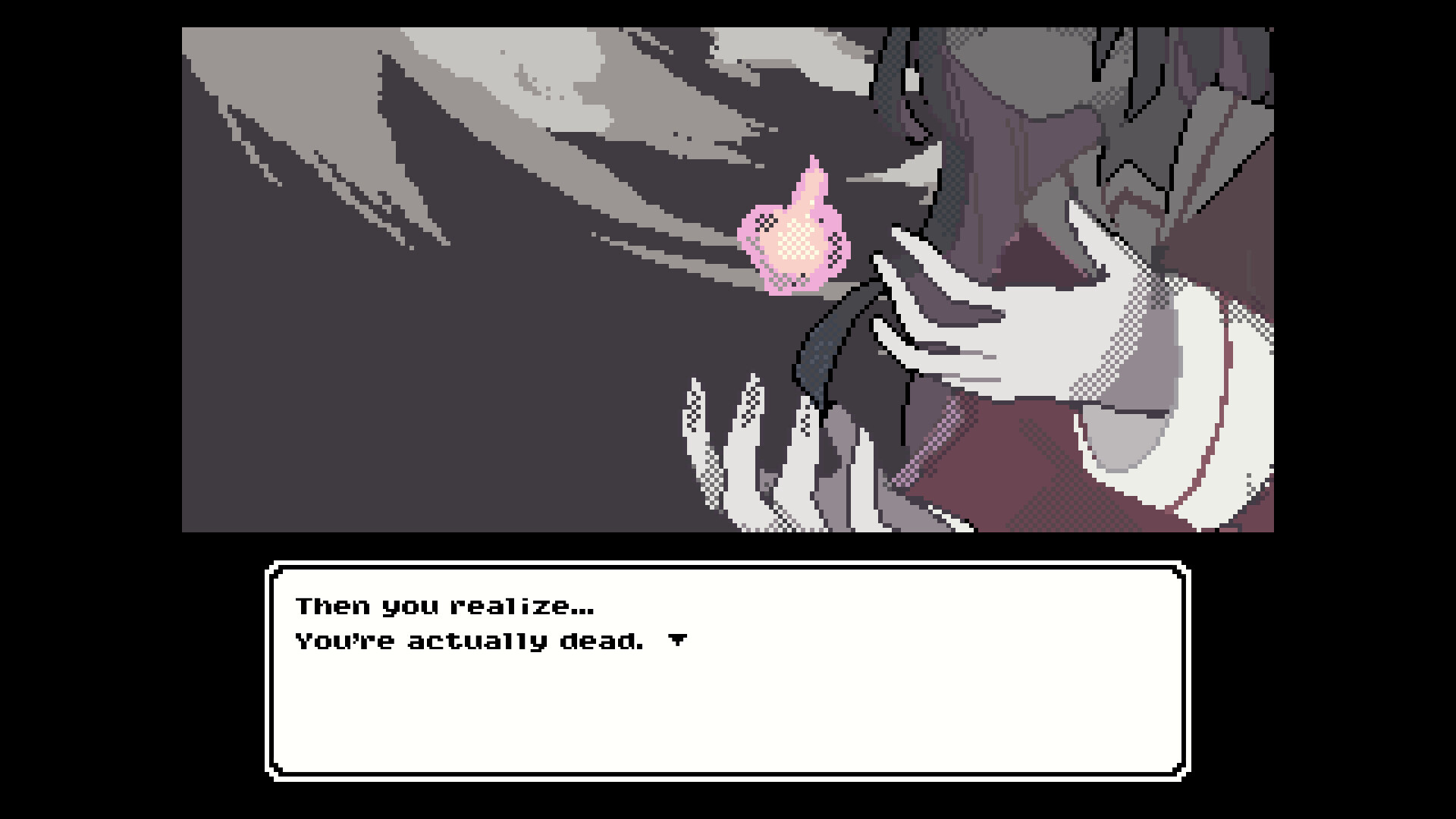
The protagonist awakens as a ghost after a sudden death, convinced her soul will be judged favorably. She believes the only way to avoid separation from her beloved is to bring him to her side before passing on. The narrative is driven by her attempts to communicate with him despite his lack of spiritual awareness.
The main story lasts roughly one to two hours, with each of the six endings averaging fifteen minutes. A pre‑game prologue details her life before death, while an epilogue continues after the main story, together adding about an hour of additional content.
- Experiment with different dialogue options early to see how they affect later outcomes.
- Take note of recurring hints about “poltergeists” and “curses” as they often unlock new branches.
02 / THE GUIDE
Gameplay Mechanics
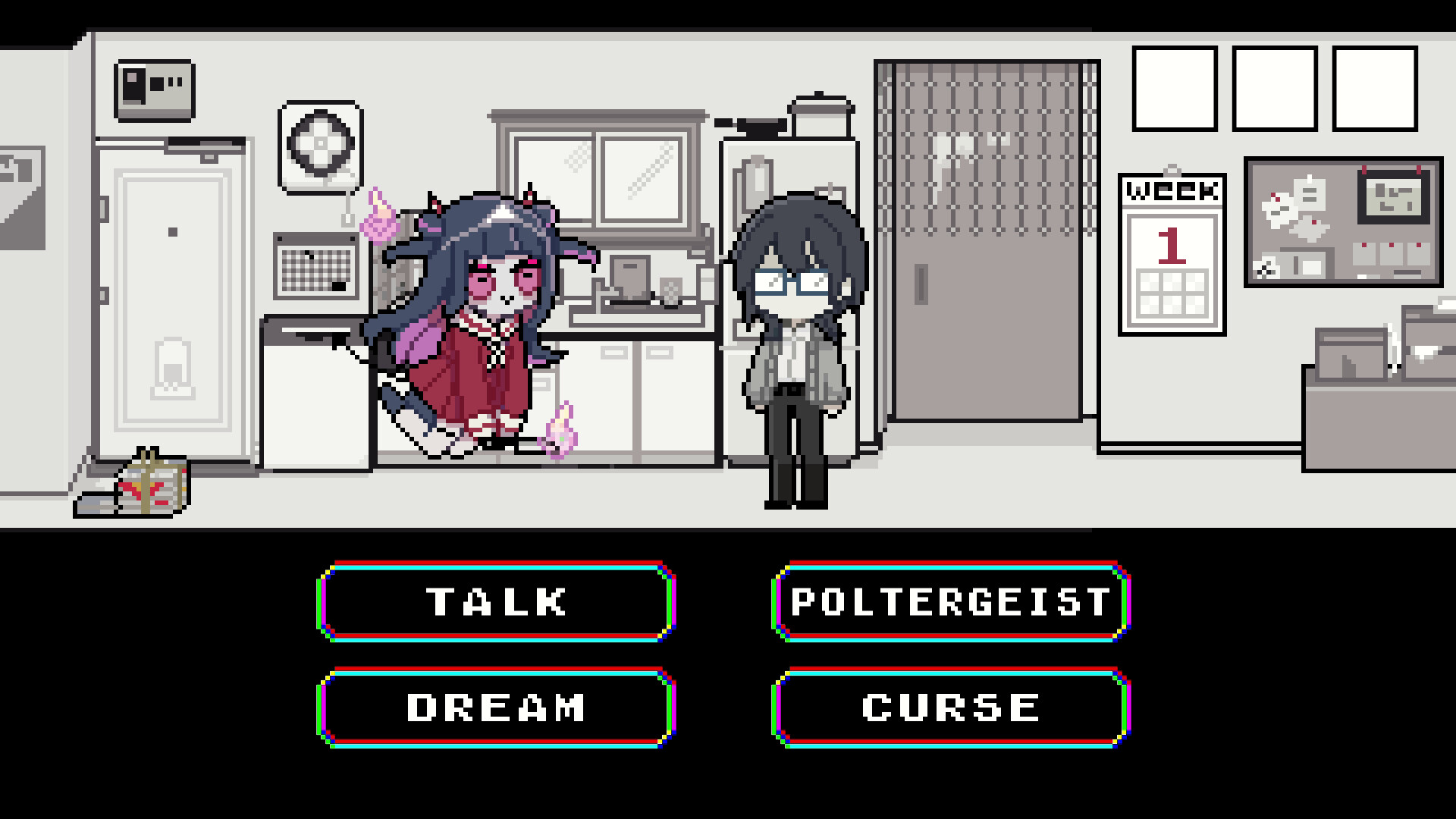
Decollate Decoration uses a command‑selection interface typical of point‑and‑click adventures. Players choose actions such as talking, causing poltergeists, visiting dreams, or cursing to influence the beloved character. Success is determined through trial and error, with each choice potentially leading toward a different ending.
The game includes a save function and an ending list, allowing players to revisit decisions without restarting from the beginning. An illustration gallery becomes available after completing the game, serving as a visual reward.
- Save frequently after major choices to compare outcomes later.
- Review the ending list to track which paths you have already explored.
03 / THE GUIDE
Endings and Rewards
There are six distinct endings in the main story, each reachable in about fifteen minutes of play. Completing any ending unlocks the illustration gallery, which showcases artwork from the game. The ending list also records which conclusions you have achieved.
The prologue and epilogue are considered side stories and add roughly one hour of narrative, expanding the world beyond the core endings.
- Aim to finish all six endings to fully unlock the gallery.
- Play the prologue first to gain context that may inform later decisions.
04 / THE GUIDE
Streaming Guidelines
The main story and side stories may be streamed or recorded without restriction. However, creators must avoid using spoiler scenes as thumbnails and should not post spoilers on social media. The illustration gallery is explicitly excluded from streaming permissions.
For the most current rules, developers direct streamers to consult the Fan Content Guidelines, which detail any additional restrictions.
- When uploading videos, double‑check that thumbnail images contain no spoiler content.
- Keep the gallery content private to stay within the allowed streaming scope.
05 / THE GUIDE
Platform and Features
Decollate Decoration is available on Windows PCs and supports full controller input, Steam achievements, Steam Trading Cards, and Steam Cloud saving. Family Sharing is also enabled, allowing multiple accounts to access the game on a single device.
The game does not list support for macOS or Linux, limiting official play to Windows environments.
- Enable Steam Cloud before playing to ensure your progress syncs across devices.
- If you prefer controller play, verify the full controller support setting in the options menu.
COMMUNITY
Player discussion