 GameWiki
GET YOUR BEARINGS
About Debugging Hero
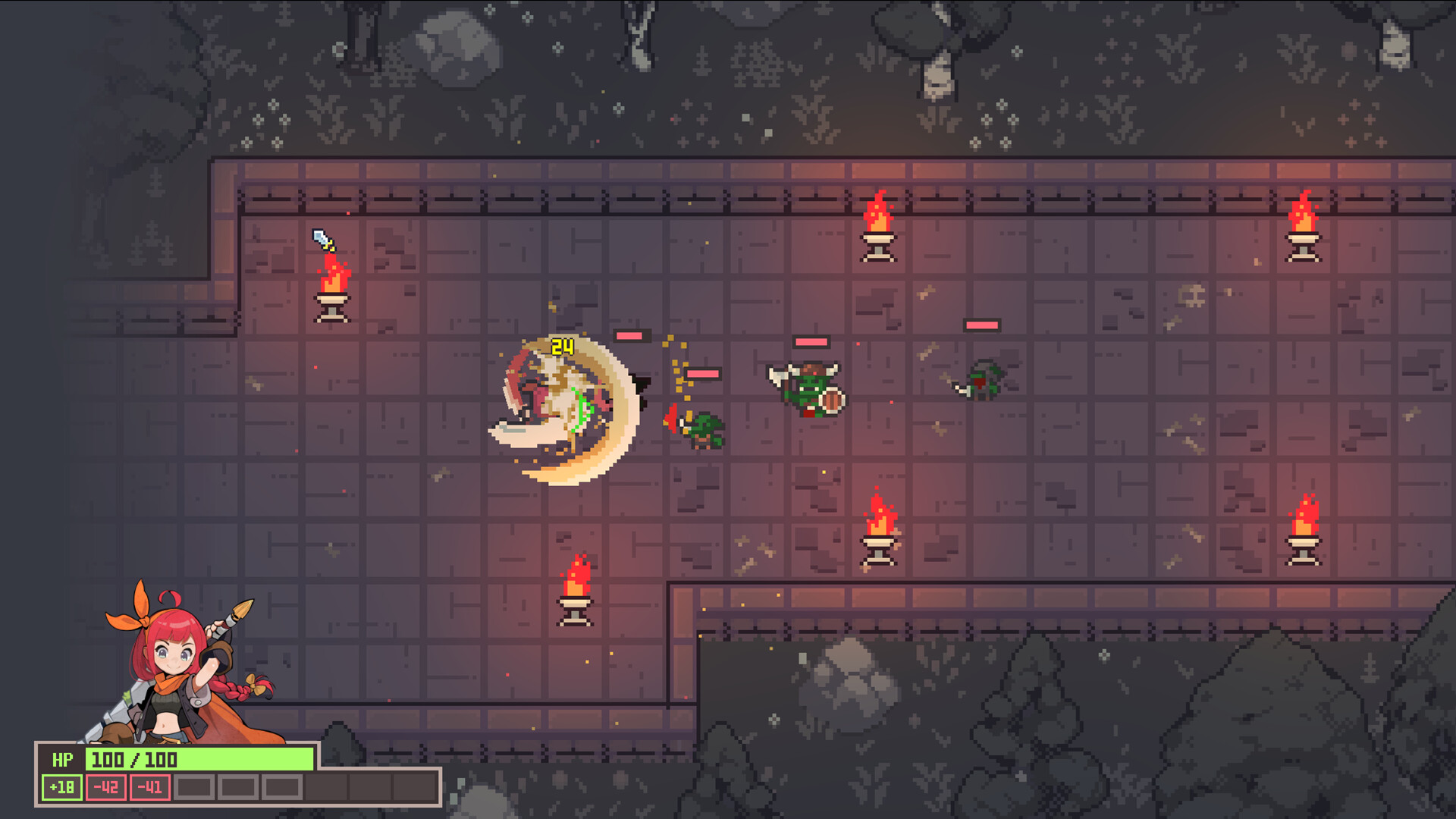
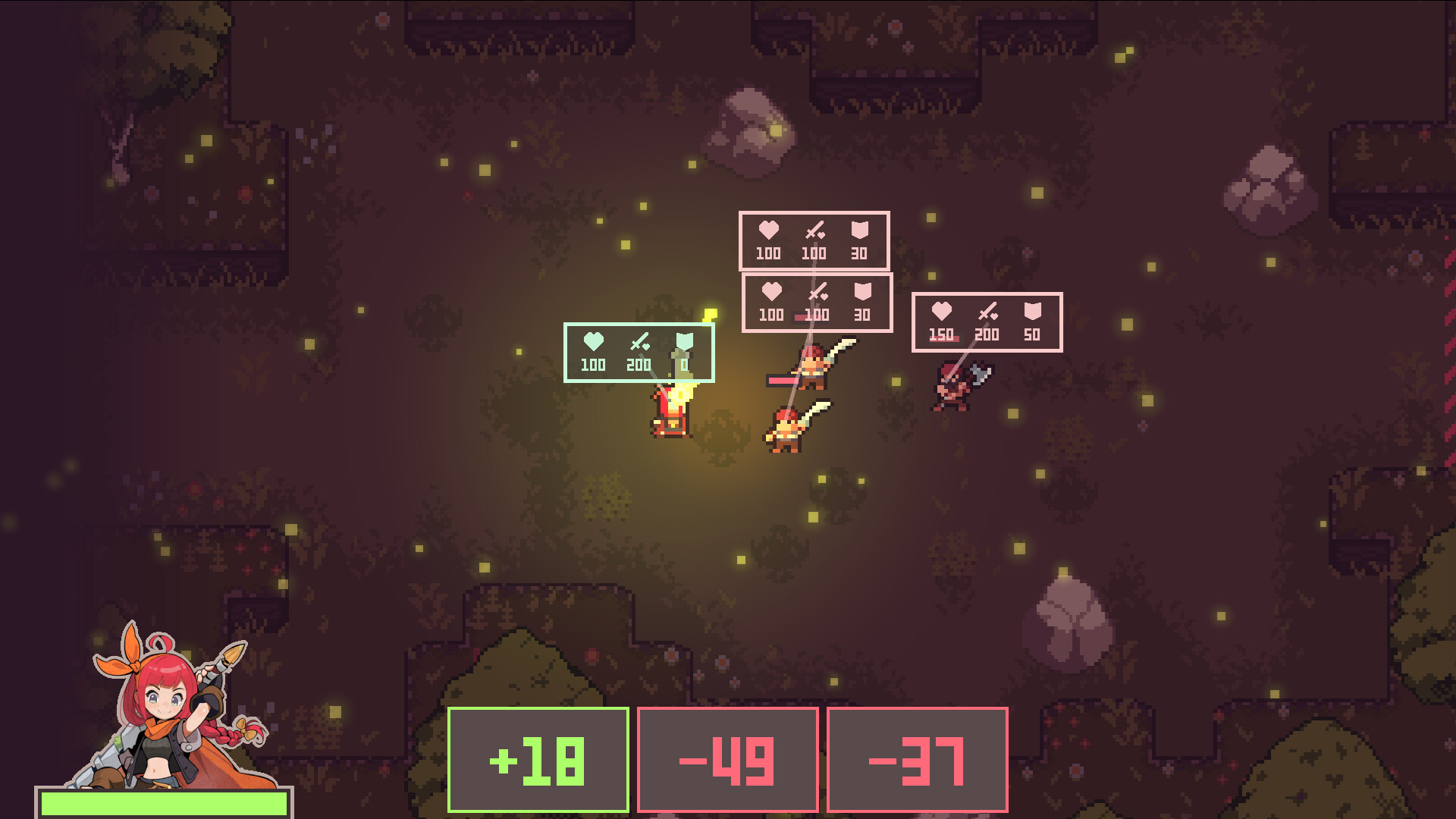
Debugging Hero grants you the power to rewrite character variables using cards that act like mathematical operators. By altering attack, speed, and even monster hostility, you can shape each encounter to your advantage.
The game blends action‑filled combat with strategic stat manipulation, and rare items expand the range of stats you can control. Play solo on Windows while enjoying Steam features such as achievements, cloud saves, and family sharing.
01 / THE GUIDE
Variable Manipulation Cards
Variable cards serve as the primary tool for rewriting character attributes using simple mathematical operators.
Each card includes an operator and a number, letting you raise, lower, or multiply a stat instantly during combat in battles.
- Experiment with different operators to see varied effects.
- Pair cards with items that boost similar stats for synergy.
02 / THE GUIDE
Combat Stat Modification
Addition cards let you boost attack power or recover health, directly raising the chosen value in combat.
Subtraction cards weaken enemies or lower their health, while multiplication cards dramatically amplify critical stats for decisive turns.
- Use addition before a tough fight to ensure survivability.
- Reserve multiplication for boss encounters where a large boost is needed.
03 / THE GUIDE
Item Special Effects
Items possess unique effects; some rare pieces unlock extra stat manipulation beyond the basic attack and speed altogether.
These unlocked stats include movement speed, boss speed reduction, and stun damage, expanding tactical options for creative play.
- Combine rare items to stack multiple stat changes.
- Check item descriptions for hidden manipulation capabilities.
04 / THE GUIDE
Hostility Manipulation
You can set a monster's HP to zero instantly, removing it from combat without further action or delay.
Altering hostility turns foes into allies, letting you recruit enemies to aid your dungeon progress through strategy.
- Use hostility changes to create temporary allies in tough rooms.
- Zero HP can clear overwhelming waves quickly.
05 / THE GUIDE
Platform and Steam Features
The game runs on Windows and supports Steam Cloud, preserving your progress across installations for convenient play sessions.
Achievements, Trading Cards, and Family Sharing integrate with Steam, offering extra goals and easy sharing with friends.
- Enable Steam Cloud before major updates.
- Explore Trading Cards for collectible fun.
COMMUNITY
Player discussion