 GameWiki
GET YOUR BEARINGS
About Deathsmiles I・II
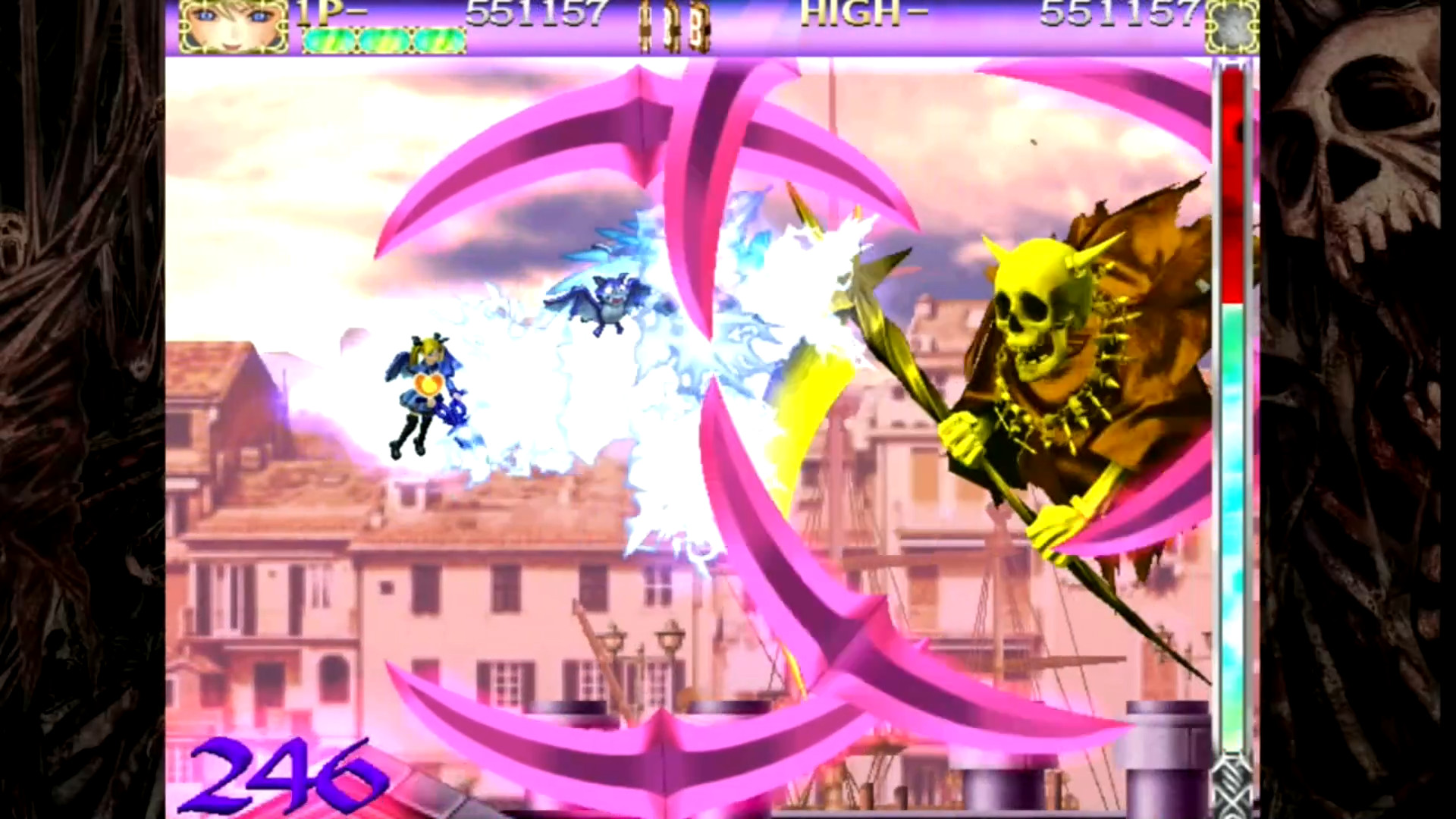
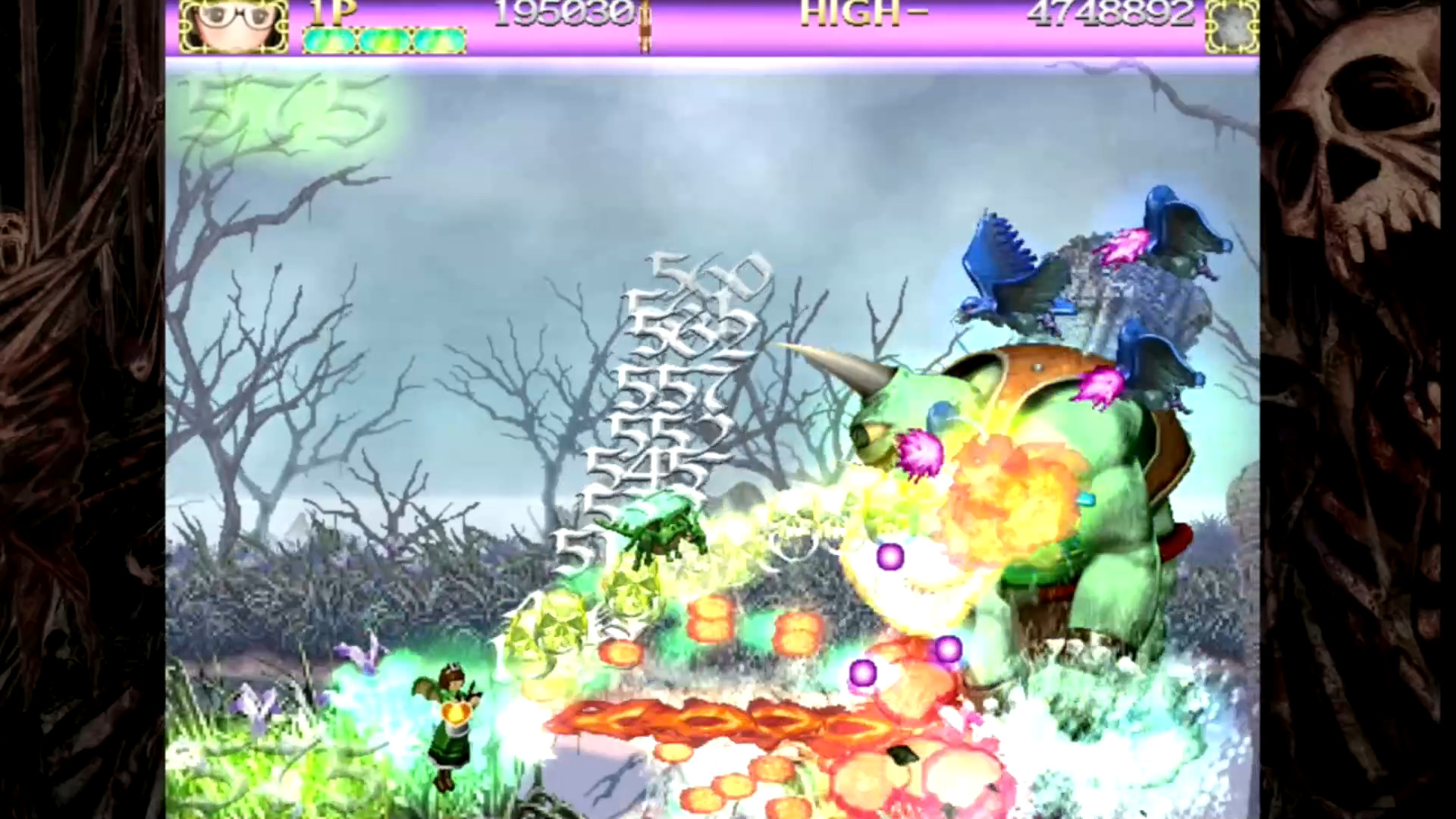
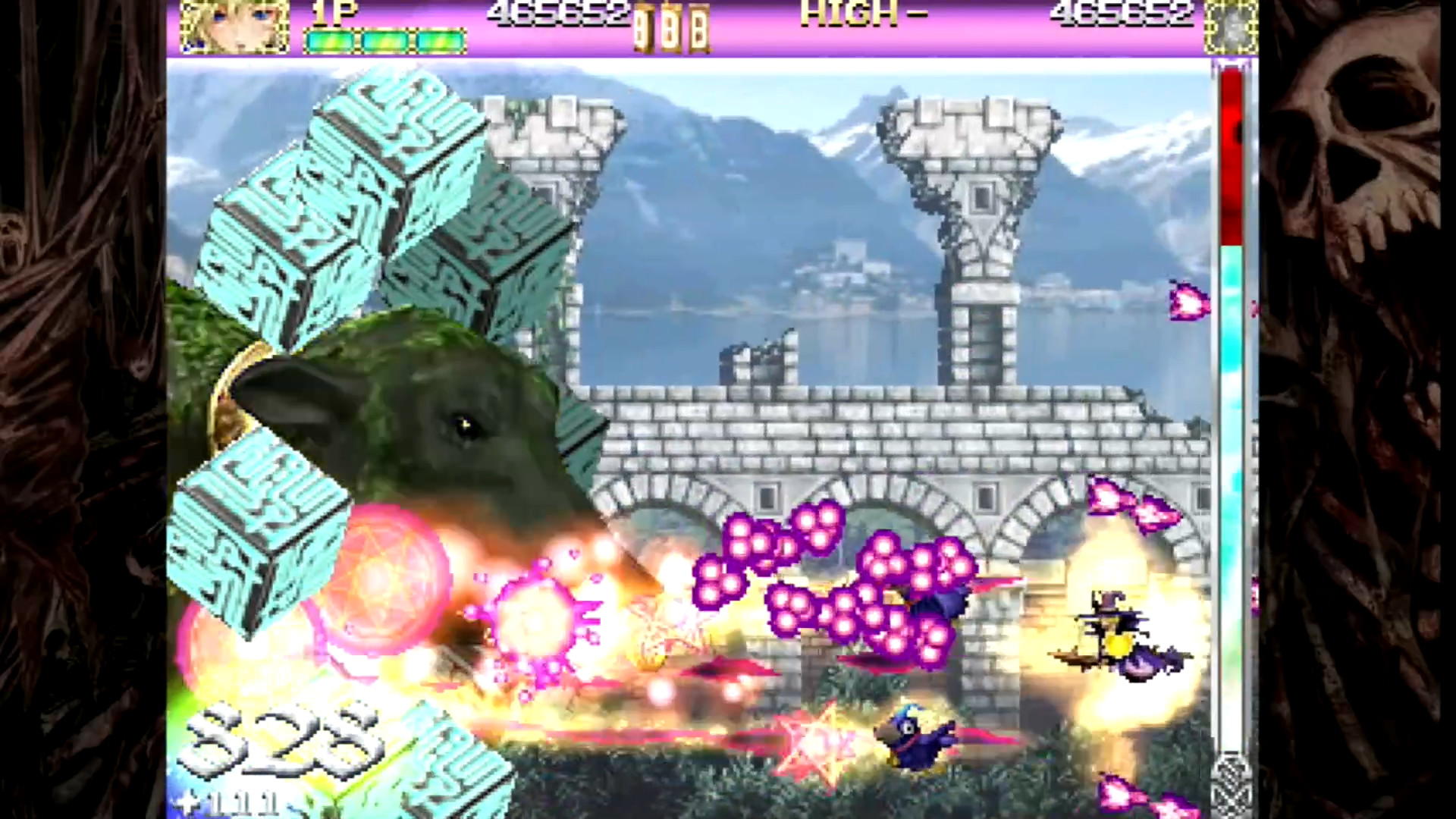
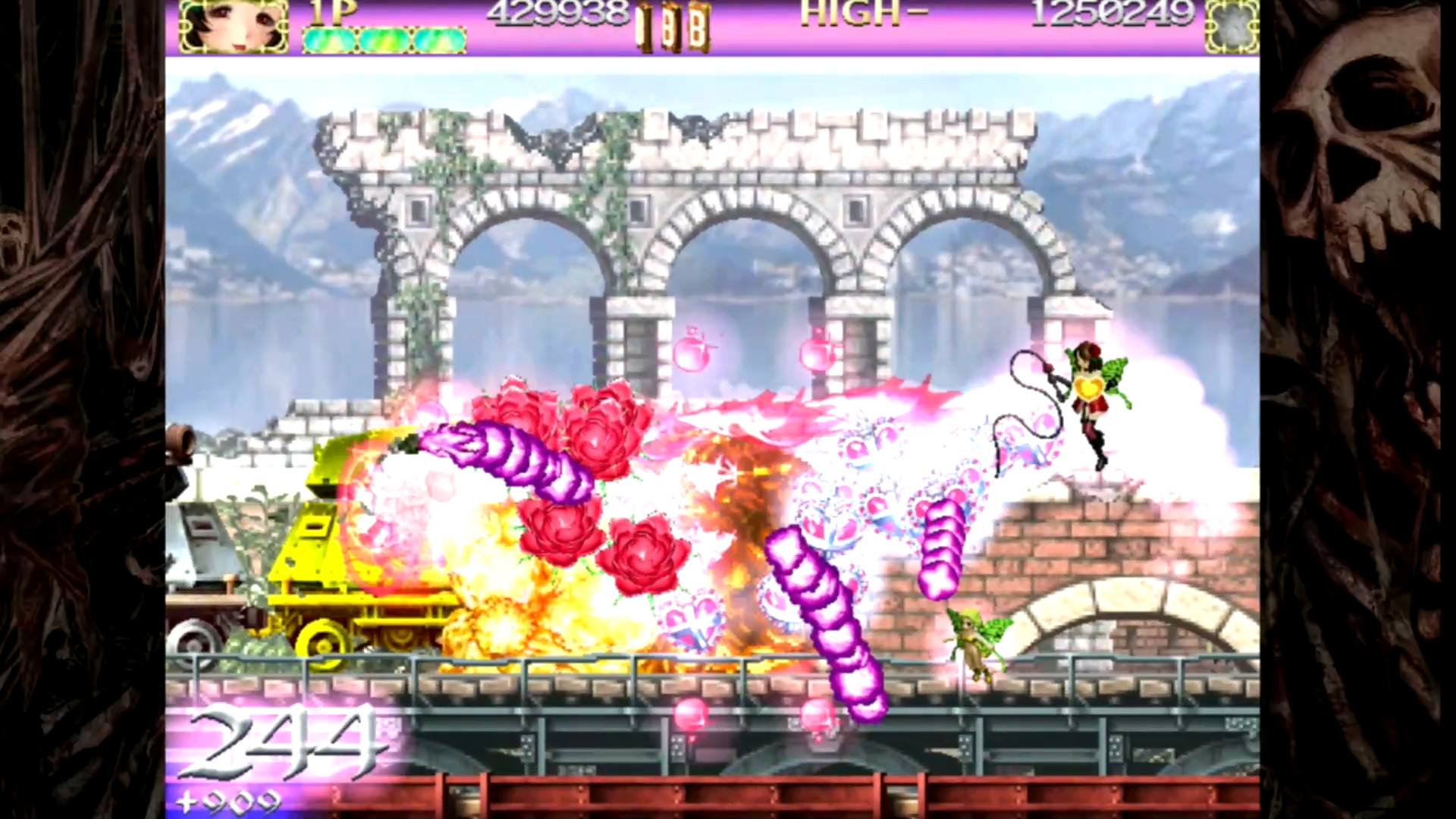
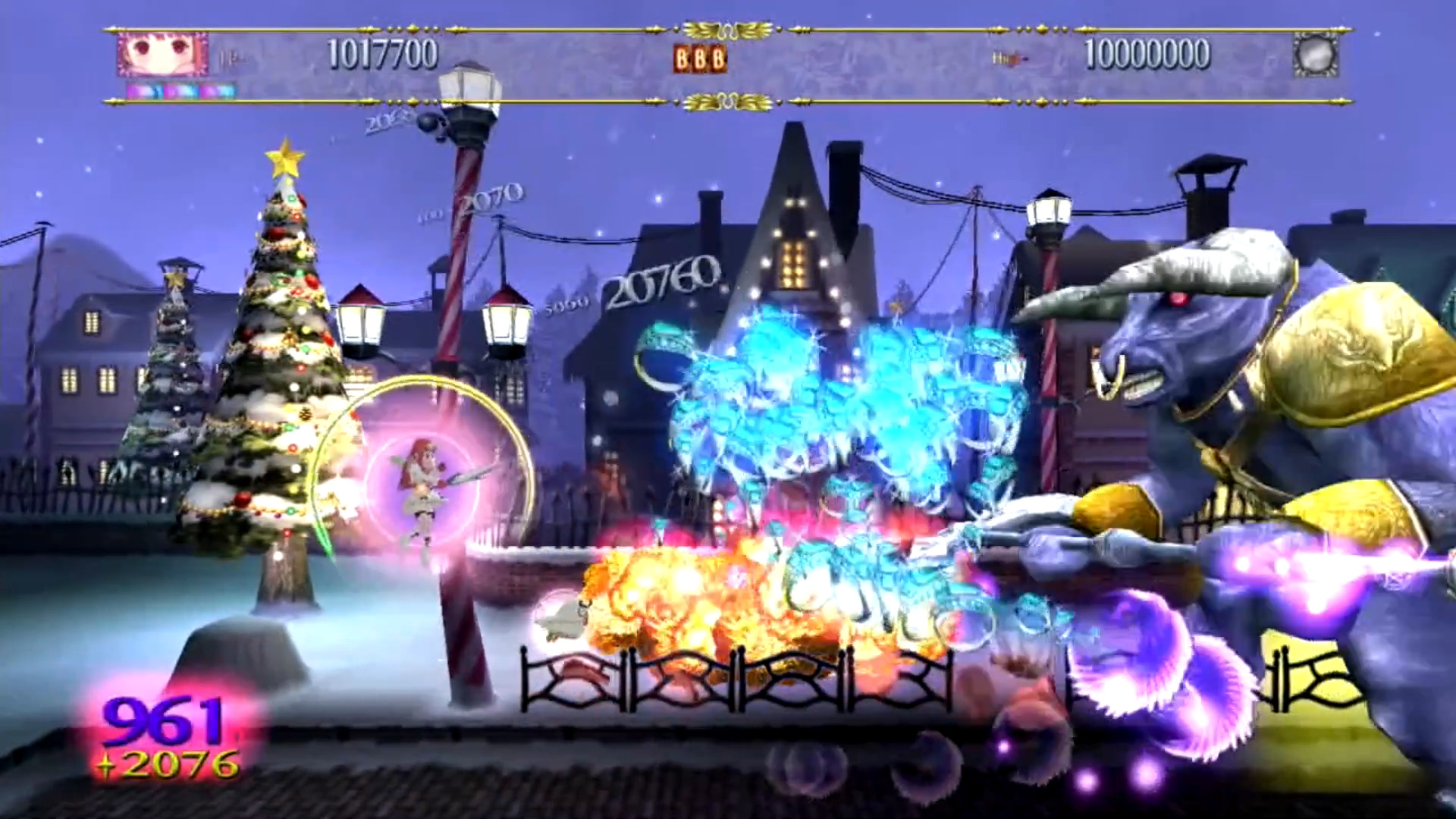
Deathsmiles I・II is a side‑scrolling shoot‑em‑up set in the gothic‑horror world of Gilverado, where female “Angels” pilot the action. The Steam bundle gathers three titles—Deathsmiles, Deathsmiles Mega Black Label, and Deathsmiles IIX Merry Christmas in Hell—each with several modes that originally appeared on home consoles.
Players can enjoy solo play, local split‑screen co‑op, and online leaderboards for every mode. A dedicated training mode lets you adjust stage and unit settings, while Steam features such as achievements, cloud saves, Remote Play Together, and Family Sharing extend accessibility on Windows PCs.
01 / THE GUIDE
Titles and Modes
The collection includes three distinct titles. Deathsmiles offers Arcade, Normal, and Ver 1.1 modes; Mega Black Label mirrors those three; IIX Merry Christmas in Hell adds Arcade, IIX, and Arrange modes, matching the configurations released for their home‑console versions.
All modes run on Windows via Steam and retain the original side‑scrolling shoot‑em‑up mechanics. The variety lets players experience classic arcade pacing as well as the expanded Arrange challenges without any alteration to core gameplay.
- Compare Normal and Ver 1.1 to notice balance adjustments.
- Try the Arrange mode in IIX for a different stage layout.
02 / THE GUIDE
Training Mode
A comprehensive training mode lets you customize stage and player‑unit settings for practice. Options can be softened for beginners or hardened for experts, providing a controlled environment to rehearse bullet patterns and movement.
Training is a separate environment from the main modes, so it serves purely as a practice space. You can experiment with any available setting before attempting the official stages.
- Use the mode to focus on a single stage you find difficult.
- Adjust unit speed or firepower to test different playstyles.
03 / THE GUIDE
Online Leaderboards
Every mode of each title has its own online leaderboard on Steam, recording scores for each run. This lets you compare your performance with other players worldwide for each specific configuration.
Leaderboards update after each completed run, offering a clear benchmark for both casual and competitive players who wish to improve their rankings over time.
- Check the leaderboard after each session to gauge progress.
- Aim for consistent runs rather than a single high score.
04 / THE GUIDE
Co‑op Play
The collection supports single‑player and local co‑op via shared or split‑screen. Two players can control separate Angels simultaneously, sharing the same screen while navigating identical bullet patterns.
Co‑op does not modify enemy behavior, bullet density, or stage length; the challenge remains the same as in solo play, providing a collaborative experience without additional content.
- Coordinate movement to avoid overlapping hitboxes.
- Use co‑op to practice tough sections with a partner.
05 / THE GUIDE
Steam Platform Features
Beyond the core game, Steam adds achievements, cloud saves, Remote Play Together, and Family Sharing. Achievements reward specific in‑game milestones, while cloud saves preserve progress across installations on Windows PCs.
Remote Play Together lets a second player join over the internet, and Family Sharing permits multiple accounts to access the game without separate purchases.
- Review the achievement list for optional challenges.
- Enable cloud saves to keep progress when reinstalling.
COMMUNITY
Player discussion