 GameWiki
GET YOUR BEARINGS
About Death Park 2
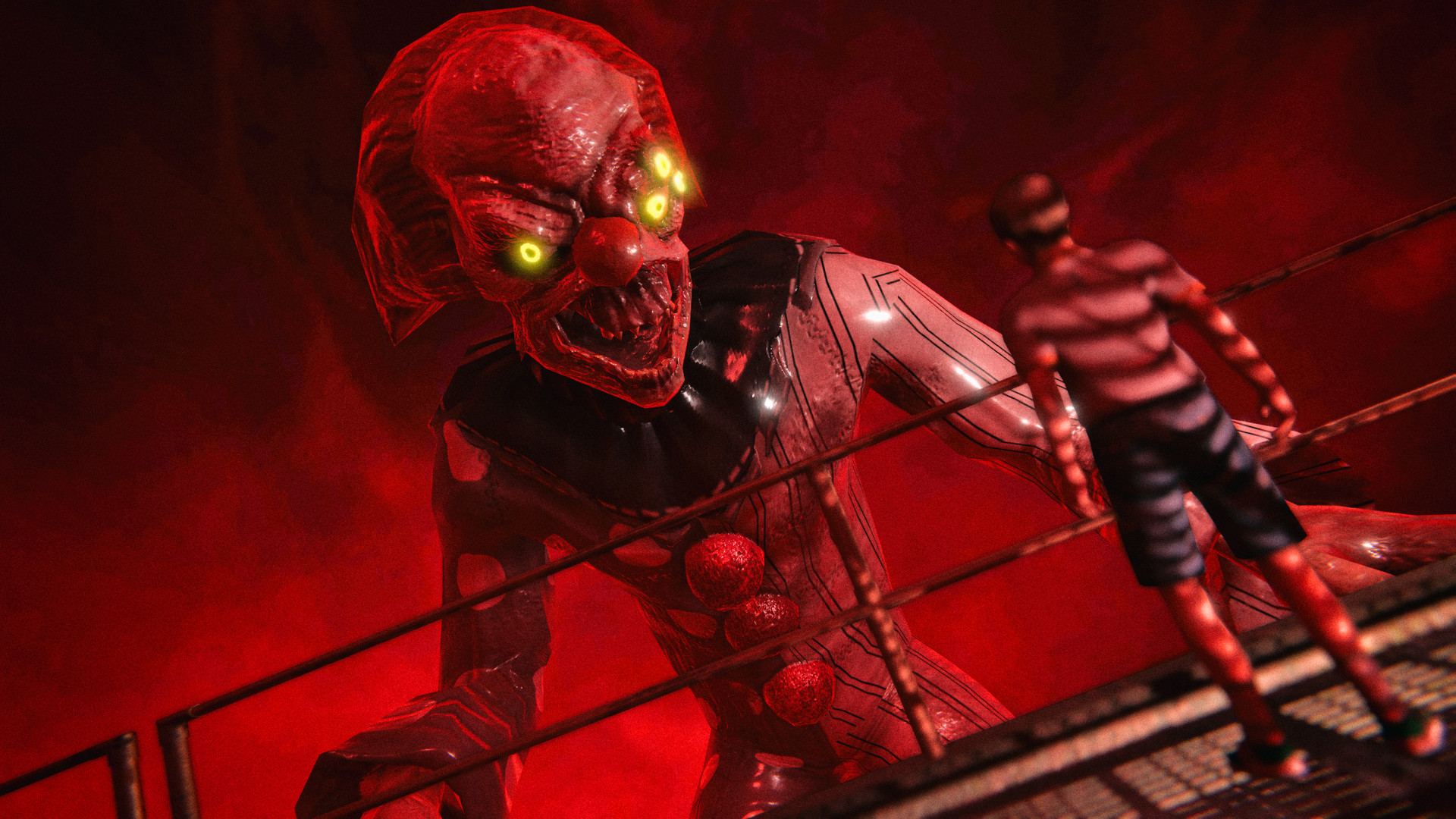
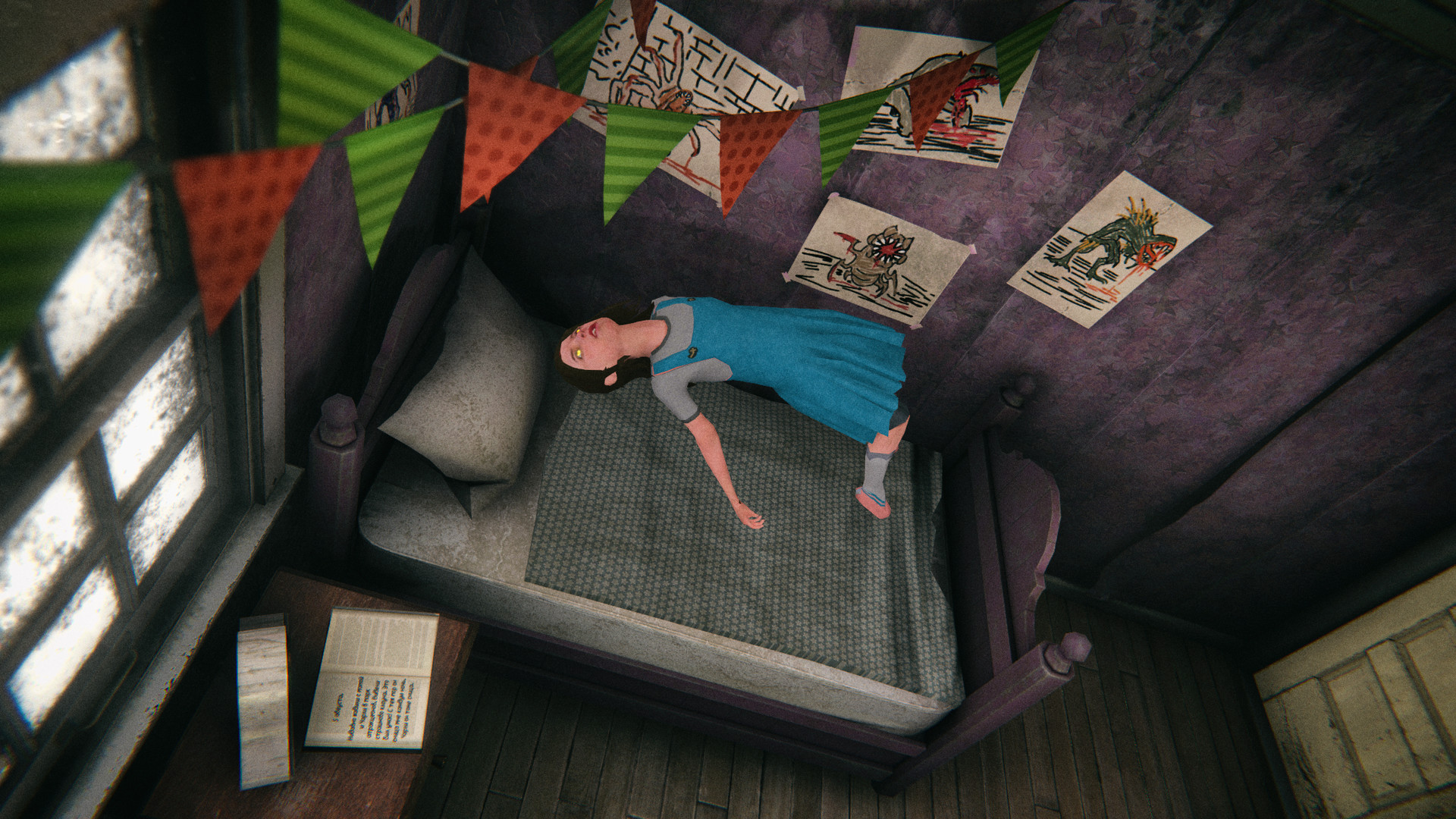
Death Park 2 thrusts you into a nightmarish city where a murderous clown threatens your sister and the whole of Farland. You shift between waking reality and a nightmare realm, solving puzzles, battling monsters, and making choices that affect the story’s outcome. The game blends first‑person shooting, stealth, and exploration across eight large locations, offering multiple endings and two difficulty levels for its puzzles. It runs on Windows, supports single‑player, and includes features such as custom volume controls, adjustable difficulty, and the ability to save at any time.
01 / THE GUIDE
Reality and Nightmare Exploration
The core premise involves moving between the real world and a dream‑like nightmare world, each presenting distinct visual styles and obstacles. Players must navigate both layers to progress, as some paths and clues only exist in one realm, requiring careful observation of environmental differences.
Switching worlds is integral to puzzle design; a barrier in reality may be passable in the nightmare, while monsters may appear only in one version. Understanding how each world mirrors or diverges from the other helps you locate hidden routes and solve challenges.
- Observe environmental cues that differ between worlds to spot hidden passages.
- When stuck, try switching realms to see if a puzzle element becomes interactable.
02 / THE GUIDE
Adjustable Puzzle Difficulty
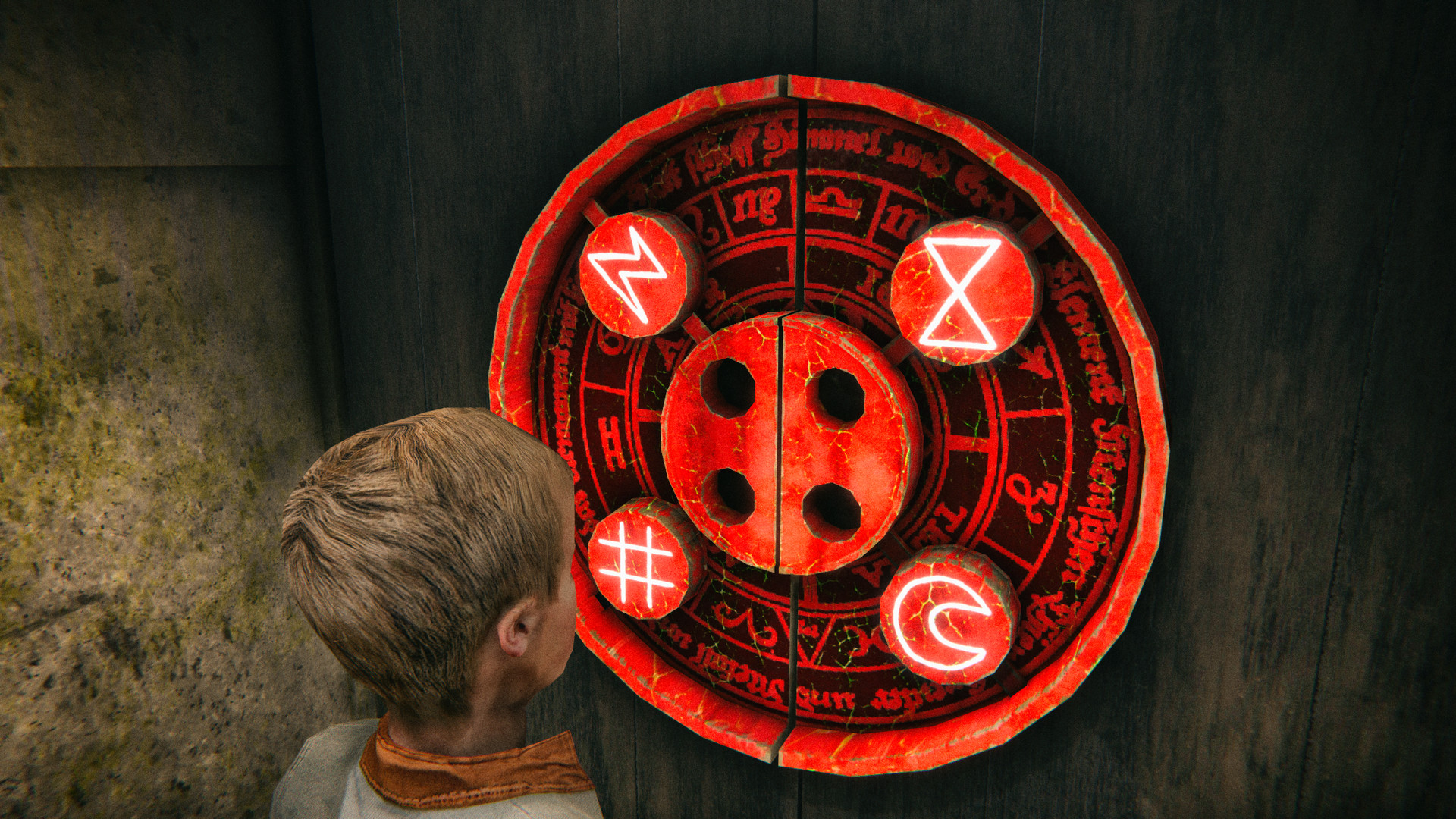
Death Park 2 offers two difficulty modes for its puzzles, allowing players to select a level that matches their comfort with challenge. The easier mode reduces complexity, while the harder mode presents greater logical demands.
The two settings let you tailor the logical demands of each puzzle to your preferred challenge level. This lets you tailor the mental challenge without altering the narrative or action sequences.
- Start on the easier setting if you prefer focusing on story and combat.
- Switch to the harder mode after mastering basic puzzles for added depth.
03 / THE GUIDE
Eight Distinct Locations
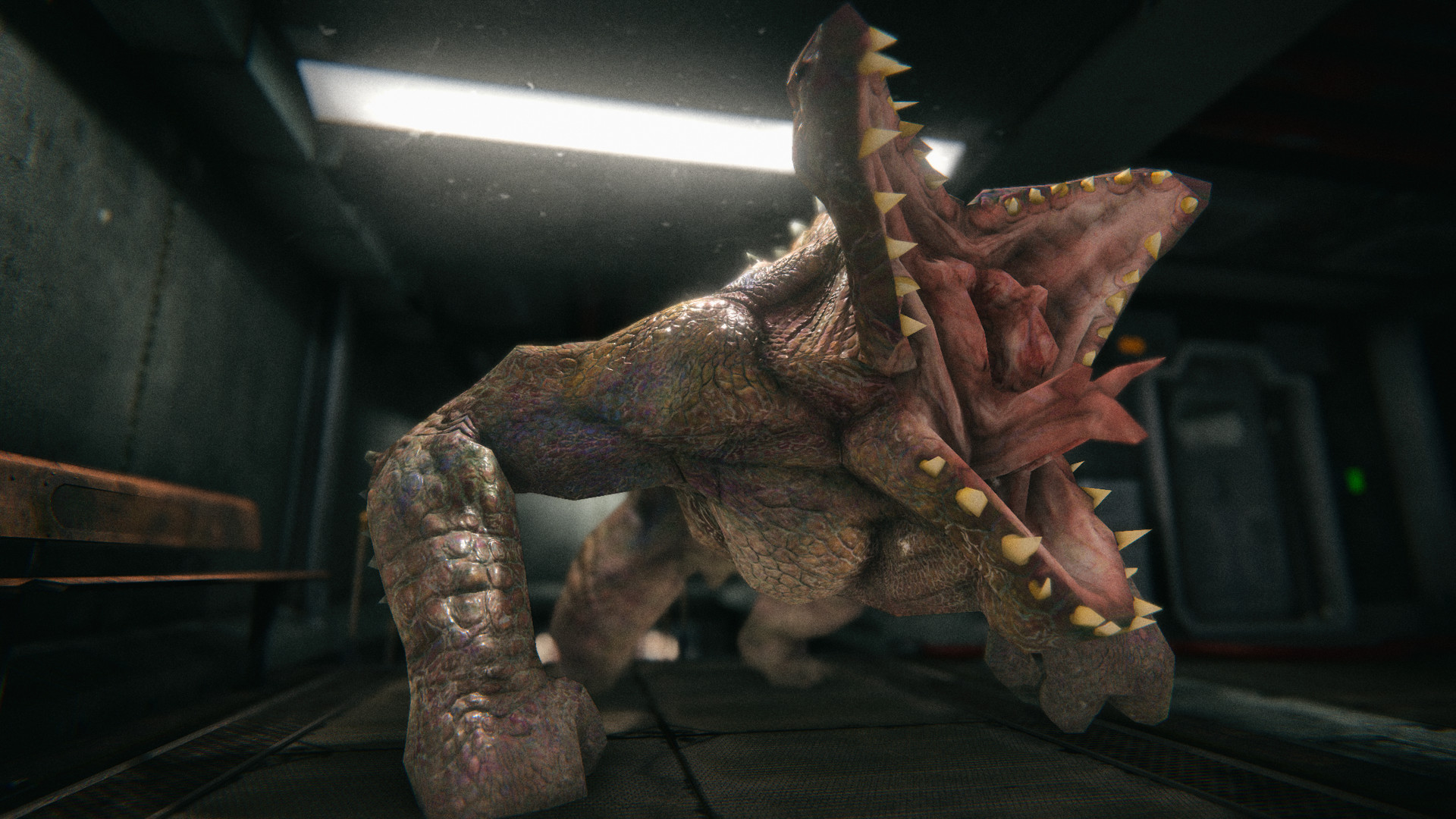
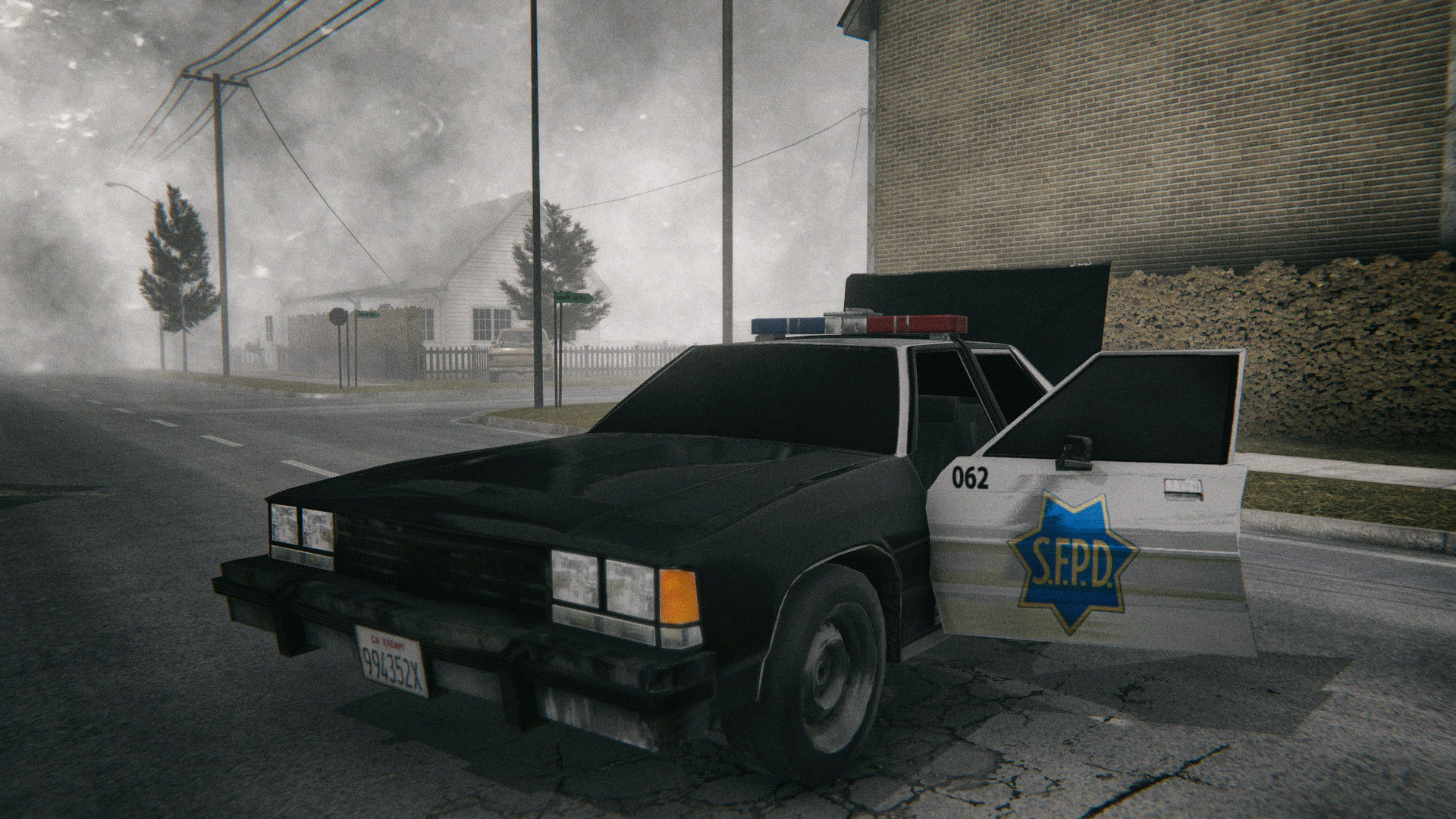
The game spans eight massive locations, including city streets, a hospital, sewers, a cemetery, and a military base. Each area presents its own visual theme, enemy types, and environmental hazards, contributing to a varied exploration experience.
These locations are interconnected through the story’s progression, and each contains both real‑world and nightmare‑world sections. Familiarity with one area’s layout can aid navigation when the same space appears in the alternate realm.
- Take note of landmarks in each area to avoid getting lost when switching worlds.
- Explore off‑the‑beaten‑path sections for optional lore and hidden items.
04 / THE GUIDE
Decision‑Driven Multiple Endings
Player choices throughout Death Park 2 influence the story’s conclusion, leading to several possible endings. Critical decisions—such as how to confront the clown or whether to rescue your sister—branch the narrative toward different outcomes.
Only a minority of players will experience the true ending, as it requires specific combinations of actions. The game tracks these choices internally, but does not require external input to unlock any ending.
- Consider the long‑term impact of each major decision rather than immediate benefits.
- If aiming for the true ending, note key moments where the game asks for a decisive choice.
05 / THE GUIDE
Custom Volume Controls
Death Park 2 includes custom volume controls, letting players tailor the game's audio to their preference. This feature helps tailor the auditory atmosphere to personal preference or hardware limitations.
Adjusting volumes does not affect gameplay mechanics; it solely changes the loudness of music and effects, preserving the intended horror ambience while accommodating different listening environments.
- Lower music volume if you prefer focusing on environmental sounds for immersion.
- Raise effect volume to better hear subtle audio cues that signal nearby threats.
COMMUNITY
Player discussion