 GameWiki
GET YOUR BEARINGS
About Death Come True
Death Come True is an interactive movie adventure where every decision drives the narrative toward multiple endings. Created by Kazutaka Kodaka, the game presents a full‑length live‑action mystery that unfolds as you choose how to respond to each scene. Simple controls let you focus on the story, while "Death Medals" reward you for experiencing each fatal outcome. The title supports full controller, keyboard‑only, and save‑anytime features, and it syncs progress via Steam Cloud.
01 / THE GUIDE
Story and Choices
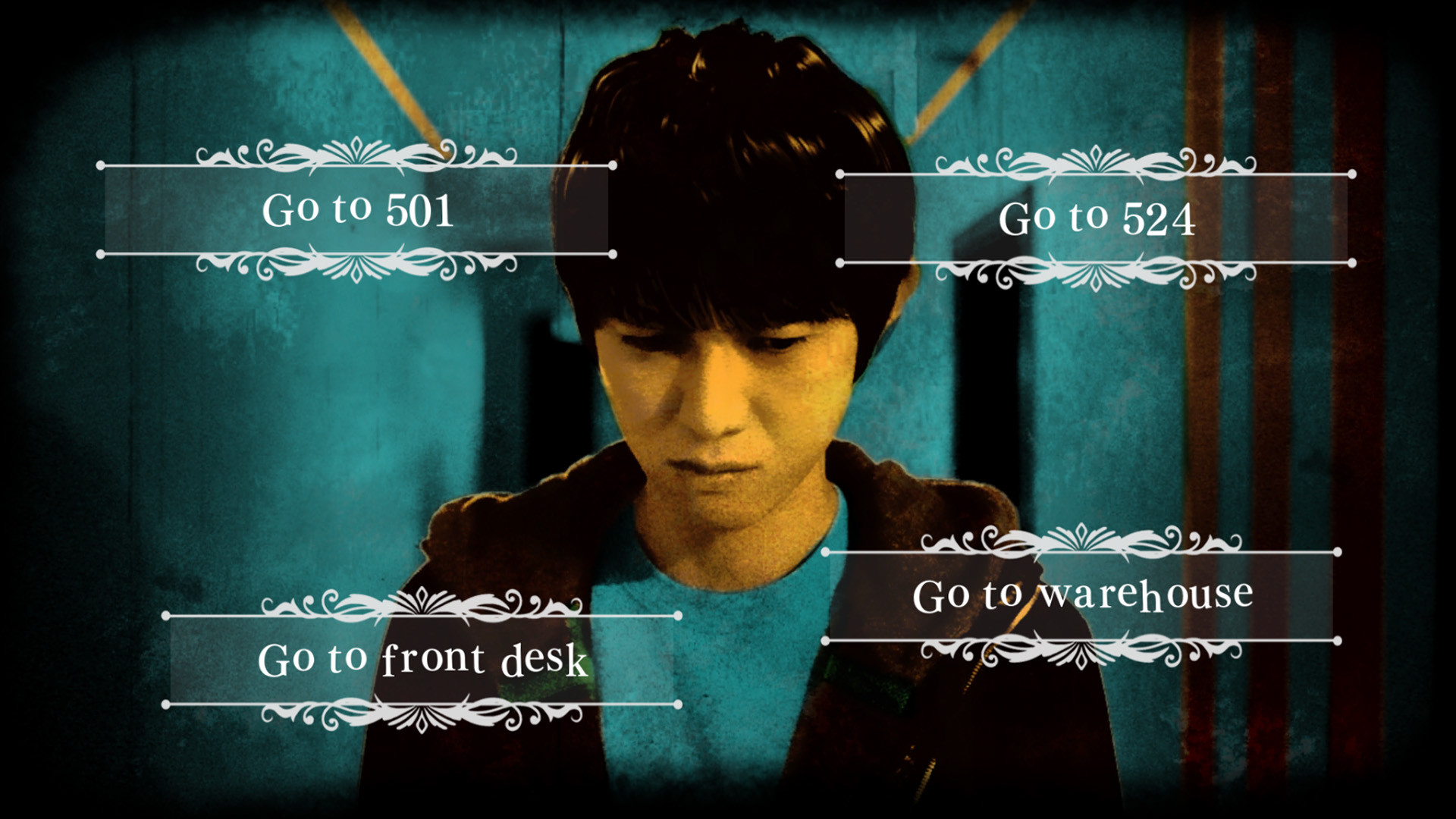
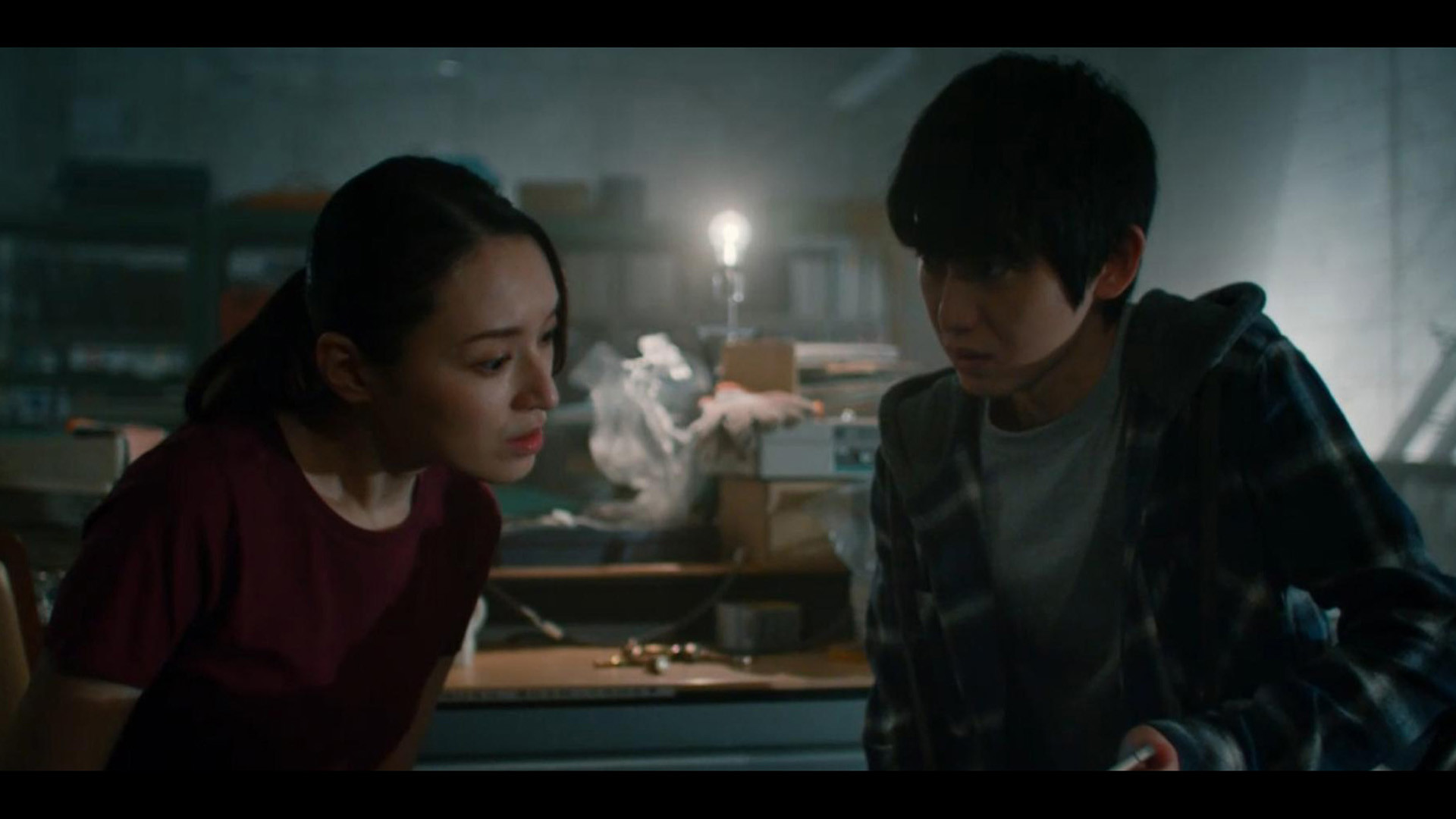
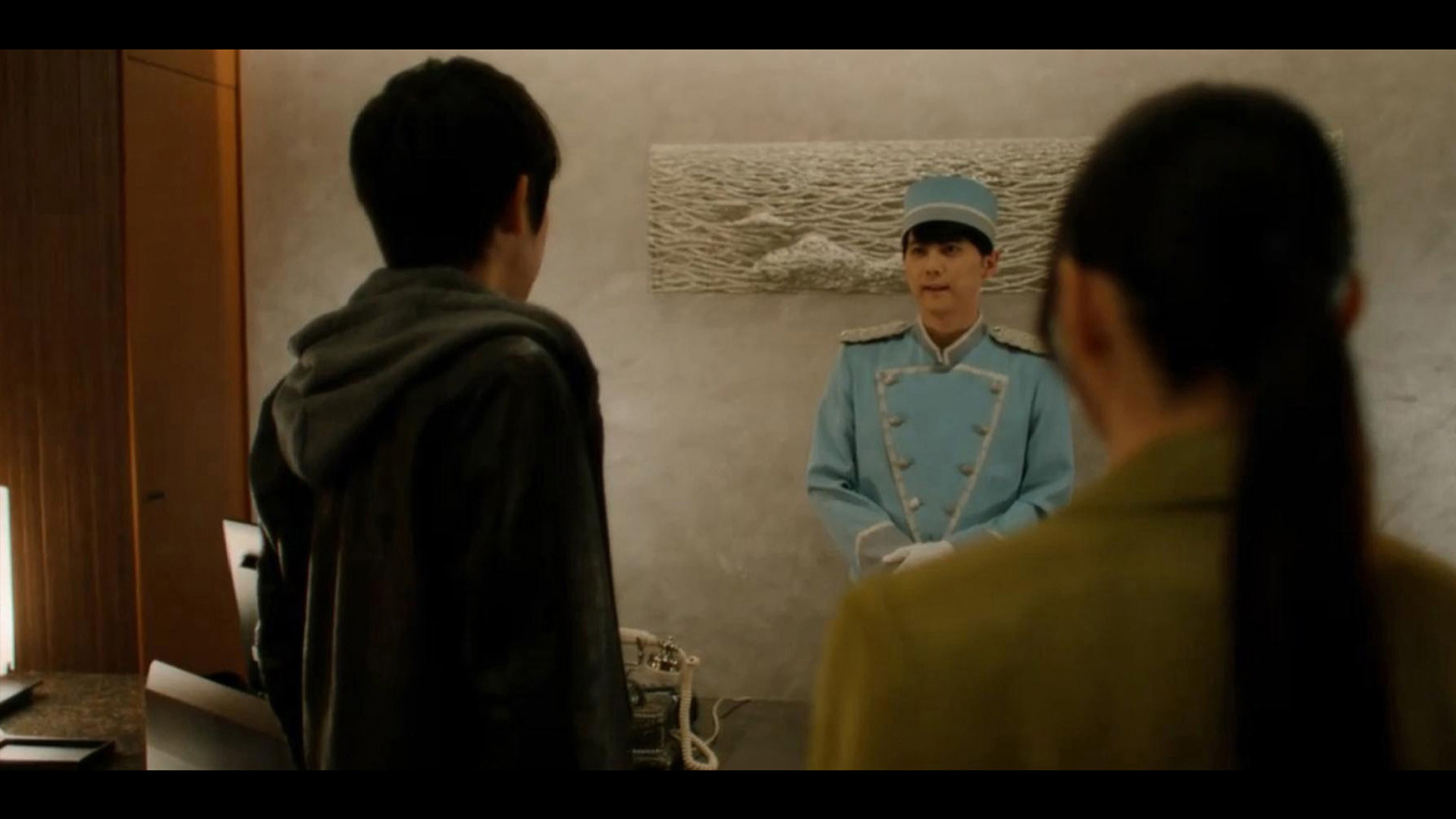
The game opens with you waking in a hotel room, receiving a call from the concierge, and discovering a tied‑up woman. As the plot advances, you learn you are a wanted serial killer and must react to events like a persistent knock on the door. Each choice you make pushes the story forward toward one of several possible endings, making the narrative highly dependent on player decisions. The live‑action format means the story is presented through full‑length filmed scenes rather than traditional graphics.
- Observe dialogue cues closely; they often hint at the consequences of a decision.
- Consider replaying key moments to explore alternative outcomes.
02 / THE GUIDE
Death Medals
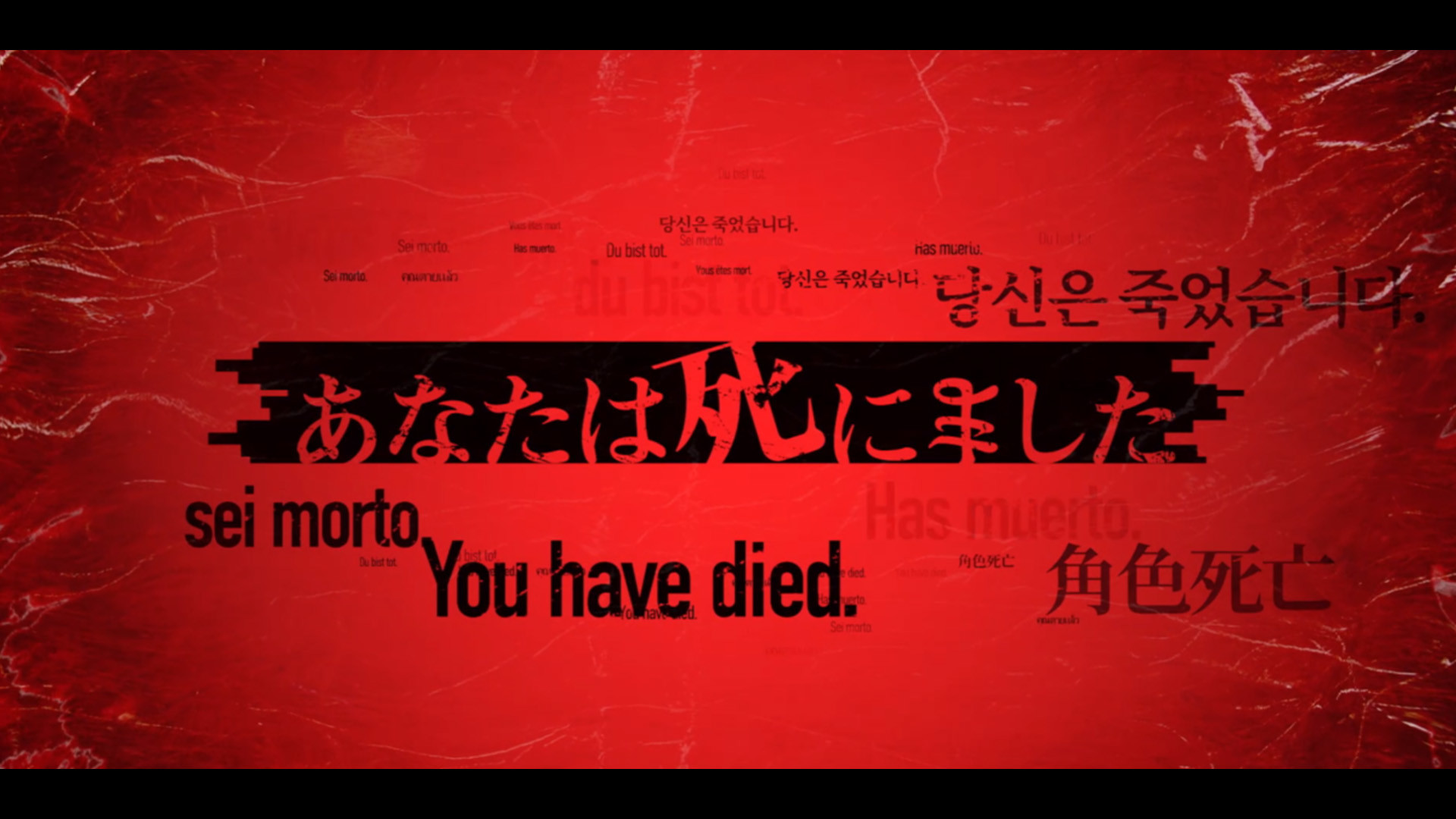
Whenever your character meets a gruesome end, you receive a "Death Medal" as a reward. Collecting these medals unlocks bonus "DeathTube" clips, offering extra video content beyond the main story. The medals serve as a tangible record of the various fatal scenarios you have experienced, encouraging players to explore different choices to see each death. This system adds a collectible layer to the otherwise linear narrative structure.
- Aim to experience different deaths to complete the medal collection.
- Check the unlocked clips for additional story context.

03 / THE GUIDE
Controls and Accessibility
Death Come True offers full controller support, a keyboard‑only option, and the ability to play without timed input, allowing players to progress at their own pace. The interface is described as simple and intuitive, meaning you can interact with the game similarly to watching a movie. These input options ensure that both console‑style and traditional PC players can navigate the story without difficulty.
- Use the keyboard‑only mode if you prefer precise selection without a controller.
- Take advantage of the untimed input to think through choices carefully.
04 / THE GUIDE
Saving and Cloud Sync
The game allows you to save at any point, giving flexibility to pause and resume the narrative whenever you like. Progress is stored in Steam Cloud, so your saved data travels with your Steam account across compatible devices. This combination of manual saving and cloud backup ensures that you won’t lose your story state, even if you switch computers.
- Save before making a major decision to easily compare outcomes later.
- Verify cloud sync after a session to confirm your progress is backed up.
05 / THE GUIDE
Audio and Volume Controls
A custom volume control feature lets you adjust the game's sound levels to suit your environment. The theme song, performed by Inner Circle, is highlighted as part of the game's audio presentation. These audio options give players the ability to tailor the cinematic experience, whether they prefer a quiet background or full immersion with the soundtrack.
- Adjust volume to balance dialogue clarity with background music.
- Experiment with different settings to find the most immersive audio mix.
COMMUNITY
Player discussion