 GameWiki
GET YOUR BEARINGS
About Dealer's Life 2
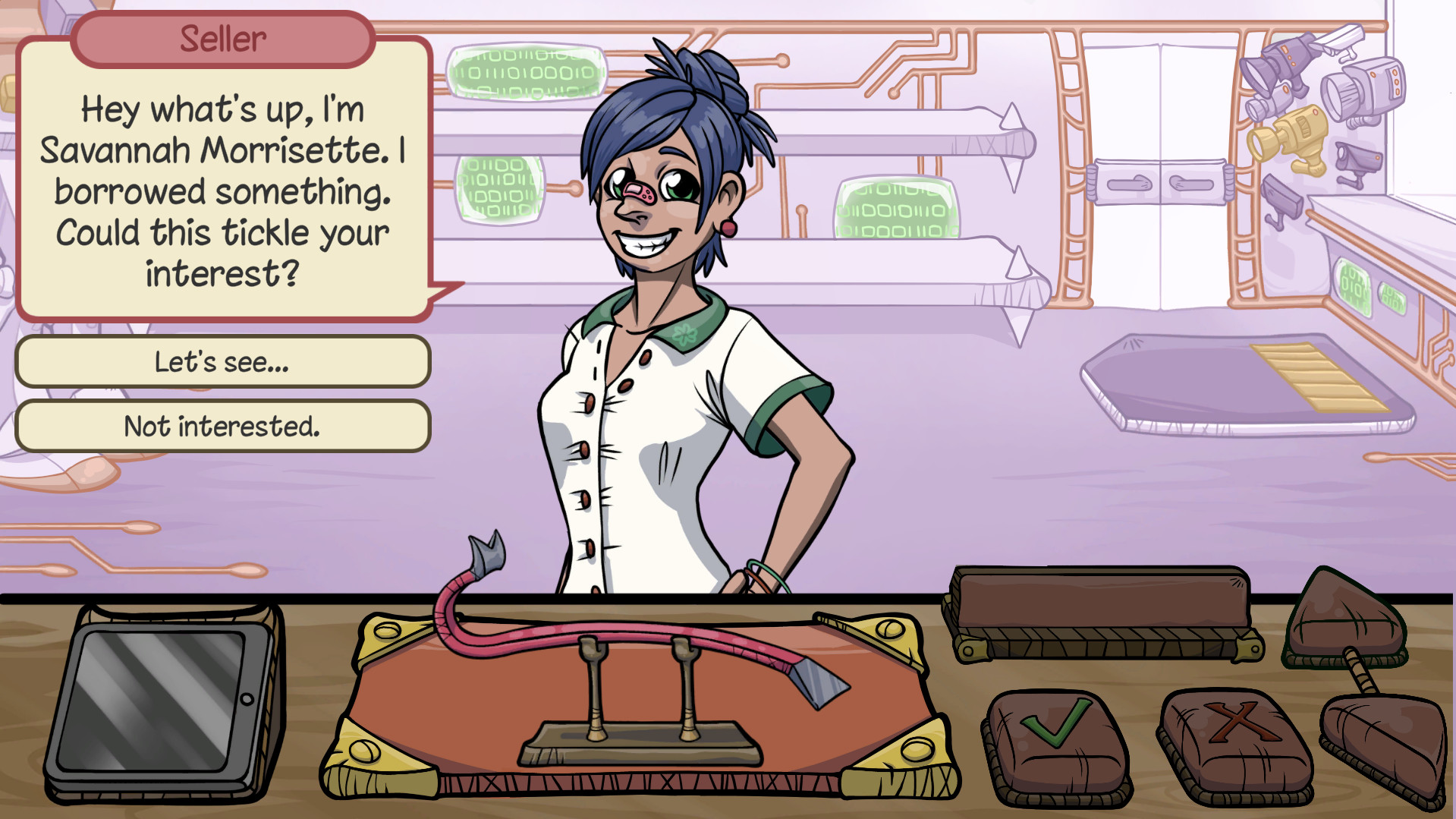
Dealer's Life 2 drops you into a first‑person pawn shop where you start in a rundown garage and negotiate with thousands of customers. Every decision matters as you spot deals, avoid scams, and grow your business day by day.
The sequel adds an upgraded Trade Engine, investment options, new employee types, and over 700 catalogued items. Real‑world references and a full story guide you from humble beginnings to a sprawling empire, all at your own pace.
01 / THE GUIDE
Trade Engine
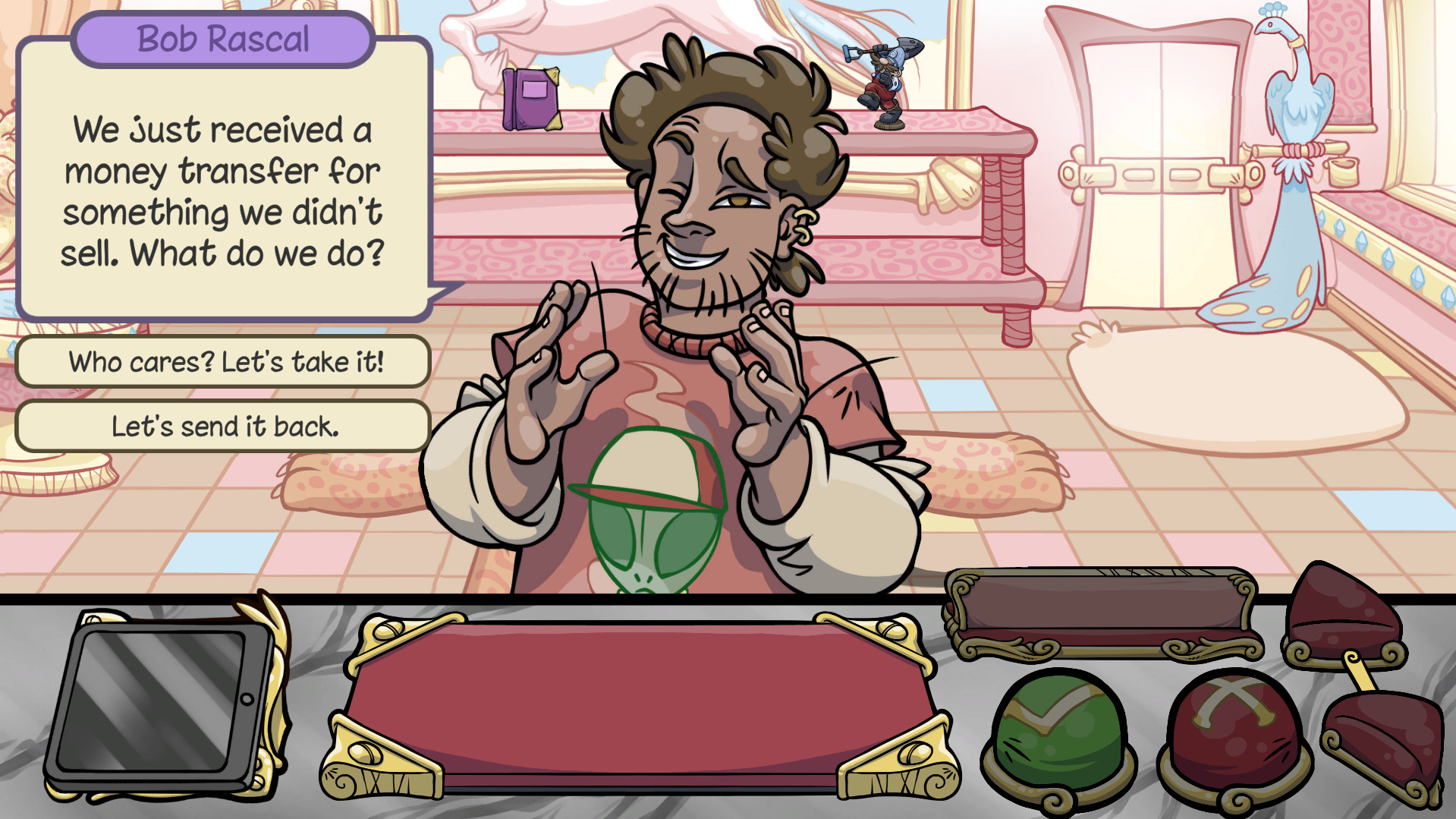
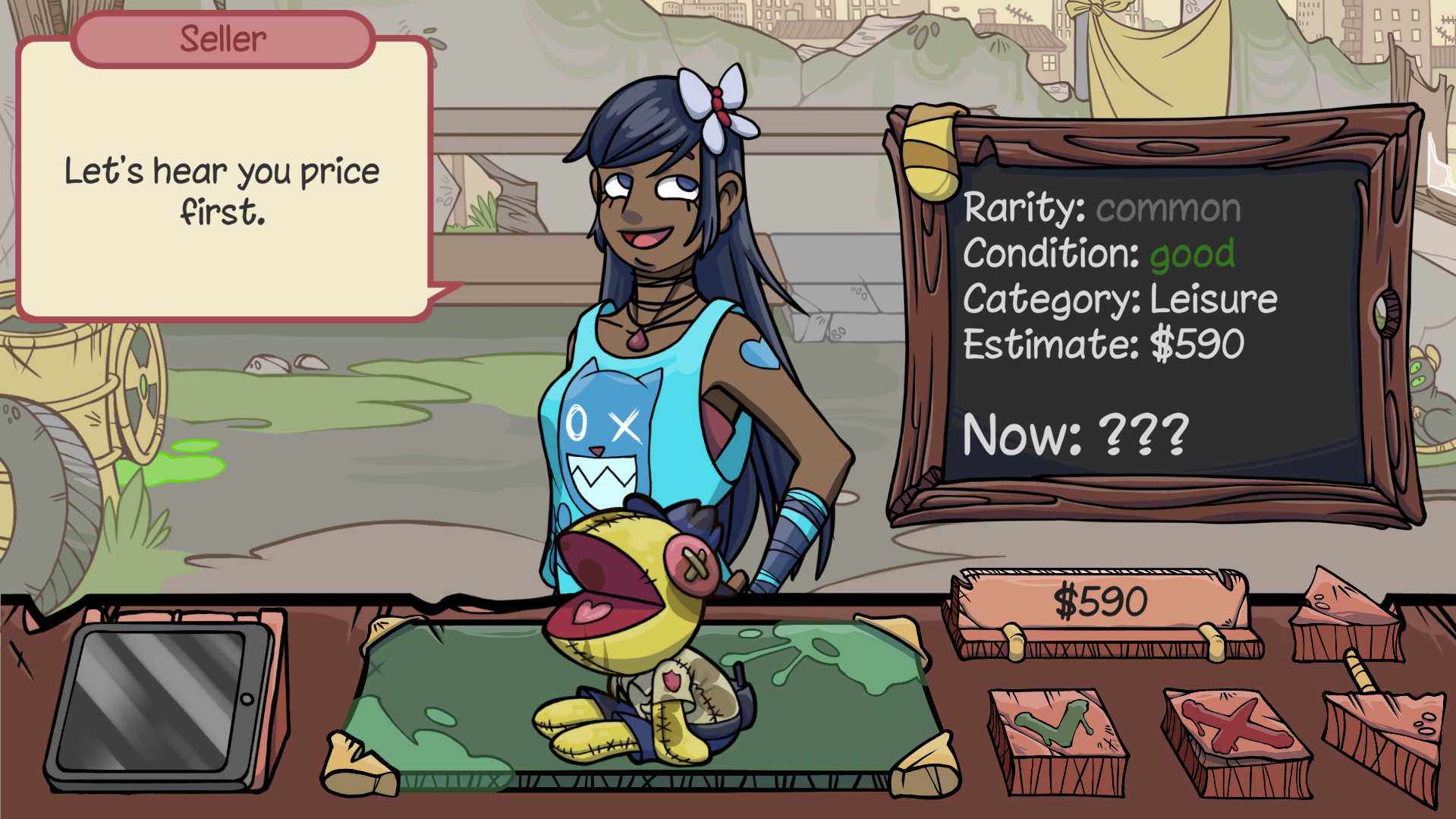
The core gameplay revolves around a Trade Engine that requires careful reading of each customer’s intent. Success hinges on spotting the best deal and avoiding counterfeit items.
Every action and decision matters during the exchange, so paying close attention to each negotiation is crucial as you grow your business.
- Observe customer dialogue for clues about item value.
- Compare offers before committing to a trade.
02 / THE GUIDE
Business Expansion
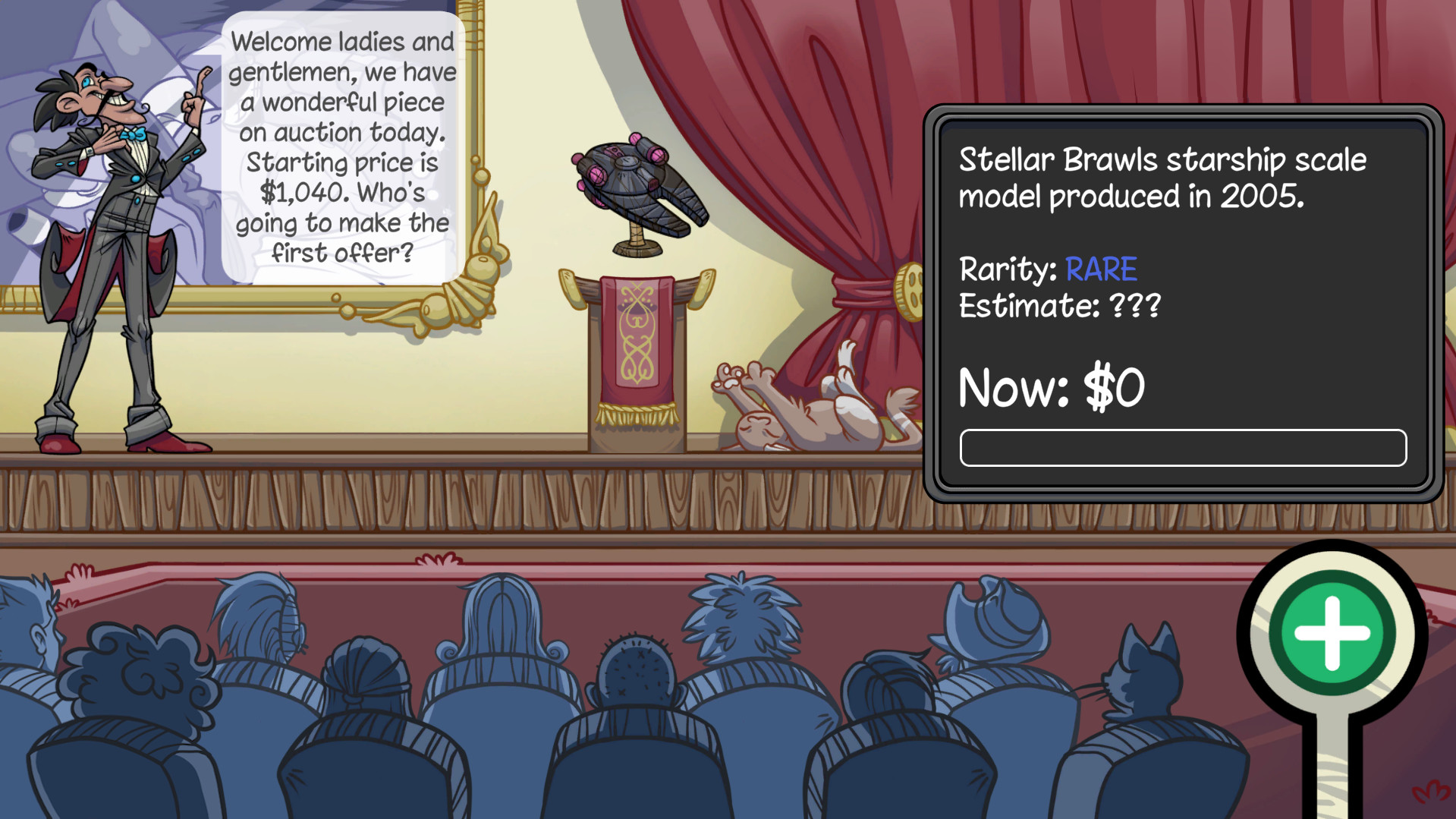
You begin in a garage shack and can hire employees, invest in opportunities, and participate in auctions to accelerate growth. Each addition raises your return on investment.
The expansion is visualized in first‑person, showing your shop’s transformation from a modest space to a bustling empire.
- Balance hiring with available capital.
- Use auctions to acquire rare items quickly.
03 / THE GUIDE
Real‑World References
Dealer’s Life 2 populates its world with references to anime, famous people, movies, and more, creating a feeling of meeting real, existing individuals. Spotting these easter eggs adds flavor to negotiations.
These references enrich the narrative and provide optional context for savvy players.
- Keep an eye on character dialogue for pop‑culture nods.
- Use references as conversation starters to build rapport.
04 / THE GUIDE
Item Catalogue
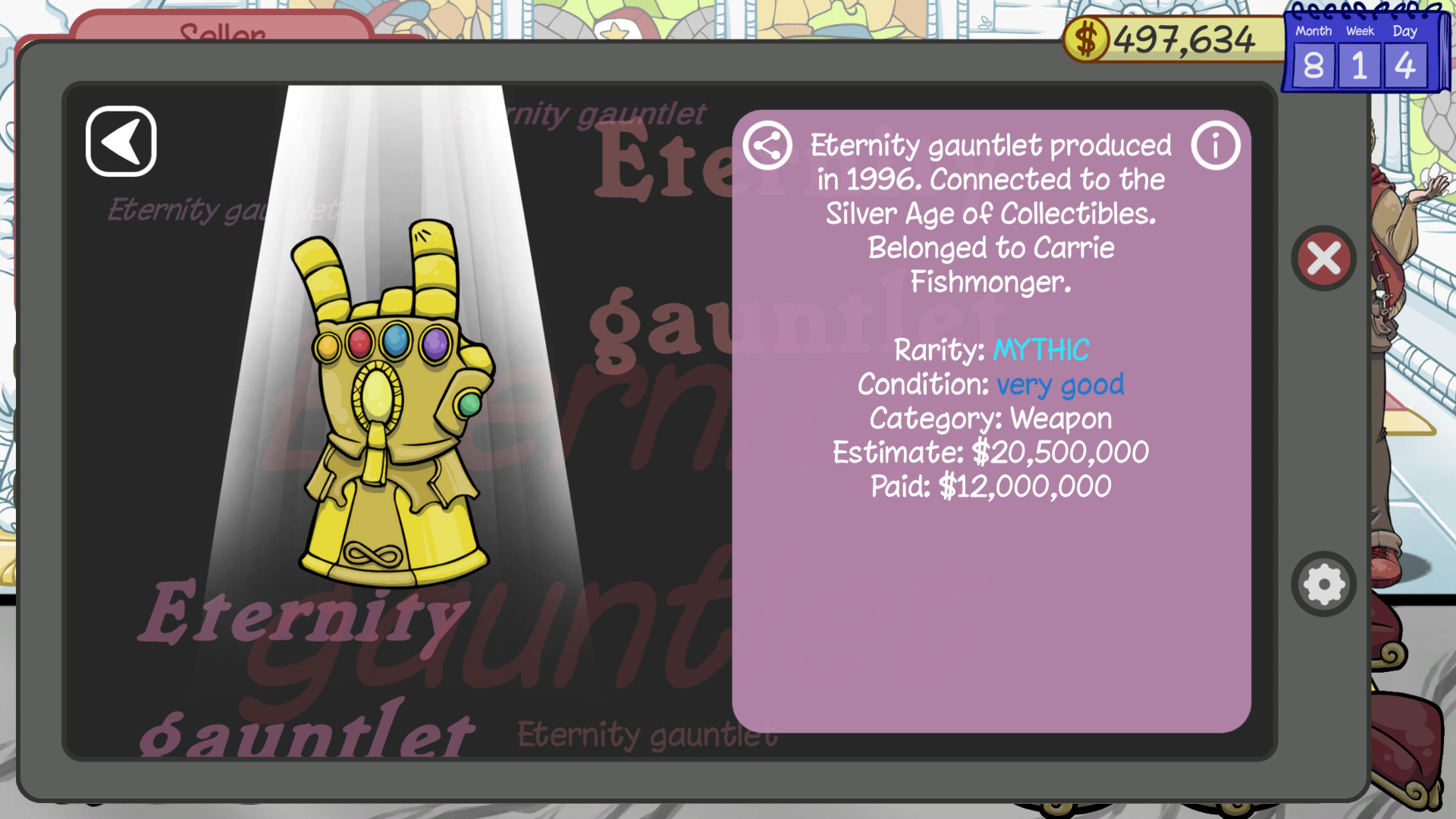
The game tracks over 700 items you can discover, purchase, or sell, all recorded in an Item Catalogue. This log lets you review achievements and plan future trades.
Collecting items fills out your catalogue as you work toward finding and adding to your collection.
- Regularly check the catalogue to identify missing high‑value items.
- Prioritize items that appear frequently in customer requests.
05 / THE GUIDE
Adjustable Difficulty
Dealer’s Life 2 offers adjustable difficulty settings, allowing players to tailor the challenge of negotiations and scams. This flexibility supports both casual and hardcore experiences.
Adjustable difficulty lets you fine‑tune the challenge to suit your preferred learning curve.
- Start on a lower difficulty to learn negotiation cues.
- Increase difficulty once comfortable to test intuition.
COMMUNITY
Player discussion