 GameWiki
GET YOUR BEARINGS
About Deadzone: Rogue
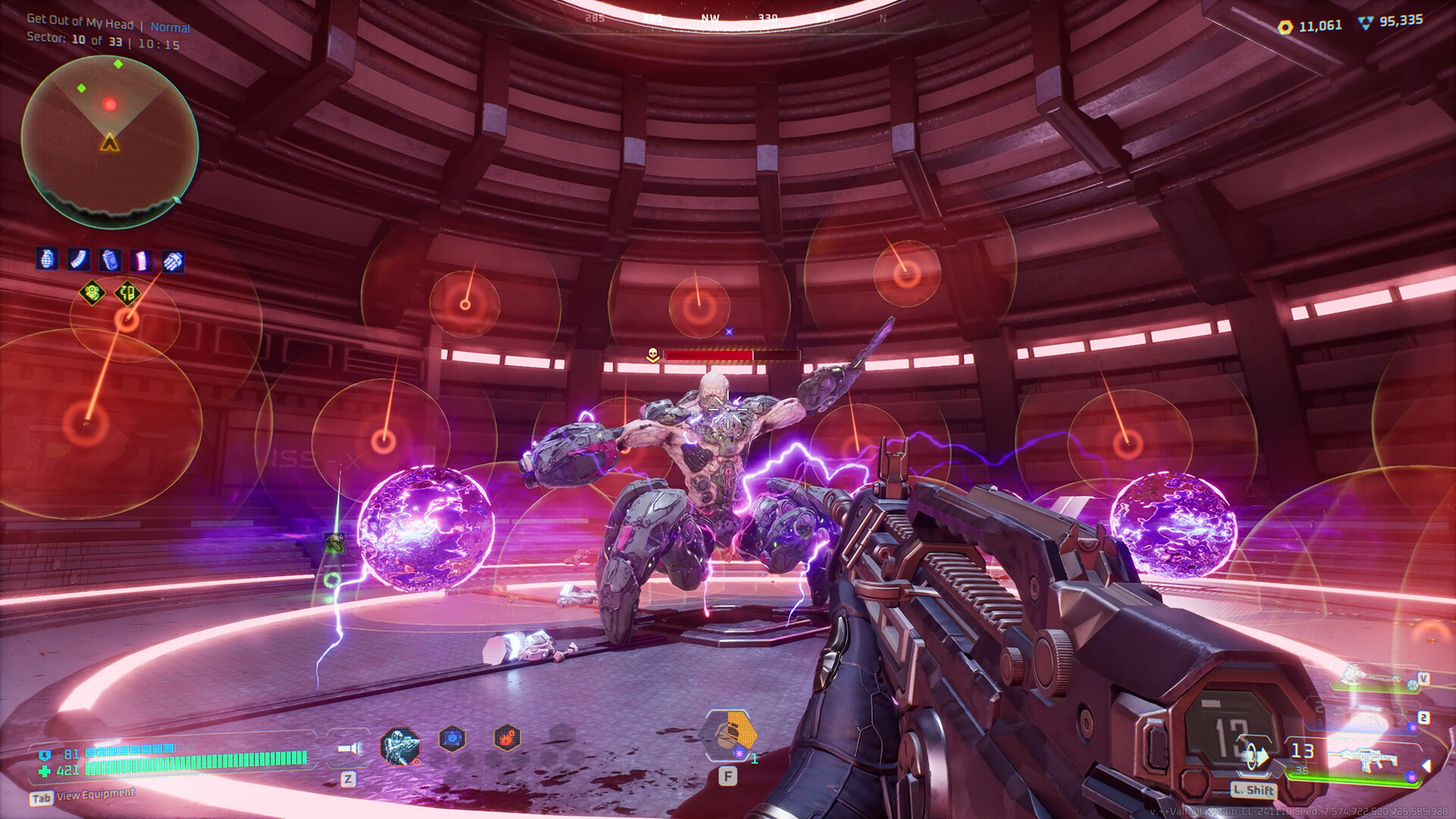
Deadzone: Rogue drops you into a derelict spaceship overrun by biomechanical enemies. You can explore alone or join a co‑op squad of up to three players, marking targets and syncing grenades for coordinated attacks. The game lets you set a difficulty level for each mission, ranging from a relaxed adventure to a nightmarish challenge.
More than 30 weapons are available, each modifiable with elemental affixes and upgrades. Permanent upgrades let you boost shields, elemental chaos, and melee power, shaping a character that fits your preferred combat approach while you battle through engine rooms, the brig, and other ship sectors.
01 / THE GUIDE
Co‑op Squad Play
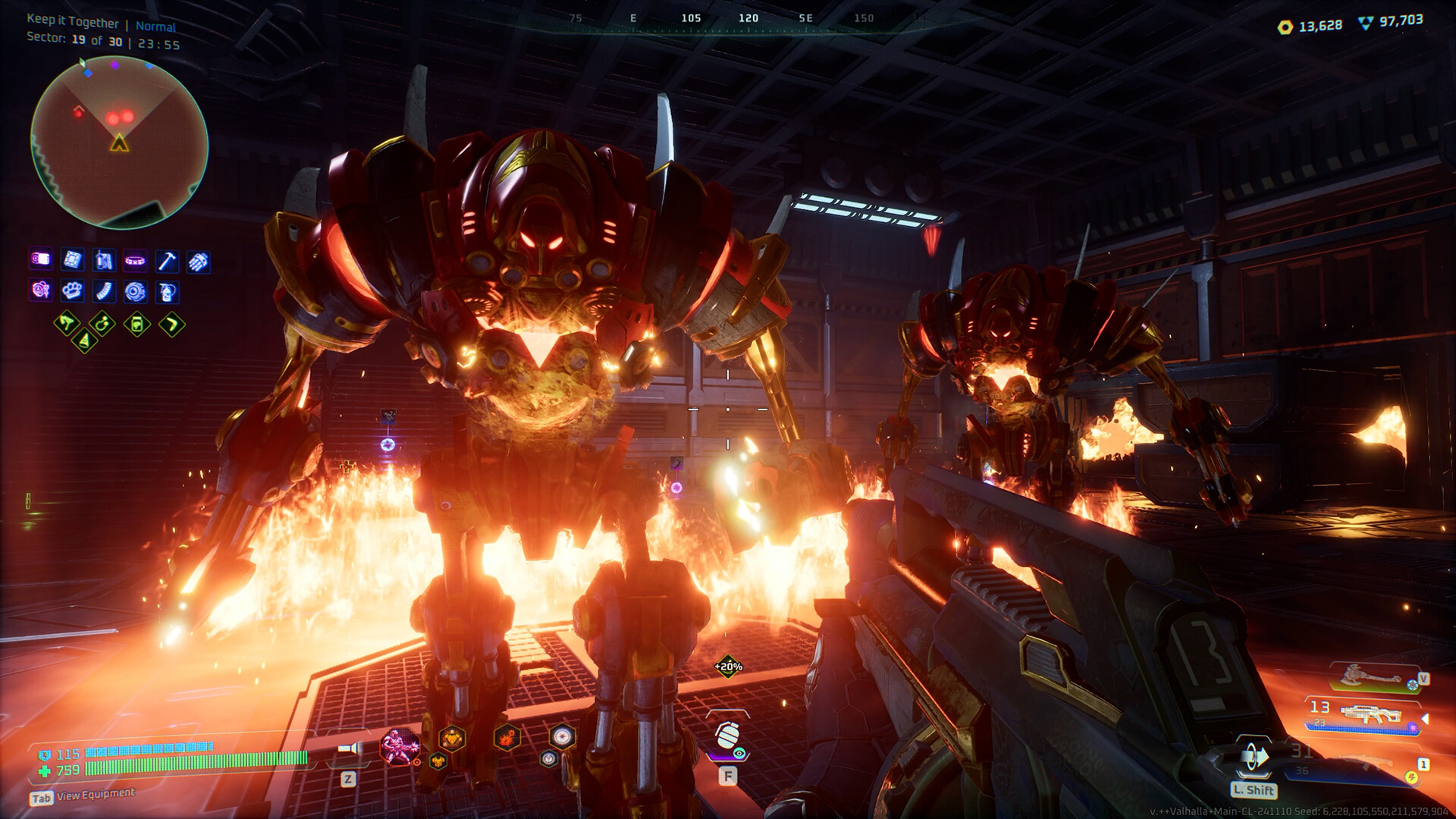
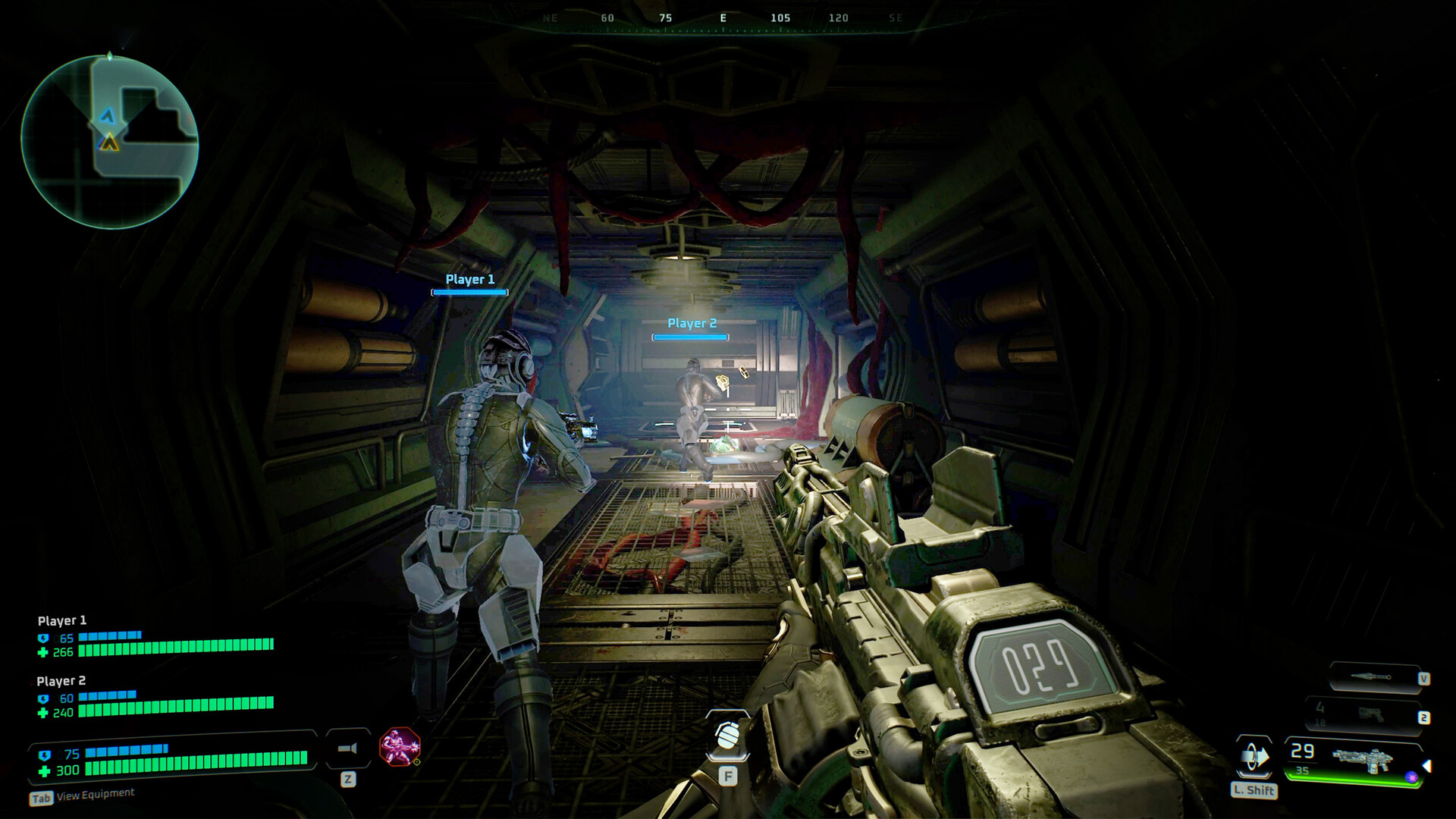
Up to three players can team up online to clear each ship sector together. The mode supports marking enemies for focused fire and synchronizing grenade strikes, allowing coordinated assaults on waves of drones and bosses.
Co‑op sessions share the same adjustable difficulty settings, so the group can choose a challenge level that matches their collective skill and mood.
- Discuss target priorities before a boss fight to maximize synchronized grenade damage.
- Set the mission difficulty as a group to keep the experience balanced for all players.
02 / THE GUIDE
Weapon Modifications
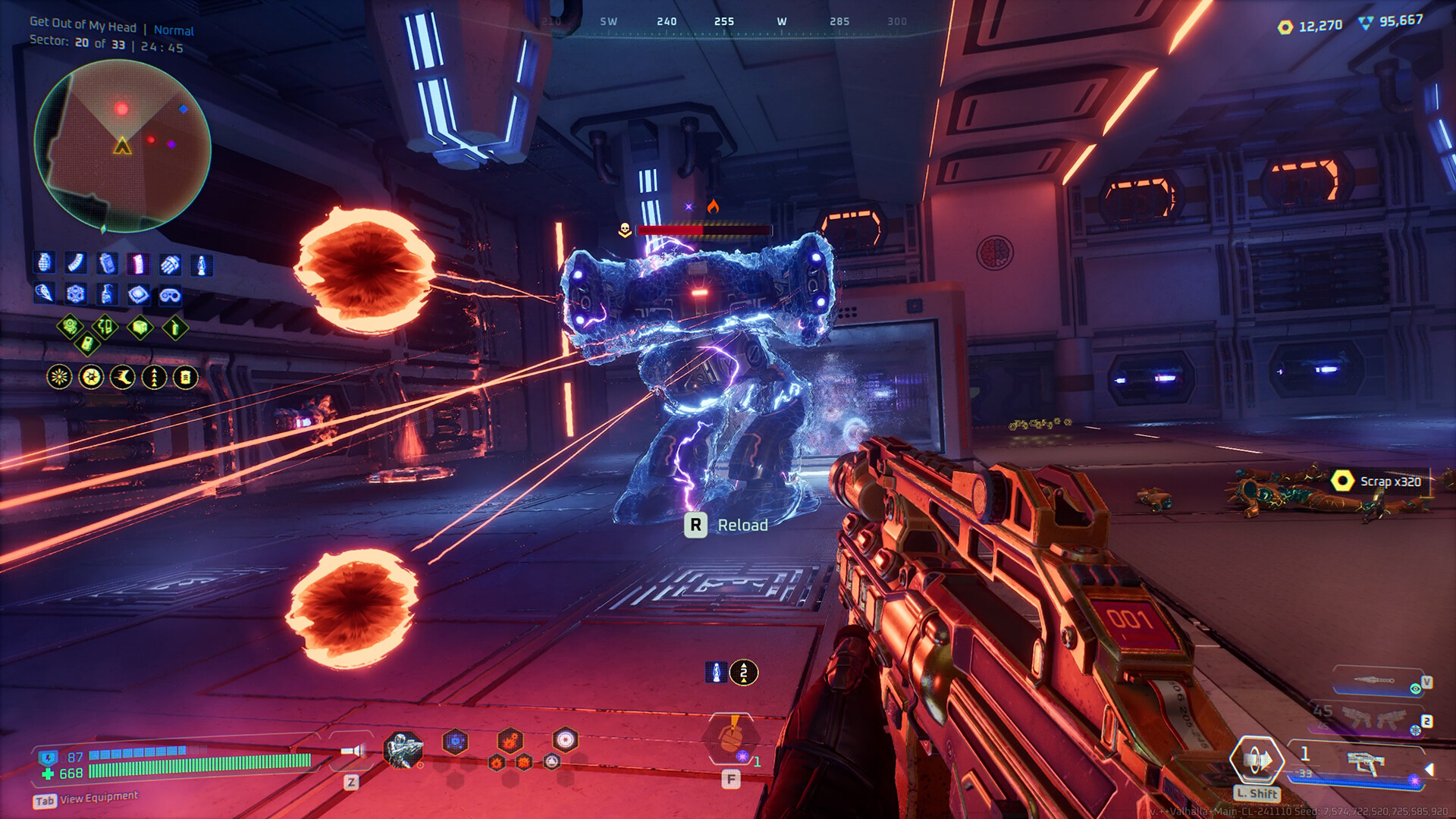
The game features over 30 weapons that can be altered with elemental affixes and upgrades. Examples include turning a shotgun into a void‑spreading crowd crusher or a submachine gun into an ice‑filled room clearer.
Each weapon can be tuned to match a combat role, whether you favor plasma cannons, sniper rifles, or melee enhancements, encouraging experimentation across runs.
- Pair fire‑type affixes with enemies weak to heat for quick eliminations.
- Use ice affixes on swarms of drones to control crowd density.
03 / THE GUIDE
Adjustable Difficulty
Every mission includes a difficulty slider that lets you choose from a laid‑back adventure experience up to a nightmarish mode, letting you match intensity to your current mood or skill.
Changing the difficulty affects enemy behavior and health, providing a scalable challenge without altering the core narrative or level layout.
- Start on a lower difficulty to learn enemy patterns before attempting nightmarish mode.
- Raise difficulty gradually after each successful run to keep the experience fresh.
04 / THE GUIDE
Full Controller Support
Deadzone: Rogue supports DualShock, DualSense, and generic controllers, offering full input compatibility. Players can enjoy custom volume controls and stereo sound without needing a keyboard or mouse.
Controller support applies to both single‑player and co‑op sessions, ensuring consistent gameplay across all modes.
- Adjust the custom volume controls to balance music and effects for clearer audio cues.
- Test controller vibration during grenade sync to fine‑tune timing.
05 / THE GUIDE
Permanent Progression Upgrades
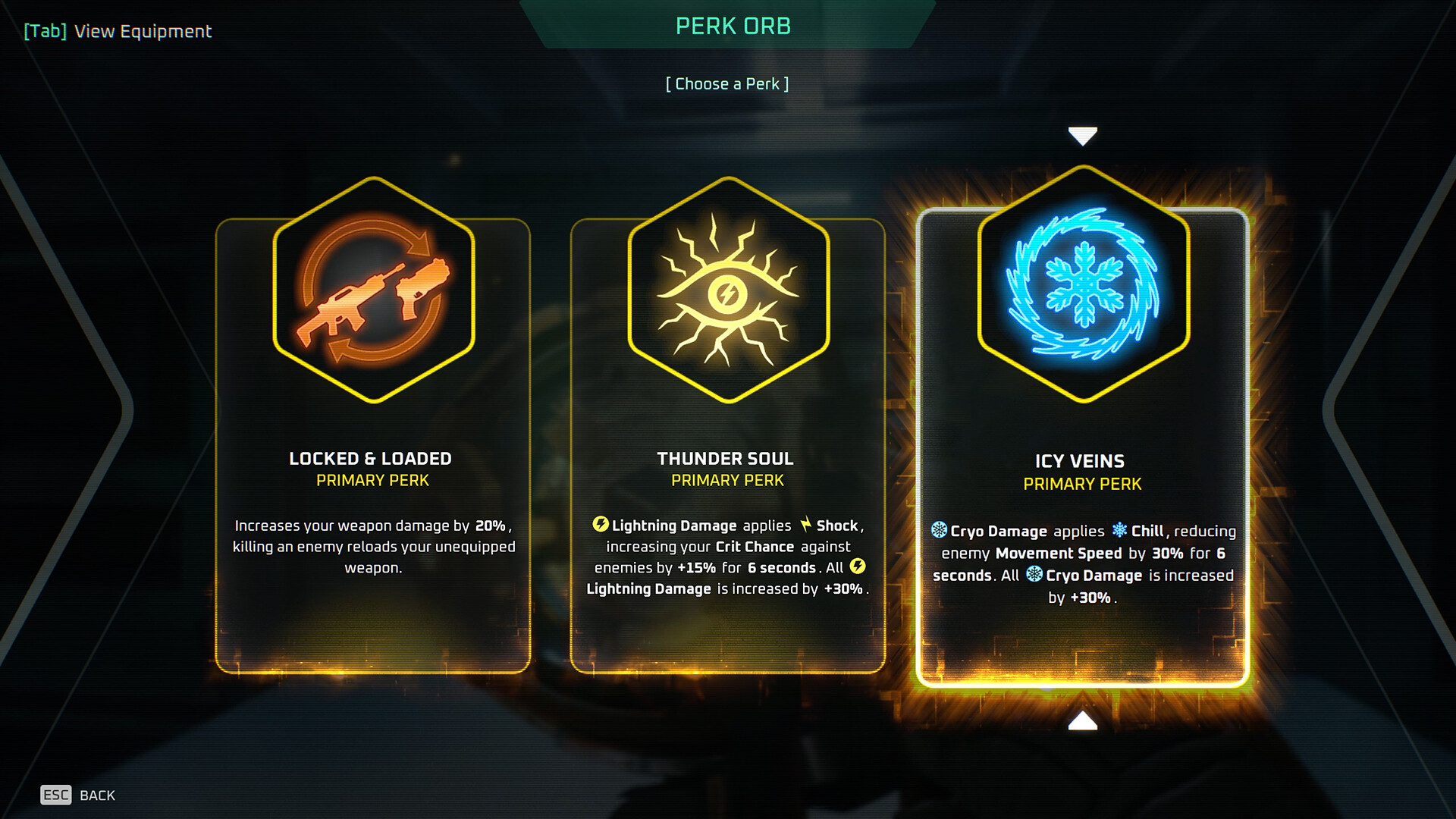
Beyond weapon mods, you can earn permanent upgrades that reshape your character. Options include boosting shields, amplifying elemental chaos, and enhancing melee damage.
These upgrades persist across runs, allowing you to gradually build a stronger build that matches your preferred playstyle.
- Prioritize shield upgrades early to survive early‑stage drone swarms.
- Balance elemental chaos boosts with weapon affixes for synergistic damage.
COMMUNITY
Player discussion