 GameWiki
GET YOUR BEARINGS
About DeadOS
DeadOS is an early‑access sandbox simulation where you orchestrate a city‑wide zombie outbreak. Developed by indie creator Benn Powell, the game lets you shape every aspect of the apocalypse, from the pace of infection to the layout of the city.
With a retro visual style and support for Windows, DeadOS offers a single‑player experience that can be shared via Family Sharing, letting you experiment with up to 25,000 simulated humans across up to 900 city blocks.
01 / THE GUIDE
Simulation Scale
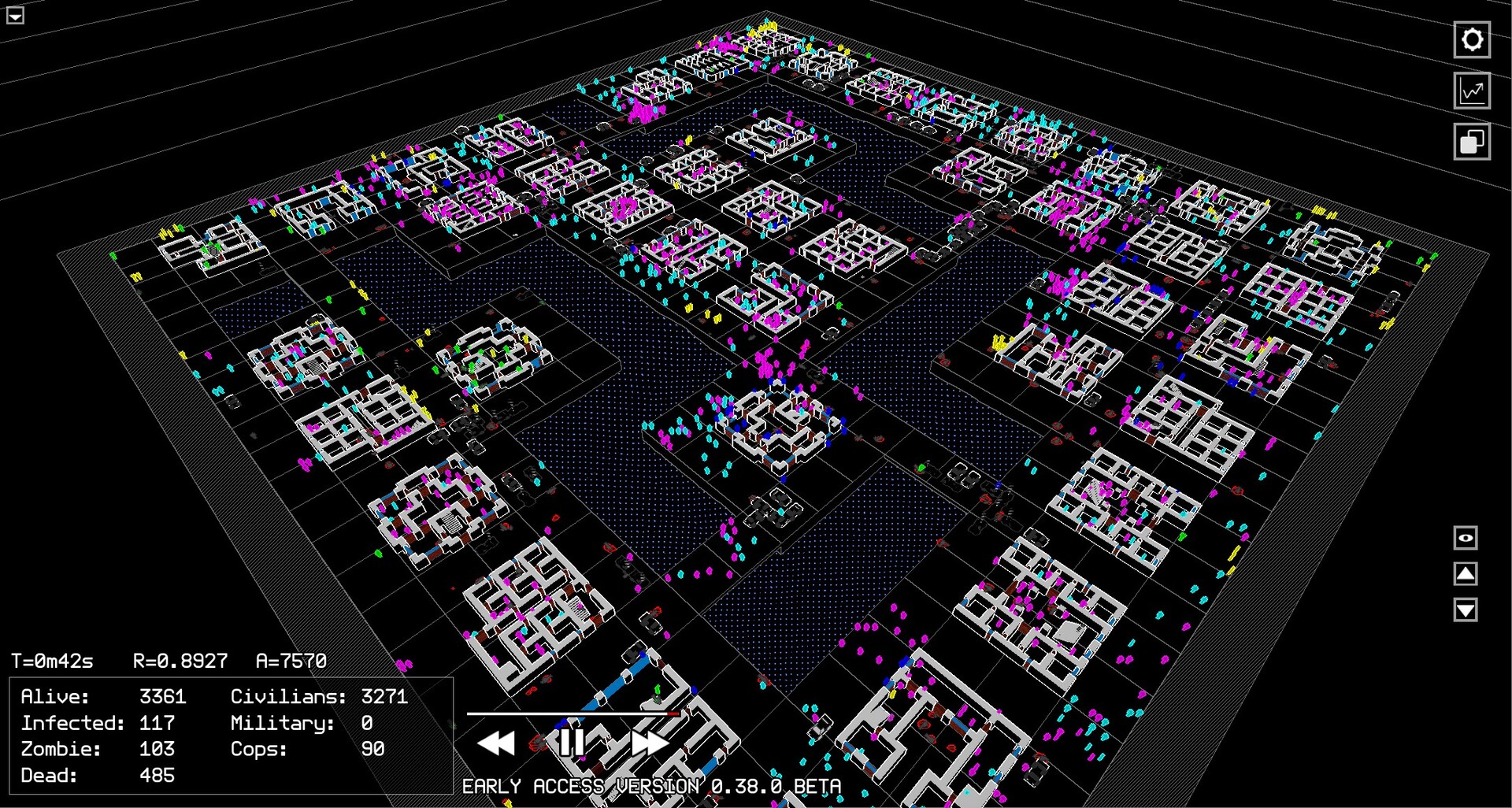
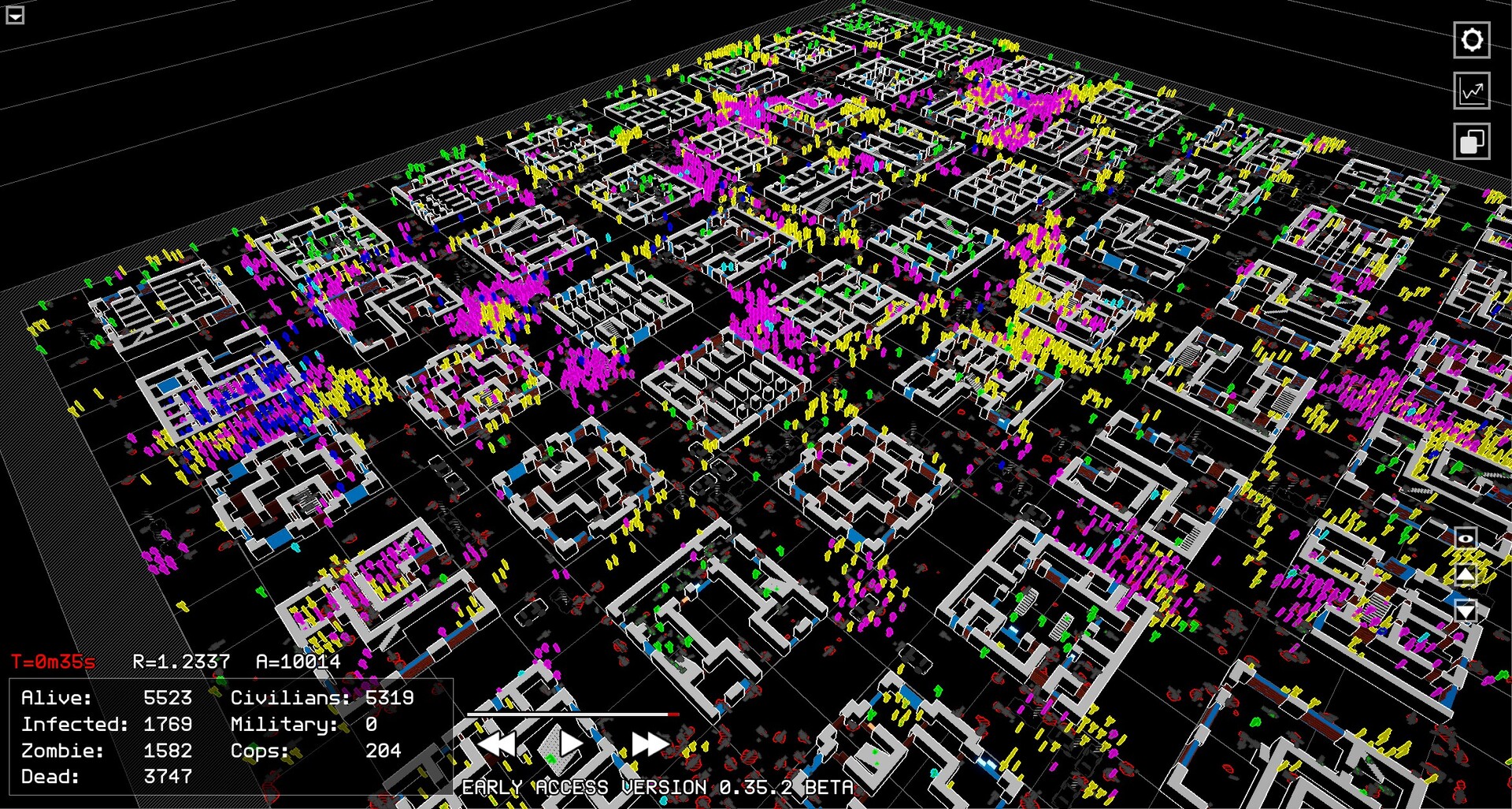
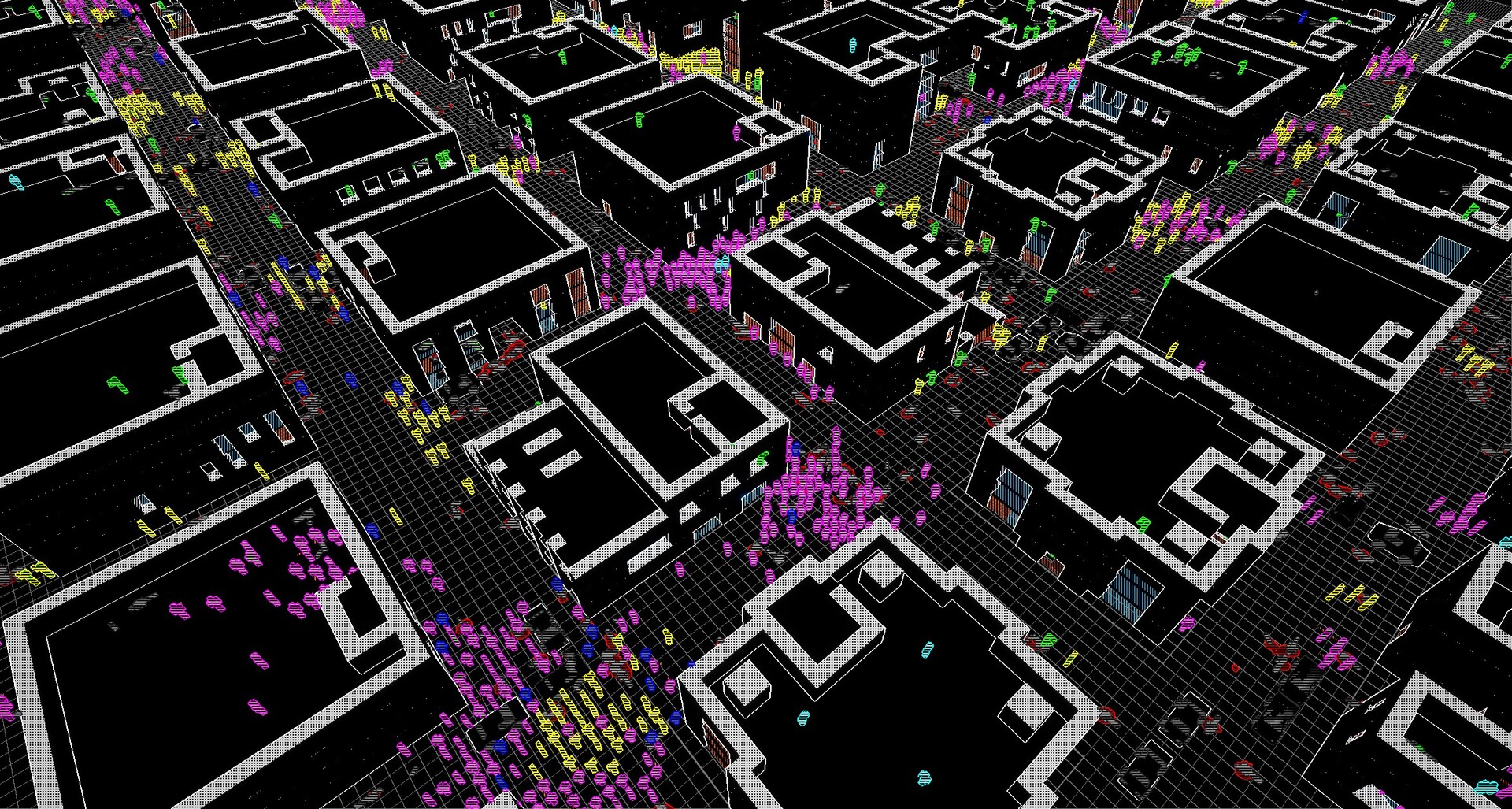
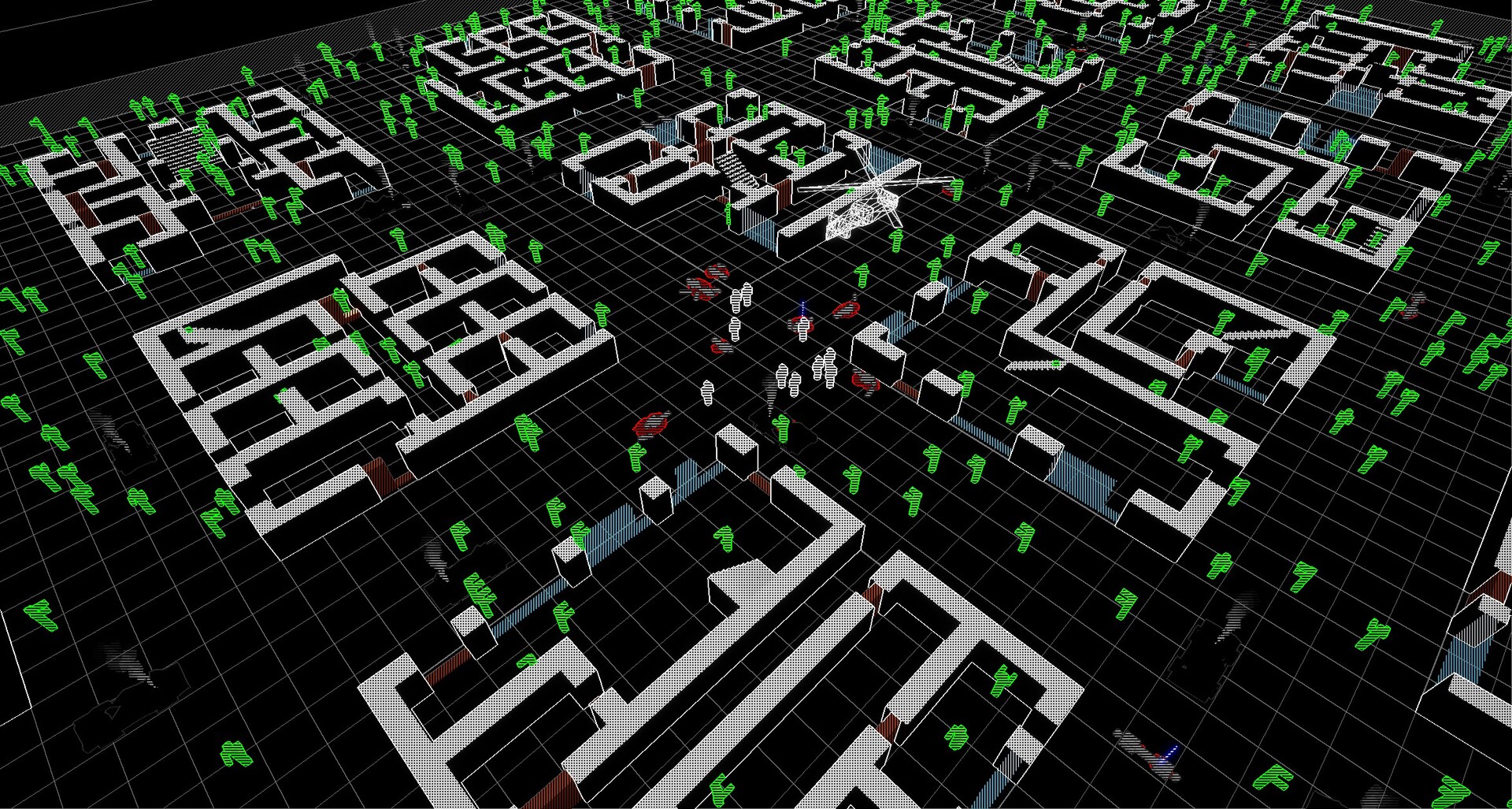
DeadOS can model up to 25,000 humans within a city area of up to 900 blocks, providing a large‑scale environment for outbreak scenarios. This breadth lets you observe how different variables affect a densely populated urban landscape.
The sheer number of agents creates emergent behavior, showing how crowds react to infection spread, making each run feel distinct despite the sandbox nature.
- Start with a smaller population to gauge performance before scaling up.
- Observe how crowd density influences infection speed.
02 / THE GUIDE
Customization Options
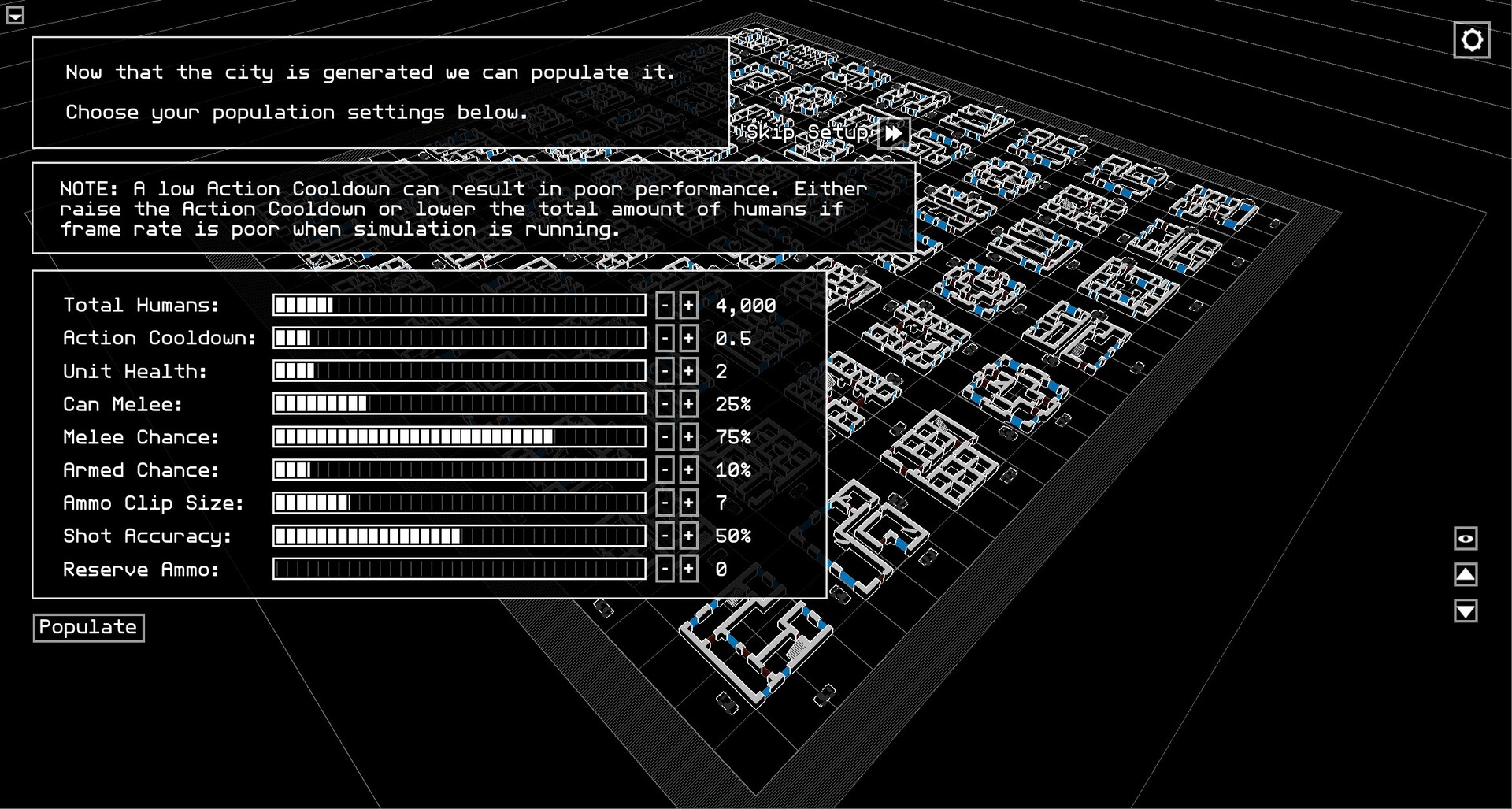
Nearly every element of the simulation is adjustable, including zombie speed, human accuracy, and ammunition availability. These sliders let you craft scenarios ranging from slow, shambling hordes to fast, uncontrollable pandemics.
You can also design your own city blocks, tailoring the environment to test specific strategies or aesthetic preferences, all within the same simulation framework.
- Experiment with extreme zombie speeds to see how quickly the city collapses.
- Adjust human accuracy to balance survivability against challenge.
03 / THE GUIDE
Remote Control of Individuals
DeadOS lets you take remote control of any individual at any point, whether they are a survivor or an infected. This feature lets you directly influence outcomes from an individual's point of view.
Switching control between characters can offer a closer look at how the outbreak unfolds that is not obvious from the macro view.
- Use survivor control to test defensive positions.
- Control an infected to explore how quickly they can spread the disease.
04 / THE GUIDE
Performance Settings
The simulation speed is adjustable, allowing you to match performance to your machine. Slowing down the simulation can aid observation, while speeding it up lets you see long‑term outcomes quickly.
Fine‑tuning these settings helps maintain smooth gameplay even when simulating the maximum number of agents.
- Reduce simulation speed when testing complex city layouts.
- Increase speed for quick outcome checks after parameter tweaks.
05 / THE GUIDE
Retro Visual Style
DeadOS adopts a retro visual style that evokes classic pixel‑art aesthetics while still delivering detailed simulation data. This artistic choice gives the game a distinctive look that separates it from realistic zombie titles.
The stylized graphics also reduce hardware demands, complementing the adjustable performance options for smoother large‑scale runs.
- Enjoy the nostalgic look while focusing on simulation mechanics.
- Compare visual clarity at different simulation speeds.
COMMUNITY
Player discussion