 GameWiki
GET YOUR BEARINGS
About Dead Space 2
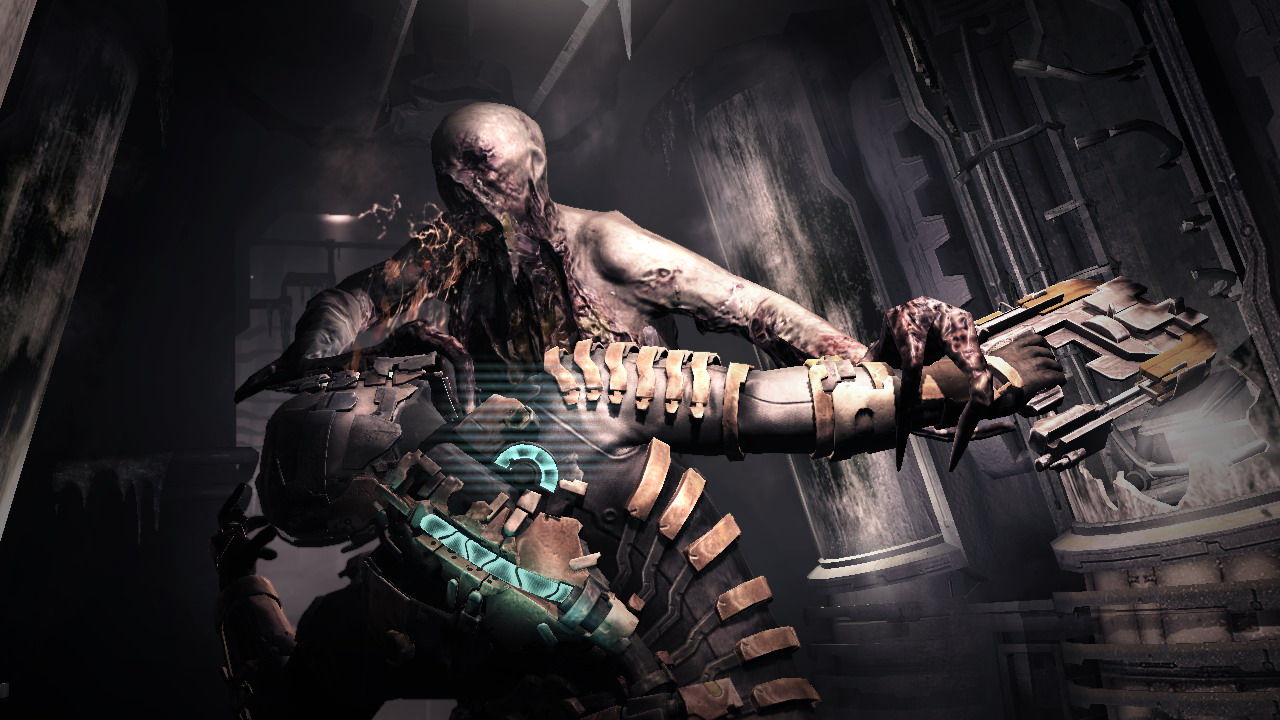
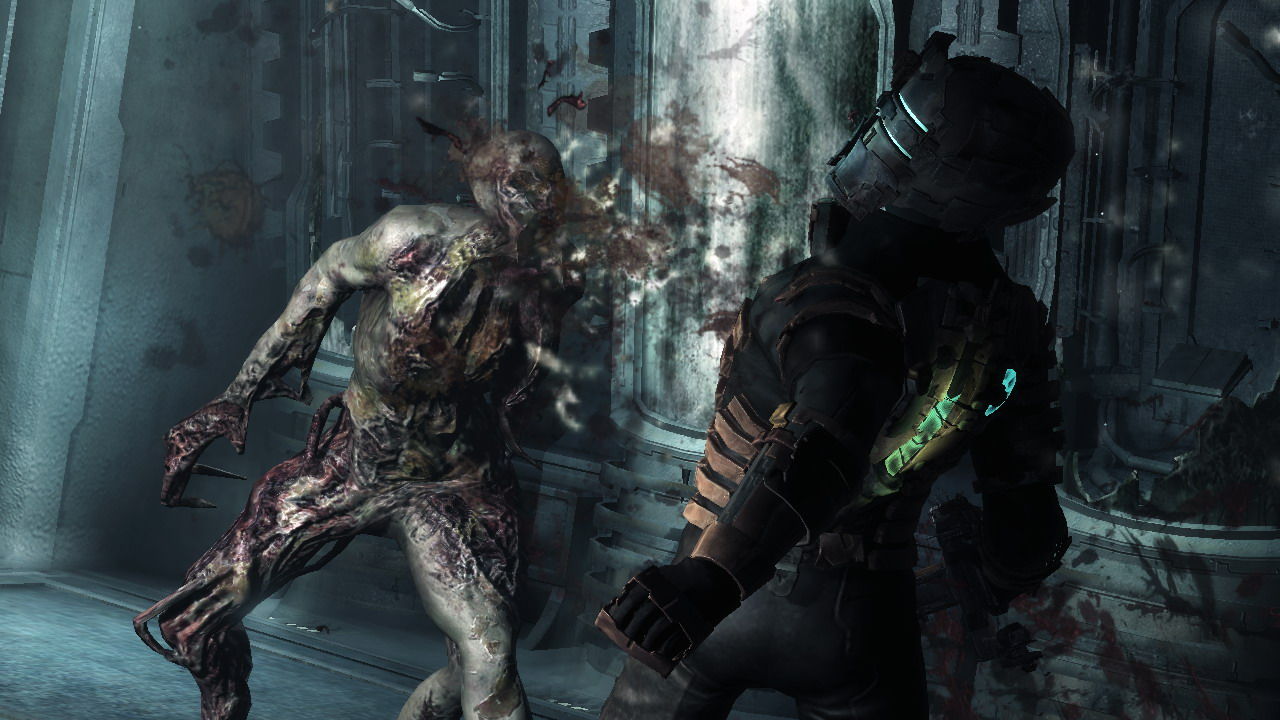
Dead Space™ 2 continues Isaac Clarke’s saga three years after the Ishimura disaster. He awakens on the Sprawl, a massive space station orbiting Saturn, and must confront a fresh Necromorph outbreak while haunted by visions of his dead girlfriend. The game adds full 360° movement, new tools, and zero‑gravity combat, expanding the horror‑action experience on PC.
01 / THE GUIDE
Story Premise
Isaac Clarke, the Systems Engineer from the original Dead Space, wakes up three years after the Ishimura events. He finds himself on the Sprawl, a giant space station orbiting Saturn, with no memory of how he arrived.
Plagued by visions of his dead girlfriend Nicole, Isaac must survive a new Necromorph outbreak and seek answers that could end the chaos.
- Pay attention to audio logs for clues about Isaac’s past.
- Track the Marker’s influence to anticipate enemy spikes.
02 / THE GUIDE
Full 360° Movement
The game lets players tear through space with unrestricted 360‑degree movement. This freedom applies to both combat and exploration, allowing Isaac to approach threats from any angle.
Full 360° movement also integrates with physics‑based puzzles, letting players manipulate objects and enemies in all directions.
- Use the full rotation to keep enemies in sight while retreating.
- Experiment with angles to solve spatial puzzles.
03 / THE GUIDE
Combat Tools
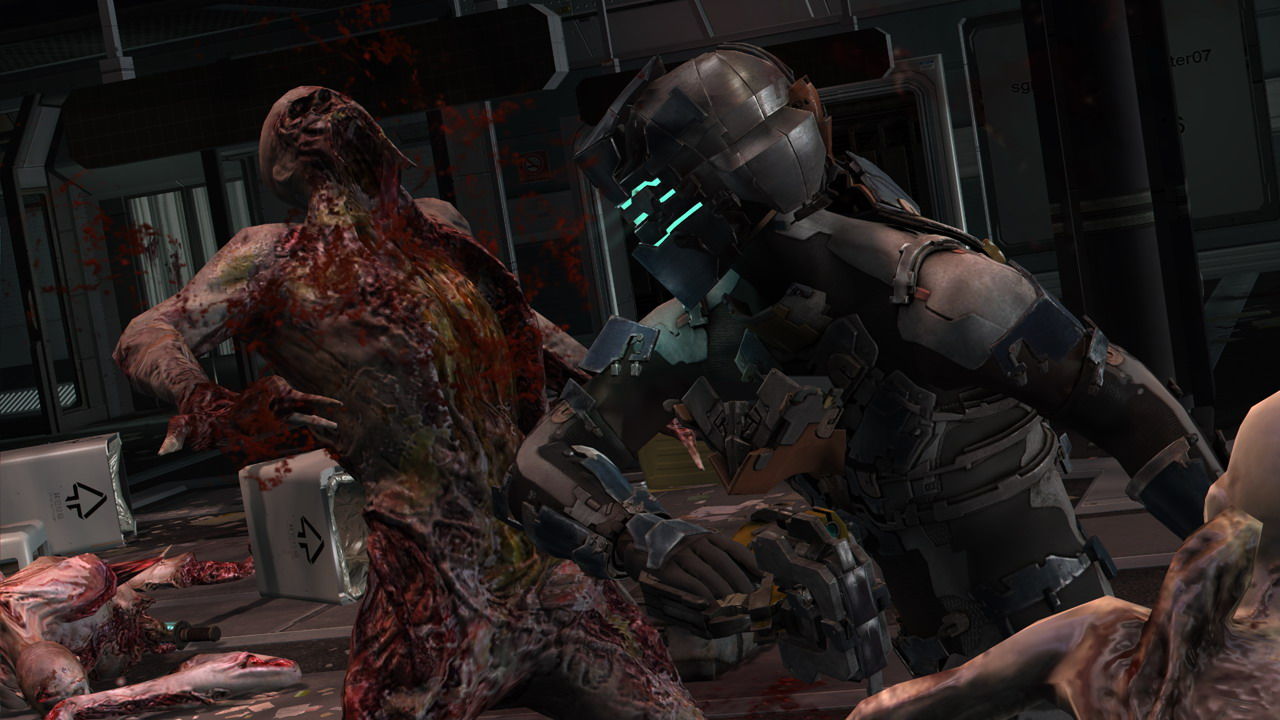
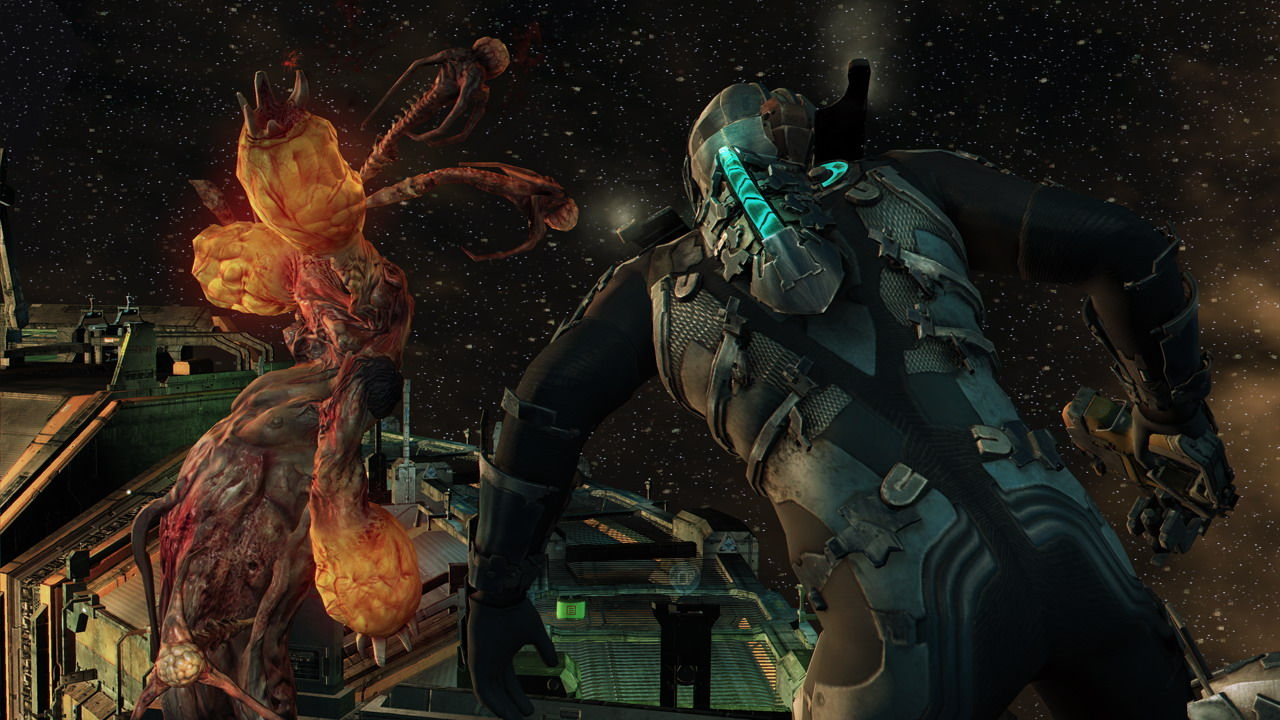
Isaac wields a set of devastating tools, including the Javelin for impaling Necromorphs, improved telekinesis to turn limbs into weapons, and powerful trip mines for dismembering foes.
Players can also create hull‑breaches to suck groups of monsters into space, adding strategic options to encounters.
- Combine telekinesis with environmental objects for extra damage.
- Use hull‑breaches when surrounded by multiple enemies.
04 / THE GUIDE
Zero‑Gravity Mechanics
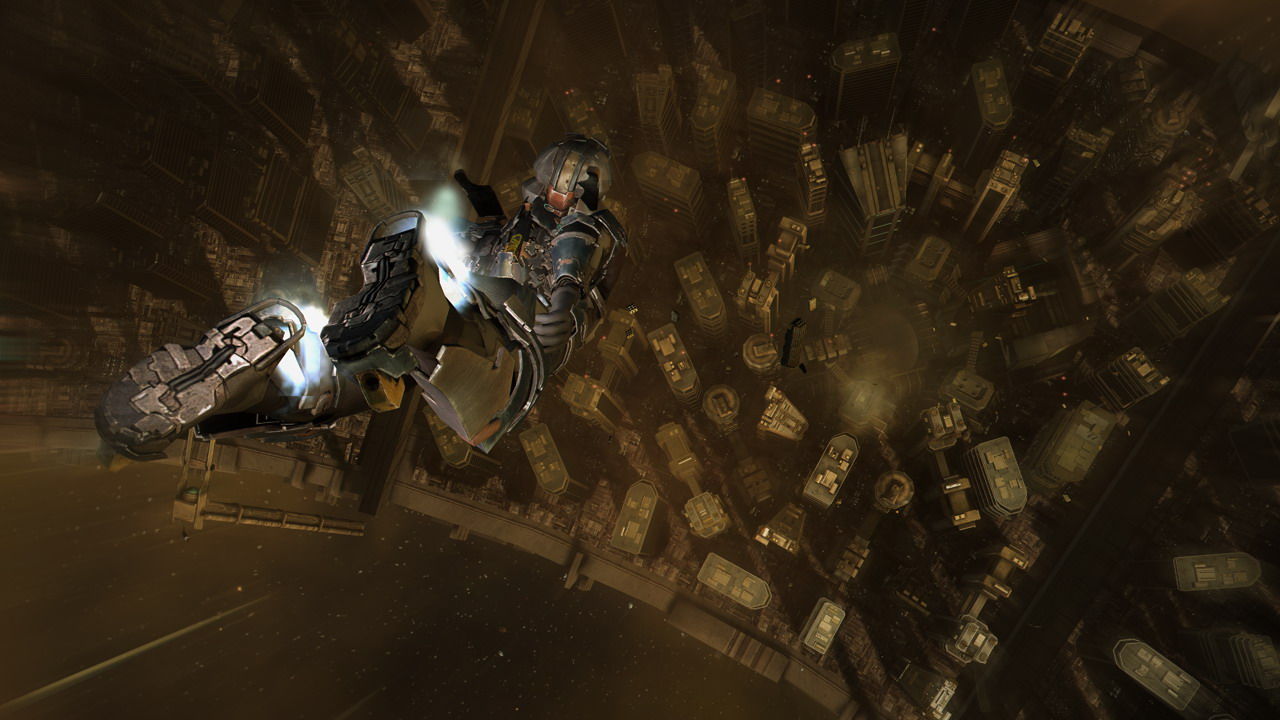
Isaac’s suit boosters let him rocket around in zero gravity, enabling rapid repositioning and aerial combat. This mechanic is central to both combat and puzzle sections.
Weightless combat introduces new physics‑based challenges, requiring players to manage momentum while targeting enemies.
- Practice boosting to control drift before engaging enemies.
- Use momentum to push objects into hazards.
05 / THE GUIDE
Multiplayer Mode
Dead Space™ 2 includes a multiplayer component alongside its single‑player campaign. Players can engage with others while still experiencing the core horror atmosphere.
The multiplayer experience runs on the same PC platform and supports partial controller input.
- Coordinate with teammates to manage Necromorph swarms.
- Utilize the same tools from single‑player for consistency.
COMMUNITY
Player discussion