 GameWiki
GET YOUR BEARINGS
About de Blob 2
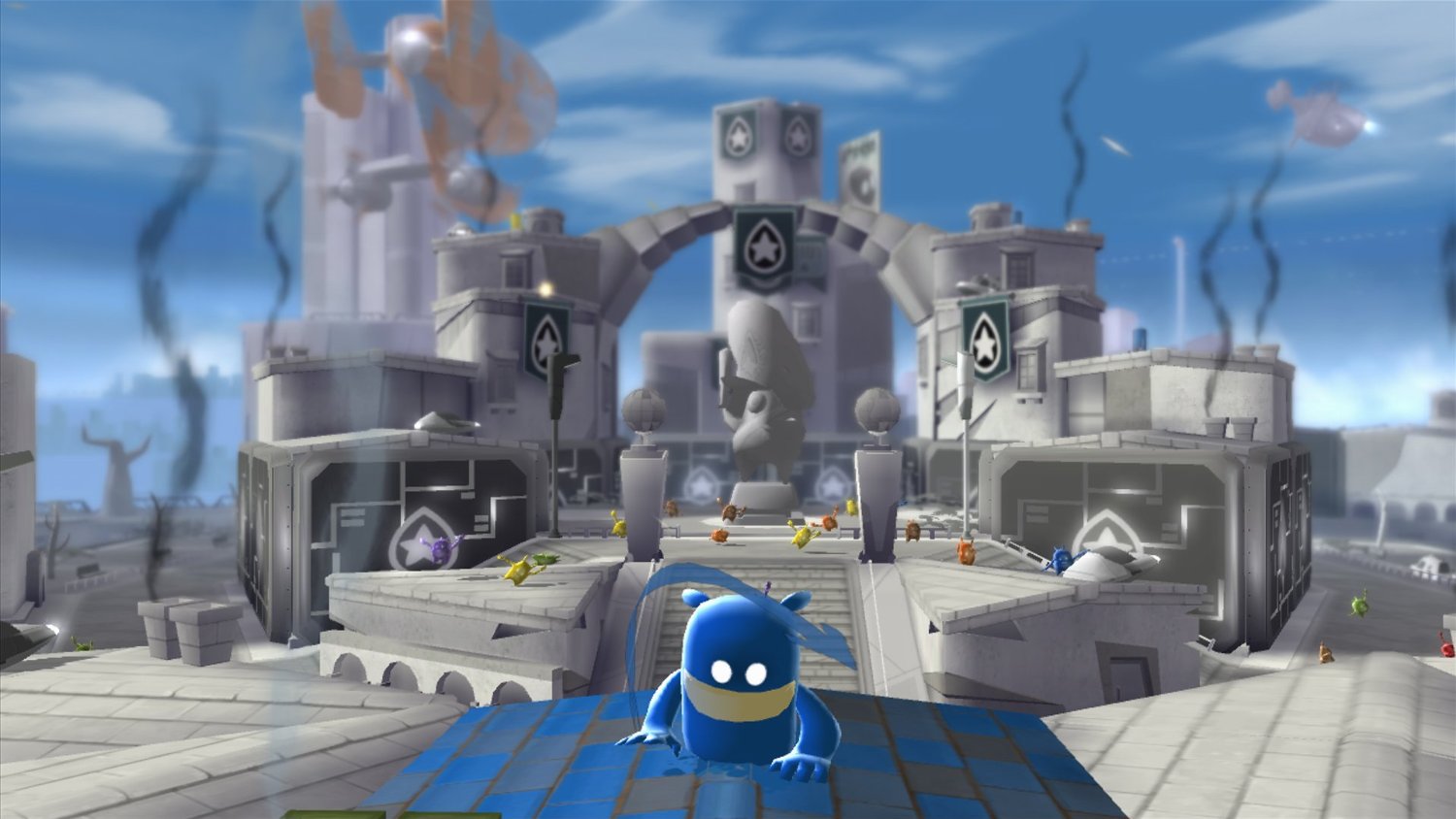
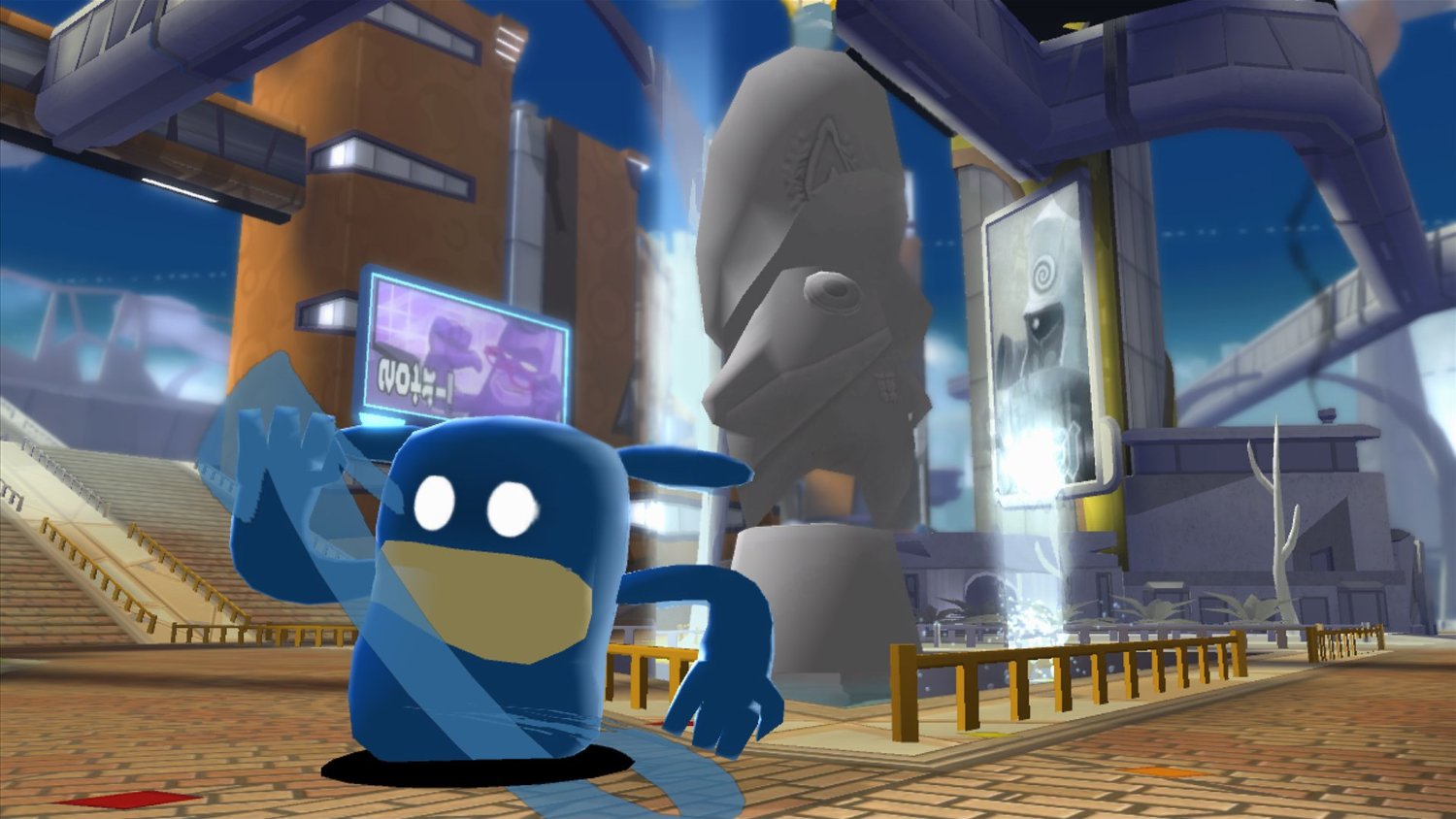
de Blob 2 continues the color‑filled adventure as Blob, Papa Blanc and the Inkies clash over Prisma City. Players travel through icy outposts, tropical biodomes and space stations across twelve single‑player story levels, using custom paints, patterns and music to restore hue. The game adds cooperative multiplayer, a range of visual upgrades for PC and full controller support, letting friends join the color‑restoration effort while enjoying upscaled video, FXAA and adjustable graphics quality.
01 / THE GUIDE
Story and Levels
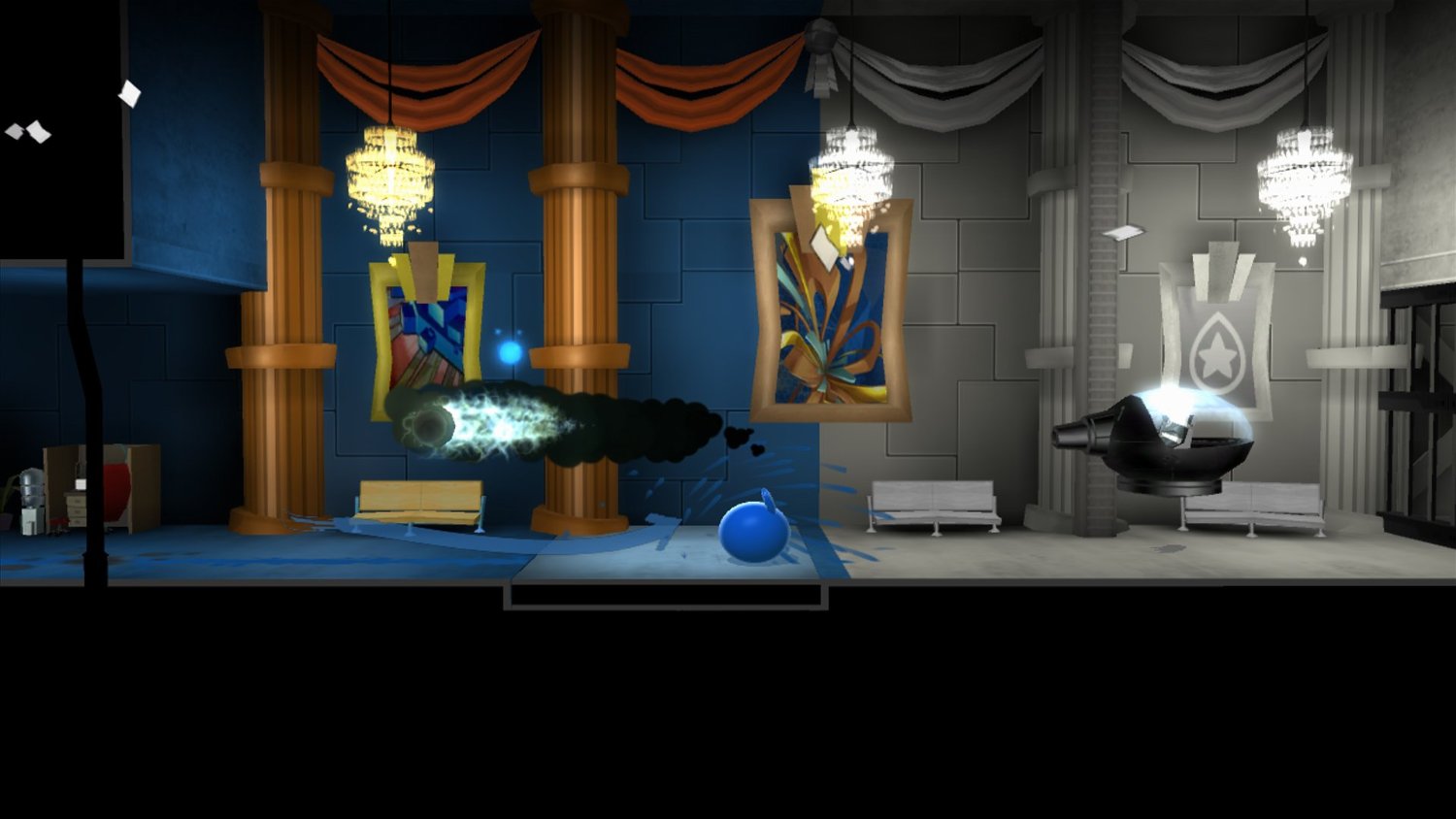
The single‑player campaign consists of twelve distinct story levels that guide Blob through varied environments, from icy outposts to distant space stations. Each level presents a narrative thread where Blob must defeat Papa Blanc’s hypno plot and free the citizens of Prisma City. Custom paints, patterns and music let players personalize how they bring color back, influencing the visual and auditory feel of each level without altering core objectives.
- Experiment with different paint patterns to see how they affect the look of each environment.
- Try different music options to see how they shape the mood and feel of each environment.
02 / THE GUIDE
Core Gameplay Mechanics
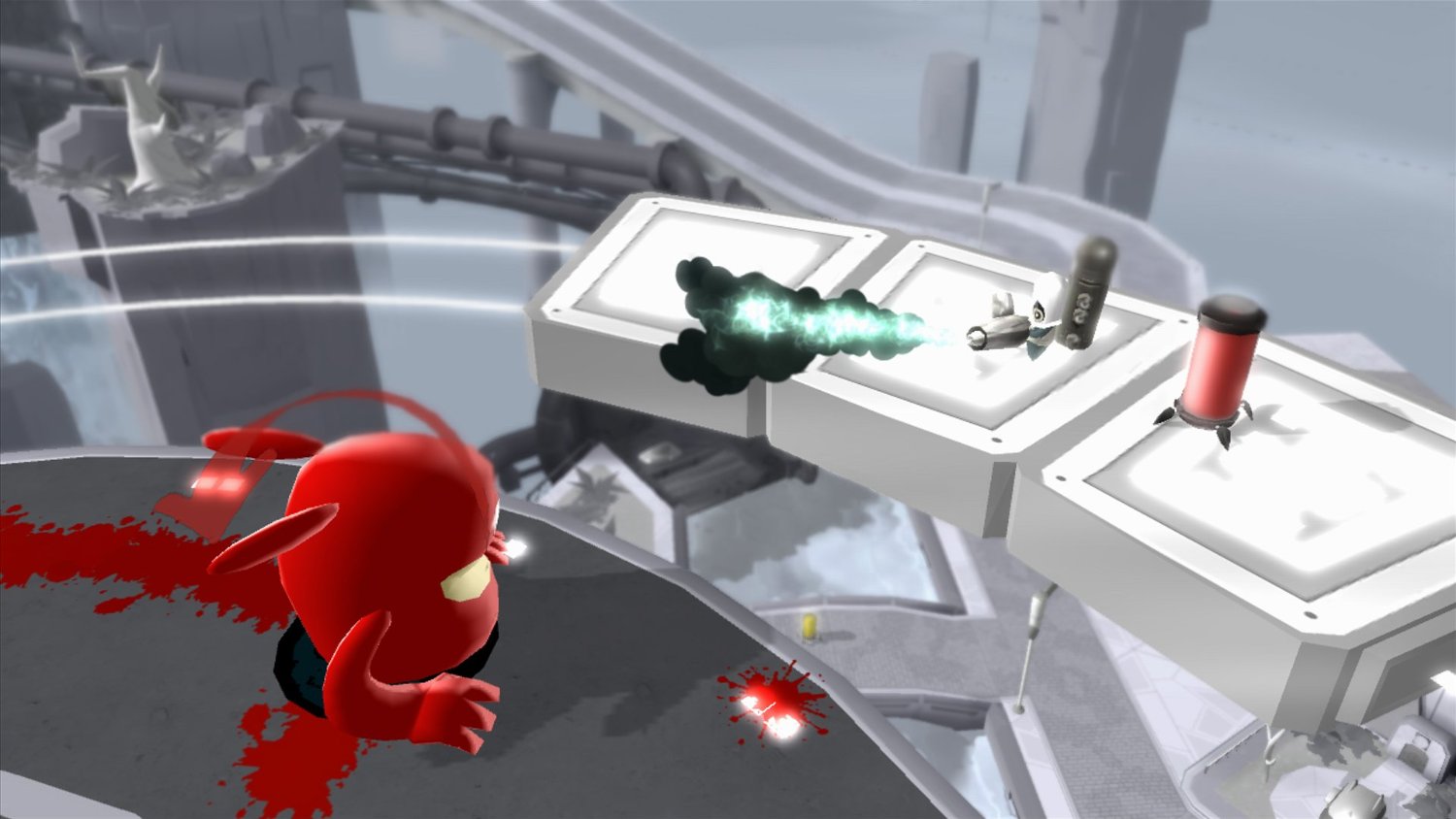
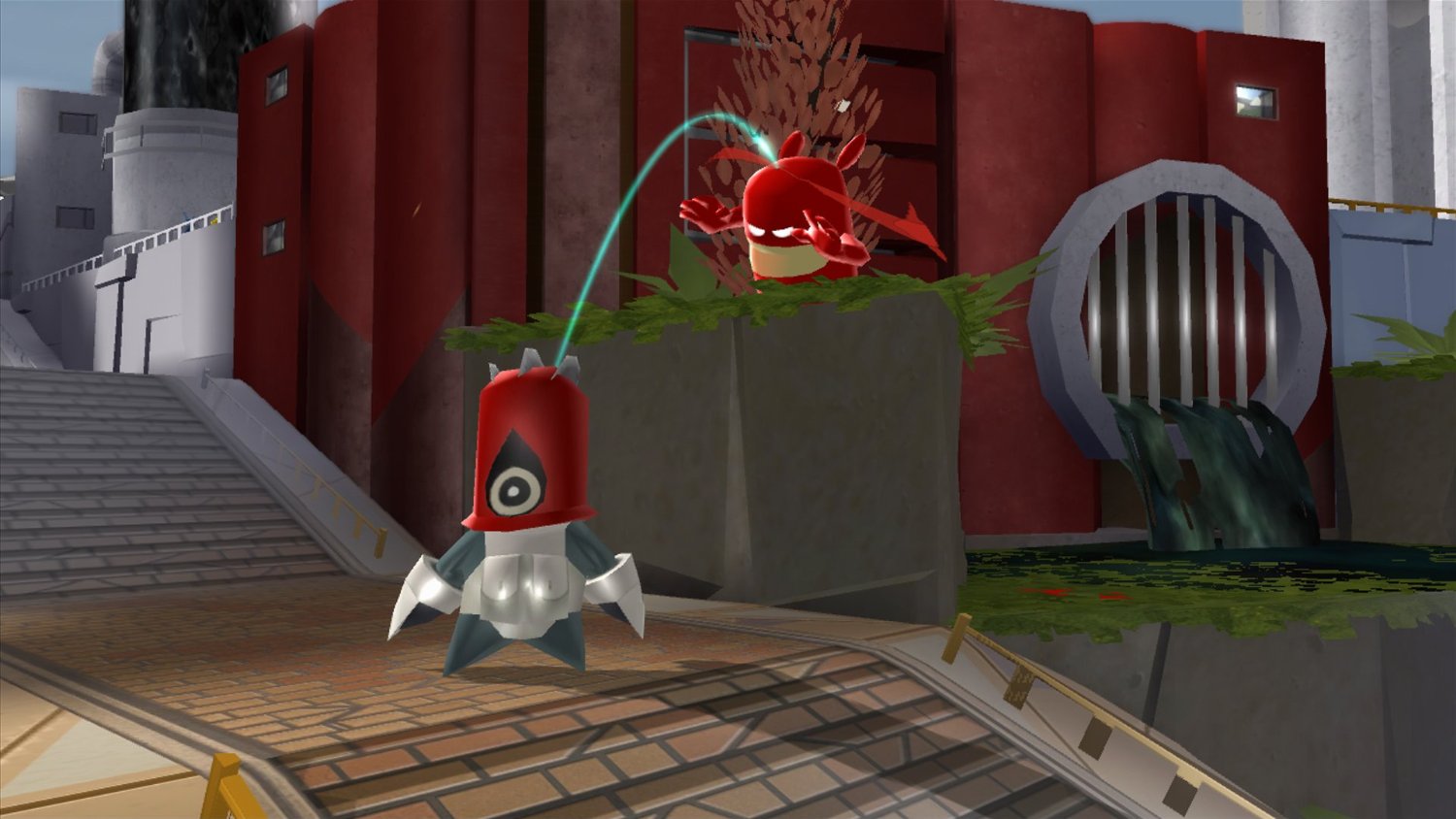
Blob can speed‑smash through walls, jet‑jump over skyscrapers and slam‑squash Inkies using power‑ups that temporarily turn him into a super Blob. These actions let players traverse obstacles and defeat enemies across the diverse locales. Mini missions and epic boss battles punctuate the adventure, providing moments where players must apply their movement abilities and power‑ups to overcome larger challenges.
- Use jet‑jump to reach high platforms quickly before engaging enemies.
- Save super Blob power‑ups for boss encounters to maximize impact.
03 / THE GUIDE
Co‑operative Multiplayer
Beyond the solo campaign, de Blob 2 offers co‑operative multiplayer modes where friends can join the color evolution together. These modes support shared or split‑screen play, allowing multiple players to paint the world simultaneously. Co‑operative multiplayer adds a collaborative layer where friends can join the color evolution together, coordinating their paints and power‑ups as they paint the world.
- Coordinate paint colors with teammates to cover larger areas efficiently.
- Communicate when using power‑ups so teammates can capitalize on the super Blob state.
04 / THE GUIDE
PC Visual and Performance Options
The PC version includes upscaled videos, FXAA anti‑aliasing and selectable resolution and graphic‑quality settings, giving players control over visual fidelity and performance. These options let the game run smoothly on a range of hardware while preserving its vibrant aesthetic. A remap feature is also present, allowing users to adjust input bindings to suit personal preferences, enhancing accessibility across different control schemes.
- Enable FXAA if you notice jagged edges on distant geometry.
- Adjust the resolution setting if the game runs below your target frame rate.
05 / THE GUIDE
Supported Input Devices
de Blob 2 provides keyboard & mouse and gamepad (360/PS4) support, with UI adaptation for each method. An unofficial Wiimote option is also listed, expanding the range of possible controllers. The inclusion of a remap feature means players can customize button assignments regardless of the chosen device, ensuring comfortable play across the supported inputs.
- Try the remap feature if default button layouts feel unintuitive.
- Test both keyboard and gamepad to see which offers smoother navigation in the paint menus.
COMMUNITY
Player discussion