 GameWiki
GET YOUR BEARINGS
About DateBoy
DateBoy puts you in the shoes of a young man on a date, juggling conversation with a partner while playing a retro‑style handheld game. The experience blends a brief, 15‑30 minute play session with humorous dialogue choices and a quirky waiter cameo.
The title is a single‑player indie adventure that offers Steam achievements, subtitle options, and adjustable difficulty, letting players tailor the short narrative to their comfort. It runs on Windows via Steam and includes camera comfort and custom volume controls.
01 / THE GUIDE
Narrative Premise
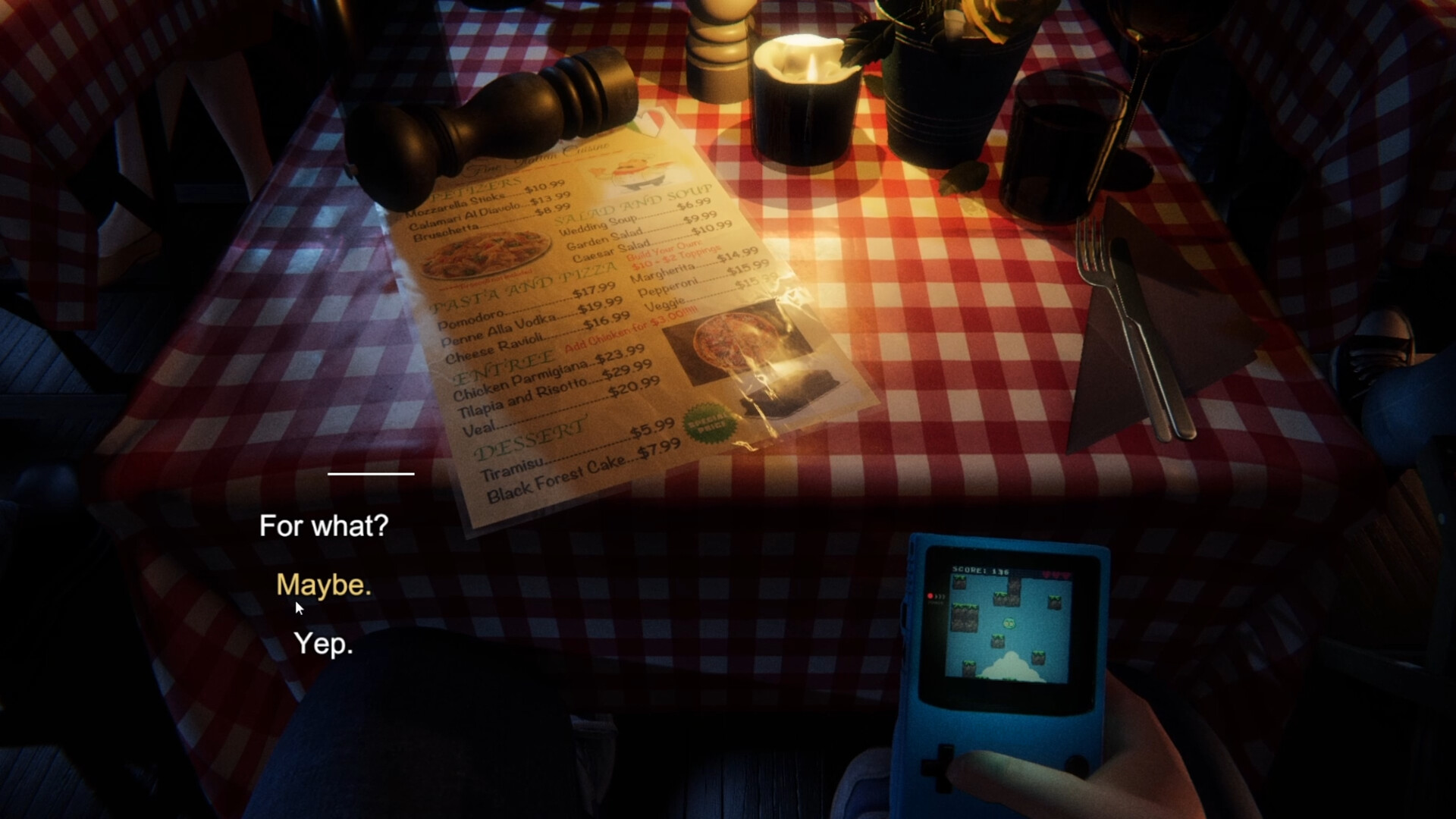
The core story follows a boy on a date who also plays a generic portable handheld console from the late 80s. You embody the boy, selecting dialogue options while the date unfolds.
The setting is intentionally brief, lasting only about fifteen to thirty minutes, and includes a comedic waiter who adds a layer of humor to the interaction.
- Observe how the dialogue choices affect the tone of the date.
- Notice the timing of the waiter’s lines for comedic effect.
02 / THE GUIDE
Dialogue System
Players choose from presented dialogue options to respond to the date, shaping the conversation without spoken lines. The system is simple, focusing on selection rather than typing.
While you do not actually speak to the date, the options provide a sense of interaction and can lead to humorous outcomes.
- Try different dialogue paths on multiple playthroughs.
- Pay attention to the date’s reactions to each choice.

03 / THE GUIDE
Handheld Mini‑Game
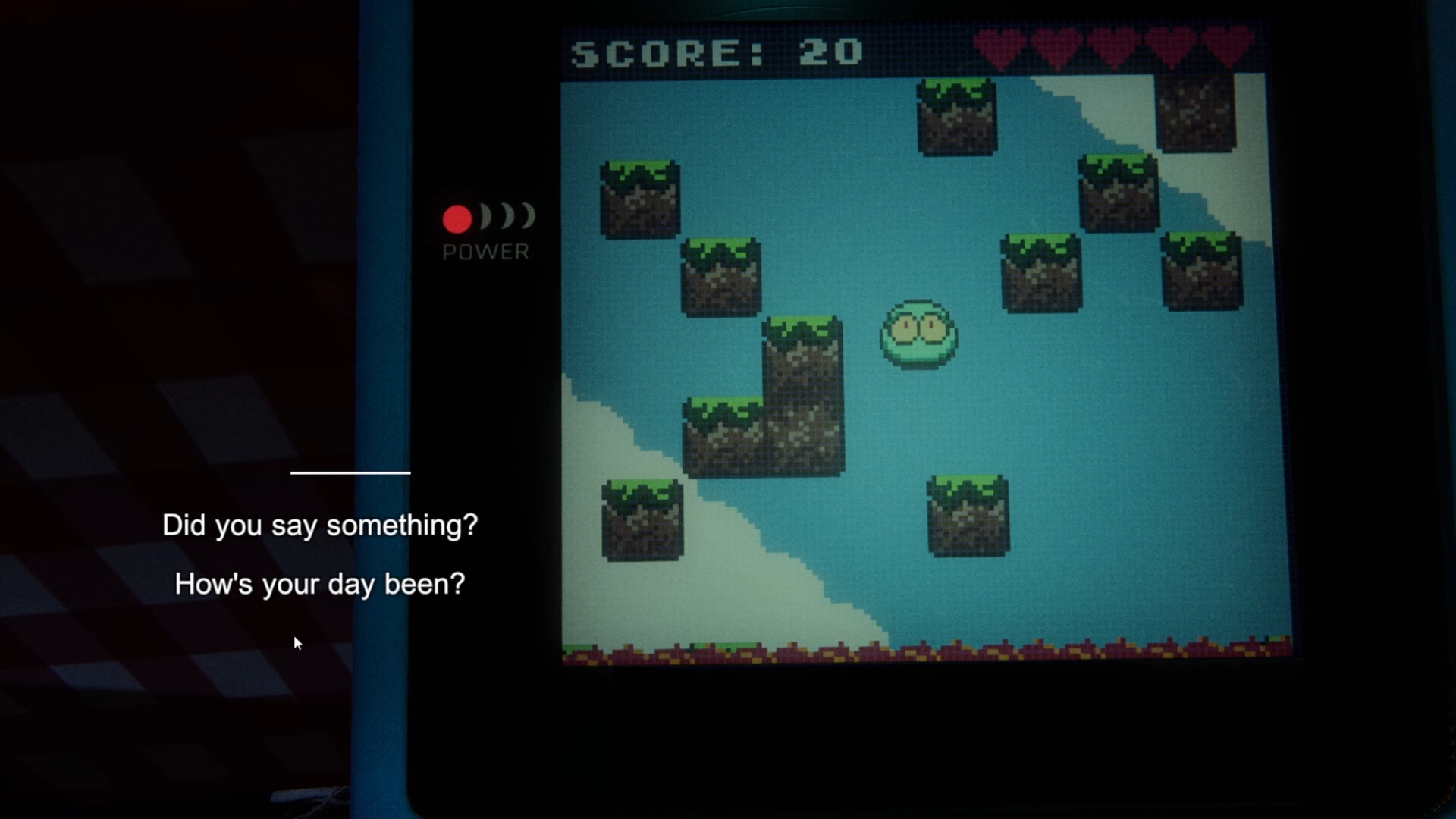
Within the date, a retro handheld game appears on screen, mimicking late‑80s graphics and mechanics. This mini‑game runs concurrently with the dialogue, adding a multitasking element.
The handheld segment is brief, aligning with the overall 15‑30 minute session length, and serves as a comedic contrast to the date’s conversation.
- Balance attention between the mini‑game and dialogue.
- Notice how the handheld’s visual style reinforces the retro theme.
04 / THE GUIDE
Audio‑Visual Options
DateBoy includes subtitle options, custom volume controls, and stereo sound, allowing players to adjust the experience to personal comfort. Camera comfort settings further tailor visual presentation.
These features are listed for the game, helping keep the short experience approachable for varied player needs.
- Enable subtitles if dialogue timing feels fast.
- Adjust volume to balance background music with dialogue.
05 / THE GUIDE
Achievements & Difficulty
The game tracks progress through Steam achievements, though the source does not specify the exact criteria each achievement uses. Adjustable difficulty is listed among the game's features.
These systems are optional and do not affect the core narrative, offering replay value within the brief play window.
- Aim for all achievements to explore every dialogue branch.
- Experiment with difficulty settings to change the handheld challenge.


COMMUNITY
Player discussion