 GameWiki
GET YOUR BEARINGS
About Data Center
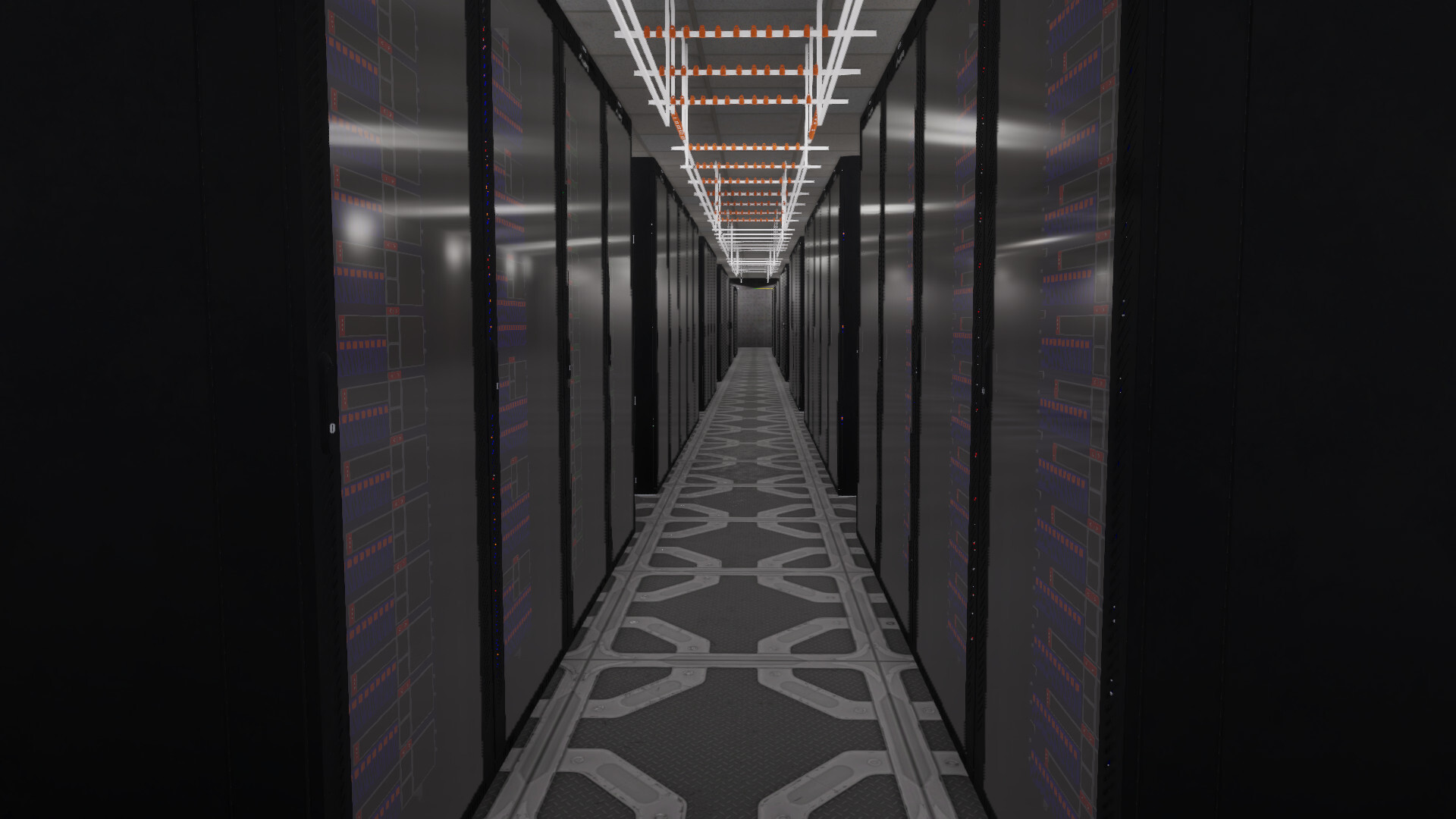
Data Center lets you construct a living data hub from empty floor space, buying racks, servers, and switches to stack and wire as you see fit. You manually route Ethernet, watching colored packet‑balls flow to reveal bottlenecks and throughput at a glance.
Processing customer traffic earns money, XP, and reputation, unlocking newer hardware and attracting larger contracts. Devices age and can fail, so you must plan redundancy and maintenance while scaling your operation from a single rack to a bustling facility.
01 / THE GUIDE
Hands‑on building and hardware
Start with bare floors, purchase racks, servers, and switches, then physically place and stack each piece. The game provides a tactile click‑based interface for positioning and connecting hardware.
Every piece you add contributes to capacity, and you can rearrange layouts at any time. Hardware has a lifespan, so you’ll eventually need to replace aging servers or switches.
- Begin with a simple layout to understand flow before adding complexity.
- Leave space for future racks to avoid costly rearrangements later.
02 / THE GUIDE
Visual networking feedback
Packets appear as colored balls that travel along your cables, instantly showing flow, congestion, and idle links. This visual cue lets you spot bottlenecks without reading numbers.
When a link or device fails, the packet streams adjust, giving immediate feedback on how your redundancy performs.
- Watch the color patterns to identify overloaded paths quickly.
- Use the visual cue to test new cable routes before committing.

03 / THE GUIDE
Customer‑driven goals
Clients arrive with specific app requirements and capacity targets. You must connect enough servers to each app to meet those targets and keep contracts active.
Successful processing of a client’s data generates money, XP, and reputation, which in turn unlocks larger, more demanding customers.
- Prioritize high‑capacity apps early to secure steady income.
- Balance load across multiple servers to avoid single‑point overload.
04 / THE GUIDE
Reliability and redundancy planning
Servers and switches have end‑of‑life and can break. Design paths so traffic remains reachable even if a device fails, using multiple network connections where possible.
Swap out failing gear promptly and keep spare hardware on hand to minimise downtime.
- Give each server at least two network links for fallback.
- Maintain a small inventory of spare switches for quick swaps.
05 / THE GUIDE
Progression and rewards
Processing data earns money, XP, and reputation. XP unlocks more capable devices, while reputation attracts bigger clients with higher demands.
You can upgrade hardware, recable to remove bottlenecks, and expand the floor space as you grow.
- Reinvest early earnings into higher‑tier switches for better throughput.
- Upgrade servers before they reach end‑of‑life to avoid sudden loss.


COMMUNITY
Player discussion