 GameWiki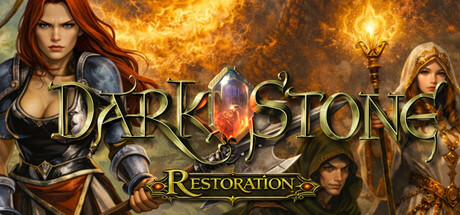
GET YOUR BEARINGS
About DarkStone Restoration
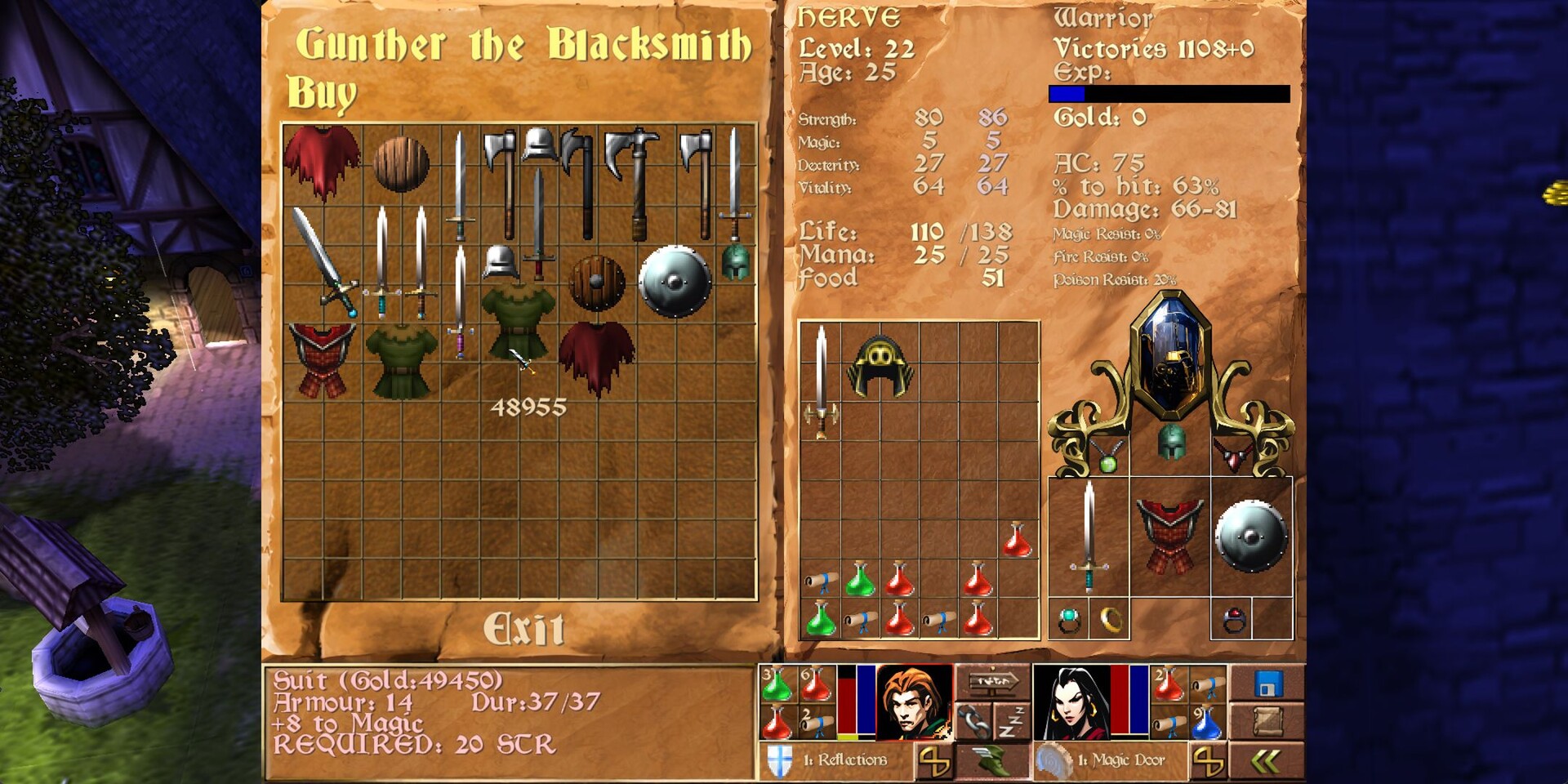
DarkStone Restoration returns Paul Cuisset’s 1999 action‑RPG to modern Windows PCs as a native 64‑bit build. The core combat and gothic atmosphere stay intact while the engine adds dynamic shadows, volumetric fog, procedural grass and higher‑resolution rendering, plus full controller support.
Players explore the kingdom of Uma, collect seven crystal shards of the Time Orb, and confront the dragon Draak. Eight heroes across four classes tackle randomly generated dungeons, quests and five difficulty levels, with optional modes that reshape challenge and presentation.
01 / THE GUIDE
Story and Setting
The narrative follows the monk Draak, who betrayed the goddess Kaliba, reshaped himself into a dragon, and seeks to drown Uma in darkness. Heroes must locate seven crystal shards scattered across four lands, rebuild the Time Orb and descend into Draak’s lair.
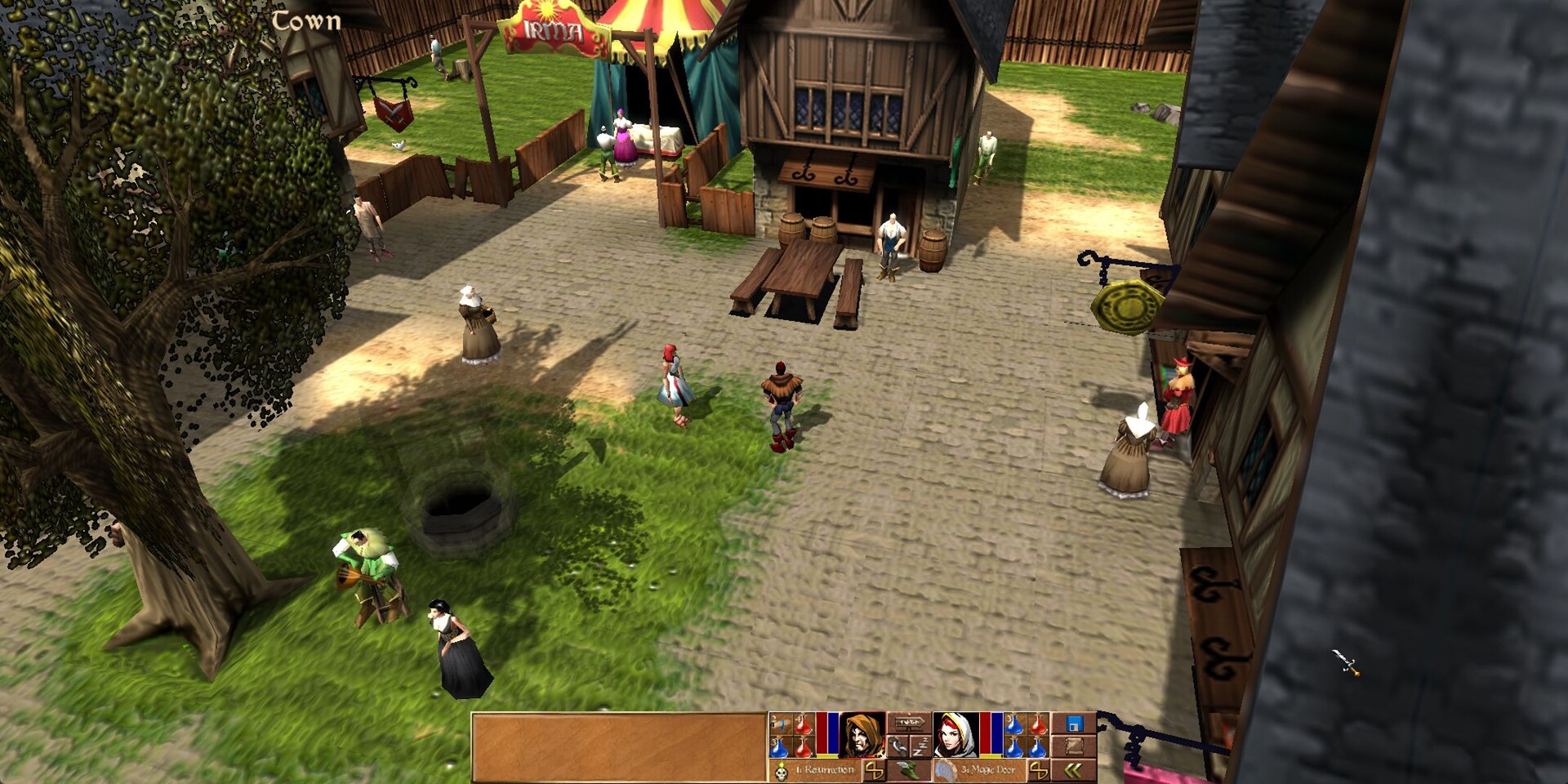
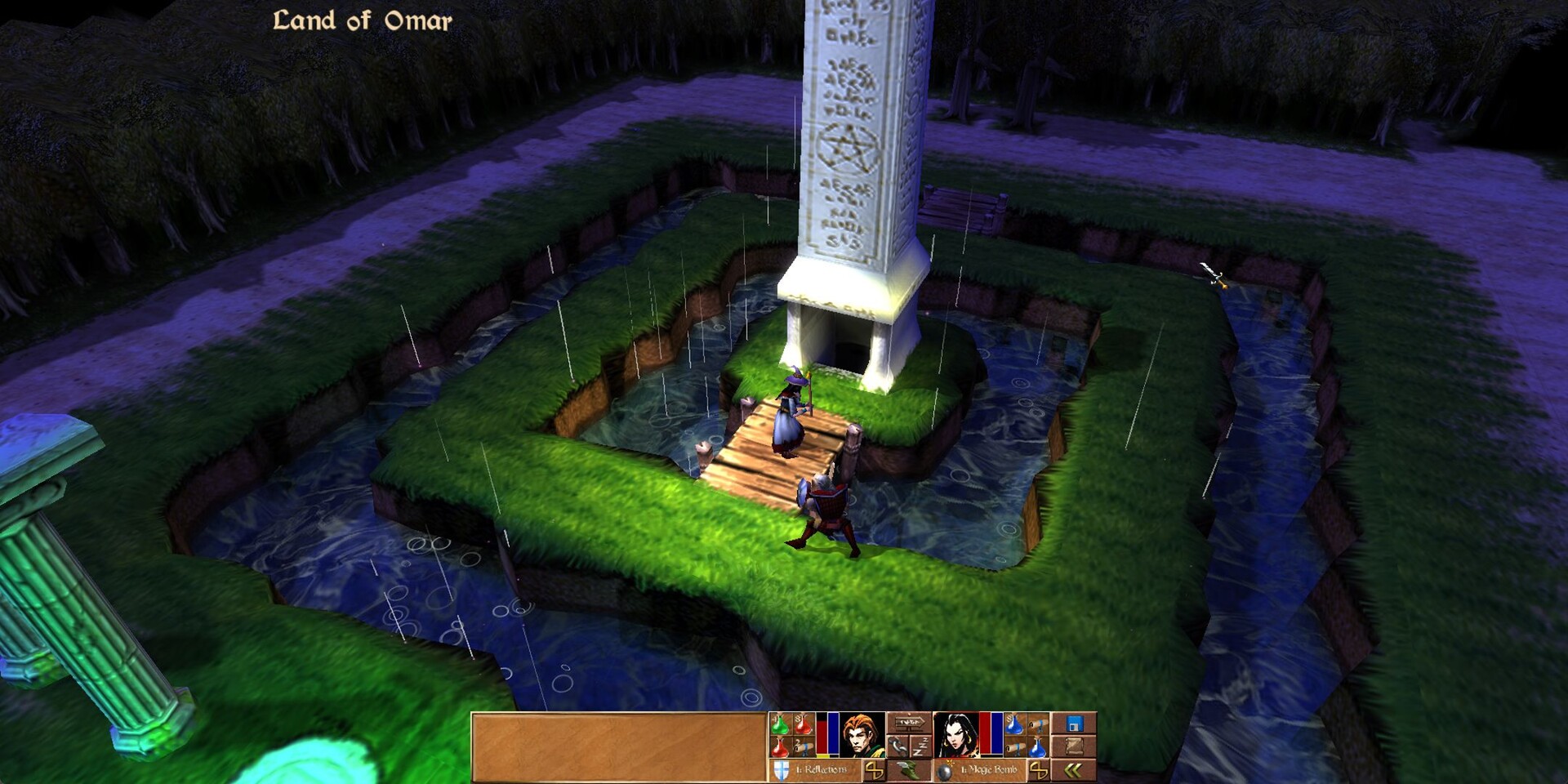
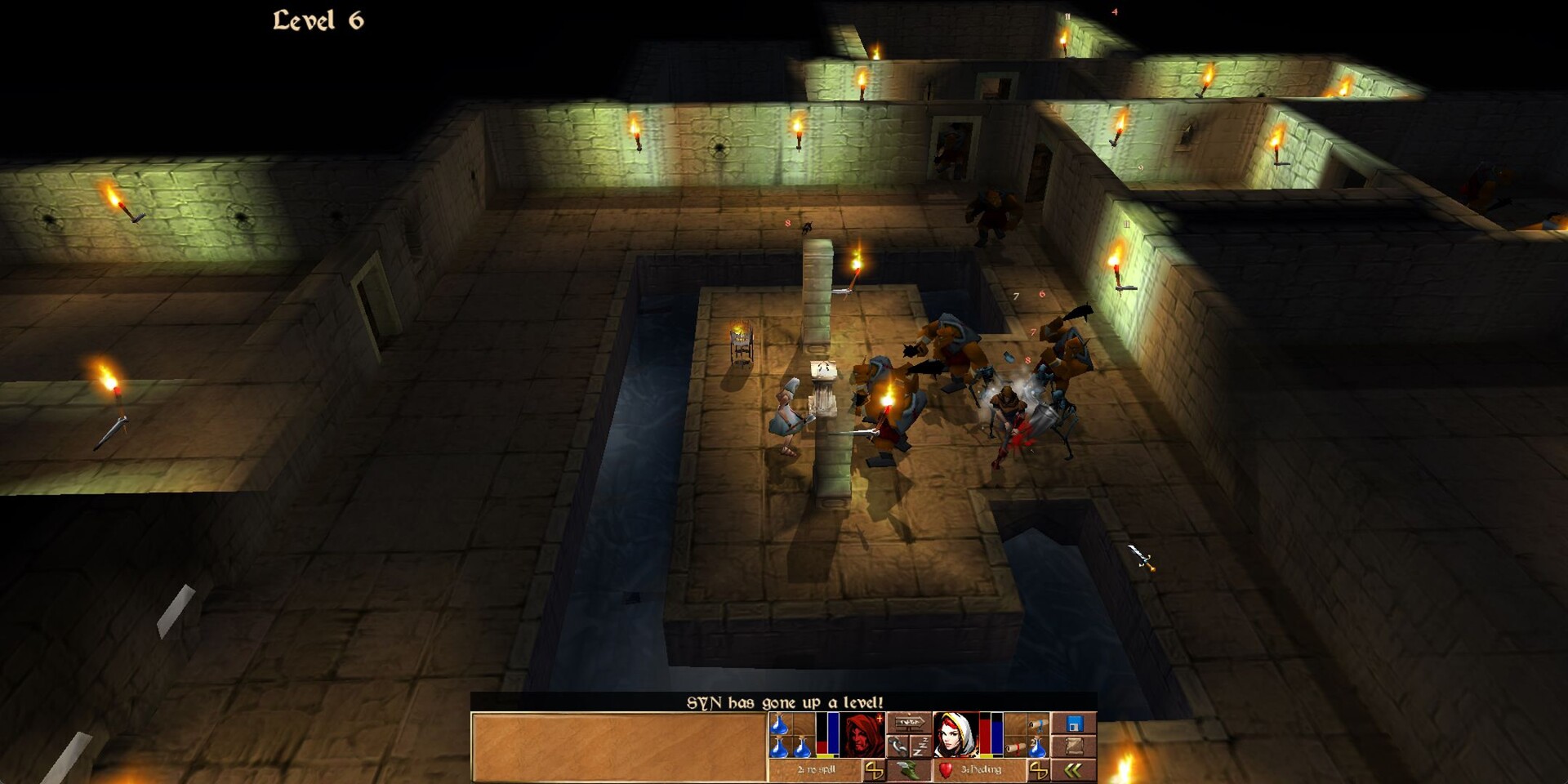
Visually, the game blends hand‑crafted gothic environments with modern effects such as dynamic shadows, SSAO, bloom, procedural grass and tunable volumetric fog, delivering a dark yet vivid world that feels both classic and contemporary.
- Map each land before hunting shards; the random dungeons can make the shards hard to track down.
- Adjust the tunable volumetric fog in the settings to keep visibility comfortable while exploring dungeons.
02 / THE GUIDE
Classes and Heroes
Eight characters are divided into four classes—warrior, mage, thief and priest—each with its own combat style and strengths. Each class offers a distinct feel, and progression unlocks dozens of weapons, spells and talents.
Progression unlocks dozens of weapons, spells and talents. Because dungeons, quests and loot are randomly generated, the items you discover differ from run to run, encouraging varied builds.
- Experiment with different class pairings in Buddy mode to cover both melee and spellcasting needs.
- When starting a new difficulty, prioritize versatile weapons that work across multiple enemy types.

03 / THE GUIDE
Buddy and Co‑op Modes
Buddy mode adds a single button that lets you take direct control of your companion mid‑fight, reposition them, aim spells and chain combos before returning them to AI. This enables coordinated attacks that the original game could not provide.
Shared‑world couch co‑op merges two players into one save, allowing a second player to drop in at any time to control the companion. Remote play is also supported via Steam Remote Play Together, letting friends join from separate locations.
- Use the direct‑control button to reposition your companion during boss phases for better positioning.
- Agree on an AI preset for the companion before starting a co‑op run to avoid unexpected behavior.
04 / THE GUIDE
Hardcore and Legacy Modes
Hardcore mode imposes a one‑life permadeath rule; when your hero falls, the run ends permanently and scores are recorded on dedicated leaderboards. This creates high stakes for every decision during a run.
Legacy mode restores the authentic 1999 look and feel while still allowing you to choose a ready‑made companion AI (tank, mage, skirmish, support) or edit it visually with blueprints or in JavaScript, then share creations on the Steam Workshop.
- In Hardcore, favor survivability‑focused gear and conservative play to reduce fatal mistakes.
- When testing Legacy, compare a default AI preset with a custom script to see how behavior changes affect difficulty.
05 / THE GUIDE
Modding and UI Customisation
Companion AI can be customised through a visual editor that supports Unreal‑style blueprints or JavaScript, with live hot‑reload and a debugger. Ready‑made behaviors are provided, and any scripts can be shared via the Steam Workshop.
UI themes let you reskin the HUD, spell bar and spell books. A modern theme is included, and all elements are adjustable, giving a personalized interface without altering core gameplay.
- Start with a ready‑made AI behavior before building a custom script to understand baseline actions.
- Test UI theme changes on a low‑difficulty run to verify font clarity and HUD readability.
COMMUNITY
Player discussion