 GameWiki

GET YOUR BEARINGS
About Danganronpa: Trigger Happy Havoc
Danganronpa: Trigger Happy Havoc drops you into Hope's Peak Academy, where elite students are locked inside a school‑turned‑prison. A murderous bear named Monokuma forces them into a deadly game: murder a classmate and get away with it, or be executed.
The single‑player adventure mixes daily school life, murder investigations, and courtroom confrontations. It runs on Windows, macOS, and Linux and includes Steam achievements, cloud saves, and full controller support.
01 / THE GUIDE
Daily Life & Investigation
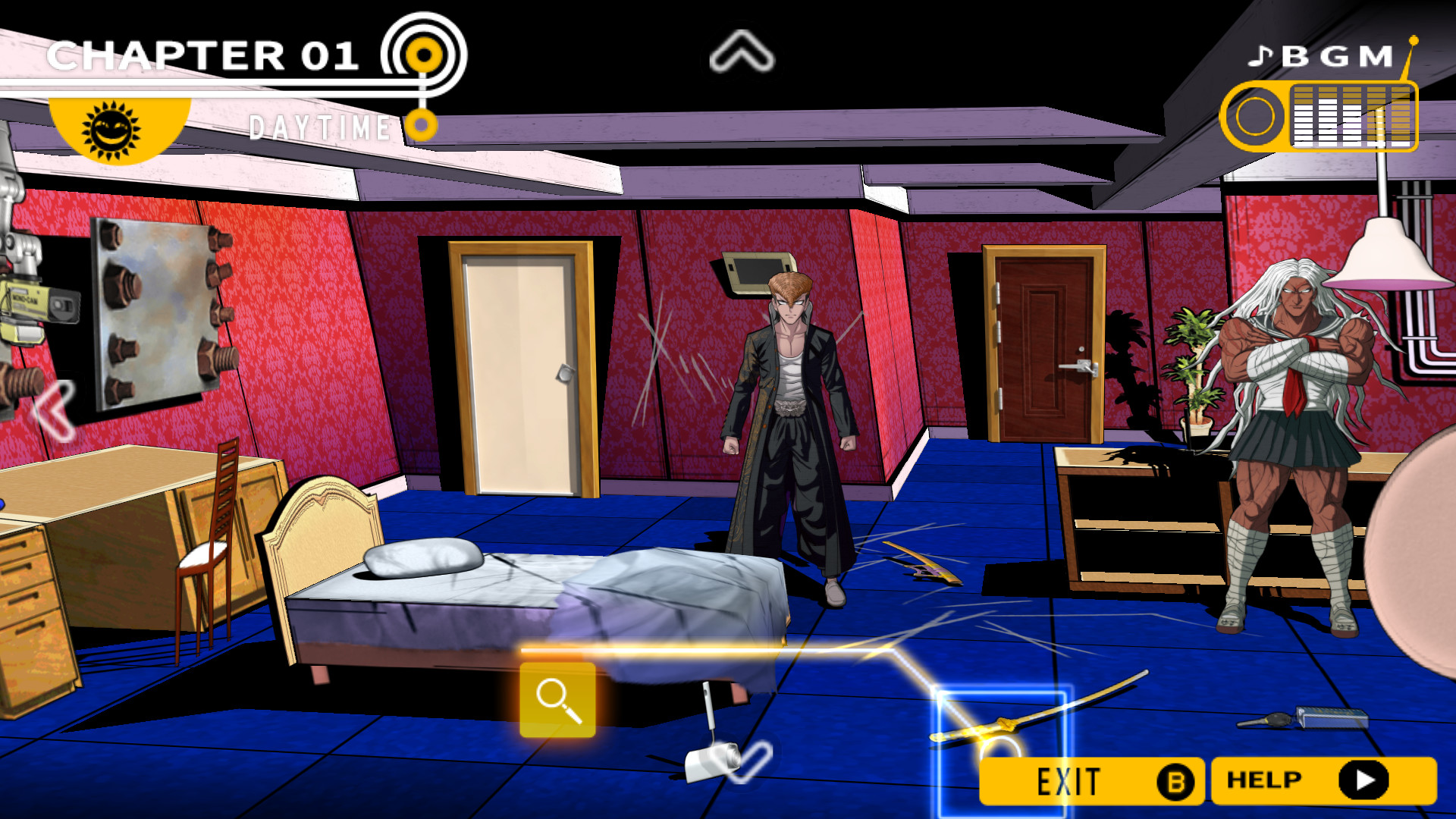
Students are confined in a school‑turned‑prison where murders happen one after another. Players move through classrooms and hallways, searching for clues that reveal details about each incident.
Conversations with classmates let you gather information, and the clues you collect become the basis for later courtroom arguments.
- Take brief notes on each clue’s location to avoid overlooking connections later.
- Re‑talk characters after finding new evidence; they may reveal additional details.
02 / THE GUIDE
Mock Trial Mechanics
Monokuma acts as judge, jury, and executioner during mock trials. Players dissect suspect statements, fire words back at them, and expose contradictions to prove guilt.
The trial system turns dialogue into a strategic exchange, requiring you to match timing cues and select the correct rebuttals.
- Watch for highlighted contradictions; they indicate where to press the response button.
- Practice the timing prompts in early trials to build confidence.

03 / THE GUIDE
Popularity Contest System
During investigations you can sway classmates to your side, extracting information that helps determine who the murderer is.
Success in this social element relies on timing‑based mini‑games that increase pressure on suspects and reveal hidden truths.
- Focus on characters who seem reluctant; they often hold key evidence.
- Maintain a steady rhythm during reflex segments to avoid missed inputs.
04 / THE GUIDE
Steam Integration
The game supports Steam Achievements, Steam Cloud, and Steam Trading Cards, allowing progress to sync across devices and rewarding milestones.
Family Sharing and Remote Play let other household members launch the game on phones or tablets from the same library.
- Enable Steam Cloud in the settings to keep your investigation notes saved.
- Check the Steam Achievements list to see which story milestones you have reached.
05 / THE GUIDE
Platform & Controller Support
Available on Windows, macOS, and Linux, the title offers full controller compatibility, including DualShock support, giving players flexible input options.
Remote Play on Phone and Tablet, as well as Family Sharing, extend gameplay to additional devices within the same Steam account.
- Test controller mapping in the settings before a trial to ensure comfortable button placement.
- Use Remote Play on a tablet if you prefer a larger screen for clue examination.



COMMUNITY
Player discussion