 GameWiki
GET YOUR BEARINGS
About Dancing Line
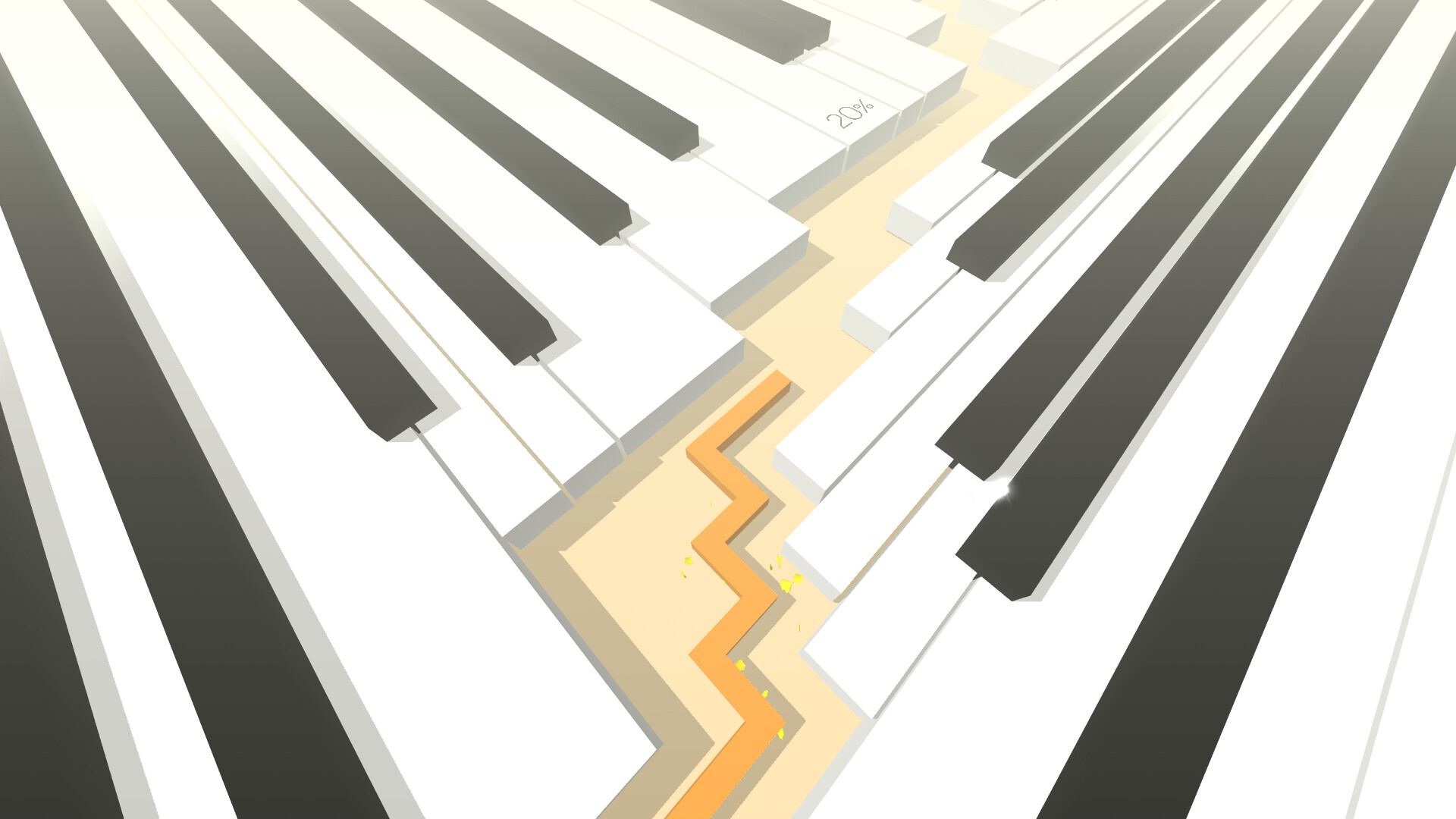
Dancing Line is a casual, single‑player title that blends fast reflex challenges with original background music. Players guide an ever‑growing line through a series of worlds, each designed to evoke distinct emotions while demanding precise timing.
The core loop relies on listening to the beat: the soundtrack guides your timing as a single tap—or its equivalent—steers the line. Multiple difficulty tiers, a practice mode, and flexible input options let players develop rhythm and reflex skills at their own pace.
01 / THE GUIDE
Rhythm‑Based Gameplay
The main mechanic asks players to move the line in time with the music. The music is your guide through obstacles and traps, so attentive listening helps you navigate.
The description tells players to “listen to the beat and the melody,” indicating that synchronising inputs with audio cues yields smoother progression.
- Focus on the primary percussion to anticipate major turns.
- Use headphones to isolate subtle timing cues.
02 / THE GUIDE
Multiple Worlds and Difficulty
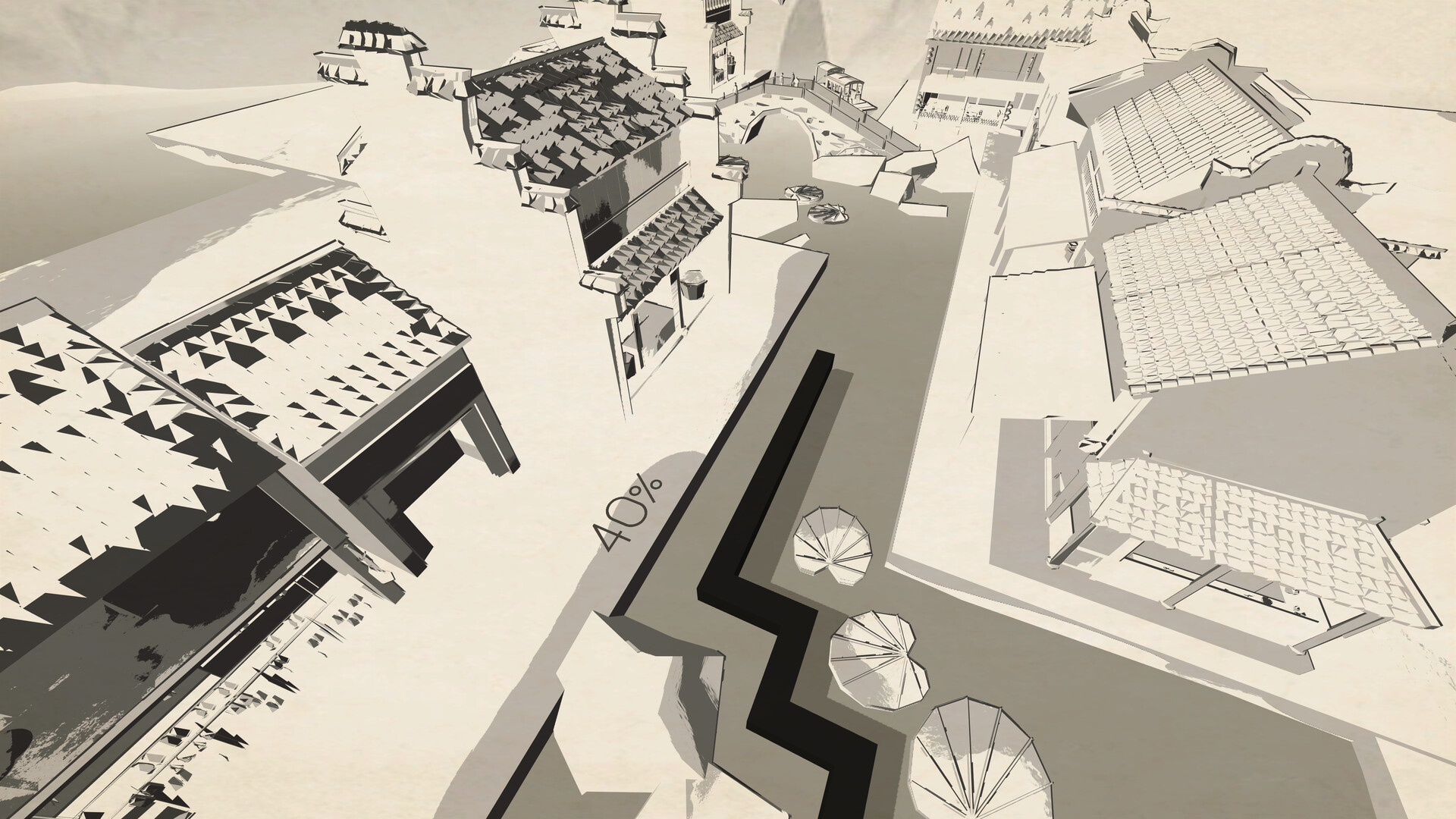
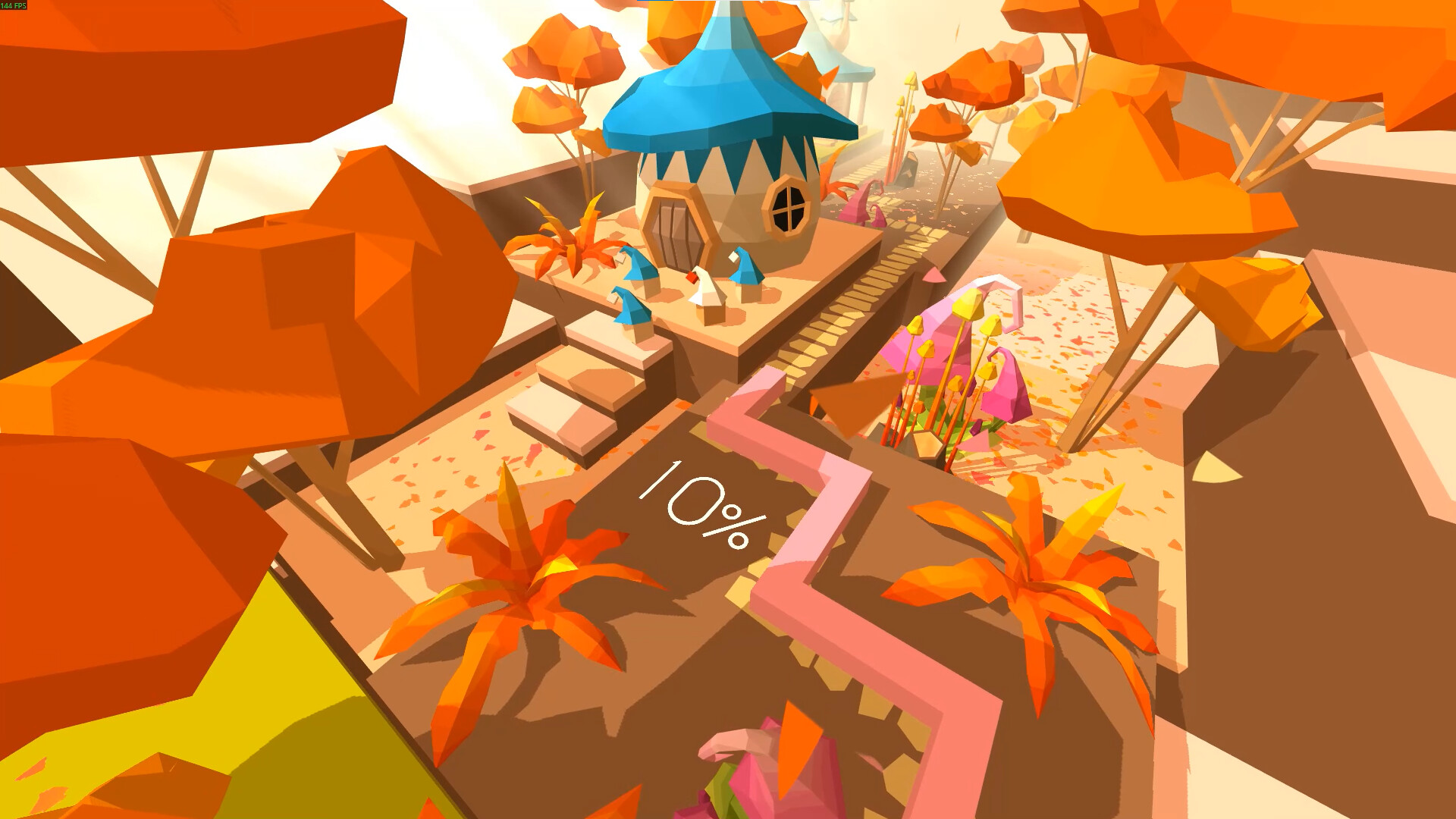
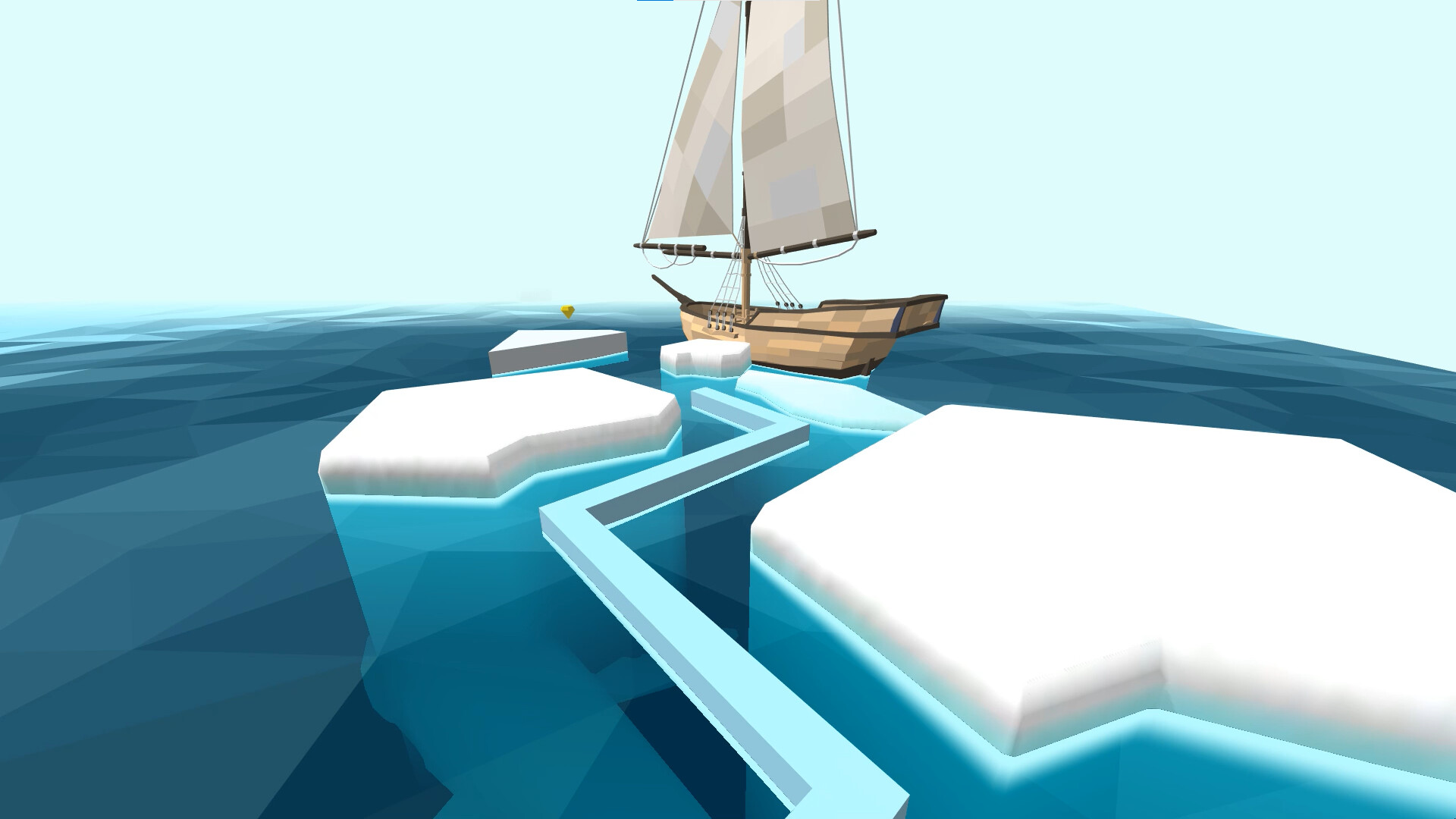
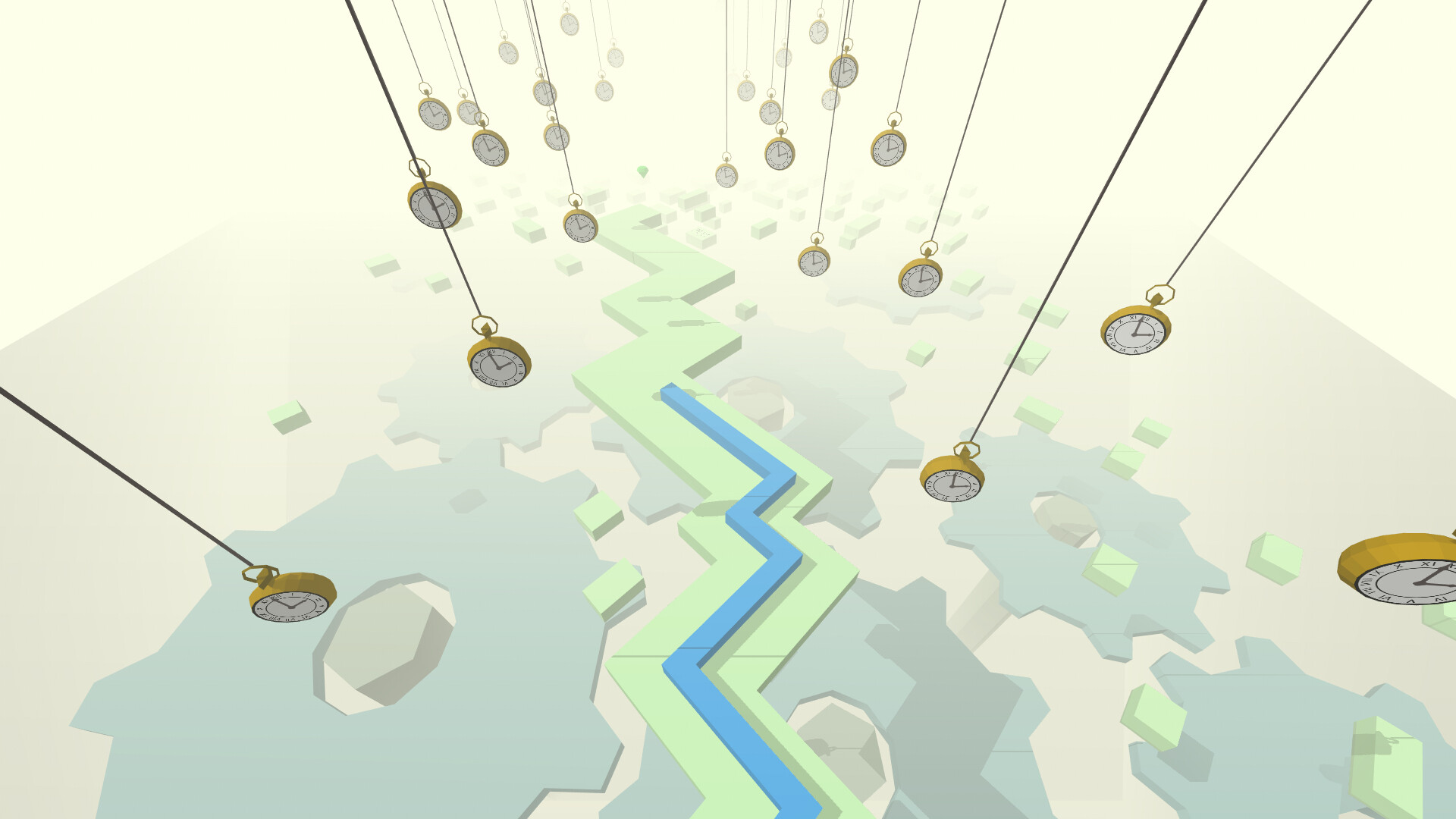
Dancing Line presents several worlds that increase in difficulty, each with its own visual style and story. The environments shift as players advance, offering fresh visual and rhythmic challenges.
Each world “paints a unique picture and evokes different emotions,” linking the difficulty curve to distinct thematic presentations.
- Begin with the earliest worlds to learn visual cues before tackling harder stages.
- Notice how the visual theme often mirrors the music’s mood.
03 / THE GUIDE
Input Options: Tap, Mouse, and Partial Controller Support
Players can trigger a sharp turn by tapping the screen, clicking the mouse, or using a supported controller. All methods perform the same action, keeping control simple across devices.
The feature list includes “Mouse Only Option,” “Touch Only Option,” and “Partial Controller Support,” confirming that the game does not require timed button sequences.
- Test both mouse and touch inputs to see which feels more responsive for you.
- If you own a DualShock or DualSense controller, try each to decide which offers the best comfort.
04 / THE GUIDE
Practice Mode
A dedicated practice mode lets players hone timing with only one‑finger tap. This simpler mode lets you focus on rhythm and turn execution away from the full levels.
Since it uses the same one‑finger tap input, skills honed in practice can carry over to the full levels.
- Repeat a short segment several times to internalise its beat pattern.
- Experiment with different input devices while in practice to gauge comfort.
05 / THE GUIDE
Save Anytime and Steam Cloud
Progress can be saved at any point, allowing players to pause and resume without losing their place. The “Save Anytime” feature provides flexibility during long sessions.
Steam Cloud integration backs up saved data, so switching computers can retain your progress.
- Save before attempting a particularly tough world to avoid losing momentum.
- After a major milestone, verify Steam Cloud status to ensure backup.
COMMUNITY
Player discussion