 GameWiki
GET YOUR BEARINGS
About Dance Dash
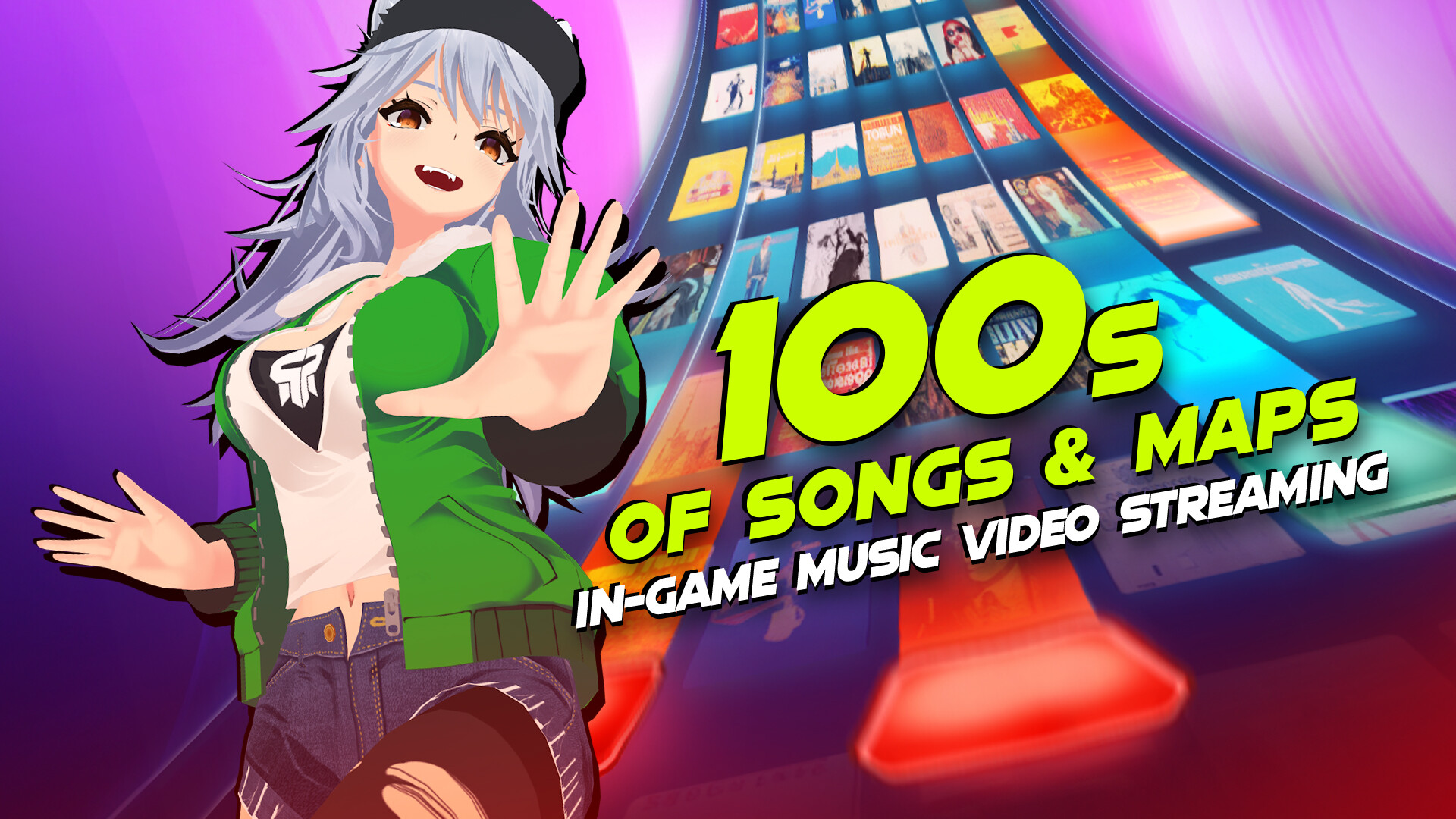
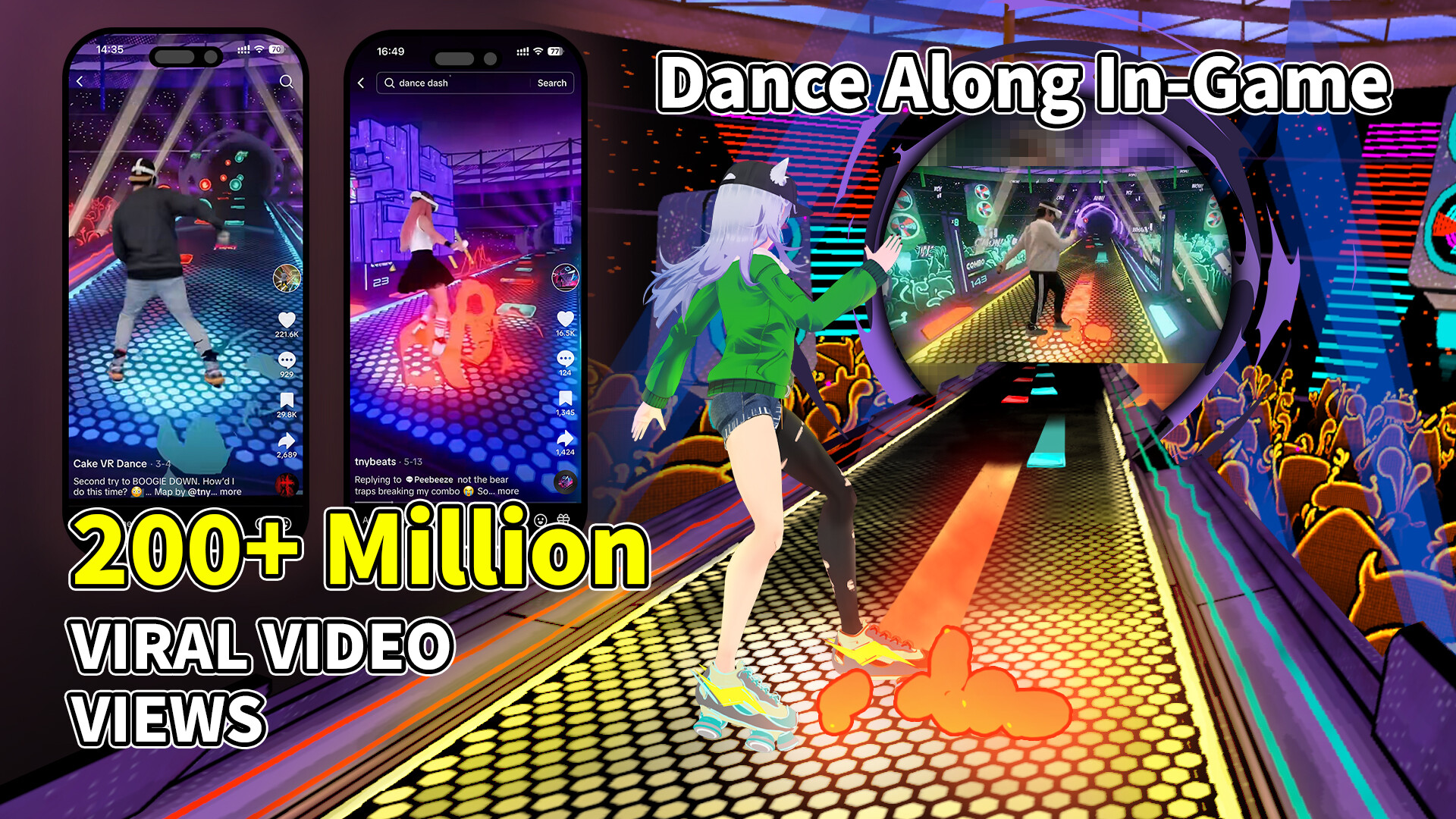
Dance Dash lets players move their whole body to music on a PC using a webcam, VR headset, or any mobile device for free full‑body tracking. The game includes in‑game YouTube dance and music videos that let you watch professional routines while you play.
Beyond dancing, the title offers a DD Editor for creating and sharing rhythm maps, supports tracked controllers and gamepads, and runs on Windows PCs and big‑screen TVs. A global community of thousands of members connects through leaderboards and shared content.
01 / THE GUIDE
Full‑Body Tracking
Dance Dash provides free full‑body tracking that works with any mobile device, allowing real‑world movement to control the avatar. The description notes compatibility with webcam or VR headset setups, giving players flexibility in hardware choice.
The tracking system is paired with in‑game YouTube dance and music videos, so players can watch professional performances while their motions are captured, offering a visual reference for learning moves.
- Test several mobile devices to see which gives the smoothest motion capture in your space.
- Use the YouTube videos as a timing guide when practicing new steps.
02 / THE GUIDE
DD Editor
The DD Editor lets users craft rhythm maps, upload videos, and explore tags and categories created by the community. It serves as a hub for sharing creations and discovering new content within the game.
Full mod capability is announced for June, indicating that additional customization options will become available after the initial release.
- Start with a single tag filter to locate maps that match your musical taste.
- Save early versions of a map so you can compare changes after adding new sections.
03 / THE GUIDE
Gameplay Mechanics
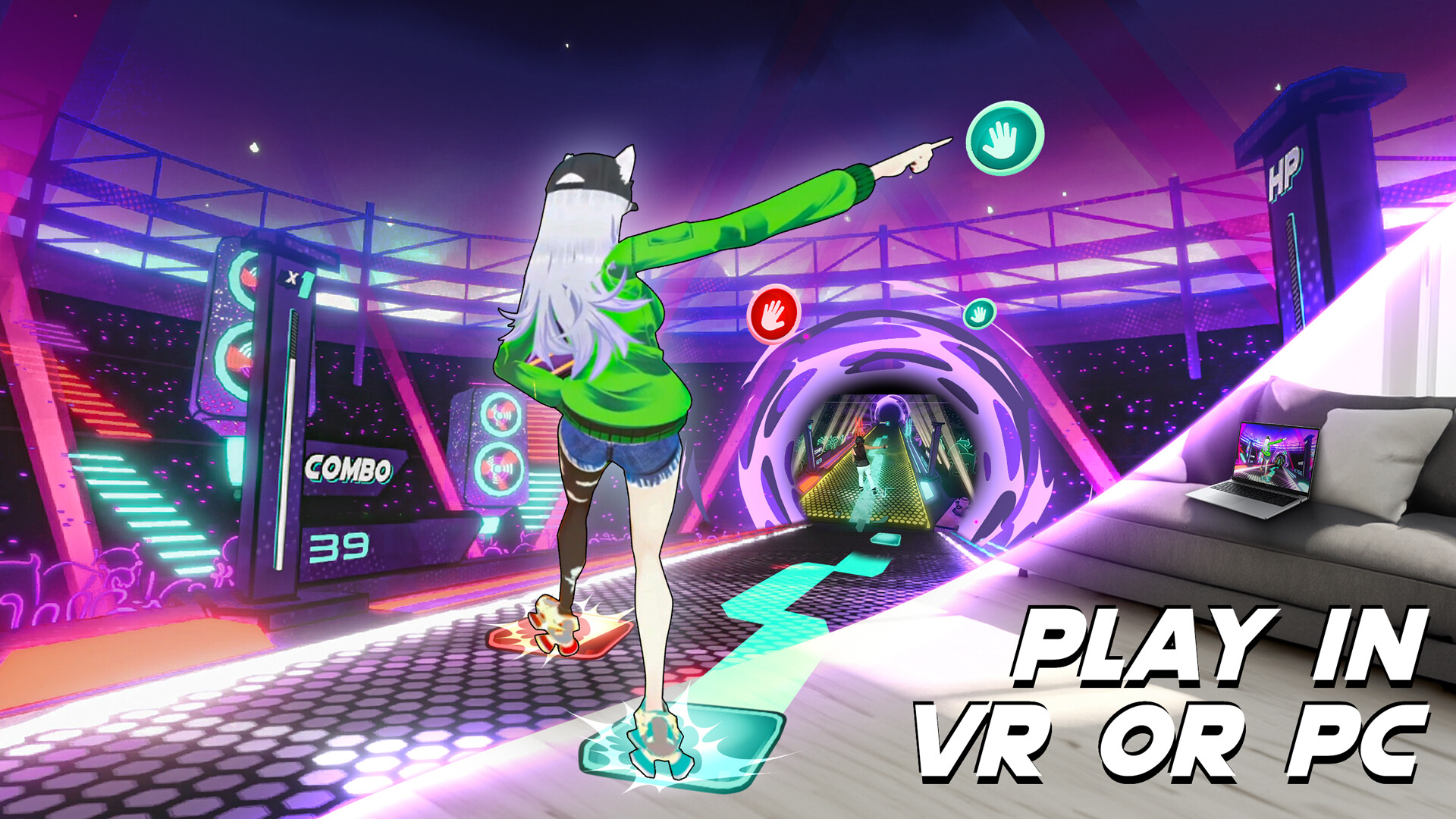
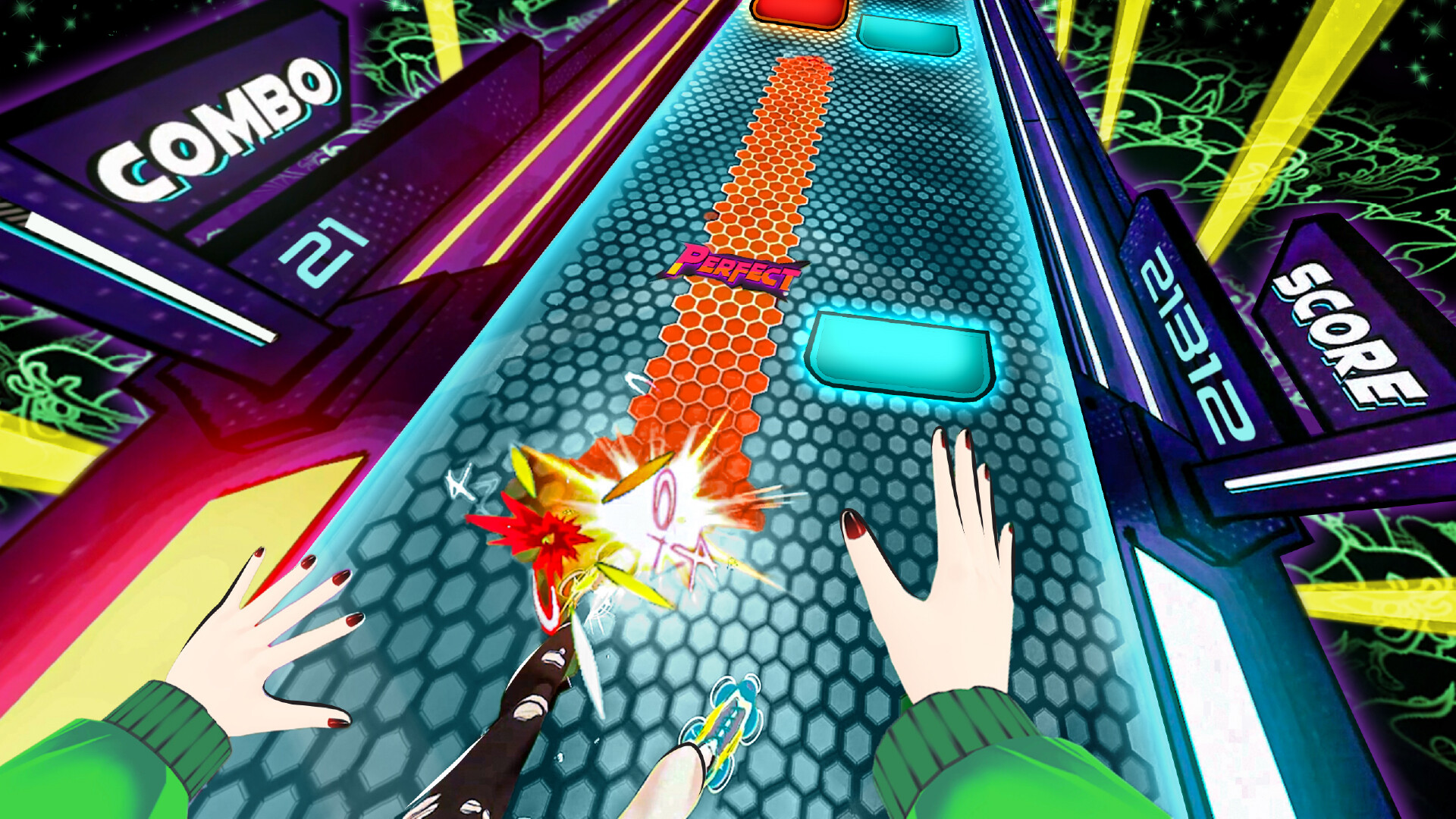
Core actions include ducking, dodging, jumping, hitting, and especially shuffling. These mechanics are described as intuitive, making the rhythm experience easy to pick up while still offering depth for skilled players.
The game’s pulse‑pounding soundtrack drives the timing of each move, encouraging full‑body involvement and rhythmic precision throughout each session.
- Focus on mastering shuffling first, as it appears frequently in routines.
- Align jumps with strong beats to reinforce timing awareness.
04 / THE GUIDE
Community & Leaderboards
Although listed as single‑player, Dance Dash highlights a community of over 2,000 members and more than 10,000 players worldwide. Players can connect through in‑game YouTube videos and shared maps.
Steam leaderboards are included as a feature, allowing dancers to compare scores and discover popular community maps across the global player base.
- Check the leaderboards regularly to see which community maps are trending.
- Engage with other creators in the editor to exchange feedback and ideas.
05 / THE GUIDE
Platform & Accessibility
Dance Dash runs on Windows PCs and supports tracked controllers and gamepads, with a recommendation for gamepad use. The game is also designed for play on big‑screen TVs, fitting living‑room or home‑office setups.
The description emphasizes user‑friendly setup and intuitive controls, allowing players to start dancing without complex configuration.
- Try playing on a TV for a larger visual field, which can aid spatial awareness.
- Use a gamepad if you prefer a handheld input method over tracked controllers.

COMMUNITY
Player discussion