 GameWiki
GET YOUR BEARINGS
About D1AL-ogue
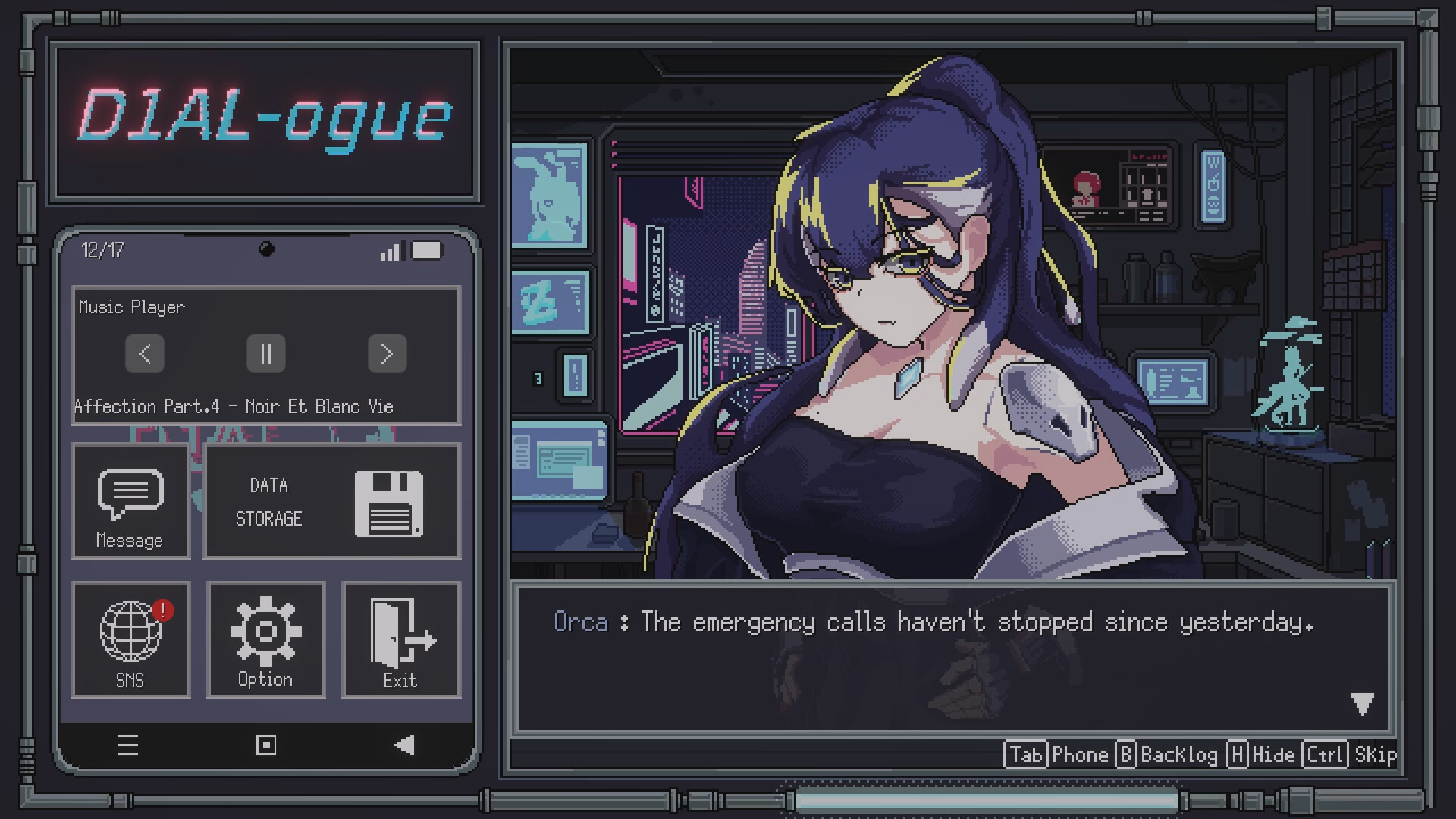
D1AL-ogue drops you into Chroma City, a neon‑lit cyberpunk hub where the sun never rises. You run a modest repair clinic that services Electronic Vital Entities—androids that wander the perpetual gray night seeking fixes.
The core loop revolves around a circular puzzle grid where you rotate and merge modules to upgrade damaged parts. While you work, each android shares a brief, personal story, adding a light narrative layer to the pixel‑art, retro‑styled experience.
01 / THE GUIDE
Circular Puzzle Mechanics
The game presents a circular grid that visualizes an android’s internal core. Within a limited battery, you move and rotate modules, aiming to merge three identical pieces into a higher‑tier unit.
Merging must be done carefully; misplaced units can spread electronic narcotics or cause overloaded modules to explode. The puzzle is the core method for repairing the androids and returning them to their daily lives.
- Observe the layout before rotating to minimize unnecessary moves.
- Prioritize merging clusters that are close together to conserve battery.
02 / THE GUIDE
Android Characters (E.V.E.)
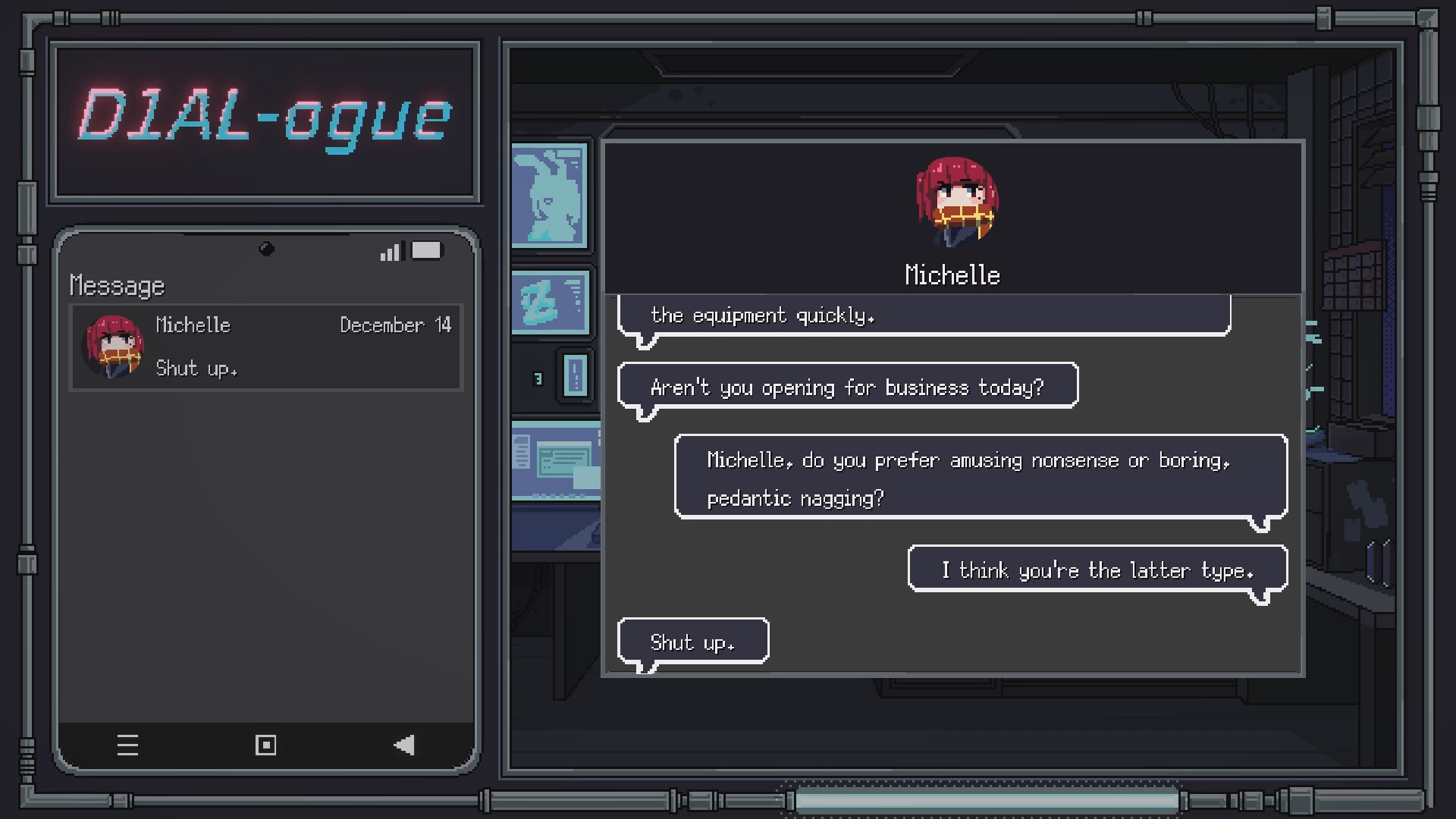
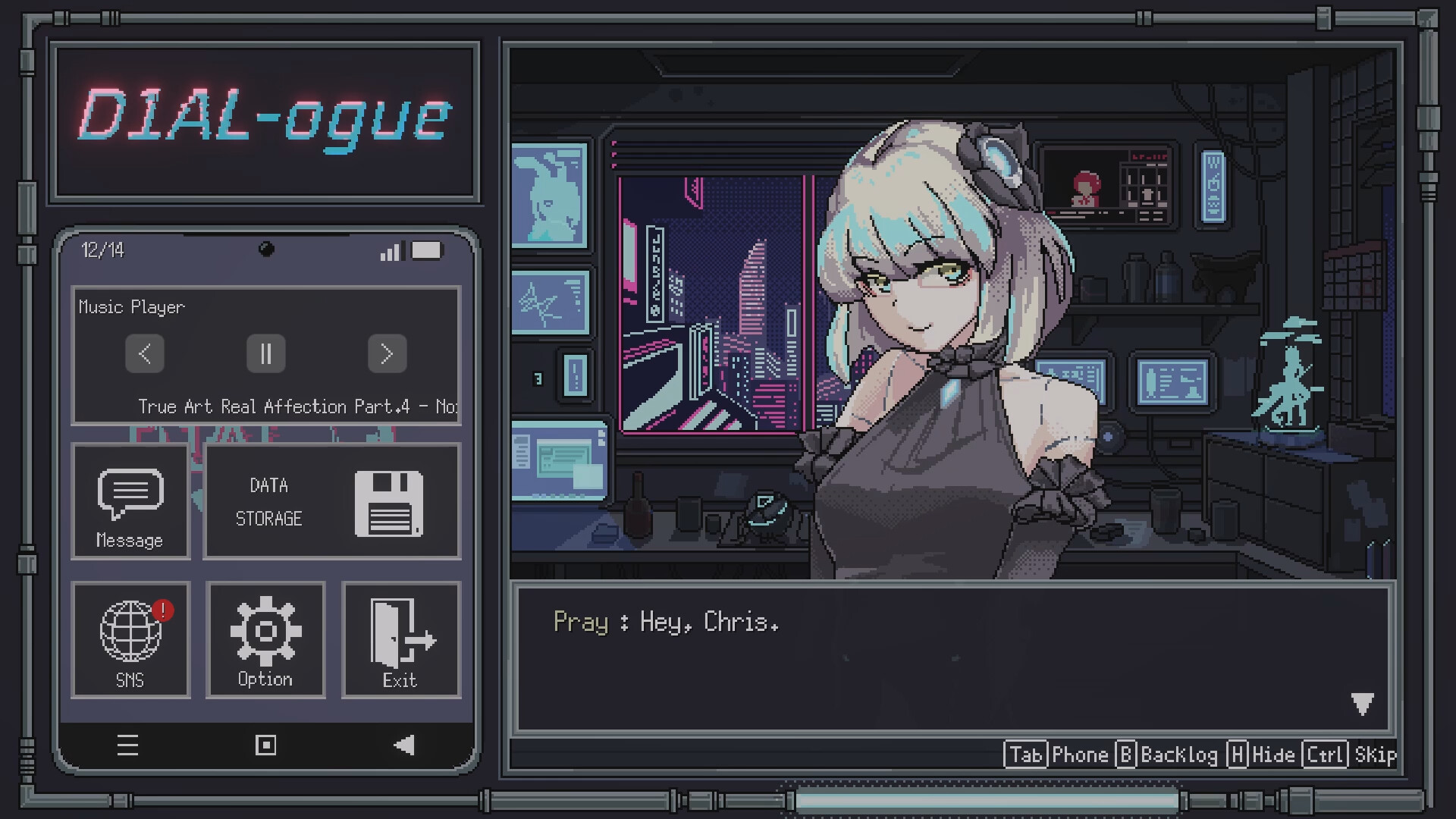
Customers are not humans but Electronic Vital Entities (E.V.E.), each with a unique charm and backstory. Their stories change depending on how well you repair them, offering a light narrative that deepens with each successful fix.
These narratives are presented as brief daily anecdotes, giving a glimpse into life in a city where the abnormal is the norm. The stories serve as the primary narrative hook beyond the puzzle gameplay.
- Listen to each android’s dialogue to notice subtle changes after repairs.
- Compare story variations to gauge how repair quality influences narrative.
03 / THE GUIDE
Visual Aesthetic
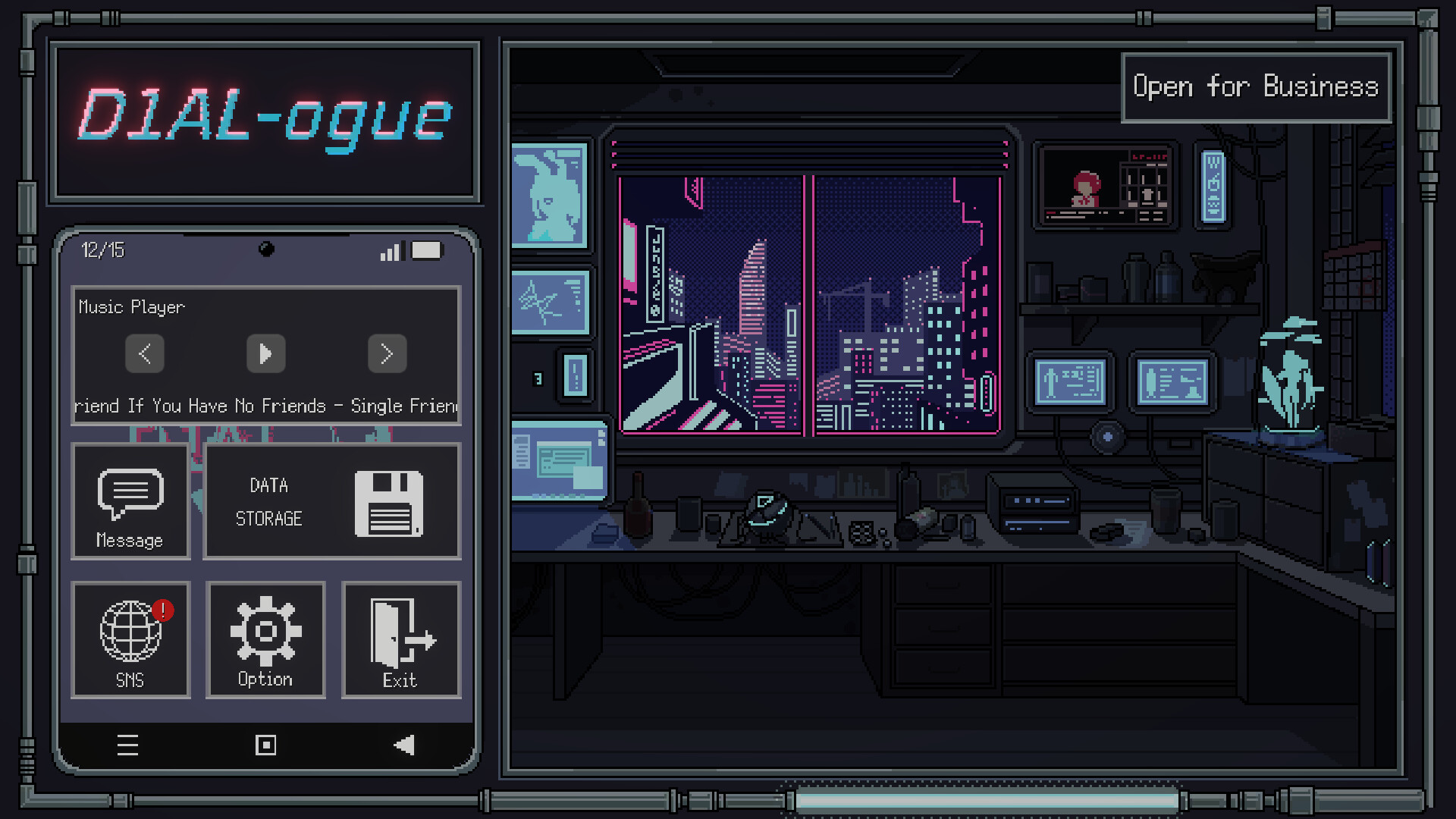
D1AL-ogue uses pixel‑art graphics that blend 1998‑era PC style with a neon‑noir cyberpunk palette. The city’s perpetual gray night is illuminated by artificial ‘Neon‑Shine’ lighting, reinforcing the game’s mood.
The retro aesthetic extends to the diagnostic console (D1AL) and the circular puzzle grid, giving a cohesive visual language that matches the narrative’s cyber‑future setting.
- Adjust the custom volume controls to balance the neon ambience with puzzle sounds.
- Observe how lighting shifts during the Polar Night Day event for visual variety.
04 / THE GUIDE
Input Options
The game supports mouse‑only and touch‑only play, allowing you to manipulate the circular grid without timed input. These options let players choose the method that feels most natural for rotating and merging modules.
No timed input requirement means you can take as long as needed to plan moves, which aligns with the casual, indie focus of the title.
- Try the touch option if you find dragging modules more intuitive than clicking.
- Use the mouse‑only mode for precise placement when merging clusters.
05 / THE GUIDE
Platform Features
D1AL-ogue is available on Windows and includes Steam achievements, cloud saves, and family sharing. These features let you track progress, back up your puzzle data, and let multiple accounts access the same installation.
Being free‑to‑play, the game does not require purchase beyond the platform’s standard distribution, and all assets are either hand‑crafted or licensed, ensuring a consistent visual and audio experience.
- Steam Cloud is among the listed Steam features you can make use of.
- Check the achievement list for optional challenges that encourage varied playstyles.

COMMUNITY
Player discussion